
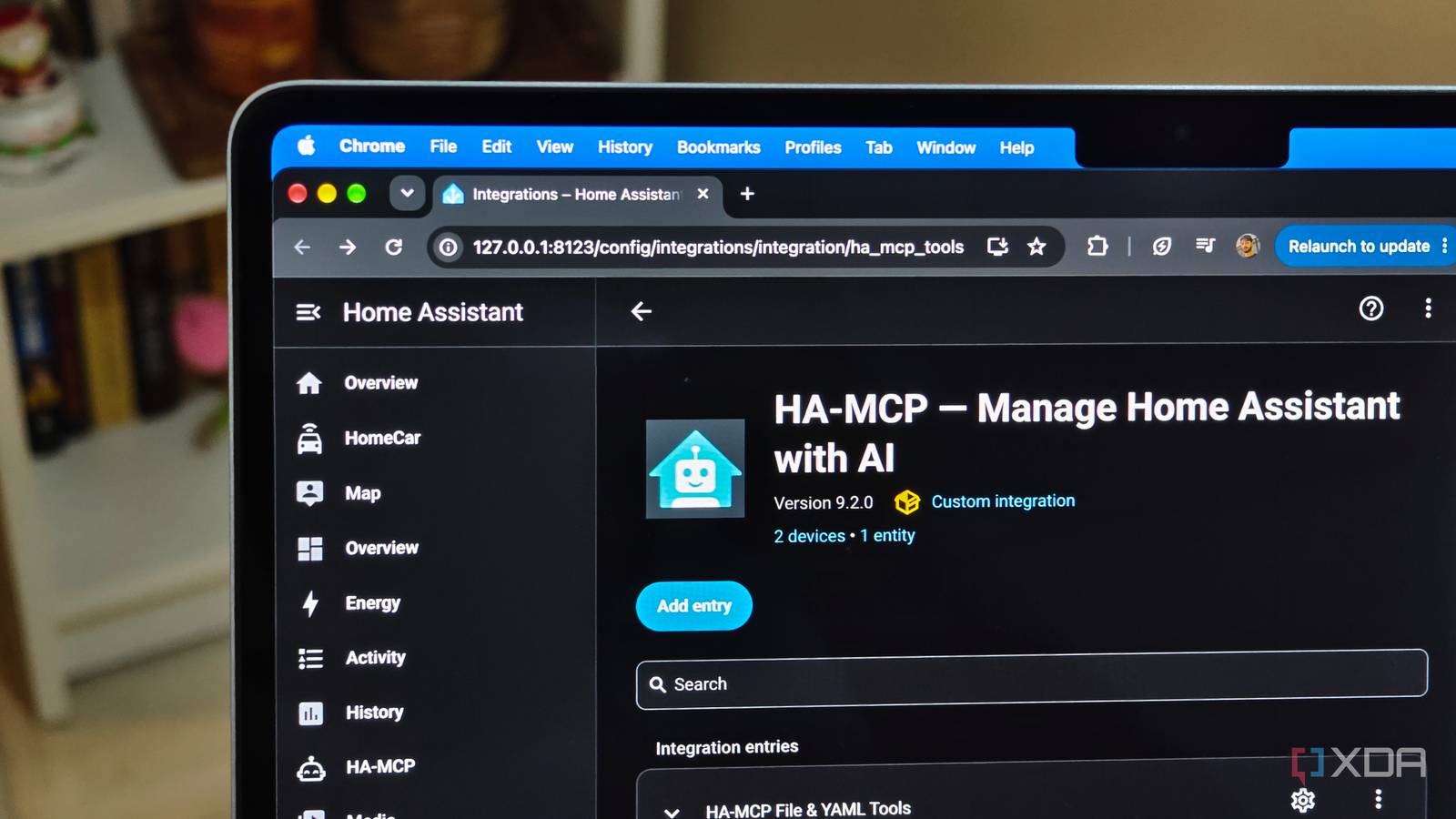
Published Nov 16, 2026, 8:01 AM EST Anurag is an experienced journalist and author who’s been covering tech for the past 5 years, with a focus on Windows, Android, and Apple. He’s written for sites like Android Police, Neowin, Dexerto, and MakeTechEasier. Anurag’s always pumped about tech and loves getting his hands on the latest gadgets. When he's not procrastinating, you’ll probably find him catching the newest movies in theaters or scrolling through Twitter from his bed. Home Assistant offers an MCP integration that you can connect to coding agents like Claude Code or Codex, allowing them to understand your smart home setup and make changes to automations, dashboards, and other configurations. I've been using this for quite some time, and it makes managing Home Assistant incredibly easy. However, there's been one limitation — my agents don't know what those dashboards actually look like. I often have to use the computer use feature to give my agents access to a browser so they can inspect the dashboards themselves. However, a new feature in the community-developed HA-MCP solves exactly that problem. It lets AI agents capture screenshots of dashboards, giving them the visual context they've been missing. I decided to put this to the test and see whether I could get an AI agent to improve my Home Assistant dashboards without having to guide it through every visual change. Getting HA-MCP to see my dashboards It needs a separate screenshot engine The new screenshot functionality is available as a beta feature in the community-developed HA-MCP server. If you already have HA-MCP connected to Claude Code or Codex, you don't need to change your existing setup. However, you'll need to enable beta features and install a separate screenshot engine that can render your Home Assistant dashboards. HA-MCP currently supports two engines — Puppet, which uses headless Chromium, and WPE Screenshot Engine. Both can run as Home Assistant apps, so you can install them directly from their respective GitHub repositories if you're using Home Assistant OS. You'll also need to generate a long-lived access token for the screenshot engine to authenticate with Home Assistant. If you're running Home Assistant in Docker, you can use a separate container instead. Once everything is configured, the agent gets access to a tool called ha_get_dashboard_screenshot. It can capture any supported Lovelace dashboard view and return the rendered image directly to the AI model. You can also request screenshots in different viewport sizes, including mobile, tablet, and desktop, or capture the entire scrollable dashboard instead of just the visible portion. The MCP lets a coding agent read a dashboard's configuration, make changes using ha_config_set_dashboard, and request a fresh screenshot to check the result. There's even an option that lets it retrieve an image immediately after updating a dashboard. I let Claude Code fix my dashboards It could finally check its own work For the first test, I wanted Claude Code to improve my main Home Assistant dashboard without changing any of the underlying automations or device configurations. I asked it to inspect the existing layout, identify anything that could be organized better, and make the dashboard easier to use on both desktop and mobile. I also told it to preserve all the existing controls rather than rebuild everything from scratch. The agent could now approach the task differently. It could request a screenshot and inspect the actual interface. This is useful for spotting problems that aren't obvious from YAML alone, such as cards taking up too much space, inconsistent spacing between sections, and controls that become awkward to use on smaller screens. The MCP also allowed the agent to do a very good job with mobile layouts. Home Assistant dashboards can look perfectly reasonable on a desktop but become unnecessarily long on a phone, especially when cards stack vertically. With the screenshot tool, Claude Code could inspect both versions, adjust the layout, and capture another screenshot to see whether its changes worked. I barely need to touch YAML anymore From an idea to a working automation The best part about HA-MCP is I can now get Claude Code to handle almost the entire process of building an automation. For example, I can ask it to turn on my entrance lights when I arrive home after sunset, but only if someone isn't already home. The agent can inspect my existing entities, identify the right triggers and conditions, write the YAML, and configure the automation in Home Assistant. This gets even more useful with complicated automations involving multiple devices, presence detection, sensor readings, and conditional logic. The agent can create helpers, scripts, and templates, or modify existing automations to accommodate new requirements. If an automation isn't working, I can ask Claude Code to investigate. Through HA-MCP, it can inspect entity states, execution traces, and Home Assistant logs to identify issues. It can then make corrections and validate the configuration. I can also have it build monitoring automations that notify me when devices go offline, or something unexpected happens. These run independently through Home Assistant, so I don't need to keep the coding agent running. There's still room for improvement I'd like to see HA-MCP go a step further and let agents interact with dashboards, not just capture screenshots. Being able to click buttons, open menus, and test controls would make it easier to catch problems that screenshots alone can't reveal.
Home Assistant MCP can screenshot dashboards now, so I let AI fix my setup
Full Article
Original Source
Read the full article at Xda-developers →KhanList aggregates and links to publicly available news content. We do not host full articles from third-party sources. Always verify important information with original sources.