
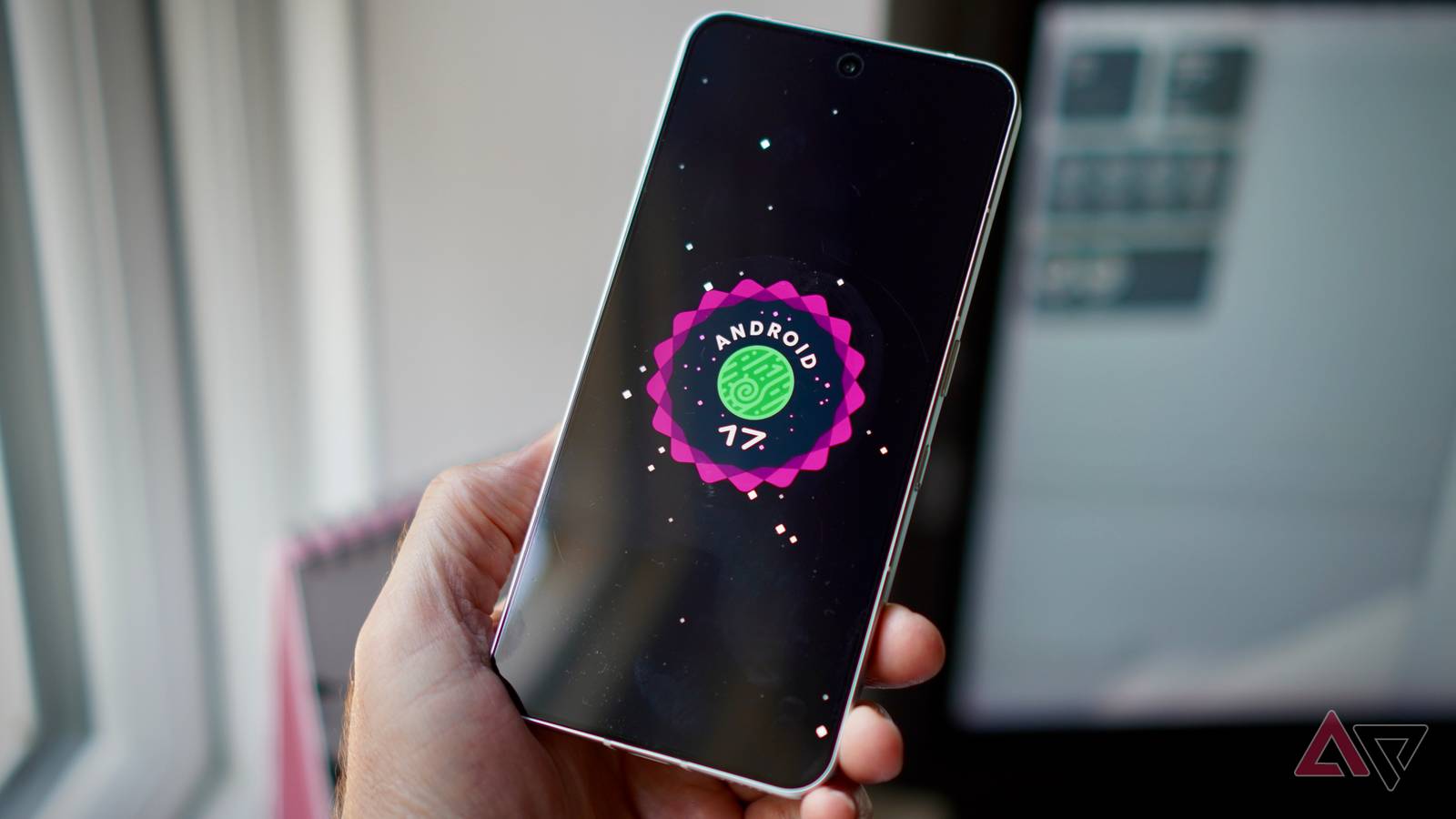
Published Nov 2, 2026, 5:13 AM EST I've been writing about Android since 2011, with a focus on device reviews, Samsung and Google Pixel hardware, and the latest happenings in the ecosystem. In my entire writing career, I've reviewed more than 75 Android phones. Carrying both a Samsung or Pixel flagship and an iPhone as a daily driver provides me with deep insight into how Android works and how it compares to iOS. I have been writing for Android Police since 2021, covering news, how-tos, and features. You can find my previous work on Neowin, AndroidBeat, Times of India, iPhoneHacks, MySmartPrice, and MakeUseOf. When not working, I tend to mindlessly scroll through X, play with new AI models, or go on long road trips. You can reach out to me on X or drop a mail at rajesh@androidpolice.com. Sign in to your Android Police account Google is testing a few subtle Android tweaks in the latest Canary build to address everyday annoyances. Two of them aim to reduce accidental app switches and make sharing HEIF images easier, while another will make it easier to trace the source of Health Connect data. Right now, if you quickly swipe up and move your finger to the right without lifting it off the screen, Android may take you to the previous app instead of opening Recents. Google's tweak aims to prevent these accidental app switches from happening. In Android Canary 2610, released in late October, the Android team is testing new gesture angle thresholds. As Mishaal Rahman details in a thread on X, the new Canary build features "new gesture angle thresholds so quick diagonal flings (15°–45°) now more reliably open the recents overview, while flatter horizontal flings ( It's a small change, but one that should make bringing up the app switcher less annoying, especially when you are in a hurry. Another minor improvement in the latest Android Canary release is support for on-the-fly HEIF/HEIC to JPEG image conversion in the Android Photo Picker. Despite Android adopting HEIF years ago, many apps still don’t natively support the more efficient image format. When you try to share an HEIF image with these apps, they may fail to recognize it. To address this problem, Google has added a "Use supported format" option to the system photo picker in Android Canary 2610. This lets you convert images to JPEG with a tap, making it easier to share them with apps that don't support the new image format. Android should automatically tackle this photo-sharing headache Credit: Lucas Gouveia / Android Police Ideally, Android should automatically convert HEIF images to JPEG in the background when the receiving app doesn’t support the format. Most users won’t understand why an app can’t open a photo that displays just fine in their gallery. The "Use supported format" option in the photo picker is a welcome workaround, but this is something that will only benefit power users. Lastly, the latest Android Canary release brings a welcome improvement to Health Connect. You can see the source of the data coming into Health Connect by tapping on individual entries. If you use multiple fitness and health apps, this change will let you know where an incorrect entry or data came from. For now, Google is testing these subtle tweaks in the Android Canary channel. There is no guarantee they will make their way to the stable version of the OS, or when that might happen.
Google tests three small Android changes that could make a big difference
Full Article
Original Source
Read the full article at Androidpolice →KhanList aggregates and links to publicly available news content. We do not host full articles from third-party sources. Always verify important information with original sources.