
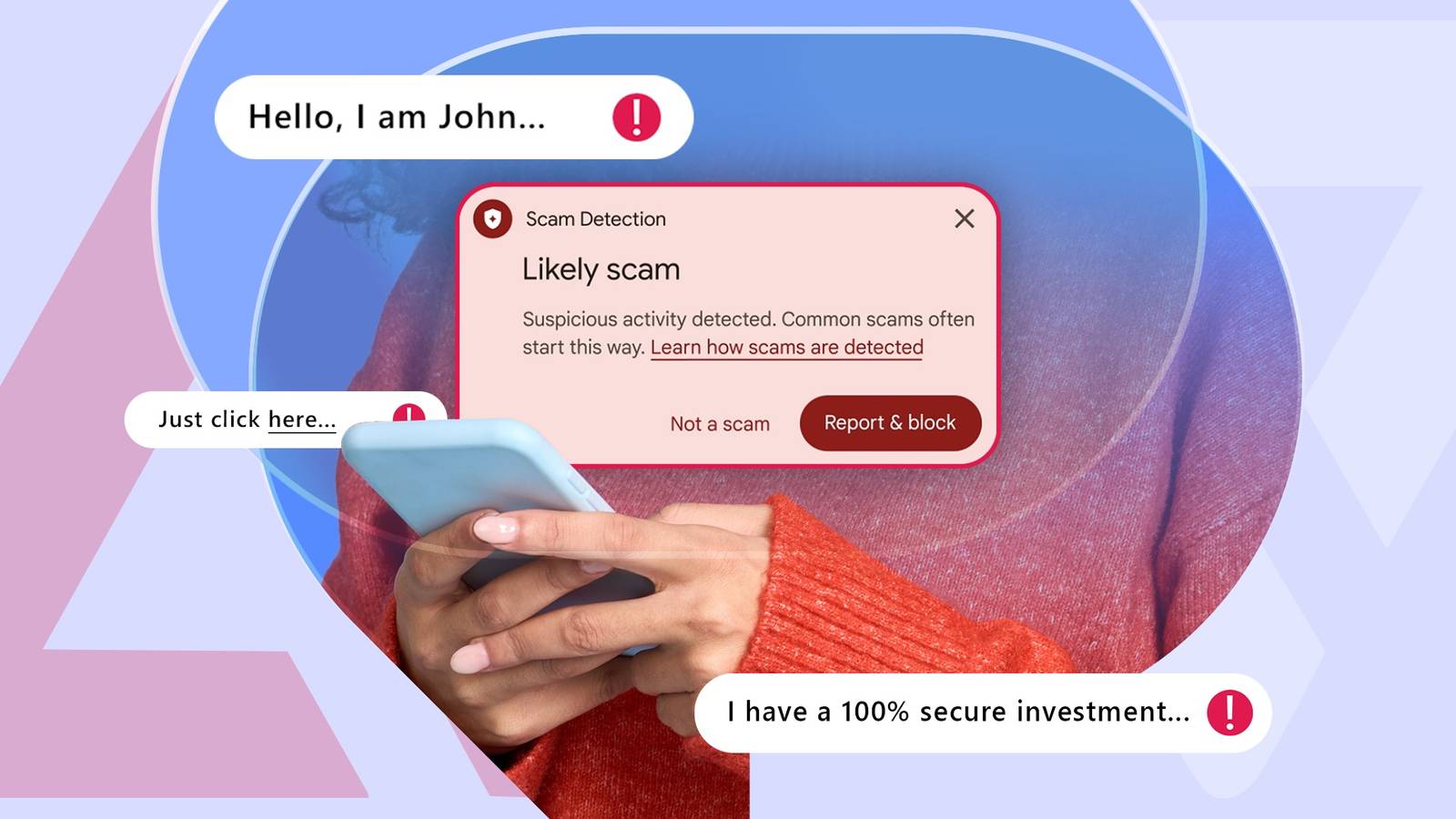
Published Nov 13, 2026, 6:30 AM EST Oluwaniyi Raji is a tech content specialist who covers consumer technology, software, and digital tools. He has published over 300 articles for outlets including BGR (Boy Genius Report), MakeUseOf, TestGorilla, and Vervoe, focusing on helping readers make informed decisions about the technology they use. His work combines technical accuracy with practical buying advice. When he’s not writing, Oluwaniyi enjoys exploring new productivity tools and watching football. I'd like to think I'm pretty good at spotting a scam. A text promising free money or a life-changing side hustle isn't going to get me. But scammers have new tricks now. The scams I'm worried about start with a package update, a job offer, or a simple hello. The sender chats for days before asking for anything, and by then I've let my guard down. In a Google survey with YouGov across the US, Canada, and Australia, 40% of smartphone users said they were very or extremely concerned about mobile fraud. Google is going after this problem with Enhanced protection, a new opt-in setting in Google Messages. I already rely on Google Messages features that stop spam, so I turned this one on too. Enhanced protection looks at the whole conversation Gemini checks chats and links from unknown senders Google Messages already runs Scam Detection on my phone. According to Google, the feature flags more than 5 million suspected scam calls and texts every month across Messages and the Phone app. The standard check is on by default and only covers chats with people not on my contact list. It runs locally on the phone with smaller models, while Google says the cloud version can weigh more complex message context. Enhanced protection adds on top of that. When I'm chatting with someone who isn't in my contacts, Messages can use Google's cloud Gemini models to determine whether the sender is trying to scam me. The second addition is a smarter link check. Gemini Nano runs on the phone and uses live web signals to rate unfamiliar links, which helps with brand-new scam sites that aren't on blocklists yet. I also get a redesigned warning before I open a link from a number that isn't saved in my contacts. And it comes up when I'm likely to tap without thinking. Google says the new screen adds clearer context about the link before I open it. This warning was previously limited to select countries or to phones with Android's Advanced Protection turned on. Google announced Enhanced protection alongside other Android scam defenses on Oct. 14, 2026, and it started reaching phones later that month. My conversations stay private with Private AI Compute I don't want to trade privacy for protection Credit: Source: Lucas Gouveia/Android Police Sending my chats to the cloud made me hesitate. My messages are personal, and I don't want Google reading them, even to catch a scammer. Standard Scam Detection keeps its processing on the phone, so turning on Enhanced protection changes where some of my messages are analyzed. Google runs this analysis in Private AI Compute, a secure cloud environment for its larger Gemini models. Google says my data is encrypted there and inaccessible to anyone, including Google. What made me more comfortable is where Enhanced protection stops. It only analyzes conversations with unknown senders, so my chats with family and friends aren't included. When you report a message as spam, the process is different. Google says that it sends the reported message and its contents to Google for analysis, outside Private AI Compute. That's something I can't check for myself, so I'm still very careful about strangers in my inbox. When a message still feels off, I use Circle to Search to check it for scams before I reply. Turning on Enhanced protection takes a few taps Some features need a newer phone The setting wasn't hidden, but you do need to know about it beforehand. These are the steps I followed in Google Messages. Open Google Messages and tap your profile picture in the upper-right corner. Tap Messages settings. Open Protection & safety. In the Spam and scam protection section, select Enhanced protection. The screen offers Enhanced protection, Standard protection, and No protection, which Google marks as not recommended. Standard keeps the on-device spam filter and known-bad link checks, while Enhanced adds everything described above. If I change my mind about cloud analysis, switching back follows the same process. Not every phone gets the full package. The cloud scam analysis supports the Google Pixel 6 and newer and the Samsung Galaxy S24 series and newer. It also works on the Galaxy Z Flip 6 and Z Fold 6 onward, plus other Android AICore devices. The Gemini Nano link checks need newer hardware. They're limited to the Pixel 10 and newer, the Galaxy S26 series, the Galaxy Z Flip 8 and Z Fold 8, and a few other devices. Google is rolling out Enhanced protection gradually. If the option isn't in your settings yet, update Google Messages from the Play Store and check again in a few days. Enhanced protection earns a permanent spot in my settings No scam filter can catch everything, so I'm still careful about tapping a link from a number I don't know. Enhanced protection gives me an earlier warning on the slow conversations I'm most likely to miss, and it doesn't change how I use the app. It's now high on the list of underrated Google Messages settings I turn on first with a new phone.
Google Messages has a new scam protection feature; here's why and how I turned it on
Full Article
Original Source
Read the full article at Androidpolice →KhanList aggregates and links to publicly available news content. We do not host full articles from third-party sources. Always verify important information with original sources.