
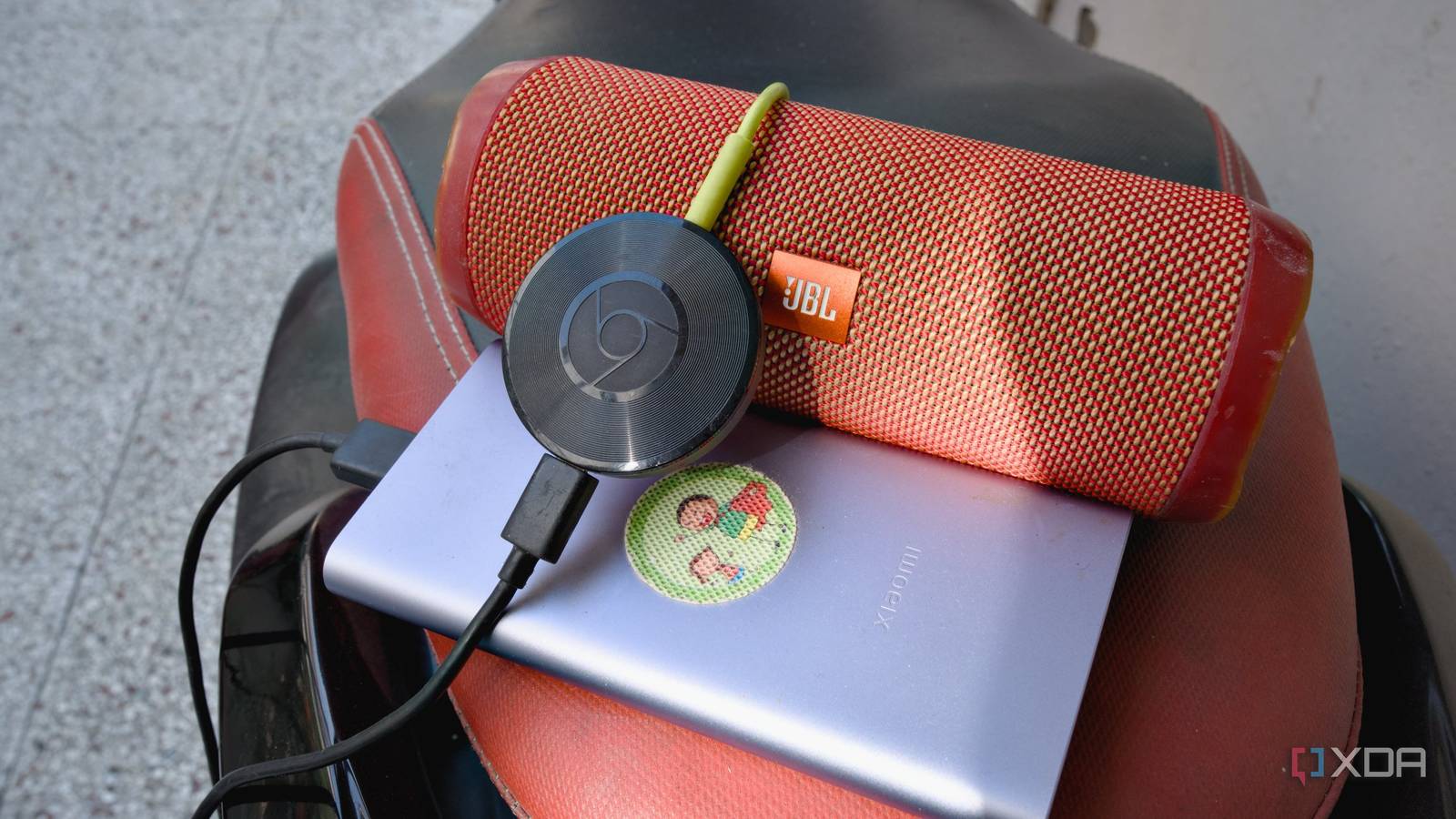
Published Oct 28, 2026, 7:30 AM EDT Samir Makwana is a technology journalist and editor from India since past 18 years and his work appears on MakeUseOf, HowToGeek, GSMArena, BGR, GuidingTech, The Inquisitr, TechInAsia, TechWiser, and others. He has written news, features, and gadget reviews for national technology media publications. His passion is to help people with their technology problems and gadget purchases. For that, he has worked for some of the biggest international technology publications, covering news, explainers, how-to guides, listicles, and product-buying guides. He has worked as an editor and managed teams since 2015. His expertise broadly covers computers, smartphones, game consoles, headphones, smart home products, browsers, and apps. Whenever I wanted to play music from my phone on my stereo, I realized I needed to buy something to make it happen. The new-age network streamers start at $100, like the WiiM Mini. If you, like me, have a stereo that sounds good and just needs a way to stream music from your phone, that’s a lot of spending on connectivity. Google discontinued the Chromecast Audio in 2019, but you can still buy a used one for about $15, and it plugs into the stereo with ease. I wrote about my setup a while back, about using Chromecast Audio with my old stereo receiver and integrated amplifier. It covers what you need to know before buying one today. I mostly use the Cast button in YouTube Music and Spotify to stream music; otherwise, I use another app to play local audio files. A used Chromecast Audio still has hardware worth keeping The built-in DAC and optical output let me hook it up to an amp of my choice The Chromecast Audio is a small puck with a micro USB power port and a single output that works as both a 3.5mm analog jack and a mini-TOSLINK optical connection. Inside the puck is an AKM AK4430 DAC that can handle 24-bit/96kHz audio. So if your amp has an AUX or RCA input, a 3.5mm cable (or a 3.5mm-to-RCA cable) uses that DAC. If it has an optical input, a mini-TOSLINK-to-TOSLINK cable sends a digital signal instead, so the amp’s DAC does the conversion. I had the Chromecast Audio plugged into the optical port on my Marantz PM6006 for a couple of years. When I stopped using the amp, I plugged the dongle into a JBL Flip 4 over an AUX cable. The setup is the same wherever I use the dongle. I just plug it in, open the Google Home app, join it to Wi-Fi, and assign it a name. Cast support lives in the apps, not the dongle Streaming services don’t care how old the hardware is When playing music from a phone over Bluetooth, you have to keep the phone in range, or the music cuts out. Casting works differently: you tap the Cast button in the app, and the Chromecast Audio fetches the stream directly from the service. What matters is each app’s Cast implementation. Music streaming apps like YouTube Music, Spotify, Tidal, Plex, or Jellyfin can send audio to the Chromecast Audio dongle without needing any firmware update. While the apps support Cast, the dongle doesn’t need new features to keep working. It also works with an iPhone or an Android phone as long as the app shows a Cast icon. A mini PC covers what the Chromecast Audio can’t AirCast handles Apple Music, and Navidrome covers local files Apple Music has no Cast button, and AirPlay doesn’t interact directly with Chromecast devices. So I installed the AirCast app in Home Assistant, which runs on my mini PC. The AirCast app scans for Chromecast-capable players and shows them as AirPlay targets. So I tap the AirPlay icon on my iPad, pick Chromecast Audio, and the mini PC handles the translation in the background. I also run Navidrome on the mini PC to serve my local audio library. On my iPad and iPhone, I use Navibeat ($5.99 for a one-time purchase), which gives me the Cast button. NaviBeat sends the stream URLs to the Chromecast Audio, and the dongle pulls the music from the mini PC while my phone stays free. You can also power the dongle from one of the mini PC's USB ports, even though the spec sheet lists a 5V/1A micro USB power supply. It needs a good micro USB cable rated for charging, but it saves you from carrying a wall adapter. The downsides are real, but you can live with them Google’s March 2025 certificate outage exposed the risk In March 2025, an expired intermediate certificate authority took Chromecast (2nd Gen) and Chromecast Audio offline with an annoying “untrusted device” error. Google issued a firmware update for Chromecast Audio, which moved the dongle to a new certificate authority. If you had factory reset yours before the fix, you needed the latest Google Home app to set it up again. Google no longer maintains the hardware or issues updates for the dongle. So any security flaw found later may never get a patch. Also, there’s no third-party custom firmware to combat that. The dongle has no Ethernet port, so it relies only on Wi-Fi. So weak Wi-Fi signals can cause dropouts. Google hasn’t added a new feature in years, and it could break Cast support for old hardware with no warning. But with a used $15 dongle, the risk is worth it. Grab a used Chromecast Audio instead of an expensive streamer Let me be clear: a used $15 Chromecast Audio won’t replace a WiiM Ultra. However, if you already have a stereo that already sounds good, all it needs is a way to receive music from your phone. A Chromecast Audio connects to the amp and receiver you already own and lets you stream without worrying about range. Before you buy, check the listing for the power adapter and cable, choose a seller that accepts returns, and set it up with the latest Google Home app. A much better option before you splurge on an expensive stereo or a network streamer.
Google killed the Chromecast Audio years ago, and a $15 used one is still the best thing plugged into my stereo
Full Article
Original Source
Read the full article at Xda-developers →KhanList aggregates and links to publicly available news content. We do not host full articles from third-party sources. Always verify important information with original sources.