
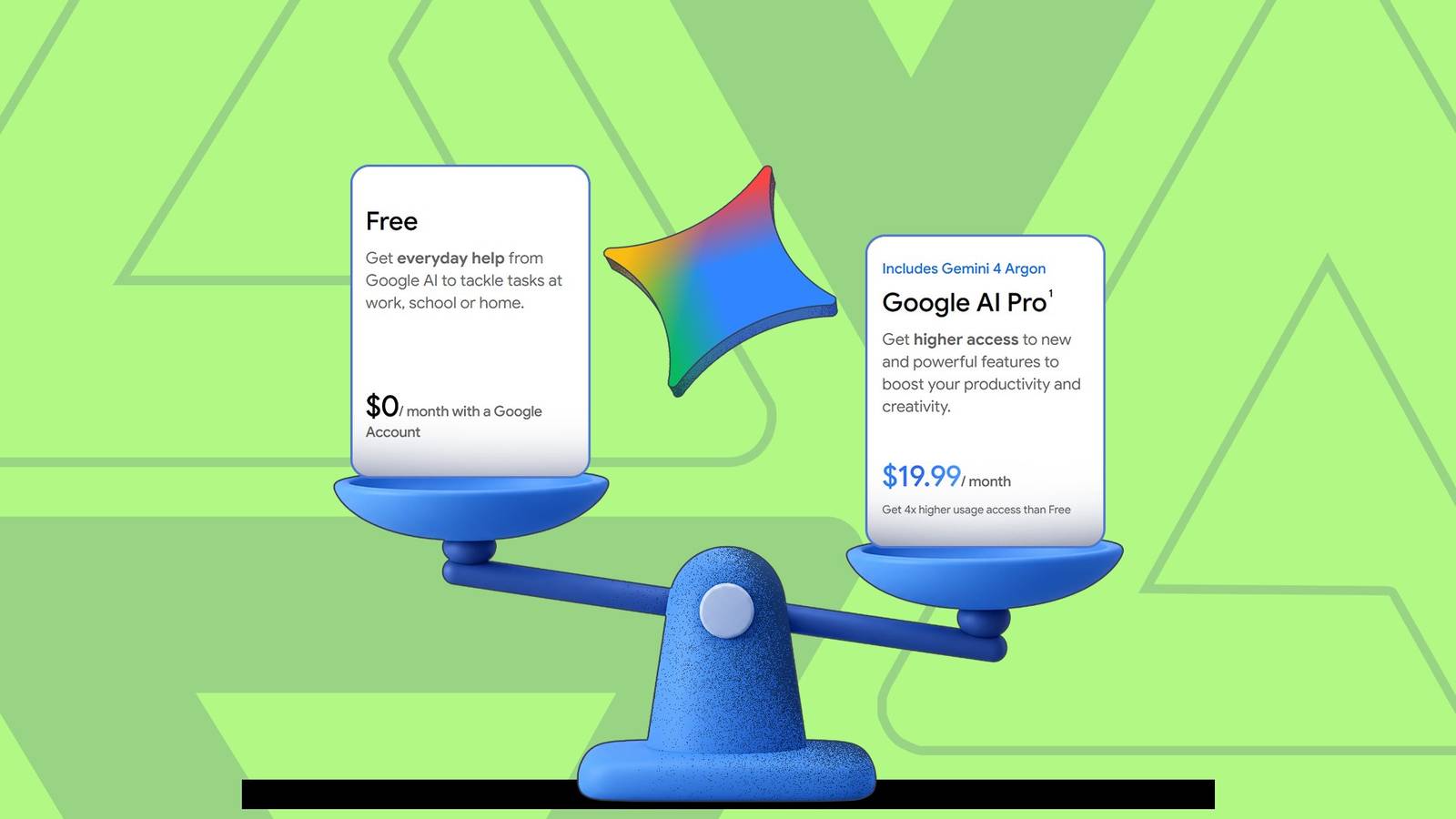
Published Oct 27, 2026, 9:30 AM EDT Haroun authors features for Android Police, covering Samsung, Google, and the wider Android ecosystem. He first joined in 2021, cutting his teeth on over 300 news stories before moving on to features and how-tos. A one-time OnePlus die-hard who genuinely couldn't stand Samsung, he's since done a full about-face — he now daily-drives a Galaxy S24 Ultra and keeps an S23+, S22+, and his old S20 within arm's reach, which gives him a lot of hardware to put through its paces. He's a medical doctor with a decade-plus obsession for consumer tech, and his coverage has also appeared on How-To Geek and Android Authority. When he's not buried in Google's apps or a Samsung settings menu, he's trying to get his chess rating past 1500 or playing table tennis/football. For a long time, Google Gemini's free plan has felt like a paid plan with a lower usage cap. However, that changed on October 9, when Google removed access to the Flash and Pro models and limited free accounts to Gemini 3.5 Flash-Lite. While many users would feel shortchanged, this move makes sense from a business standpoint. Anthropic's Claude, for example, only gives free users its mid-tier Sonnet model, while ChatGPT offers GPT-6 Luna. Before you call it quits and delete Gemini, here's everything you still get on the free tier, compared to the Pro version. Flash-Lite on free vs Gemini 4 Argon on Pro Pro wins, but you'll hardly notice in everyday use Credit: Lucas Gouveia / Android Police Before now, you could switch between models on Gemini's free tier. Now, you only get Flash-Lite. You can still choose between low, medium, and high thinking levels, depending on how thorough you want the results to be. But your allowance will run out faster at the higher levels. This contrasts sharply with the Pro tier, which lets you choose between the Flash models, Pro, and the newly released Argon. Argon is currently Gemini's most advanced model, built for complex coding, long reasoning, and research tasks. So, unless you have such tasks, the free tier is good enough. Answering questions and analyzing long files A tie, unless you do lots of complex analytical tasks Credit: Google When I handed my Gemini account on the free tier a 62,000-word Claude-designed apartment handbook (about 124 pages), I expected it to struggle. Beyond the length, I hid fees, rules, and dates across different sections and asked several questions about them. To my surprise, Gemini 3.5 Flash-Lite handled them flawlessly. I did the same thing with a spreadsheet containing months of purchases, and it got every question spot on. Free accounts also keep Deep Research, image generation, Gemini Live, and Canvas. From my tests, scheduled actions still work on free accounts, and so do Skills, which are replacing Gems in Google's latest renaming. How much text you can paste into the chat box Pro wins by a mile, but there's a free workaround Credit: Lucas Gouveia / Android Police | ZinetroN / Shutterstock When I pasted my 62,000-word handbook into the free Gemini chat box, it accepted only about 32,000 characters (5,000 words) before abruptly cutting off mid-sentence. That's only about 8% of the handbook, or roughly 10 pages. It's nowhere near the Pro version, which took the same handbook twice and about half of a third copy. In total, it took roughly 1 million characters, about 158,000 words, or 315 pages. For everyday use, 5,000 words is a lot. But if you need more on the free tier, a simple workaround is to upload long text as a file. That's how free Gemini read the full handbook in my previous test. Using Gemini in Gmail, Docs, and Sheets Pro wins; free doesn't get it at all Credit: Lucas Gouveia / Android Police If you like having Gemini in your Google applications, you won't like this one. Unlike Google AI Pro, the free tier doesn't work inside Google applications like Gmail, Docs, and Sheets. Clicking the Gemini button only opens a box with a Try it out button that links to Google's pricing plans. That means you can't build a habit tracker in Sheets or clean unread Gmail threads, so you lose the productivity boost Gemini would normally give you in these apps. Google's lower AI Plus plan, at $5 a month, adds Gemini in Gmail. But you'll need Pro to use it in Docs and Sheets. Video generation, usage limits, storage, and perks Pro wins only if you use them Credit: Lucas Gouveia / Android Police | Lina Chekhovich / Shutterstock When I tried to create a video with Gemini's free tier, it returned this message: "Can't generate your video. Try another prompt." That's not a great way to say a feature needs a subscription, because someone unaware could keep rewording their prompt, thinking they'll get a different result. The Pro tier lets you create videos in chat and gives you 1,000 monthly credits in Flow, Google's AI video creation tool. Google doesn't provide exact usage limits, so there's no set number of prompts. Instead, every plan has a compute allowance that refills every five hours, up to a weekly cap, and Pro gets four times the free tier's limits. Heavier features like Deep Research, image generation, video creation (on Pro), and higher thinking levels use up your allowance faster. Pro also has a few extra perks. You get 5TB of cloud storage (from 15GB free), YouTube Premium Lite, and Google Home Premium Standard. If you pay for any of these services, Pro would cost you under $20 in practice. Should you pay for Gemini or remain on the free version? Credit: Lucas Gouveia / Android Police The free tier is more than enough for most everyday tasks. It'll answer your questions, read and analyze long files without missing anything, and generate images. Pro makes sense if you want Gemini inside Docs and Sheets, make videos, hit usage limits often, or pay for related services like extra storage and YouTube Premium Lite. If you only want Gemini in Gmail and a better model than Flash-Lite, the $5 AI Plus plan is a cheaper middle ground. If Gemini feels too limited, see how it stacks up against ChatGPT and Claude before you pay for anything.
Gemini's free plan just got cut down; is the $20 Pro tier worth it now?
Full Article
Original Source
Read the full article at Androidpolice →KhanList aggregates and links to publicly available news content. We do not host full articles from third-party sources. Always verify important information with original sources.