
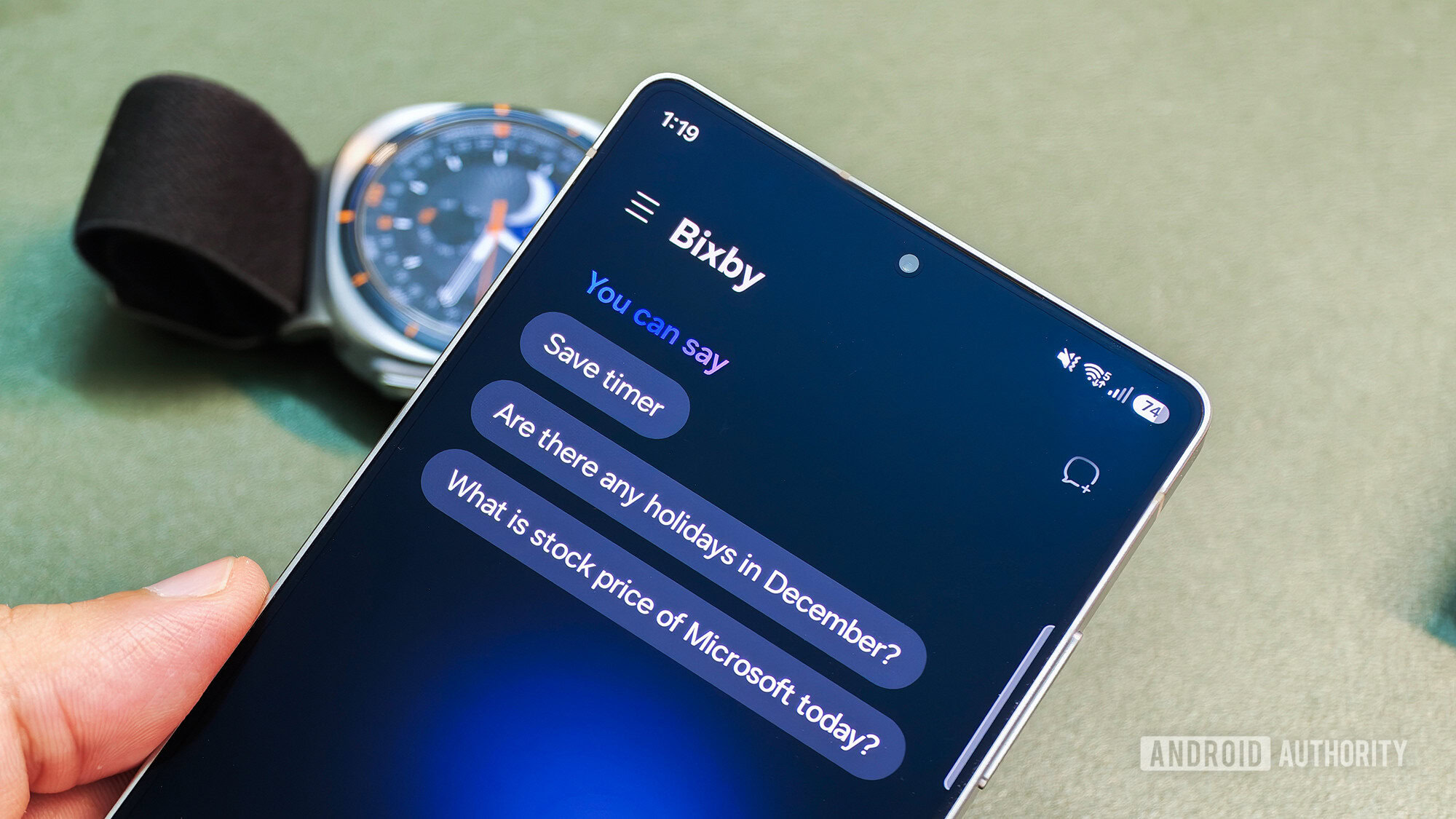
Tushar Mehta / Android AuthorityTL;DR With the latest One UI 9 Beta 7 for the Galaxy S26, Samsung has added Gesture wake-up and home screen widgets, making Bixby easier to activate and use. Gesture wake-up allows users to trigger Bixby by holding the phone near their mouth and speaking into the mic. New Bixby widgets include 2×1, 2×2, and 4×2 options that make it easier to input voice or text. Samsung just released One UI 9 Beta 7 for the Galaxy S26 series earlier in the day. The official changelog was light on details, but we’ve found that the update comes with new features such as My FanCam, Call Brief, Custom Cards in Now Brief, and a split Finder-Google Search search bar. Digging deeper, we’ve found that this release also comes with new Bixby features for the Galaxy S26 series, namely widgets and Gesture wake-up.Gesture wake-up for Bixby was released alongside the Galaxy Z8 foldables, and it has now made its way to the Galaxy S26 series in this beta release. When enabled, this feature lets you start talking to Bixby by holding your phone close to your mouth and speaking directly into the mic.As the warning notes, Gesture wake-up is not available when Bixby is already busy with another task. It is also not available during media playback. Gesture wake-up can be found in the Settings menu within the Bixby app, accessed by sliding out the navigation drawer from the left.Aamir Siddiqui / Android AuthorityBixby now has 2×1, 2×2, and 4×2 widgets, each with a microphone icon and a text input mechanism. The smaller widgets settle for a keyboard icon, while the largest widget has a dedicated input box.These are admittedly minor changes in the grand scheme of things, but they help add that little bit of allure to Bixby that might just make it someone’s primary digital assistant. These additions also mean that users of Samsung’s slightly older flagships get a software experience very similar to that of its latest flagships.Thank you for being part of our community. Read our Comment Policy before posting.
Galaxy S26’s latest beta update makes Bixby much easier to use
Full Article
Original Source
Read the full article at Androidauthority →KhanList aggregates and links to publicly available news content. We do not host full articles from third-party sources. Always verify important information with original sources.