
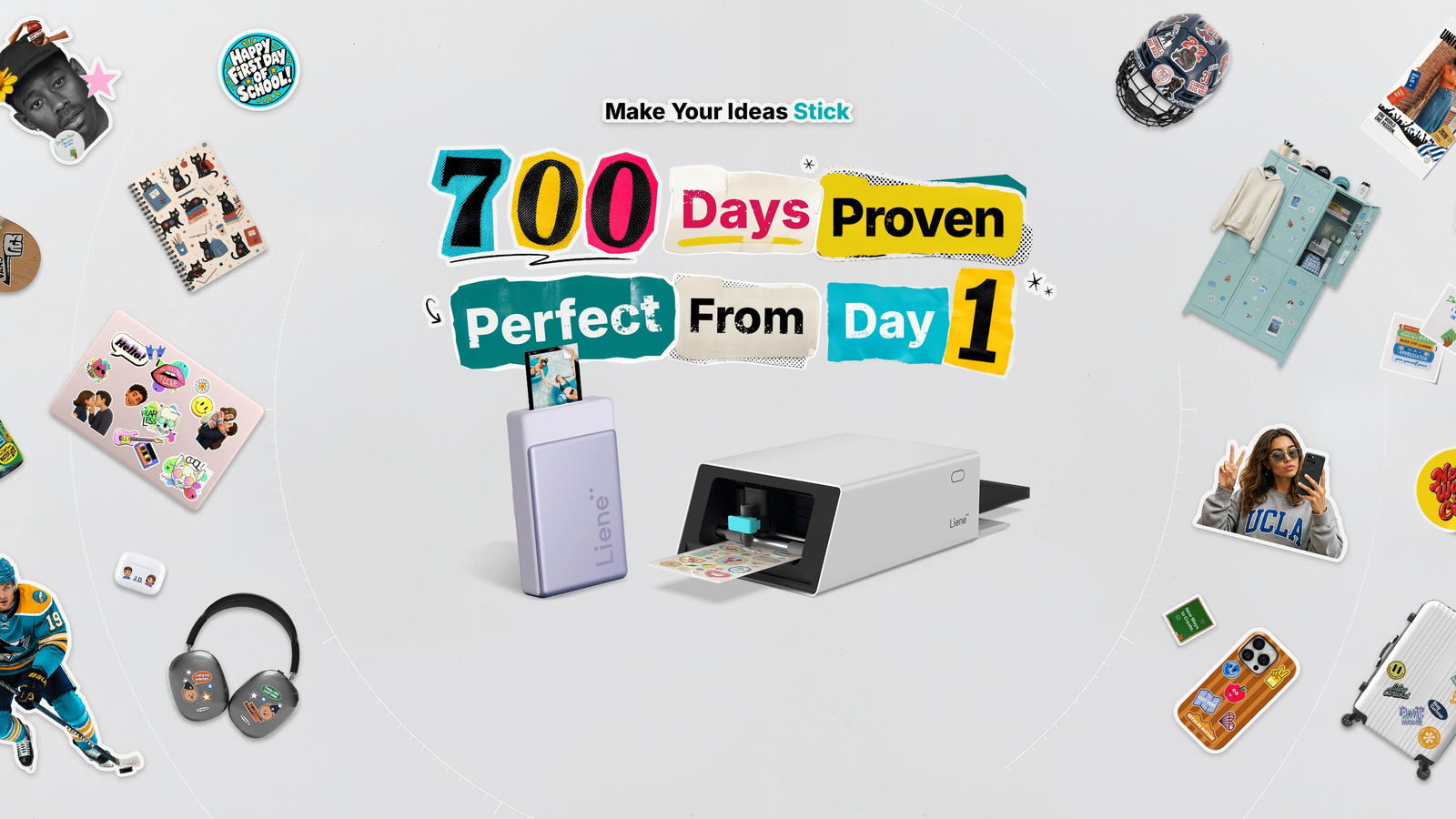
Published Aug 28, 2026, 12:00 PM EDT The below articles are sponsored by one of our partners. Product choices and opinions expressed are from the sponsor and do not reflect the views of the How-to Geek editorial staff. We live in a creative world. Apps, books, hobby kits, and everything in between all exist to help streamline the creation process. Making things should be easier than it is sometimes. Printing, laminating, and cutting, as well as other processes that contribute to a project’s completion, can be labor-intensive, especially when you have to use three or four different machines. Thankfully, Liene aims to help creators make without pain points, offering fantastic desktop and portable printers, with a nice variety of photo printing tools. And the new Liene PixCut S1 has what you need to get started with high-quality printing at home, regardless of skill level. Everything you need in an all-in-one device Liene PixCut S1 Photo Size 4X6 inches Connectivity Bluetooth Brand Liene If you're a maker, creative projects can have many steps and tools, too. Liene intends to help with the PixCut S1, its all-in-one photo and sticker printer. This machine can print, laminate, and cut to help you complete your next task — and its small footprint will keep workspace clutter to a minimum. f you’re creating a print-based project right now, odds are you’re printing everything on your household inkjet. Then, you’ll go through the trouble of cutting that paper and maybe laminating it afterward. That can take a long time, depending on the size of the project. That’s where the Liene PixCut S1 Starter Kit comes in. It’ll print, laminate, and auto-cut for you because all three tools are built into a single device. The sensors inside manage the process, and each print has a protective overcoat, so all you have to worry about is the design itself. The Starter Kit comes with an all-in-one printer and cutter, a pre-installed cutting blade, a photo sticker cutter ink cartridge (it can print up to 36 sheets), 18 4x6 sheets of photo paper, 18 4x7 sheets of white sticker paper, and a power adapter. And since you’re not dealing with multiple tools, you have more time to work on designs. AI-powered auto-cutting and more make a big difference Credit: Liene You don’t have to be a professional designer or hold an advanced design degree to make something cool and interesting. The PixCut S1 can work for enthusiasts, professionals, students, hobbyists, and anyone in between. All you need to go along with the PixCut S1 is a good idea, an app, and a few minutes. While the hardware is the vehicle, the Liene Photo App is the engine that makes everything possible. Think of it like a personalized, feature-rich photo editing or desktop publishing app. There’s a canvas, AI-powered precision contour cutting (meaning you don’t need to manually align or track your cuts), and an AI-powered image recognition/background removal tool to help you customize images before printing. You can use an existing photo if you like, choose a template (there are over 10,000 available), or upload your own images. PNG, JPG, or even HEIC formats are compatible, so there’s a lot of versatility. When you’re done creating and customizing, the fun begins when the printer starts to do its thing. The AI-powered precision cutting feature on the app kicks things off by creating cut paths for the content. Then, sensors inside the machine align every cut to the print. The printer head has 1,280 thermal elements, which means there are 1,280 miniature heating elements on the printer. Each one can manage 256 tonal levels, which is how much heat each element uses. So, the printer uses 300 DPI dye sublimation to create yellow, magenta, and cyan layers on the paper. Then it adds a protective coating by automatically laminating the paper. Afterward, you get smooth, ready-to-use, long-lasting photo prints or custom stickers and labels in less than 60 seconds. No one using an inkjet printer can say the same thing. Refined, space-saving design Any home office or creative space can get cluttered depending on your equipment and setup. The Liene PixCut S1 is small compared to a standard printer. Your typical desktop printer likely takes up a good portion of your desk or maybe even has its own shelf or table. The PixCut S1 is 70% smaller than most standard printers. That’s why it’s great for home use, but can also double as a work or classroom printer. Hobbyists and professionals alike can benefit from its small footprint. Now, there are absolutely other small/compact printers out there, but none offer anywhere near the same engineering, quality, durability, and features as the PixCut S1. Liene spent 700 days building, testing, and refining the PixCut S1 to be an all-in-one creativity machine. Beginning work on the project in July 2023, it took almost an entire year just to nail down the design. In March 2024, Liene finalized their designs and started a Kickstarter campaign for the PixCut S1 in September of that year. The Kickstarter campaign was an amazing success, with 3,330 backers helping give the project life. Manufacturing and mass production began in January 2025, leading to the company tagline, “700 Days Proven, Perfect From Day 1.” That kind of dedication led to a pretty powerful and compact device that offers a more streamlined way to work and create. Cross-platform compatibility broadens usage Credit: Liene A compact, feature-loaded device is hard to find. And sometimes, there’s a catch. Maybe it needs a specific type of software, or perhaps very precise specs are required to use it. That’s not the case here. The PixCut S1 doesn’t need a computer to work. Although it will work with Windows or a Mac, it’s designed to work with Android/iOS phones first, so you can create and print on the go, but it’s explicitly designed not to be phone-only. It isn’t limited to any mobile device or specific operating system, which makes it more useful and approachable for newer users or folks who are just getting started with design and printing. The PixCut S1 also doesn’t have to be physically hooked up to anything. The printer offers Bluetooth connectivity through the Liene app, so you can link it to a phone, a laptop, or a tablet to create custom designs. A typical print only takes roughly 60 seconds Cross-platform compatibility and unique engineering aside, seeing the printer in action is pretty fascinating. Imagine you have several vacation photos you’d like to print for a photo album. You set up and customize your photos in the app and then load the photo paper into the printer. The printer runs them through the yellow, magenta, cyan dye sublimation process. Then, it laminates each photo individually. At the end, you have several sleek, pro-quality photos for your album. Now, if you want to make stickers, the machine will take your design, automatically plot your cuts, and run them through the cutter located at the front of the device. The app’s AI cutting features will determine the complexity of the cut needed for the stickers and run it through the process. In a few minutes, you’ll have several stickers for any project. Print photos and make stickers in a snap Whether it's for a school project or you’re just curious about the technology, having an all-in-one option for photo-quality prints and custom stickers is a pretty wondrous thing. The technology behind the printer is fascinating and complex, and the device’s modest footprint will make it at home on any desk or workspace. Best of all, operation is simple enough that anyone can use the Liene PixCut S1 Starter Kit to start making amazing things.
Forget bulky inkjets: Liene’s all-in-one PixCut S1 makes custom prints effortless
Full Article
Original Source
Read the full article at Howtogeek →KhanList aggregates and links to publicly available news content. We do not host full articles from third-party sources. Always verify important information with original sources.