
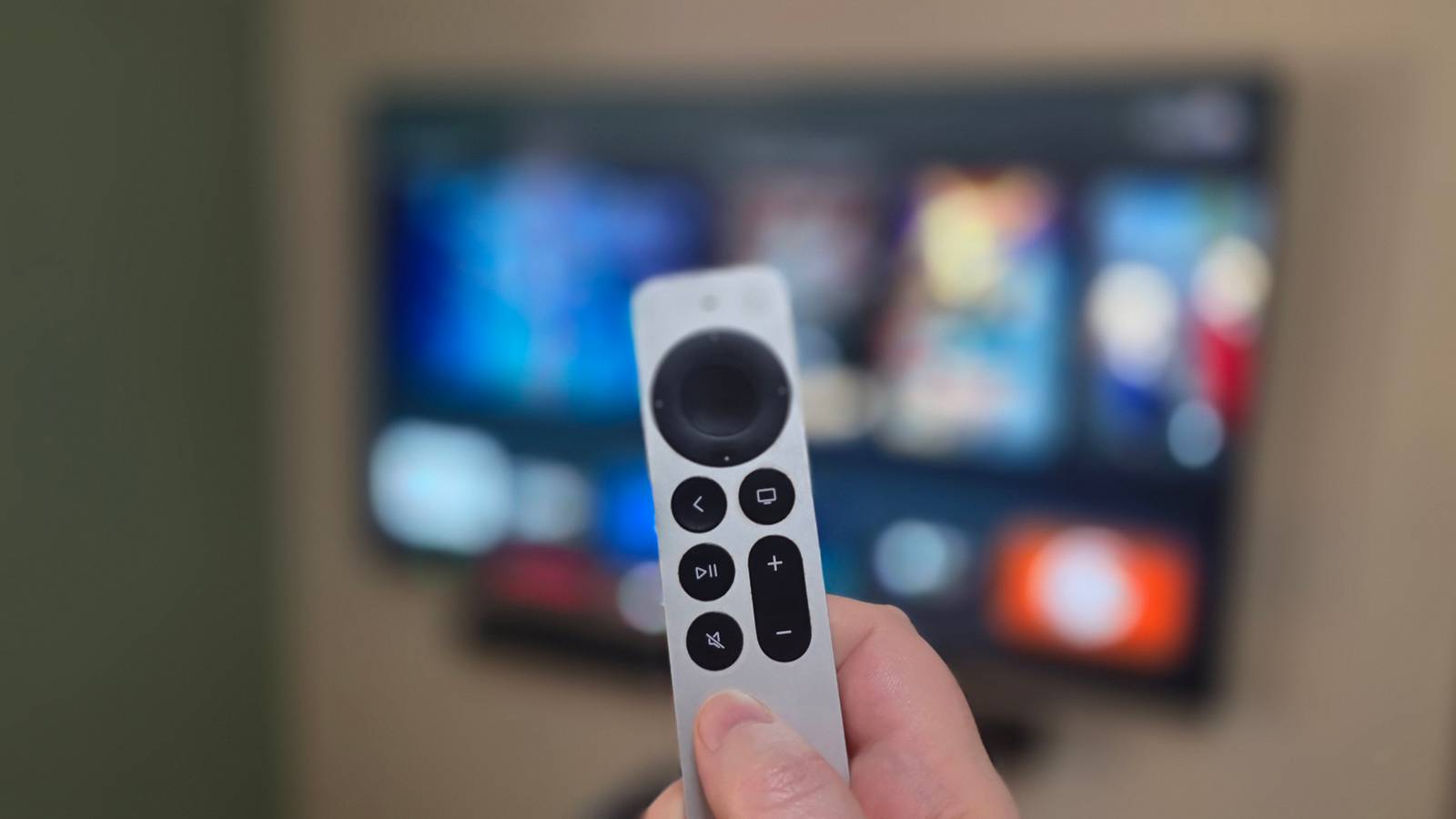
Credit: Sydney Louw Butler / How-To Geek Published Aug 27, 2026, 11:30 AM EDT Sydney Butler is a technology writer with over 20 years of experience as a freelance PC technician and system builder and over a decade as a professional writer. He's worked for more than a decade in user education. On How-To Geek, he writes commerce content, guides, opinions, and specializes in editing hardware and cutting edge technology articles. Sydney started working as a freelance computer technician around the age of 13, before which he was in charge of running the computer center for his school. (He also ran LAN gaming tournaments when the teachers weren't looking!) His interests include VR, PC, Mac, gaming, 3D printing, consumer electronics, the web, and privacy. He holds a Master of Arts degree in Research Psychology with a minor in media and technology studies. His masters dissertation examined the potential for social media to spread misinformation. Outside of How-To Geek, he hosts the Online Tech Tips YouTube Channel, and writes for Online Tech Tips, Switching to Mac, and Helpdesk Geek. Sydney also writes for Expert Reviews UK. He also has bylines at 9to5Mac, 9to5Google, 9to5Toys, Tom's Hardware, MakeTechEasier, and Laptop Mag. Sign in to your How-To Geek account In 2022, I upgraded to a new M2 iPad Pro, finally saying goodbye to my trusty 2018 model. Instead of trying to sell my old iPad out of hand, I traded it in at Apple's store for a tidy sum. Looking around the place, the only thing that stood out to me was the Apple TV 4K 3rd Generation. I usually would not want to spend that much on a streaming box, but as far as I was concerned, this was free money with no specific purpose, and I could only spend it as store credit anyway. Almost four years later, it turns out my little Apple streaming box was not only a genuine bargain despite the high upfront cost, but it's actually gotten better over the years, which is not something I can say about the Fire TV and Roku options. Fire TV and Roku have become advertising platforms If you're not the customer, you're the product Credit: Jorge Aguilar / MakeUseOf I wrote some time ago that Microsoft Windows made it feel like I didn't own my computer. Instead, it's a billboard I pay to have in my house, so a big company can make additional money from me. In fact, I'm starting to feel that advertisers are the real customers, and user attention is the product. That's also become true for Fire TV, Roku, and frankly, even major smart TV brands like LG. You pay for the hardware and streaming subscriptions, and still there are ads pushed at you from all over the interface. This very year of 2026, our friends over at Make Use Of reported that Roku "customers" were getting a permanent full-screen ad. Quiz 8 Questions · Test Your KnowledgeAmazon Fire TVTrivia challenge Think you know Amazon's streaming platform inside and out? Put your Fire TV knowledge to the test. HardwareFeaturesStreamingHistoryAlexa Begin In what year did Amazon first launch the Fire TV streaming device? A2012B2013C2014D2015 Correct! Amazon launched the original Fire TV in April 2014, entering the crowded streaming device market alongside rivals like Roku and Apple TV. It was notable at launch for its dedicated hardware for gaming as well as streaming. Not quite. Amazon launched the first Fire TV in April 2014. It debuted with a focus on fast performance and even had gaming capabilities, setting it apart from some of its early competitors. Continue What is the name of Amazon's smallest and most popular Fire TV form factor, which plugs directly into an HDMI port? AFire TV CubeBFire TV BoxCFire TV StickDFire TV Nano Correct! The Fire TV Stick is Amazon's iconic dongle-style device that plugs directly into your TV's HDMI port. It has become one of the best-selling streaming devices in the world thanks to its low price and compact design. Not quite. The Fire TV Stick is the small dongle that plugs directly into an HDMI port. The Fire TV Cube is a separate, more powerful device, while the Fire TV Box and Fire TV Nano are not real product names. Continue Which voice assistant is built into Amazon Fire TV devices? AGoogle AssistantBSiriCCortanaDAlexa Correct! Amazon's own Alexa voice assistant is deeply integrated into Fire TV devices. You can use Alexa to search for content, control playback, check the weather, and even control compatible smart home devices. Not quite. Amazon Fire TV uses Alexa, Amazon's own voice assistant. Alexa lets you search for shows, control your TV, and even manage smart home devices, all without lifting a finger. Continue Which of the following streaming services does NOT have an official app available on Amazon Fire TV? ANetflixBDisney+CApple TV+DGoogle Play Movies Correct! Google Play Movies is not available on Fire TV due to the rivalry between Amazon and Google ecosystems. However, you can access a wide range of other services including Netflix, Disney+, Apple TV+, and HBO Max. Not quite. Google Play Movies is the odd one out here, as Google and Amazon have had an ongoing ecosystem rivalry. Netflix, Disney+, and Apple TV+ all have official apps available on Fire TV devices. Continue What is the name of Amazon's most powerful Fire TV device, which sits on a surface and includes a built-in speaker? AFire TV MaxBFire TV CubeCFire TV ProDFire TV Hub Correct! The Fire TV Cube is Amazon's top-of-the-line streaming device. It features a built-in Alexa speaker, hands-free voice control, and an IR blaster that lets it control your TV and sound system even without a remote. Not quite. The Fire TV Cube is Amazon's most powerful and feature-rich streaming device. It has a built-in Alexa speaker and can control other devices via its IR blaster, making it a true hub for your entertainment setup. Continue What feature allows Fire TV users to view content from their phone or tablet directly on their TV screen? AAirPlayBMiracastCDisplay MirroringDChromecast Correct! Fire TV supports Display Mirroring, which uses the Miracast standard under the hood to wirelessly mirror compatible Android and Windows devices to your TV. It is accessed through the Fire TV settings menu. Not quite. Fire TV's screen sharing feature is called Display Mirroring, which uses the Miracast wireless standard. AirPlay is Apple's technology and Chromecast is Google's, neither of which are natively supported on Fire TV. Continue Which of the following can you NOT do using Alexa on a Fire TV device? ASearch for movies by actor nameBControl smart home lightsCOrder physical products from AmazonDReboot your internet router remotely Correct! While Alexa on Fire TV is impressively capable — handling content searches, smart home control, and even Amazon shopping — it cannot directly reboot your internet router unless you have a specific compatible smart device set up to do so. Not quite. Alexa on Fire TV can search for content by actor, control smart home devices, and let you shop on Amazon. However, rebooting your internet router remotely is not a standard Alexa Fire TV capability. Continue Amazon Fire TV devices run a customized version of which mobile operating system? AiOSBWindows RTCAndroidDTizen Correct! Fire TV runs Fire OS, which is Amazon's heavily customized fork of Android. Because of this, many Android apps can be sideloaded onto Fire TV devices, giving users access to apps not officially available in the Amazon Appstore. Not quite. Fire TV runs Fire OS, which is a heavily modified version of Android developed by Amazon. This Android base means that apps can often be sideloaded onto Fire TV, expanding its capabilities beyond the official Amazon Appstore. See My Score Challenge CompleteYour Score / 8 Thanks for playing! Try Again Amazon's Fire TV is even worse. If you read the advertising guidance on its site, you can see the revenue goblins at the company have been burning the midnight oil, figuring out how to use as many of the pixels you paid for on your TV to fit in more ads. There's a whole dedicated "sponsored" row, inline banner ads, the "feature rotator," full-screen sponsored screensavers, sponsored tiles, and custom content rows. I also have to give a shout-out to my LG OLED TV. A TV I had to pay off over two years, at which point it suddenly started showing ads. Needless to say, it has been removed from my home network and has to live out its life as a dumb TV. It begs me every day for just a little bit of internet access, but I know that LG will simply pump more ads to my screen and maybe spy some more on me using ACR. My Apple TV still feels like a device I own That's what premium means Credit: Sydney Louw Butler / How-To Geek In contrast, like my MacBook and iPad, my Apple TV doesn't feel like a Trojan horse. It's not cheapened by the same sort of advertising, and any "promotional" stuff I've seen is strictly for content I am already paying for, not to get me to spend more money. In other words, if there's a new show out on one of the services you pay for, you might see that as the representation of that app for a while. But selling me insurance or using my data to know that I might be interested in some sort of home appliance? That's never happened, and I don't see it happening for Apple products. Part of this is because Apple made a profit on the hardware itself, and attached services and app revenue monetize it further. In other words, at least in this case, I am still the customer, and so the product has been shaped with my experience in mind, not advertisers. Apple has added features the box didn’t have in 2022 It's become surprisingly open My experience with most Android-based streaming boxes is that they start out OK but then get progressively worse over time. A new update is as likely to make things worse than add features or fix bugs. With my first Apple TV, things could not have been more different. Since I bought the device, Apple has added FaceTime with Continuity Camera, so I can use an iPhone or iPad as the camera and take calls on our TV. The biggest improvement was perhaps support for VPNs, which was really the only reason I still kept an Android streaming box around at all. The interface has improved, the way user profiles are handled is now better, and if you look at the update history, there are endless little tweaks and fixes to polish what was already a pretty great experience out of the box. Apple TV 4K (3rd Gen) Brand Apple Operating System tvOS You'll get the full Apple experience with this streaming device. The A15 chip provides great hardware for all of your apps, Apple-exclusive or otherwise. Overbuilt to last Credit: Sydney Louw Butler / How-To Geek The Apple TV 4K 3rd Gen was lightly mocked when it was released because it was so overpowered. It uses the A15 Bionic from the base iPhone 13, and that means it's pretty potent. Certainly, I've had some fun connecting an Xbox controller to it and playing emulated games on Retroarch, which is another thing Apple allowed since I bought it. While the selection of native Apple TV games isn't great, the hardware is certainly capable of handling some decent casual 3D games with no problems. While Apple has not announced when software support for this Apple TV model will end, I expect to get updates at least until 2030, and there will likely be zero reason to upgrade it before then. Considering that I could get a decade of service out of this device, it's actually working out cheaper than those ad-riddled options over the same timeline.
Fire TV and Roku keep getting worse, but this streamer I bought in 2022 has only gotten better
Full Article
Original Source
Read the full article at Howtogeek →KhanList aggregates and links to publicly available news content. We do not host full articles from third-party sources. Always verify important information with original sources.