
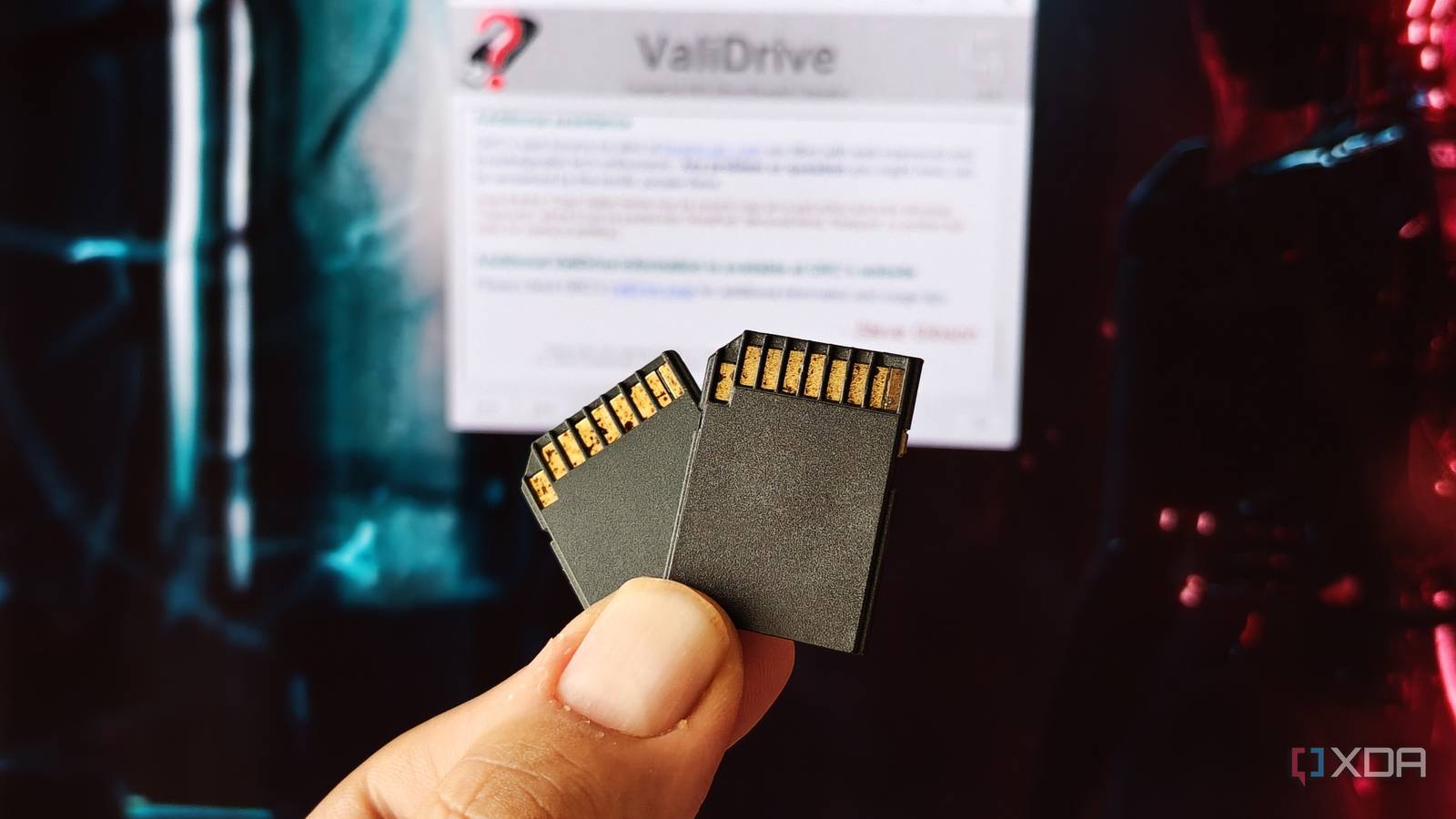
Published Nov 9, 2026, 4:30 PM EST After a 7-year corporate stint, Tanveer found his love for writing and tech too much to resist. An MBA in Marketing and the owner of a PC building business, he writes on PC hardware, technology, and Windows. When not scouring the web for ideas, he can be found building PCs, watching anime, or playing Smash Karts on his RTX 3080 (sigh). Your latest laptop may not have an SD card slot, but memory cards haven't gone anywhere. They celebrated their 25th anniversary last year, selling over 12 billion units in 25 years. Whether it's SD, microSD, or CFexpress cards, these ultra-compact flash storage cards power everything from phones and handhelds to SBCs, digital cameras, and drones. Unfortunately, counterfeit memory cards are also more common than ever. It's not even that hard to make a fake memory card — some cheap flash storage and tampered firmware are all that's needed to fool most people. Your fake memory card may have only a fraction of the storage capacity and read/write speeds you paid for. To protect your data, it's essential to inspect your memory card before you deploy it for regular use. Memory cards are still relevant in 2026 And so is the corresponding counterfeit industry I remember using memory cards extensively during the 2010s, extending my smartphone storage to accommodate more data than my phone natively could. The first digital camera I bought, a Nikon point-and-shoot, used an SD card. Even my first laptop, which I got for my MBA, had an SD card slot. While smartphones moved on to faster and more robust memory, other consumer devices still depend on a variety of memory cards. High-resolution digital cameras, action cameras, and drones use SDXC or microSDXC cards to meet modern storage and performance demands. Gaming handhelds, such as the Steam Deck, use microSDXC cards in addition to supporting SSDs. Then, there are SBCs like the Raspberry Pi, which typically see microSDHC and microSDXC cards for storage and booting. With the continued proliferation of memory cards came the persistent waves of counterfeits. Scammers can not only spoof the firmware and design of memory cards but also the packaging to shockingly convincing results. Even if you buy from official channels, getting a fake is not impossible, since counterfeit cards can find their way to genuine stock, getting mixed and sold from the same channels. No need to spend even more money The simplest test against fake memory cards is CrystalDiskMark. This tool can benchmark your memory card to reveal its true read/write speeds. If it's significantly lower than what the card is supposedly capable of, you know that something is wrong. CrystalDiskMark simply writes a small test file to a memory card's flash storage, so you can't use it to know the card's true capacity. For that, you'll need to rely on ValiDrive. This free utility is a spot-check tool designed to quickly detect spoofed capacities on storage devices. It works by writing data to random sectors of the memory card, USB drive, or SSD, to detect mis-advertised capacity. It chooses sectors throughout the reported capacity, so it's all but guaranteed to spot, say, a 512GB card posing as a 64GB one. Then, there's h2testw, which is a longer but more comprehensive tool to rule out the possibility of a fake memory card. It reads and writes across every single sector of the card for a thorough inspection, detecting a counterfeit card easily. It can take several hours to complete, depending on the card's capacity. You don't always need to buy a fake to spot it The tools I listed above only work when you've paid for the memory card and can test it on your machine. However, there are some precautions you can take even before parting with your money. For starters, ignore deals that list cards for way cheaper than comparable models. For instance, 512GB SD cards usually go for around $100, but you can spot some listings for less than $40 from unknown brands and third-party sellers. It's safe to skip those completely. When shopping in offline stores, you can inspect the packaging before buying a memory card. Examine the pack for typos and wrong color tones. Fake cards will also have poorly printed serial numbers and other text on the package. While checking online for serial number authenticity doesn't tell you anything (scammers can copy genuine serials on millions of packages), the quality of the packaging can help you detect a counterfeit in most cases. Counterfeit memory cards aren't going anywhere, so you need to get smarter The global counterfeit industry is valued at around $467 billion, and electronics are a frequent target. Counterfeit memory cards will continue to populate online and offline stores, so you need to stay vigilant. By avoiding shady listings, testing a card as soon as you get it (so you can return it if possible), and buying only from reputable channels will allow you the best chance to stay a step ahead of the scammers. SanDisk 1TB microSDXC-Card The SanDisk 1TB microSDXC card gives you up to 1TB of additional storage capacity on any device with a microSDXC card reader.
Fake memory cards are everywhere, and here's how to spot them
Full Article
Original Source
Read the full article at Xda-developers →KhanList aggregates and links to publicly available news content. We do not host full articles from third-party sources. Always verify important information with original sources.