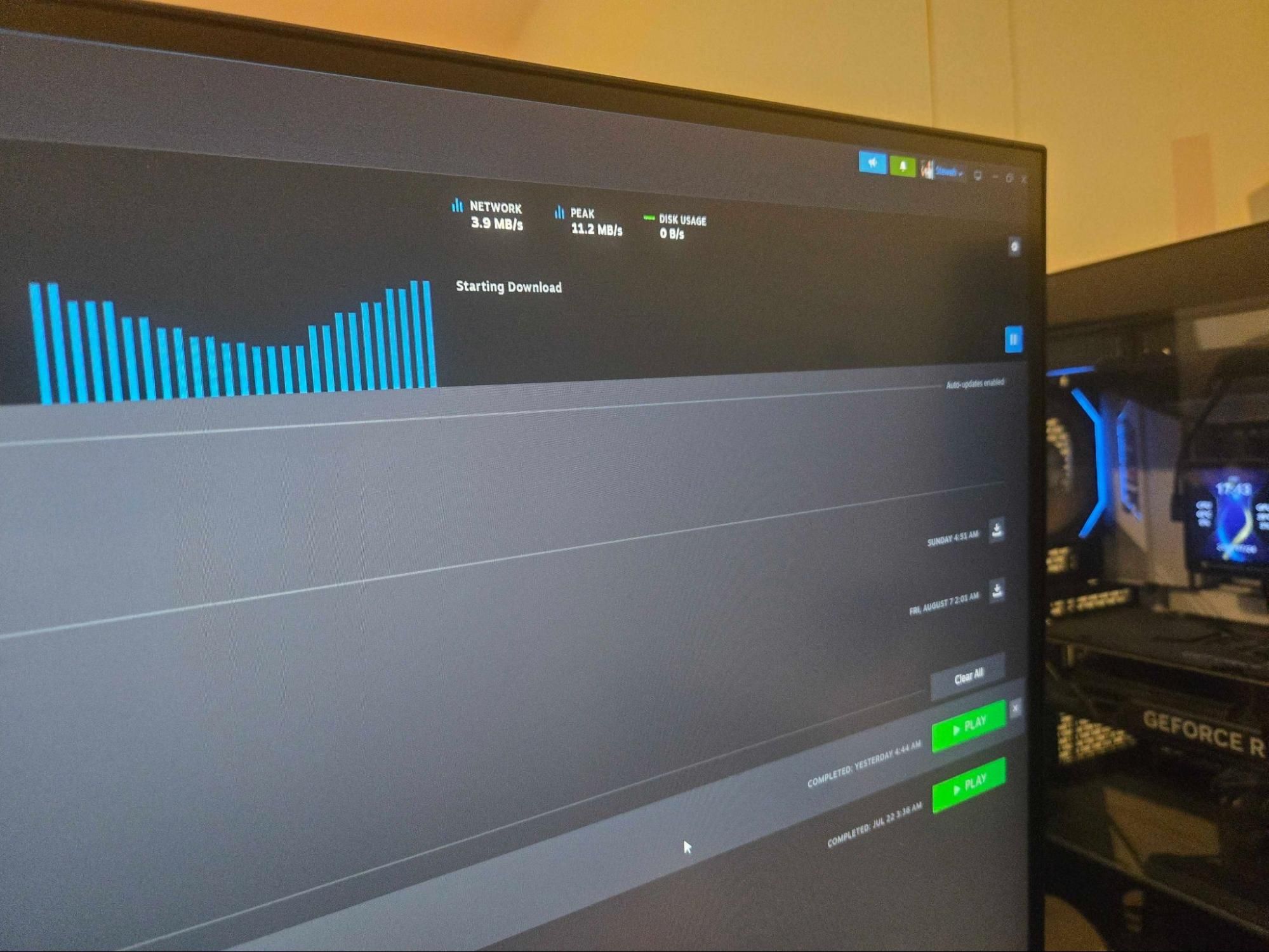
(Image credit: Tom's Hardware) When you build a new PC, there are many things to factor in. I personally like to build rigs that, first, are capable of the tasks that I want them to perform, and secondly, are equipped with components and specs that can afford me some amount of future-proofing. In my household, we operate a trickle-down system, where my son inherits my PC bits and pieces when I upgrade parts, so they can’t be too out of date, or I get complaints.I use my PCs for video editing, streaming, and various other content creation and productivity tasks, but I also use them for some PC gaming fun. There’s always a pull towards going for the biggest and the best when building a gaming PC, so you can have settings dialed up to the max, with incredibly smooth frame rates on a ridiculously expensive monitor with an insane refresh rate. But unfortunately, I don’t have unlimited funds.Everyone knows that having a higher-end graphics card, with bigger processors and more VRAM, has a direct impact on how your game runs, but what’s not so clear is how much effect your SSD storage pick has on your game's performance metrics. The short answer is that it’s not as important as your CPU or GPU, but it typically only has a slight effect on your game performance, depending on the game you're playing and whether it’s streaming levels or pre-loading them.The most important thing to first factor in with an SSD is the capacity. Games have grown in size exponentially over the last decade, with some of the latest titles demanding up to 150GB and more just for the one game. My son's Ark: Survival Evolved game with all the added DLC content fills up a 512GB SSD on its own, so if you have a lot of games that you want ready to play at a moment's notice, then you need a larger capacity SSD to have them all installed. In my gaming PC, I have 6TB of storage, which is ample for me, and because I don’t have the fastest internet connection, I prefer to keep my games installed.If you have an amazingly fast internet connection with high download speed capabilities and don’t need to worry about any kind of metered connection rates, then this will also affect how much storage you need. If you can download any game you want in 5-10 minutes or less, then capacity isn’t as big a concern. You can just uninstall and reinstall a game whenever you want, provided you aren’t in the danger zone with your SSD endurance metrics. The minimum-sized SSD I’d recommend, though, is a 1 TB drive.If you’re running a traditional hard disk drive for gaming, you should definitely upgrade. An HDD has an average read speed of 100-150 MB/s, compared to the latest PCIe 5.0 SSDs that have peak read speeds of around 14,500 MB/s. Now, although you don’t need read speeds that fast for gaming, the difference is humongous. A game running on an HDD may take 45 seconds to load a level, compared to just a few seconds for the SSD. Even the oldest SSD technology would be an improvement over your optical disk.When building or upgrading a gaming PC, SSD manufacturer marketing often pushes massive sequential speeds (like 7,000 MB/s or 14,000 MB/s). However, the real-world impact of read and write speeds on actual gameplay is much more nuanced. The effect that a superfast PCIe 5.0 SSD has on frame rates compared to a PCIe 3.0 SSD is virtually imperceptible, as the frame rate rendering is predominantly handled by your GPU, VRAM, CPU, and system RAM. Your PC will use your SSD to load game assets from storage into the VRAM/RAM, and then mostly sit idle during the rendering of the game while you’re playing it.Get Tom's Hardware's best news and in-depth reviews, straight to your inbox.If you’re playing a game with a massive open world or large levels, there may be the occasional request for assets (textures, models, shaders, etc.), but the most important spec of your SSD in that scenario will be its IOPS speed, or random read speed. Write speeds typically do not affect active gameplay performance, as playing a game predominantly consists of read operations.Patching the game, downloading the game, or copying a game file will make use of the SSD's read and write speeds. And if you use background recording programs like SteelSeries GG, Xbox Game Bar, or OBS, that will also make use of the drive speeds, but again, the effect on the actual gameplay is typically very minimal.So, to answer my initial question, how much SSD storage and speed do you need for pure gaming? Well, you can use anything from PCIe 3.0 to PCIe 5.0; the impact of peak read and write speeds is often negligible if you aren’t playing a Direct Storage-capable title. Capacity is the most important factor, and you should base that on how many games you want to store on your system. If you want to choose your SSD to perform more than gaming, then the speeds start to matter, plus SSD features like DRAM and HMB, but that's another story.Your choices will also be very much affected by pricing. If you can get a 4TB PCIe 4.0 SSD for the same price as a 2 TB PCIe 5.0 model, the choice is simple. However, we are in one of the toughest periods in recent memory for storage prices, and the usual rules don’t apply. Prices are all over the place, with PCIe 3.0 drives not necessarily cheaper than the more recent PCIe 4.0 and PCIe 5.0 drives. What was $80 a year ago is now $250 for the same product. To give you a small idea of prices and capacities, here are some of the most popular SSD drives with their PCIe generation, capacities, and prices.PCIe 3.0 M.2 SSDs Swipe to scroll horizontally Capacity Model Live Price Lowest Price Retailer Link 1TB Samsung 970 EVO Plus $339.99 Newegg 2TB Samsung 970 EVO Plus $441.99 Newegg PCIe Gen 4.0 M.2 SSDs Swipe to scroll horizontally Capacity Model Live Price Lowest Price Retailer Link 1TB WD_BLACK SN850X $229.99 Best Buy 1TB Samsung 990 Pro $239.99 B&H Photo, Best Buy 2TB WD_BLACK SN850X $349.99 Best Buy 2TB Samsung 990 Pro $389.99 Best Buy 4TB WD_BLACK SN850X $674.99 Best Buy 8TB WD_BLACK SN850X $1,679.00 Best Buy PCIe 5.0 M.2 SSDs (Ultra High-End) Swipe to scroll horizontally Capacity Model Live Price Lowest Price Retailer Link 1TB Samsung 9100 PRO $249.99 Walmart, Best Buy 1TB Crucial T705 $301.19 Best Buy 2TB Crucial T705 $389.99 Best Buy 2TB Samsung 9100 PRO $399.99 Best Buy 4TB Crucial T705 $745.49 Best Buy 4TB Samsung 9100 PRO $999.99 Best Buy Stewart Bendle is a deals and coupon writer at Tom's Hardware. A firm believer in “Bang for the buck” Stewart likes to research the best prices and coupon codes for hardware and build PCs that have a great price for performance ratio.
Examining the best options for PCIe SSDs during the RAMpocalypse — capacity trumps raw speed for most tasks
Full Article
Original Source
Read the full article at Tomshardware →KhanList aggregates and links to publicly available news content. We do not host full articles from third-party sources. Always verify important information with original sources.