
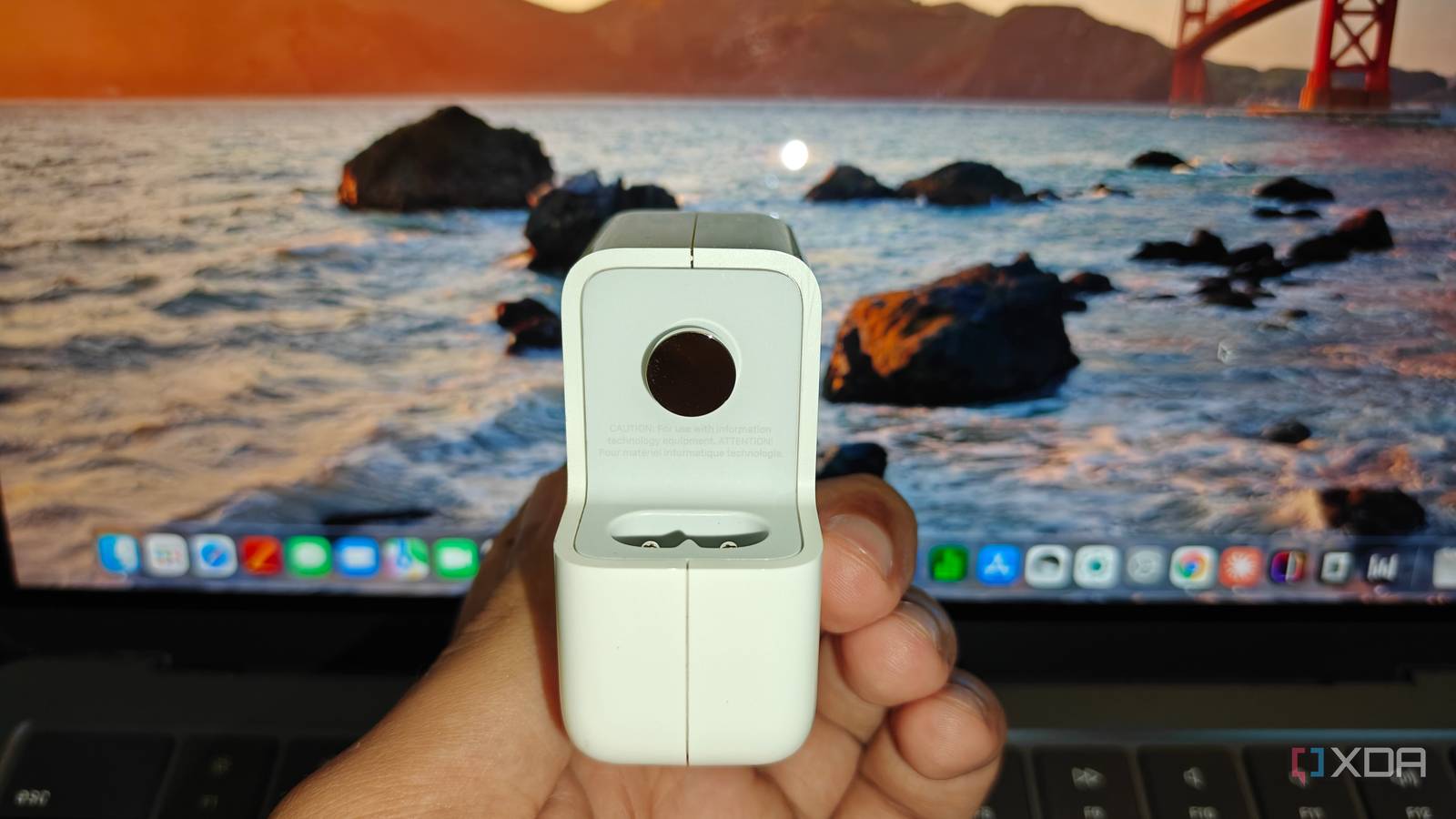
Published Nov 18, 2026, 9:00 AM EST Shivansh began his tech journey as an avid reader of tech publications, which inspired him to launch his career in video media at Sillycorns. He has led content across multiple tech YouTube channels and Instagram accounts, crafted go-to-market (GTM) strategies for Vivo, and consulted on digital growth. Coming full circle to his roots in written media, he now delivers deep-dive tech journalism. Outside of his professional work, Shivansh loves watching movies, riding bikes, and playing cricket. The line 100%; finishing charge; 0:13 remaining showed up in my laptop's Terminal with the battery icon already at 100%, and it explains more than what the $10 auto-ejecting charging gadget I bought ever did. That gadget used to pop out of my OnePlus 13R and MacBook Air M2 after each had finished charging. But overcharging is already a solved problem, and most of us geeks know that it does not need a gadget or a third-party app to get solved. Heat, though, remains unsolved. It wears a lithium-ion battery, multiplied by time near 100%. The good part is that both my devices (along with most sold these days) ship with stuff to fight the problem. Overcharging is a problem your charger chip already solved Watch the charge status, not the dongle Almost every phone and laptop charges in two stages: constant current, then constant voltage, and a charger chip decides when to stop. Texas Instruments' BQ25895, a typical phone-class charger, ends the cycle once the cell sits near its voltage target and the current drops below a set termination level. It restarts only after the battery sags 100 or 200 mV below that target. My laptop shows exactly where that stop happens, which you can see in the gallery below. In that picture, with the menu bar already reading 100% on MagSafe, pmset -g batt still reported 100%; finishing charge; 0:13 remaining. That's the constant-voltage tail, where current shrinks until the chip says it's done. So the $10 gadget I bought watches the same signal the BQ25895 already acts on, currently falling toward zero. It either ejects during that 13-minute tail and skips the last sliver, or after the chip has stopped. The question is: Does it matter? And the answer is: neither changes the cell's chemistry, so it definitely doesn't. It also can't read the thermistor the chip uses to check the cell's temperature, so it can't tell a full battery from a warm one the chip has slowed down. The overcharging fear isn't baseless; it's just old, and these viral gadgets don't even serve as backup protection. Like if the charger's chip fails, the current would stay high, and a current-watching ejector would never eject. My laptop has been keeping a temperature diary Calendar aging ran 2.5 times faster at 50°C Batteries also age while idle, calendar aging, as we know. The main cause is the SEI, a thin film on the anode that keeps growing and traps lithium that could have stored charge. Heat speeds that reaction up. In a 2016 study, three kinds of 18650 cells were kept at 25°C, 40°C, and 50°C for nine to ten months, and all three aged faster when hotter. For the LFP cells, the aging was doubled when going from 25°C to 50°C. My MacBook keeps a diary of this. Run ioreg -rn AppleSmartBatteryPack in Terminal and look for the lifetime fields Apple doesn't document. Mine reads "MaximumTemperature"=41, "MinimumTemperature"=13, and "AverageTemperature"=257, which lines up with 41°C at worst, 13°C at coolest, and 25.7°C on average. On Apple silicon, battery health management watches temperature history and can hold back the maximum charge to retain better battery health. In my case, the battery health is kept better because I do not have extra money for a fast charger. In my terminal, pmset -g adapter shows Apple's 30W USB-C adapter negotiating 20,000 mV at 1,490 mA, about 29.8 W, while Apple reserves the Air's fast charge for its 67W adapter. Less power going in means less heat to shed. A battery parked near 100% ages faster It's better for laptops to leave the desk sometimes The 2016 study discussed above found a second lever, the state of charge. In the NCA and NMC cells, fade jumped at about 60% charge, where the graphite anode's low voltage speeds up SEI growth. So ejecting at 100% helps nothing, because the battery then sits at 100%, which is even more detrimental. The extreme charge states are often the most detrimental to battery health in many battery chemistries, especially the ones used in smartphones and laptops. The same log says I live on that step, with "DailyMinSoc"=90 and "DailyMaxSoc"=97. That's the case for Charge Limit, which macOS Tahoe 26.4 added to Battery settings, behind the info button next to Charging. Mine is now set to 85%, and Apple notes the Mac still fills to 100% now and then to keep its percentage accurate. Note that if you force a maximum charge state for each cycle, then the Mac won't be able to identify the charge states properly. This has happened to me when my MacBook kept powering off at 12% battery left, and I had no clue what was happening. To be honest, I haven't come across any analogous case with phones. My OnePlus 13R has a Custom charging limit under Settings -> Battery -> Battery health, where OnePlus itself recommends 80% to 90%. Almost every phone these days has this charging limit. I have used this many times and seen people using it all the time, but as I said, "no cases of miscalculating the charge state like on Air M2, till now." On Windows 11, powercfg /batteryreport compares design capacity with full charge capacity. Silicon-carbon batteries pay for heat twice Silicon grows by about 300%, and the film can't keep up My OnePlus 13R carries a 6,000 mAh typical cell, rated at 5,860 mAh and 23.03 Wh, and reviews list it with a silicon-carbon anode. Silicon is how phones like this fit that much mAh into a normal body. In theory, it holds about 3,579 mAh per gram, against 372 for graphite, almost ten times as much. The catch is physical. Silicon swells by roughly 300% when it's fully loaded with lithium, and that cracks the SEI. Each crack exposes fresh silicon, the film grows back, and that regrowth spends lithium for good. Since heat speeds up the same film growth, a silicon-carbon cell pays for a hot charge twice: once in the chemistry every cell shares, and again in the cracking that only silicon brings. That's where the phone's own settings beat any ejector gadget. Under Settings -> Battery -> Charging, bypass charging fills the battery to a threshold you pick, starting at 20%, then powers the phone straight from the charger to cut heat. It works for one charge, then switches itself off, so it suits a long gaming session. The toggle above it admits the trade-off, warning that Smart rapid charging may make the phone warmer. My charging gadget budget is now $0 The viral charging cable ejector gadget is long gone, and my rule of thumb fits in one line now. Let the chip handle charge state, and you handle the temperature. Don't put the phone near the car windshield if the sun is scorching outside; don't start playing games right after you update the device; don't charge while you make video calls ... you get it.
Everyone's worried about overcharging, but heat is what wears out your battery
Full Article
Original Source
Read the full article at Xda-developers →KhanList aggregates and links to publicly available news content. We do not host full articles from third-party sources. Always verify important information with original sources.