Published Aug 7, 2026, 12:15 PM EDT Monica J. White is a journalist with over a decade of experience in covering technology. She built her first PC nearly 20 years ago, and she has since built and tested dozens of PCs. PC hardware is her main beat, and graphics cards and the GPU market at large are her main area of interest, but she has written thousands of articles covering everything related to PCs, laptops, handhelds, and peripherals. From GPUs and CPUs to headsets and software, Monica's always willing to geek out over all things related to computing. Outside of her work with How-To Geek, Monica contributes to TechRadar, PC Gamer, Tom's Guide, Laptop Mag, SlashGear, Whop, and Digital Trends, among others. Her ultimate goal is to make PC gaming and computing approachable and fun to any audience. Monica spends a lot of time elbow-deep in her PC case, as she's always making upgrades, testing something, or plotting out her next build. She's the go-to tech support person in her immediate circle, so she's never out of things to do. Whenever she has spare time, you'll find her gaming until the early hours and hanging out with her dog. With the economy in shambles, I'm a fan of repurposing the hardware you already own. I've even found uses for my tiny 120GB SATA drives, so it shouldn't surprise you that I believe a 250GB SSD can be just as useful. In fact, a 250GB SSD can be a good base for a budget NAS. A 250GB SSD is still enough for a small NAS Just don't expect it to replace a full storage server When imagining a NAS, what kind of storage levels are you thinking of? Give me a ballpark. 4TB? 12TB? 60TB? No matter the threshold, I'd imagine you're not thinking of a measly 250GB. But even a tiny SSD can be useful when budgets are tight. It's enough for some documents, scanned files, shared folders, etc. -- the kind of stuff you want to share across your home network with relative ease. The SSD doesn't have to be (shouldn't be, even) your only means of storage on said NAS. You can still have terabytes upon terabytes of HDD data, but the SSD can be useful for faster storage or as cache. It's way better than using random USB drives, anyway. The trick is to give this little budget NAS a realistic job. It's not going to hold a giant Plex library, or tons of backups, or a lifetime of RAW photos, but the 250GB SSD in that NAS can work as fast, quiet, low-power network storage. Start with the right host device Credit: Jordan Gloor / How-To Geek If you're set on making this work (which I recommend!), remember that the SSD is only the storage part of this whole equation. To make it work as a NAS, you need something that can stay powered on, connect to your network, and share that drive with the rest of your devices. That can be a Raspberry Pi, an old mini PC, or even a $100 Windows 10 PC. The important bits: you need Ethernet, at least one reasonably fast USB port if you're using an external SSD enclosure, and enough performance to handle basic file sharing. So, budget-wise, of course a Raspberry Pi is the obvious cheap choice. But by the time you add a case, PSU, microSD card, and all that jazz, a used office mini PC suddenly looks super tempting. Those old Dells are, well, old, but they're just about good enough for this. Don't cheap out on power The one thing that's always worth spending a bit more on A budget NAS doesn't need much horsepower or cooling. It's quiet and low-power, but it does need to be stable. An SSD is much less demanding than a hard drive in that regard, but random blackouts or brownouts and less-than-reliable adapters are still not what you want anywhere near your files. So, the bottom line is that you want to pick a proper PSU for whatever host device you pick. Aim higher than it actually needs, and don't buy the cheapest, most-well-loved option you find on FB Marketplace. Use Ethernet, not Wi-Fi A NAS shouldn't rely on signal strength Credit: Zunaid Ali / How-To Geek Ethernet is the magical fix to many networking problems, and this is especially true in a NAS. Technically, you can run a NAS over Wi-Fi, but if you love yourself even a little bit, you won't. For something that's meant to sit on your network and be available whenever, Ethernet is 100% the play. Even plain old Gigabit Ethernet is plenty for this kind of build, and it'll be much more consistent than asking your NAS to deal with the unstable nature of Wi-Fi. The funniest thing is that your SSD may not even be the bottleneck in this whole scenario. Your network connection, USB enclosure (where applicable), or aging host device will usually hit its ceiling long before a slow SSD runs out of breath. Don't worry about the RAM Not too much, at least Credit: Nick Lewis / How-To Geek RAM costs are ... well, painful, let's say. Fortunately, your NAS can run on a shoestring budget where that's concerned. If you're only using it for basic SMB shares, docs, backups, etc., you can get by with very little memory, and yes, even DDR3 or DDR4 will do just fine. The SSD doesn't have to be the entirety of your storage Like I said at the beginning, you don't need to make the SSD the entire thing your NAS has going for it. A small SSD can make sense in a more robust NAS if you use it as cache. Your large HDDs will handle the bulk storage, and the SSD will speed up the files and operations you deal with most often. In any case, it'll be better used in your NAS than collecting dust in a drawer!
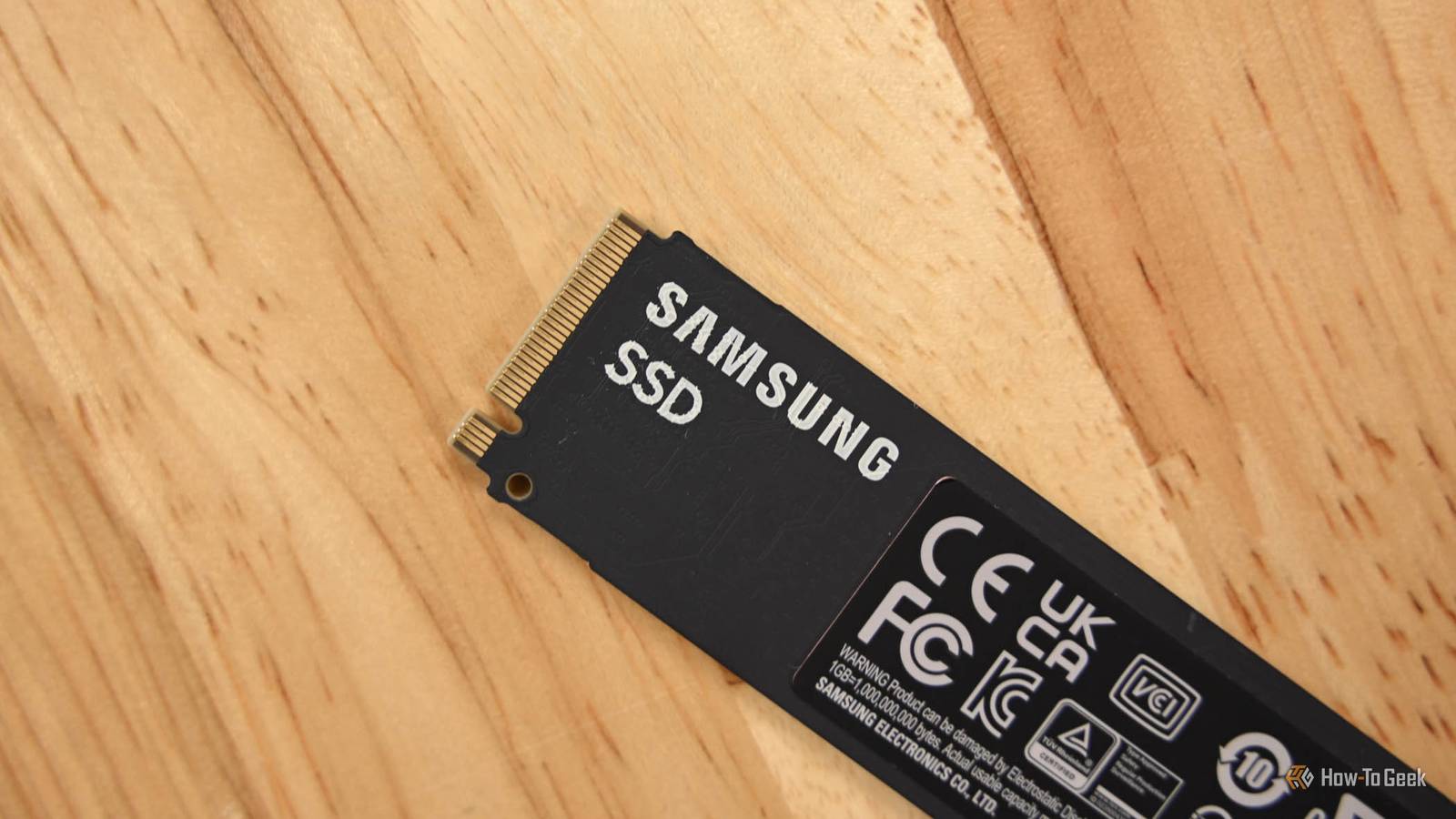
Don't throw away that old 250GB SSD
Full Article
Original Source
Read the full article at Howtogeek →KhanList aggregates and links to publicly available news content. We do not host full articles from third-party sources. Always verify important information with original sources.