
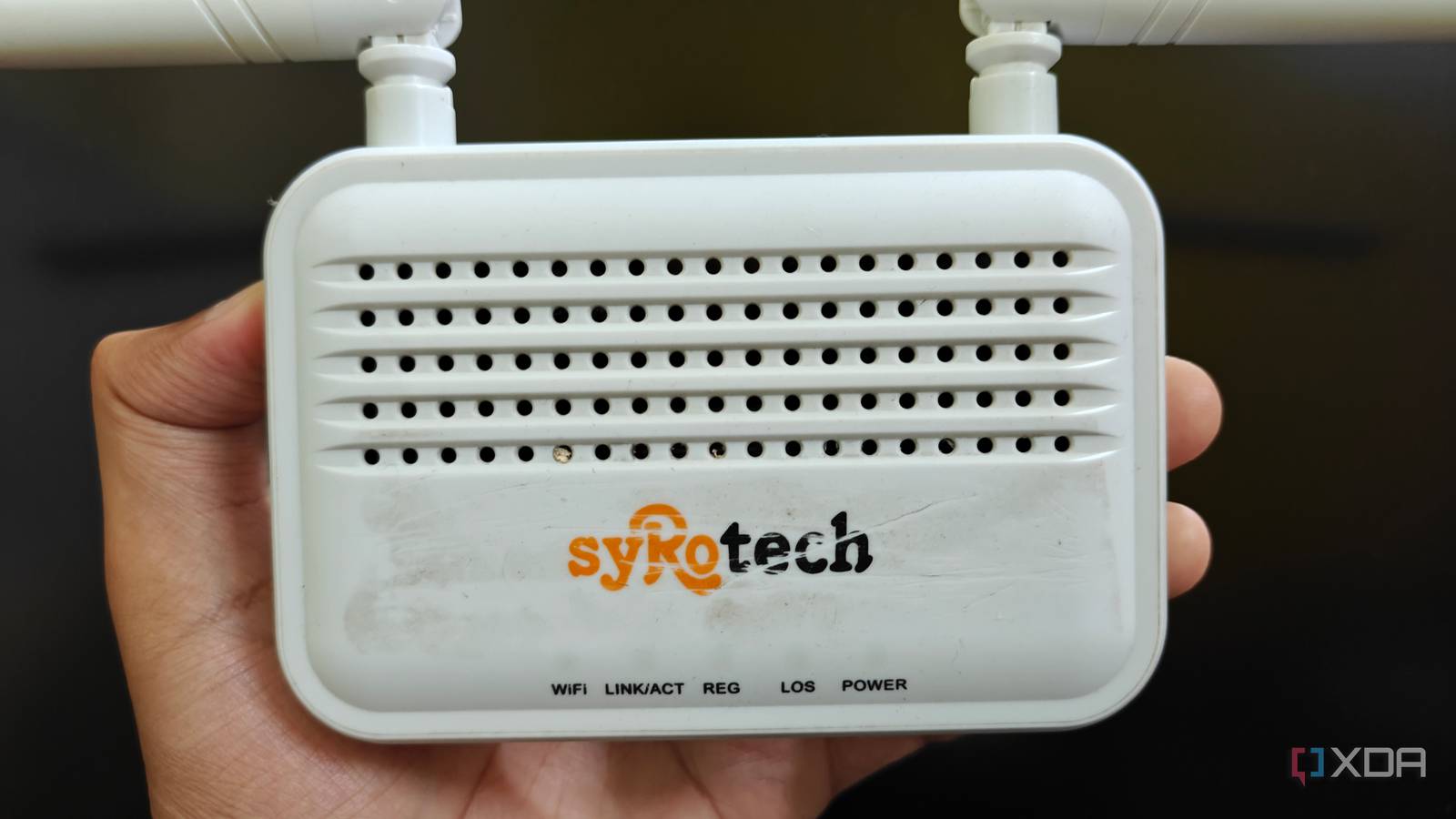
Published Nov 29, 2026, 8:00 AM EST Shivansh began his tech journey as an avid reader of tech publications, which inspired him to launch his career in video media at Sillycorns. He has led content across multiple tech YouTube channels and Instagram accounts, crafted go-to-market (GTM) strategies for Vivo, and consulted on digital growth. Coming full circle to his roots in written media, he now delivers deep-dive tech journalism. Outside of his professional work, Shivansh loves watching movies, riding bikes, and playing cricket. Most people never open their router's settings page. They live with whatever the box came with, so its default settings matter a lot. My router is a single-band ONT, which is short for optical network terminal. My fiber ISP installed it, and it's the only router in my home. When I finally opened its settings, I found Universal Plug and Play turned on. It had opened ports on my network that I never asked for. Turning UPnP off took one click, and the open ports vanished from the list. But on a box your ISP gives you, that switch hides a lot. It doesn't show which version of UPnP is running. It doesn't show if your IPv6 traffic has a firewall. And it doesn't show if your ISP can turn UPnP back on. Those three things decide whether UPnP can quietly open holes in your firewall again. How UPnP opens ports on your router without asking My ISP didn't open those ports, my own gadgets did Every one of those open ports came from a device in my home. Each one was a port mapping. That's a rule that sends certain traffic from the internet straight to one device, like a PlayStation or a Plex media server. A device asked for each rule, and the router said yes without checking with me. It happens in two steps. First, the device looks for the router. It sends a short "is anyone there?" message, called SSDP, to the address 239.255.255.250 on UDP port 1900. Second, it sends the router an AddPortMapping request. This request determines three things: the port to open, the device that gets the traffic, and how long the rule should last. It also carries a short name that the app picks for itself. That's why some entries have names nobody in the house recognizes. The router never asks you, because UPnP was never built to ask. Its rules for opening ports come from a document that dates back to the year 2001. Back then, the home network was treated like a locked house. Anyone inside was trusted, so any device could add a rule. The document even says, "A value of 0 means the port mapping is static." That means a rule with a time limit of zero never runs out. So an app can open a port, get uninstalled months later, and still leave that port open. I thought a box my ISP installed and manages would be safer than anything I'd buy myself. But as you know by now, there was a plot twist. What turning off UPnP doesn't fix on an ISP router IGD version, IPv6 pinholes, and TR-069 The first hidden thing is the UPnP version. Version 2 came out in 2010 and fixed most of the old problems. A rule can now last one week at most. If an app asks for a rule that never runs out, the router has to give it one week instead. UPnP also has to stay on the home side of the router, so nobody on the internet can talk to it. This is one of those examples that explains why people should keep upgrading their tech (both software and hardware), particularly for security reasons. For instance, Version 2 here not only fixed the two old problems but also added two new safety rules (suggestions, to be precise). The first says a device should open ports only for itself, unless the request maker has proved who it is. The second says it should only open the ports that are numbered 1024 or higher. Router makers are free to skip both. Your ISP's settings page usually shows just one on/off switch. So you can't see the version or the safety rules your router uses. A UPnP scanner app can tell you. It will show your router as either InternetGatewayDevice:1 or InternetGatewayDevice:2. The second hidden thing is IPv6. It's also the answer for anyone who says CGNAT keeps them safe. It means your ISP shares one public IPv4 address among many customers. You can check for it on your router's status page. If the WAN address is anywhere from 100.64.0.0 to 100.127.255.255, you're behind CGNAT. In that case, nobody on the internet could reach the ports UPnP opened anyway. IPv6 works differently. It has no NAT, so every device in your home gets its own public address. Only your router's firewall stands between those devices and the internet. A set of guidelines for home routers that use IPv6, says the firewall must block incoming TCP connections that nobody inside asked for. But it also says routers must offer an easy switch that turns this protection off. On top of that, UPnP version 2 lets your devices open pinholes in the IPv6 firewall. Each of these pinholes lasts up to a day unless it's renewed. The point of all these elaborations is: find the IPv6 firewall setting on your router and make sure it's on. The third hidden thing is your ISP. ISPs build their routers so they can manage them from far away. They often use a system called TR-069 for this. It lets the ISP's server read and change settings on the box in your home. TP-Link even sells ISPs a tool called Agile Config. TP-Link's own blog says the ISP's settings stay in place even after you reset the device. If your router has a TR-069 or remote management page, that's the ISP's way in. So check the UPnP switch again after every firmware update or reset. What breaks on a console when UPnP is off Hosting and direct voice chat, mostly Consoles are the chief reason people keep UPnP on, so here's what stops working without it. Anything your console starts itself is an outgoing connection. That includes a PlayStation Store download or a match on a game's own servers, and neither needs an open port. The trouble comes with traffic that has to come in. That means hosting a lobby that other players join directly, or voice chat that connects players to each other. If that matters to you, give your console a fixed address on your network. Then open only the ports its maker lists, and only for that address. This way, one device gets an opening, and no other device can open its own. One catch: behind CGNAT, neither UPnP nor opening ports by hand will let you host. Only a public IPv4 address from your ISP can fix that. My ONT's UPnP switch is off, for now UPnP is now off on my ONT. My ISP can manage this box from far away, so off only lasts until someone else changes it. The bottom line is that if nothing in your home hosts games, media servers, or torrents, you won't miss UPnP at all; hence, you can keep it off.
Check your ISP router now: UPnP may be opening ports for devices you never approved
Full Article
Original Source
Read the full article at Xda-developers →KhanList aggregates and links to publicly available news content. We do not host full articles from third-party sources. Always verify important information with original sources.