
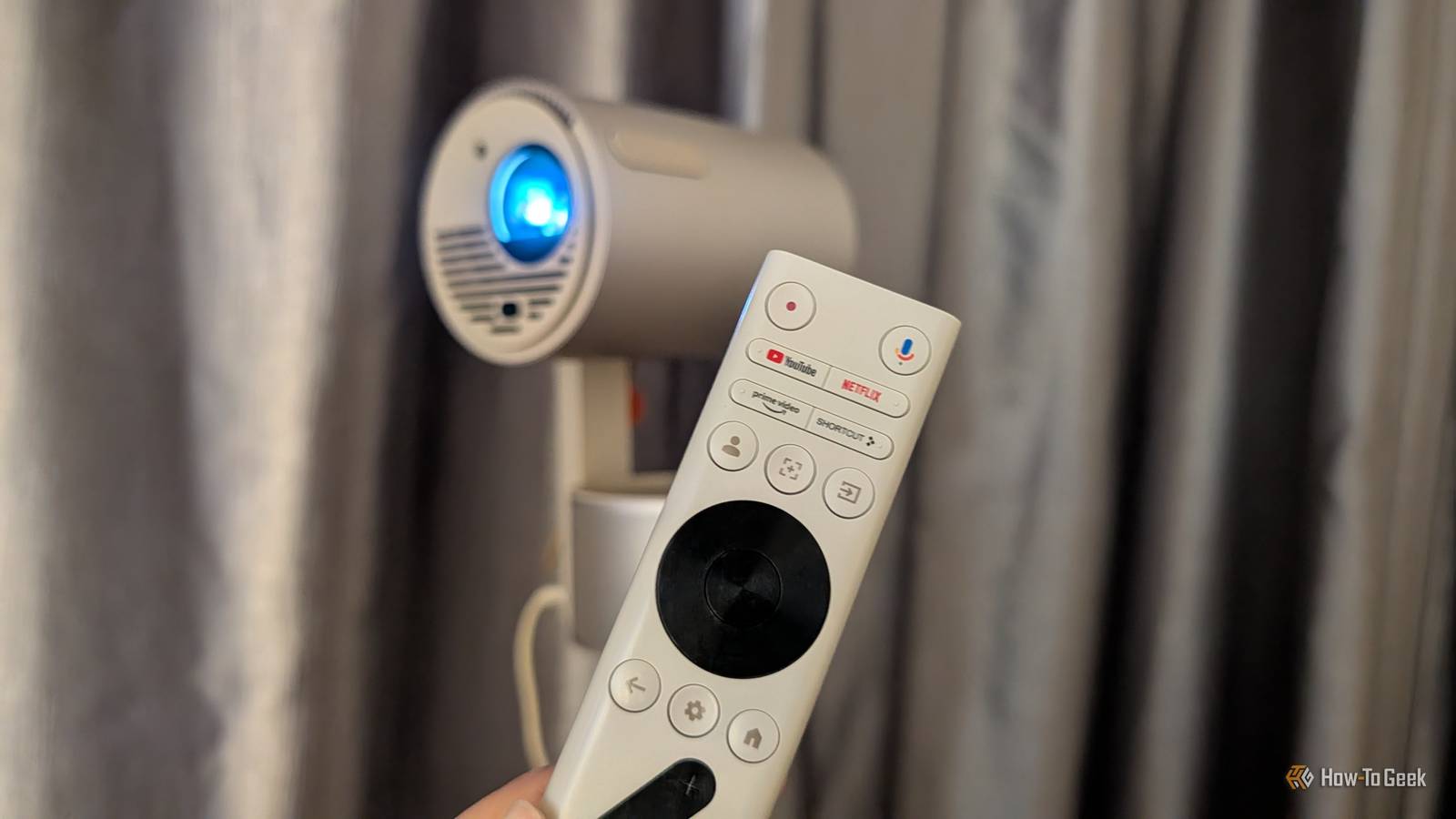
Published Nov 15, 2026, 11:00 AM EST Namerah Saud Fatmi has been writing about smartphones, accessories, e-readers, and apps for nearly a decade. She occasionally branches out into sects like gaming, software, hardware, smart home, and wearables. Before How-To Geek, she was a senior editor at Android Central, and has had bylines at other respectable publications such as Windows Central, iMore, XDA Developers, Neowin, and Good e-Reader. When she isn't writing or testing yet another weird and wonderful new gadget, she spends her free time snuggling with her grumpy feline life partner. Her hobbies include casual gaming, traveling, attempting to pet anything classified as an animal, unnecessarily complicated craft projects, and hunting for the next great bowl of noodles. Living in small spaces comes with its caveats, and one of them is that TVs cramp up the place further. I have a tiny bedroom, with hardly any legroom. As much as I wanted to mount a smart TV in the room, a Google TV projector just felt like a more sensible option. It does a fine job of replacing my TV, even though it's not as opaque as an LCD display with the lights turned on. In a strange way, it worked in my favor. A projector takes far less room and is more versatile You can't put your TV away when you need more space A Google TV projector is powered by Android TV but has a cleaner, more intuitive UI, albeit with some annoying ads baked in. I enjoy all the benefits of having a smart TV running Android or Google TV in my room, with no holes barred. Google TV projectors come with Chromecast built-in and seamless integration with your other Android devices. I can install apps on my projector via my phone or issue Google Home commands using my projector's remote with a mic and Google Assistant support. And the best part is, a projector packs all of its components into a petite, cylindrical little body that can be tucked away neatly when not in use. Even the projector stand folds down to a compact size. I can't "fold" a TV and move it out of sight or tuck it away in a corner when I need more space in my tiny bedroom. TVs are big and heavy, and if you mount them, they are attached to the wall. There's no changing such a setup on a whim. Another big win for projectors is that they get as big or as small as you want. Thanks to Auto Keystone, I don't ever have to worry about placing my Google TV projector at a weird angle in my small room. It covers one entire wall with a gigantic screen that goes from 120 to 200 inches. A 120-inch smart TV goes for $2,500 to $10,000, which would have bankrupted me. A 200-inch one would probably cost me a kidney, an arm, a leg, and maybe my firstborn child too. In stark contrast, my Xgimi MoGo 3 Pro Google TV projector cost just $379 on sale. I didn't even buy a projector screen because my apartment walls have a fresh coat of white paint. Regardless, the projected screen is always flawless, and I never notice any wall texture. I cut down my screen time thanks to my bedroom projector Doomscrolling addicts know what I'm talking about Bright light performance is the Achilles' heel of any projector, no matter how advanced its tech may be. Low light is necessary for the best performance, as the projected screen is basically made of light. I found that this limitation helped me improve my sleeping habits, because now I can't watch content on my bedroom projector during the day. I only end up watching movies or TV shows when I'm in bed, ready to drift into deep slumber. This curbs how much screen time I get in a day. When not in use, I pack up my portable Google TV projector into a compact little form and tuck it away neatly, out of sight, out of mind. It's a quick and easy setup when I do want to use it, and it helps that the Xgimi projector I use plugs into a standard 60W USB-C adapter. I don't have to plug the cable into a specific adapter or plug; my multi-port bedside USB-C charger does the job. This speedy setup and packing nature further helped me do a digital detox and balance my screen time. Once I pack my projector and its stand away for the day, I don't touch it again until it's my bedtime. It's been so great for my digital well-being. I could have cheaped out more, but a Google TV projector offers better value for money It was not necessary to replace my smart TV with a Google TV projector. I could have bought a "dumb" portable projector for $50 to $60 and a Chromecast with Google TV dongle for $150. But why go through the hassle when excellent Google TV projectors exist? Top-notch brands like Anker, Xgimi, JMGO, and Dangbei all offer incredibly affordable Google TV and Android TV projectors with high-resolution screen projections and spectacular speakers built-in. It's an all-in-one package that can be picked up and taken anywhere at any moment. I give it a 10 out of 10 for the convenience factor alone. I also found that a Google TV projector is great for renters. Since I don't own my apartment, I can't be drilling holes in the walls. The landlord will take that out of the deposit, and I don't want to have to worry about that when mounting a TV on the wall. A projector requires no such commitment, to my relief. If you're leasing a place, a smart projector makes more sense than a smart TV.
Can’t fit that smart TV in your small bedroom? Get a Google TV projector instead
Full Article
Original Source
Read the full article at Howtogeek →KhanList aggregates and links to publicly available news content. We do not host full articles from third-party sources. Always verify important information with original sources.