
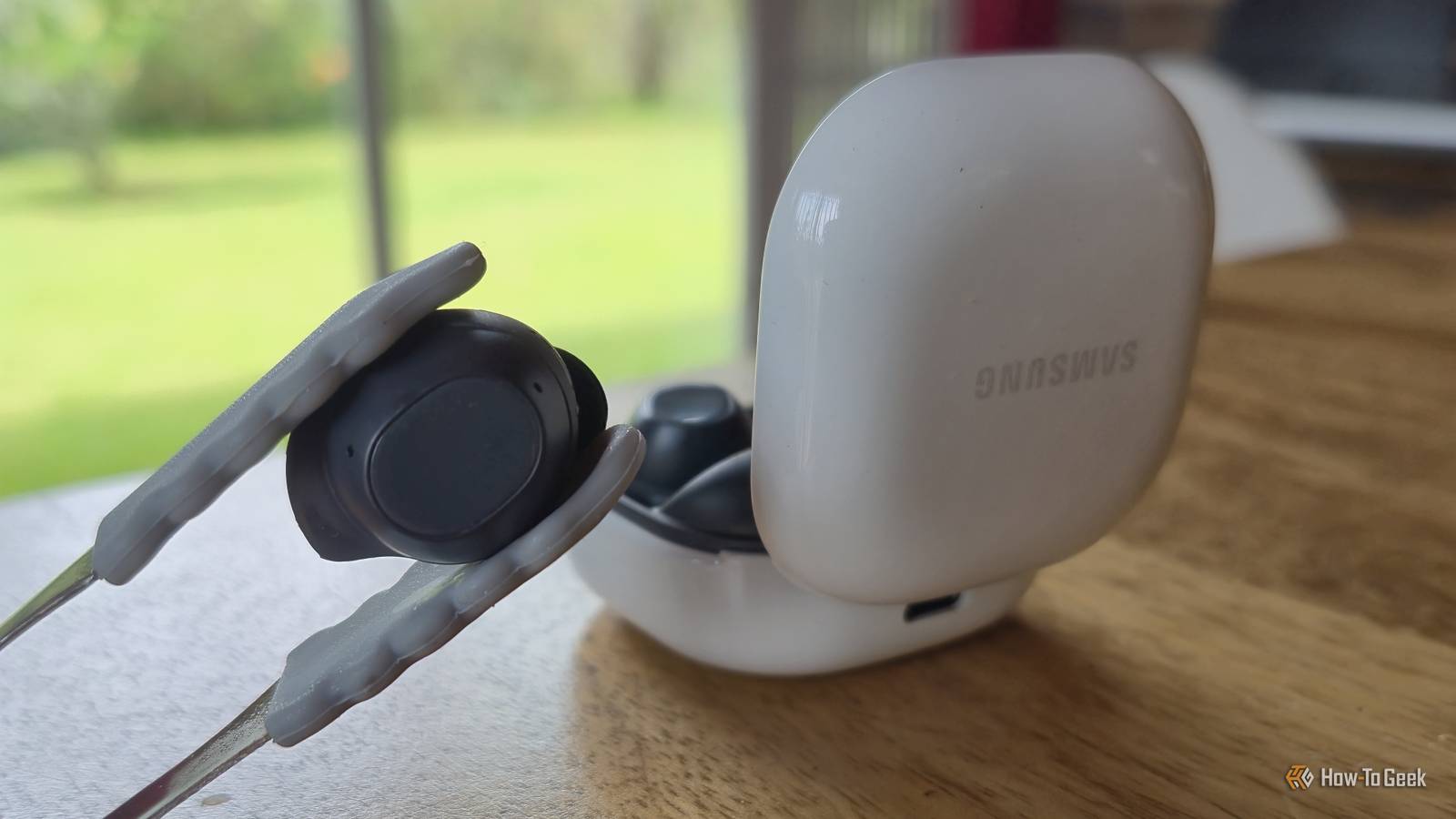
Published Oct 28, 2026, 2:00 PM EDT Tyler is an journalist and content contributor at How-To Geek with over three years of experience covering the automotive and tech industries. His work focuses on delivering clear, well-researched, and engaging content that helps readers better understand the vehicles they drive and the technology that they use everyday. Before entering automotive media, he spent five years as an academic editor, developing a strong foundation in research methodology, factual accuracy, and structured analysis. This background informs his journalistic approach today, ensuring that every article balances technical insight with accessibility for a broad audience. Wireless earbuds are meant to make life easier. You pop them in, connect them to your phone, and get on with your day. The last thing you expect is for a tiny pair of earbuds to become uncomfortably hot while you're wearing them. Yet overheating Galaxy Buds have become a pretty big concern, with many users experiencing the problem, and Samsung even offering some official advice on what you should do. Little battery-powered devices that rest in your ears are always going to require some solid thermal management. There have been some horror stories out there over the last couple of years, and people are rightly afraid of electronics getting too hot and causing some serious damage. Unfortunately, Samsung has some work to do to fix this problem, and they seem to be flip-flopping in terms of what they think you should do in the meantime. A lot of Samsung earbuds are known to overheat A potentially dangerous flaw As someone who owns a pair of Galaxy Buds, it was a bit concerning to realize just how prominent this issue was. There have been a ton of reports from users that their Galaxy Buds have become hot to the touch, hit them with a warning message, and turned themselves off. This seems to mainly affect the Galaxy Buds, Buds+, and Buds Live, but there have been a couple of reports that users with Buds FE have also experienced their devices becoming hot to the touch. The most common culprit in these reported issues is wearing your Galaxy Buds in direct sunlight. It's pretty annoying, considering the places I'd most want to wear my Galaxy Buds are outside when I'm out and on the move. High ambient temperatures can also trigger the overheating, as can wearing your earbuds during particularly intense workout sessions. This is, unfortunately, a pretty massive downside for people that live in particularly hot climates. The brand has clear guidelines on what you should do if your Buds do get hot Simple but still fairly annoying Samsung has acknowledged the issue, and they have given out some pretty generic advice to users who have been experiencing overheating issues with their Galaxy Buds. In the forums, they have been consistently linking back to their page on how you can keep your Galaxy devices from overheating. This page has some pretty clear advice on what you should do if your Galaxy Buds do start getting hot while you're using them. When your Galaxy Buds overheat, you will notice that they become hot to the touch, and they will begin to beep repeatedly. The manufacturer says that you should immediately remove the earbuds from your ears (solid but obvious advice) and that you should leave them to cool down before you use them again. They specifically note that you should not put them back into the charging case. This seems reasonably intuitive, as putting them back in their case will, at the very least, trap the heat rather than allowing your buds to cool. This advice could change drastically in the near future Samsung might pull a 180 However, a teardown of the recent Galaxy Buds app v9.0.10.1724 uncovered some code strings that could suggest Samsung might change their approach to this issue. Two changes are revealed here, with one being that the Galaxy Buds will now immediately power down to protect themselves rather than aggressively beeping when they are overheating. The other is that the brand may instruct you to put your earbuds back in their case to cool down. I like that the Buds will shut themselves down when overheating. Some might find it annoying, but I'd rather the device forcibly protect itself. The advice about putting your earbuds back in their case is a little more complicated. This could indicate that future buds may feature some updated battery circuitry that will halt charging when the Buds are overheating. It could also be a mistake on Samsung's part. Regardless, while advice may change some time in the future, the current official advice that Samsung gives out is that you should leave your Galaxy Buds outside of their case to cool down. Is this an issue that is specific to Samsung's earbuds? Either way, it is a bad look While Samsung Galaxy Buds aren't the only buds to experience overheating, the issue is pretty widespread. It also at least seems more common for Galaxy Buds to overheat compared to some of the other more popular options out there. This could indicate that overheating is more common with Samsung's earbuds, but it could also just be a case of Samsung being in the spotlight. With wireless earbuds coming equipped with a battery, they always run the risk of overheating, which is one of the many reasons people are reconsidering wired earbuds. Earbuds getting hot is a clear safety issue I've been consistently using Galaxy Buds for a couple of years now and have never encountered the overheating issue. This doesn't mean that it doesn't exist, with one person's anecdotal experience hardly being definitive, but it could suggest that the issue is more isolated than the internet is making it out to be. Either way, any instances where a device you put directly into your ear gets hot to the touch should be treated seriously, and hopefully Samsung comes up with a solid solution soon.
Can earbuds overheat? If they're made by Samsung, the answer might be "yes"
Full Article
Original Source
Read the full article at Howtogeek →KhanList aggregates and links to publicly available news content. We do not host full articles from third-party sources. Always verify important information with original sources.