
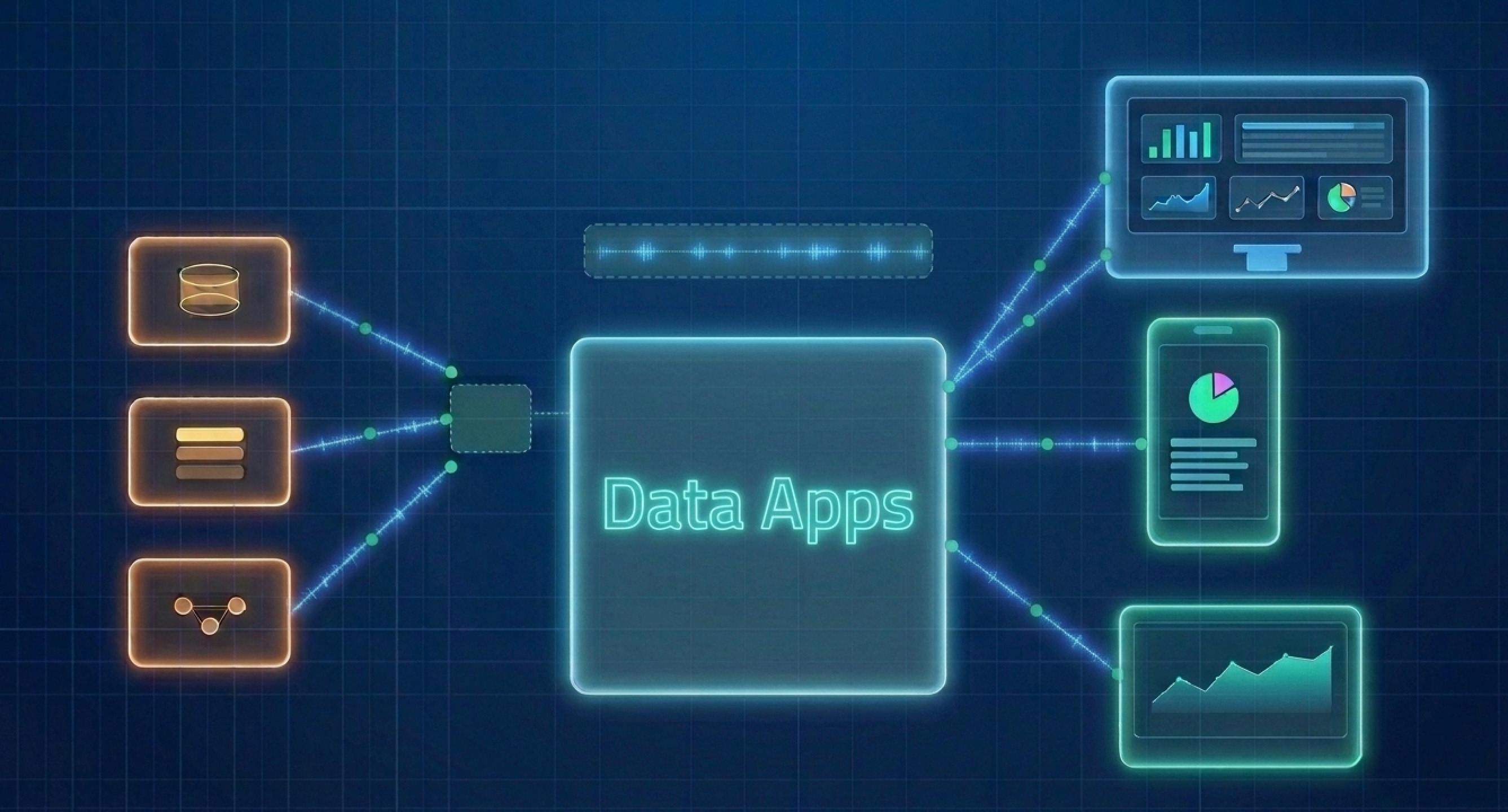
The days of manually entering data, staring at static reports, and waiting on data scientists to run analyses are behind us. Enterprises now demand applications that combine data and functionality directly in the flow of work, making insights immediately actionable. Enter "Data apps".Let’s explore what data apps are, why they matter, and how a modular runtime architecture backed by patented technology enables you to build multi-platform data applications. In this two-part series, we’ll cover the core concepts, architectural principles, and design patterns that help create scalable, portable, and highly interactive data experiences across web, mobile, and embedded platforms. What are Data Apps? The term sits at the intersection of web applications and data visualization — sometimes called analytical applications or "two-way applications" because they support both reading and taking action. At its simplest, a data app is a purpose-built application that combines data, analytics, workflows, and user inputs, tailored to specific business needs and able to adapt as priorities shift. Think loan eligibility calculators, real-time sales dashboards, product recommendation engines, or maintenance trackers for critical equipment. They're an evolution of technologies like Excel macros, which let users manipulate data visually inside a spreadsheet but were stuck with static data and weak security. Modern data apps go much further. They securely plug into multiple business data sources, letting end users visualize and act on information without needing data science expertise. That last part matters. Traditional enterprise applications handle standard processes well, but they break down when workflows are unique to your team or business. They automate. Data apps optimize. They pull data from multiple systems, adapt to custom metrics, and run without heavy reliance on a central IT team. The gap between seeing a number and doing something about it? Data apps close it. Where Traditional Approaches Hit a Wall The old approach of wiring a few charts to queries and bolting on a single-purpose action button doesn't scale and eventually hits the same wall: the rendering logic becomes inseparable from the data logic. You optimize for desktop and suddenly mobile looks broken. You add a new chart type and half the wiring downstream breaks. You bring in a new data source and you're rewriting integration code you thought was settled — and all of this is accelerated when users expect interactivity, cross-platform access, and real-time responsiveness from every surface they work in.This demands a fundamentally different way of thinking about how data apps are designed: a runtime Architecture that is modular and multi-platform, built once and adapted with minimal effort into native implementations for web, mobile, headless agents, and beyond. Modular Runtime Architecture The Modular Runtime Environment (MRTE) architecture, backed by US Patent 11,054,971 B2, demonstrates how a well-designed, decoupled, and abstracted runtime can power scalable data applications across platforms. It offers a solid blueprint for developers building data-heavy applications that need to run across multiple platforms. The core idea: separate visualization, data retrieval, and user interaction into independent layers. Connect them through message-routing connectors instead of direct calls. No layer knows about the others. They just pass messages. Let's unpack the mechanics of this architecture and see how a modular, message-driven design can dramatically simplify cross-platform development. The MRTE is built around three distinct layers, each doing one job: The Data Layer (DL) — fetches, packages, and publishes data. It's deliberately "headless," meaning it can run without any GUI at all. The Platform-Specific Visualization Layer (PSVL) — generates the GUI, renders widgets, and knows what platform it's running on. The Interaction Layer (IL) — listens for user inputs and translates them into typed signals. Here's what's actually going on inside it. The Data Layer (DL): The Headless Engine At the heart of the MRTE is the Data Layer (or "query layer"), which houses a headless execution engine. Because it is "headless," this engine is capable of functioning entirely without a Graphical User Interface (GUI). The DL is strictly responsible for handling the heavy lifting of data processing. It formulates queries, retrieves datasets, and generates the underlying "visualization data" required to build charts and graphs. The Platform-Specific Visualization Layer (PSVL): The "Adaptable Face" , the PSVL is responsible for actually drawing the GUI and rendering the visual representations on the user's screen. Because the heavy data logic is abstracted away into the Data Layer, the PSVL is lightweight and, true to its name, platform-specific. This means a team can build one PSVL optimized for iOS, another for Android, and another for a desktop web browser. Crucially, this layer can be entirely replaced for different computing platforms without touching the headless Data Layer. The Interaction Layer (IL): The "Listener", the Interaction Layer acts as the system's sensory input. It monitors the GUI to detect user interactions with the rendered visual representations. When a user taps, swipes, or clicks a chart, the IL determines the specific interaction type and the data selection made by the user. Modular Runtime (MRTE) Architecture The key architectural rule: none of these layers talk to each other directly. They communicate through a Runtime Connector (RC), a software component that sits in the middle and routes messages between layers. There's also a Query Connector (QC) that mediates between the Data Layer and whatever backend store is supplying the data — relational database, columnar store, cloud data warehouse, agent doesn't matter. This sounds like basic separation of concerns — and it is — but the patent makes explicit why this matters at scale. Because each layer only talks to the RC (not to other layers), you can swap out the PSVL entirely for a different computing platform without touching the DL. The data retrieval and processing logic stays constant. Only the rendering adapts.Individual layers may be replaced with new or different layers without requiring the remaining layers to be updated to communicate with those replacements. In Part 2, we’ll take a deeper look at how the message flow works behind the scenes and explore the architecture that powers advanced interactive data applications. We’ll walk through the end-to-end flow of requests, state management, and event handling, and examine the design patterns that enable rich, responsive user experiences across platforms.
Building Multi-Platform Data Apps With Modular Runtime Architecture (Part 1)
Full Article
Original Source
Read the full article at Hackernoon →KhanList aggregates and links to publicly available news content. We do not host full articles from third-party sources. Always verify important information with original sources.