
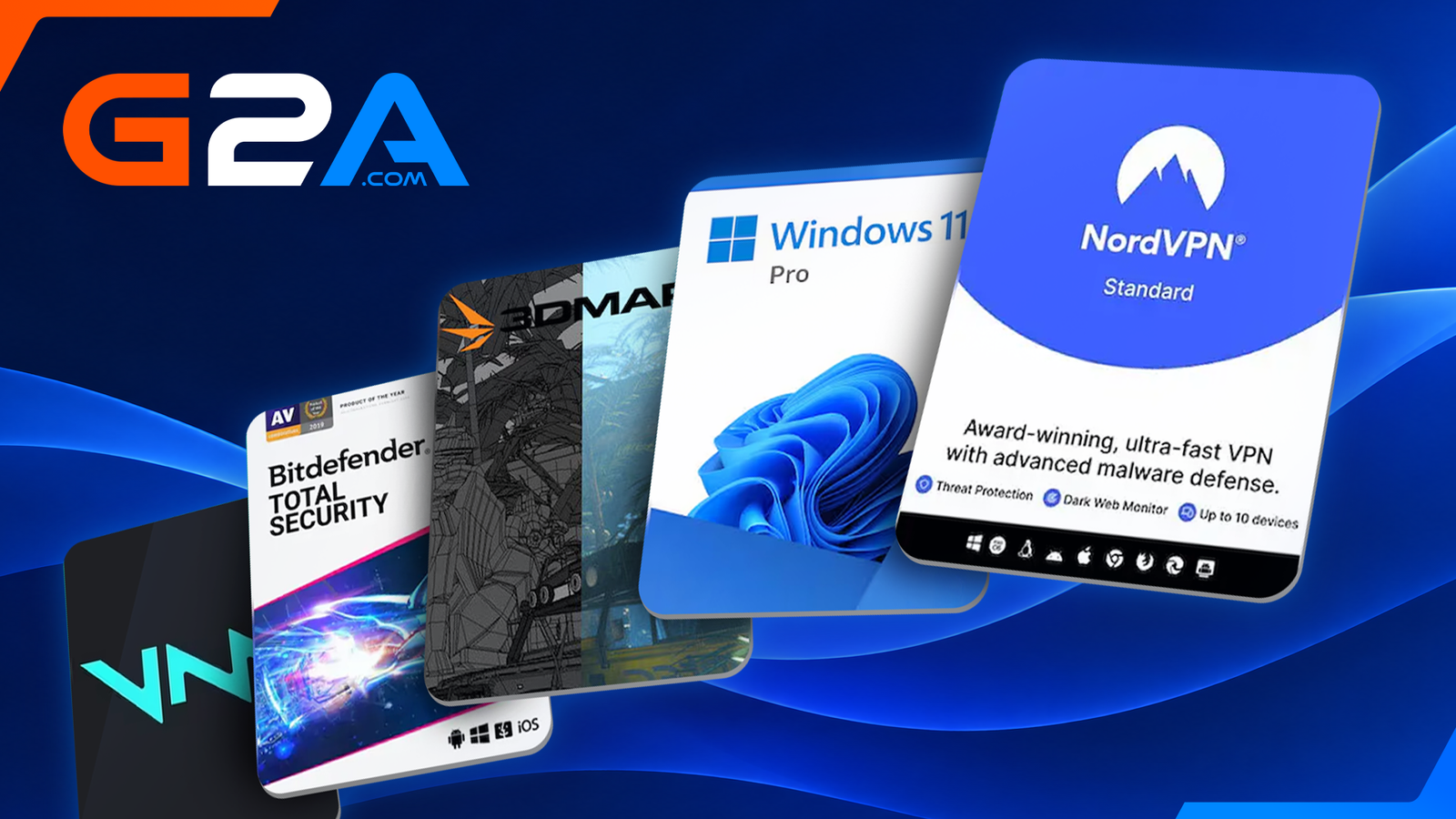
Published Nov 17, 2026, 7:59 AM EST Josh Coulson is an editor at TheGamer covering breaking news on everything from colorful platformers to the latest Lego sets. Primarily a news writer since 2018, Josh has covered just about every major game from the past decade. Now an editor, their focus has shifted to being the leading affiliate expert at the site, building relationships between TheGamer and global brands including Mattel, Funko, and The Pokemon Company. This article was produced in collaboration with our sponsor, G2A.COM. As console prices continue to rise, more people are turning to PCs for their gaming needs than ever before. The trouble is, PCs, and the components you need to make them run well, are getting pretty pricey too. It’s more important than ever to try and make your PC do everything you want it to do for less, and that means focusing on the software rather than the hardware. Whether you have a top-of-the-range PC that could be performing even better, or a PC with lower specs that you want to get more out of, having the best programs and software installed is key. Below you’ll find five essential pieces of software that should be installed on every gaming PC, all of which are currently available at G2A.COM for less. Windows 11 Pro Microsoft Windows is the operating system that everyone thinks of first when they hear the term OS. The thing is, not all versions of Windows were created equal. Windows 11 is great, particularly for gaming, but if you really want to harness all of your PC’s power and all of its RAM, you really should be using Windows 11 Pro. Windows 11 Pro supports PCs with up to 2TB of RAM. That’s almost 16 times more than the standard Home version of Windows 11 can handle. It also boasts a Remote Desktop feature that allows you to log in and control your gaming PC hub from any other device in the house. An incredibly useful feature for gamers who hop between devices based on what they’re playing and where they prefer to play it. NordVPN NordVPN VPNs are becoming more and more commonly used by just about everyone. If you have a gaming PC but you don’t have a VPN, you’re doing yourself a disservice. You should have one for a multitude of reasons, and if you’re going to get one, then you may as well make it the industry standard, NordVPN. VPNs can protect gamers from DDoS attacks, whether they be the kind that target entire games and studios, which are unfortunately becoming more common, or the kind that focus on you, courtesy of a disgruntled rival you may have bested in an online lobby overreacting to their defeat. A VPN also means you can bypass regional restrictions and grab games that might not be available in your part of the world. As for why NordVPN, the gold standard offers military-grade encryption that offers better security and protection than just about any rival VPN on the market. It also offers two additional security protocols so that even the actions between your PC and the VPN itself can be masked. Bitdefender Total Security BitDefender Total Security As touched upon when discussing NordVPN, security on your gaming PC is of the utmost importance. Particularly in the present day when pretty much all games require you to be online - even most of the “offline” single-player ones. You’d be surprised how many people simply leave their PC security up to the programs that come pre-installed. They’ll protect you to an extent, but if you want to fortify your virtual walls and really make sure nothing sneaks through, you should invest in Bitdefender Total Security. Bitdefender is always running in the background, keeping your PC safe from any threats while not compromising your system’s performance. It is second to none when it comes to detecting malware, and best of all for this topic in particular, it has a dedicated Game Mode. Turn that on, and Bitdefender will never interrupt you while you’re playing. 3DMark 3DMark Have you ever been playing a game on your PC that should look and run a lot better than it does? Or been sitting with a new game in your virtual cart, wondering if your setup will be able to run it at its best? Well, there’s software for that. A program that will test everything about your PC and its capabilities that checks back in with you to let you know what it can handle, or why it can’t handle what you expect from it. That program is called 3DMark. 3DMark can check in on all sorts of internal details and potential issues with your PC that let you know where you might need to upgrade, or what needs to be fixed. It will automatically let you know what your PC’s ideal benchmark is, estimate how games will perform based on those results, and monitor important variables such as CPU temperature, speed, and framerate. Voicemod Pro Microsoft For millions of you, playing games online with others doesn’t just mean online multiplayer. It means streaming your gameplay for the world to see, potentially to massive audiences, and most of the time while you talk over your gameplay and engage with your audience. Whether you want to sound a little different while you do that, change your voice entirely, or just make your streaming sessions more entertaining, there’s Voicemod Pro. Voicemod Pro uses AI technology to mask and alter your real voice, with an entire library of different voices to choose from. There’s also an expansive soundboard with a suite of various noises for you to pepper in throughout your streams. That’s where that added element of entertainment comes in courtesy of VoiceMod Pro. All of these software solutions and many more can be found on G2A.COM, the world’s largest marketplace for digital entertainment, offering gamers access to a wide selection of software, games, gift cards, and subscriptions from verified business sellers. Whether you’re looking to optimize your gaming performance, protect your PC, or upgrade your setup, G2A.COM makes it easy to find the right tools for your needs
Beyond Gaming: The Essential Software Every PC Gamer Should Have
Full Article
Original Source
Read the full article at Thegamer →KhanList aggregates and links to publicly available news content. We do not host full articles from third-party sources. Always verify important information with original sources.