
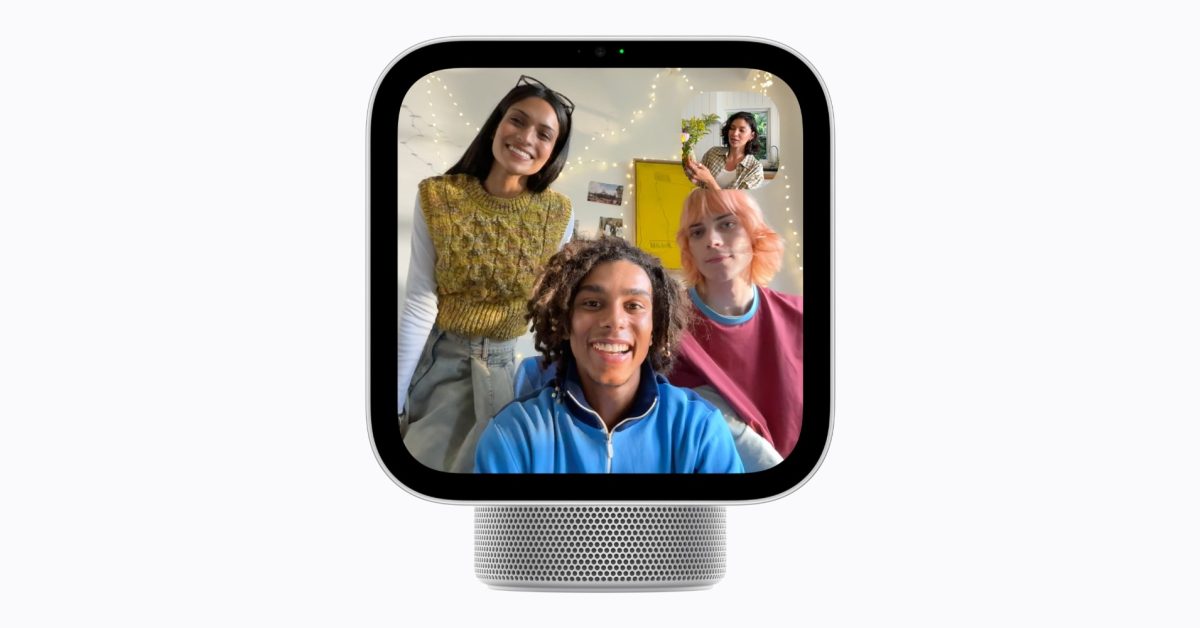
Apple has launched several exciting new products in the last month, including iPhone Duo and the redesigned MacBook Pro. But my personal favorite new product is Apple’s HomeView. Here’s how I’ve been using it. How I’ve been using the HomeView, including my favorite features so far Two years ago when Mark Gurman published an in-depth report on Apple’s forthcoming HomeView, I was immediately ready to buy one. After numerous delays, the HomeView is finally here. And despite several shortcomings I expect will be fixed with software updates, the HomeView overall is exactly what I’ve been wanting in a home product. HomeView is essentially a HomePod, but with a screen. And that screen adds so much extra value. When rumors said the HomeView would only have a 7-inch display, I was concerned it would be too small. It turns out, Apple knew what it was doing. The HomeView’s size is a feature, not a bug. Too much larger and it would stand out as a piece of tech. By staying small, the HomeView can be a cute, non-distracting addition to the home. Here are some HomeView features I’ve been loving so far: listening to Apple Music with artwork on-screen, which makes the experience feel richer music with lyrics on-screen, because I’m notoriously bad at deciphering what’s being sung the Photos face, which delights me each day as it cycles through special memories Siri AI’s expanded intelligence and capabilities convenient Apple Home controls, plus working as a video monitor for my smart cameras the Modular face for glanceable views of the current time, date, and weather None of these is what I’d call a “killer feature,” but together they amount to a delightful experience. I already liked having a HomePod around, and HomeView builds on that foundation in so many ways. Overall, HomeView is very much the product I was hoping for back in 2024. That said, there’s definitely room for improvement. Here’s what’s missing. What’s missing from HomeView’s 1.0 experience I love HomeView for what it is today, but I fully expect Apple to improve the product via software updates. Leaks already point to two major feature upgrades in the works that I hope ship soon. Built-in apps for Apple Photos and Notes would be great to have, plus support for the recipes included in Apple News+. But my personal top request is for parental controls of some sort. For a device that’s intended for the whole family, I’ve been surprised to find there are no current features to prevent young children from doing whatever they want with HomeView. I have a toddler who loves the HomeView so much that I had to move it out of his reach. I wish there was a way to lock the screen on command, or prevent switching apps or faces without authentication. Some sort of “toddler mode” would be greatly appreciated. Siri AI has also had some bugs, but those are likely related to me running the iOS 27.3 beta. Apple’s new HomeView is available now for $299. What’s your take on the HomeView so far? Are you still mulling a purchase? Let us know in the comments. Best Apple Home accessories eufy 4K camera with HomeKit Secure Video Aqara Smart Lock with Apple Home Key and UWB HomeKit Garage Door Opener HomeKit smart plug 4-pack Aqara Smart Thermostat with Adaptive Temperature FTC: We use income earning auto affiliate links. More.
Apple’s new ‘HomeView’ is exactly the home product I’ve been waiting for
Full Article
Original Source
Read the full article at 9to5mac →KhanList aggregates and links to publicly available news content. We do not host full articles from third-party sources. Always verify important information with original sources.