
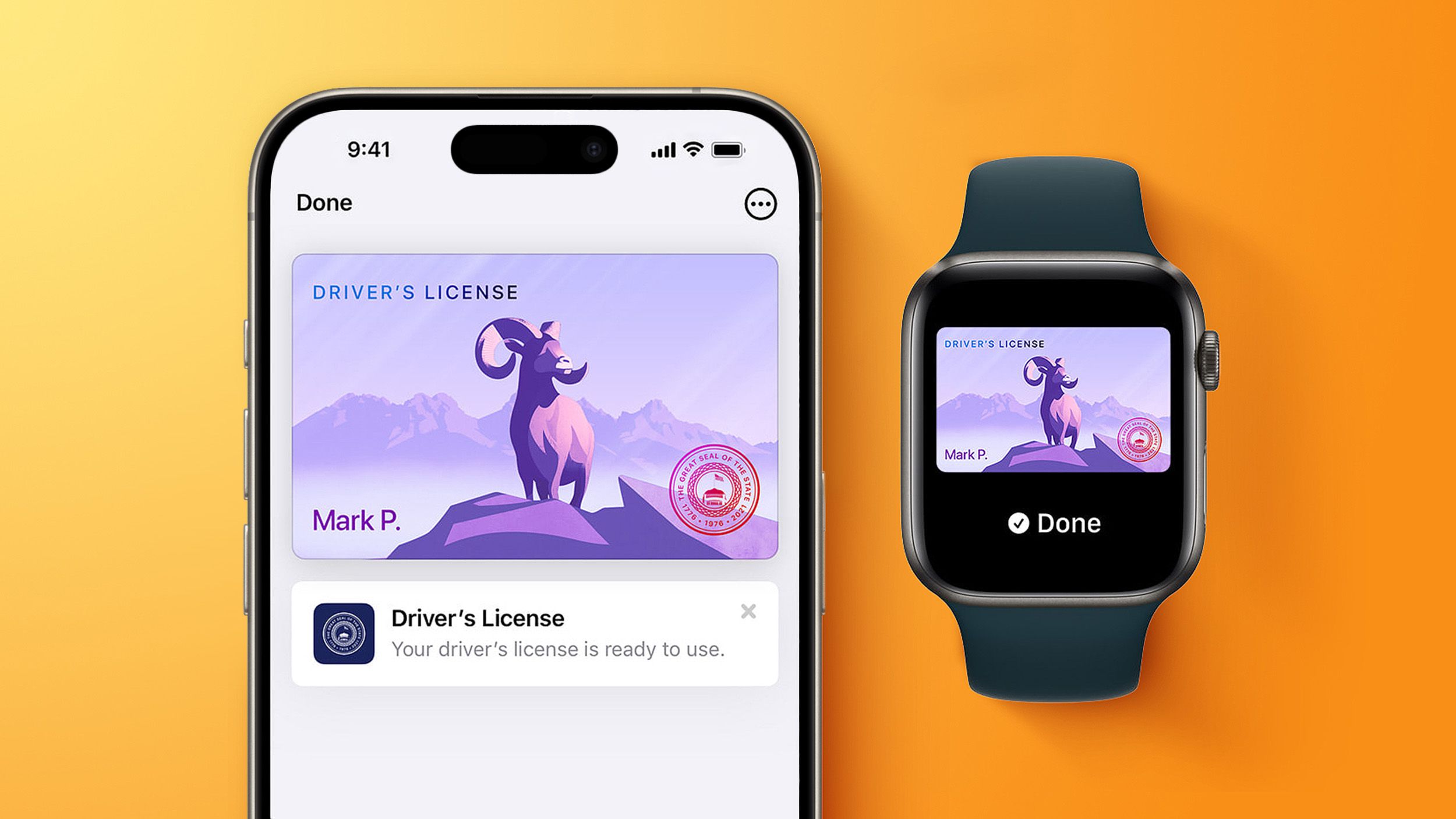
In select U.S. states, residents can add their driver's license or state ID to the Apple Wallet app on the iPhone and Apple Watch, and then use it to display proof of identity or age at select airports and businesses, and in select apps. According to a new report and evidence within Apple's code, the feature is set to expand to four more states. A few days ago, North Carolina's DMV announced that it plans to launch a mobile ID program later this year. As reported by WRAL, North Carolina residents will be able to set up a digital ID through a new NC Wallet app starting in December, with Apple Wallet, Google Wallet, and Samsung Wallet support to follow in "early 2027." Given that Apple Wallet IDs are not accepted by law enforcement and at many businesses, carrying a physical ID is still highly recommended. "Your mobile ID is a valid form of identification in North Carolina," the DMV said, in a FAQ on its website. "However, as retailers, restaurants and other businesses transition to mobile IDs, some may not be set up to accept them right away. For now, carrying your physical card gives you a backup when needed." According to code seen by MacRumors, Apple Wallet IDs are also coming to Oklahoma, Utah, and Virginia, but there is no timeframe for availability. All in all, Apple Wallet IDs are coming to these four states: North Carolina Oklahoma Utah Virginia The following 14 states already offer Apple Wallet IDs: Arizona (since March 2022) Maryland (since May 2022) Colorado (since November 2022) Georgia (since May 2023) Ohio (since July 2024) Hawaii (since August 2024) California (since September 2024) Iowa (since October 2024) New Mexico (since December 2024) Montana (since August 2025) North Dakota (since September 2025) West Virginia (since October 2025) Illinois (since November 2025) Arkansas (since May 2026) The feature is also available in Puerto Rico. Apple Wallet IDs are accepted at TSA checkpoints in more than 250 airports in the U.S. for domestic travel, and North Carolina's DMV said this will include Charlotte Douglas International Airport and Raleigh-Durham International Airport. Travelers should refer to TSA signage to confirm availability of the feature. To set up the feature, open the Wallet app on the iPhone and tap on the plus sign in the top-right corner. Next, tap on Driver's License and ID Cards, select your state from the list, and follow the on-screen steps to complete the process. Popular StoriesiPhone Driver's Licenses May Soon Expand to New StateThursday July 23, 2026 1:58 pm PDT by Juli CloverDriver's licenses and IDs may soon be available in Apple Wallet for iPhone and Apple Watch users who live in Utah. MacRumors discovered signs of a Utah ID in Apple's backend, suggesting Apple is moving forward on implementing support. Utah already offers a mobile driver's license option through a standalone app, but there is no Apple Wallet integration. Utah's mobile driver's license FAQ page...iPhone Driver's Licenses May Soon Expand to Another US StateWednesday July 29, 2026 6:15 am PDT by Tim HardwickDriver's licenses and IDs may soon be available in Apple Wallet for iPhone and Apple Watch users living in Oklahoma. MacRumors discovered signs of an Oklahoma ID in Apple's backend. With input from Apple, a House bill was passed in March 2026 that allows Service Oklahoma to issue mobile or digital versions of state identification cards, driver's licenses or permits – suggesting this is...Apple Wallet Support Coming to Manchester's Bee CardApple is preparing to allow the Bee Card to be added to the Wallet app, according to code seen by MacRumors. When this functionality goes live, you will be able to add the Bee Card to your iPhone or Apple Watch and use it to pay your fare for trams and buses in the Manchester, England area. However, the code does not provide any timeframe for availability, so stay tuned. Update August 5:...
Apple Wallet Driver's License Feature to Launch in Four More U.S. States
Full Article
Original Source
Read the full article at Macrumors →KhanList aggregates and links to publicly available news content. We do not host full articles from third-party sources. Always verify important information with original sources.