
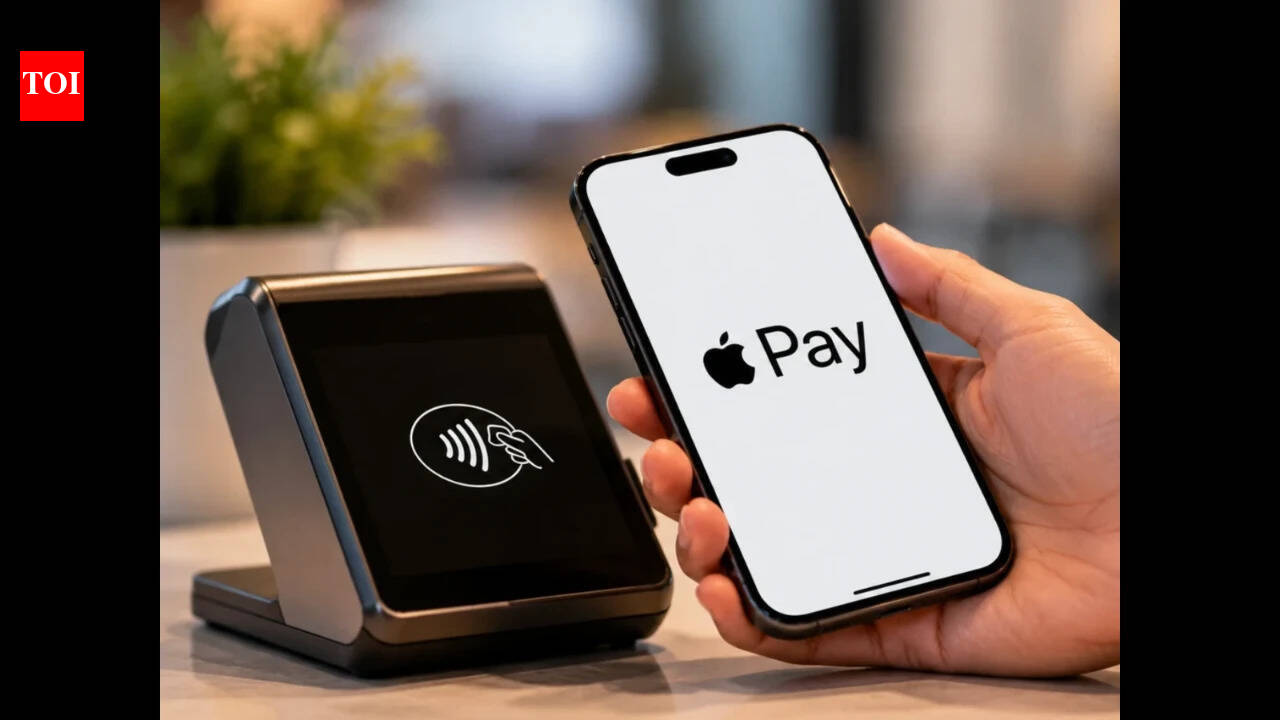
Apple has officially launched Apple Pay in India. With this launch the company brings its secure and seamless payment system to iPhone, iPad and Apple Watch users, with Mac support coming soon. Apple Pay roll out in the country will enable users to pay in stores, apps, and on the web without typing PINs and OTPs marking a significant milestone in India’s fast-growing digital payments ecosystem. At launch, Apple Pay supports Axis Bank-issued Visa and Mastercard credit cards, enabling payments at thousands of merchants across India and anywhere NFC transactions are accepted globally.Apple also emphasised that privacy remains central to how Apple Pay functions. When a card is added, the actual card number is never stored on the device or Apple's servers, nor shared with merchants during a transaction. Instead, the system assigns a unique Device Account Number, which is encrypted and stored securely within the device's Secure Element — a certified, industry-standard chip built specifically to protect payment information.Apple Pay launched in India: How it works, and who can use itPresently, Apple Pay is exclusively available to customers holding Axis Bank-issued Visa and Mastercard credit cards, letting them add those cards to Apple Pay and use them at thousands of in-store and online merchants across India, as well as anywhere that accepts NFC transactions.Jennifer Bailey, Apple's vice president of Apple Pay and Apple Wallet, framed the launch as a natural fit for India's fast-growing digital economy, pointing to the country's dynamic, digitally savvy population that's increasingly embracing cashless payments while expecting strong security and privacy standards. She described Apple Pay's core value proposition as making everyday card payments easy, secure, and private — from a simple tap in stores without needing a separate app, PIN, or OTP, to checking out online without repeatedly re-entering payment details.How to set up and use Apple PayApple Pay is easy to set up. Customers can add a card directly to Apple Wallet via the latest version of the Axis Bank app. Alternatively, simply open the Wallet app on iPhone, tap the plus sign, and follow the steps to add an eligible card. Once a user adds a card to their Apple device, they can start using Apple Pay right away.Using Apple Pay in stores is seamless and easy. Simply double-click the side button or Home button; authenticate using Face ID, Touch ID, or a device passcode if prompted; and hold the top of the iPhone or display of the Apple Watch near the contactless reader to pay. When using Apple Pay, users will continue to earn the rewards and benefits offered by their cards.Where you can use itAt launch, Apple Pay will be accepted at millions of merchants across India, including Apple Store locations, Blinkit, Chaayos, Comet, Croma, Interflora, Ixigo, Le15 Patisserie, Reliance brands, Tata 1mg, and Zomato, among others. Apple has also partnered with several payment service providers, including Cashfree, JusPay, Mswipe, Paytm, PayU, Pine Labs, Razorpay, and Worldline, to extend Apple Pay's reach across their respective merchant networks, with more merchants and apps expected to be added over time.Globally, Apple Pay is now available in more than 90 countries and regions, working with over 11,000 bank and network partners worldwide — making India one of the more prominent recent additions to that global rollout.
Apple Pay launches in India: How to set it up and where you can use it
Full Article
Original Source
Read the full article at Timesofindia →KhanList aggregates and links to publicly available news content. We do not host full articles from third-party sources. Always verify important information with original sources.