
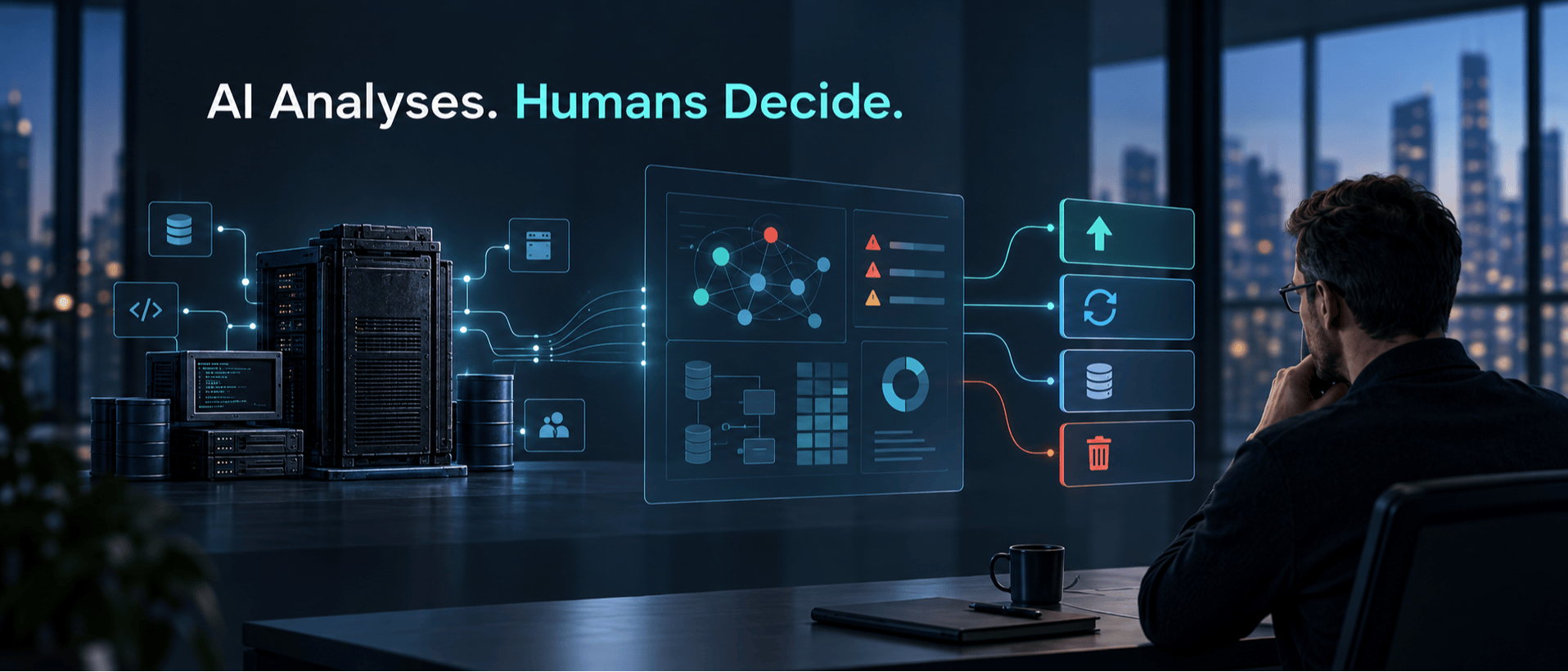
AI can understand code, generate code, analyse the dependencies, and even automate testing. But a successful legacy migration still needs to be analysed by a human; no model alone can handle it. A legacy application can span a very large codebase, years or decades of changes, and undocumented dependencies. It may have databases that nobody wants to touch and integrations that work only because someone has kept them alive for years. This much data and code is difficult for a human to read. A human team cannot realistically review a large amount of code at the speed AI can. AI can process and classify large volumes of code far faster than a human team can review file by file, particularly when repository indexing and automated code-analysis tools are used. AI is highly useful in this, but this is where the real migration problem begins. AI analyses legacy systems; human experts make migration decisions. Understanding what a legacy system does is not the same as deciding what should happen to it. AI can answer: What code exists? Which services are connected? What dependencies exist? Which components appear connected or heavily referenced? Where are potential security issues? What code can potentially be transformed? The migration team decides: Should this component remain? Should it be rebuilt? Should it be retired? Does this business rule still matter? Which migration strategy makes sense? What risks are acceptable? What architecture should replace it? Those decisions belong to the migration team. AI can reduce the manual work involved in analysis, documentation, code transformation and testing, but it should not become the migration strategy itself. Architecture, security, business criticality, acceptable risk and operational constraints still require accountable human decisions. Organisations often use AI to accelerate legacy application modernisation and cloud migration. The migration must not be handed over to AI. It’s good at analysing, generating, and automating while keeping architecture, risk, security, and business decisions under proper control. Legacy Migration Is an Architecture Problem, Not Just a Coding Problem A legacy application is not just an old codebase that needs to be replaced or updated. It includes various technicalities and is often connected with multiple systems, including databases, APIs, authentication services, reporting tools, scheduled processes, third-party platforms, and other internal applications. Some of these connections might be properly documented, while others are only to be found within configuration files, deployment scripts, and even the knowledge of people who have maintained the system over many years. Just because of these connections, legacy migration is not simply moving from an old application to a new one. It's much more complex than that. This is why legacy migration is not just a coding problem but an architectural one. Migration therefore starts with assessment: the team needs to understand the application, infrastructure, data, integrations, dependencies and business rules before designing the target environment. Seven Common Cloud Migration Strategies: The 7Rs The 7 Rs provide different strategic options for modernising a legacy application — not a step-by-step migration process. Before deciding where AI can help, the migration team needs to determine what should happen to each workload. A useful framework is the 7Rs of migration: Rehost: Move the application to new infrastructure with minimal changes. This can accelerate migration but may carry existing technical debt into the new environment. Replatform: Move the application while making targeted improvements, such as changing the database platform, runtime or infrastructure components, without completely redesigning the application. Refactor or Re-architect: Change the application architecture or code to improve scalability, maintainability, performance or integration with modern services. Repurchase: Replace an existing application with a commercial or SaaS product when rebuilding the same capability offers little business advantage. Relocate: Move workloads to another environment with minimal architectural change, typically at the infrastructure or virtualisation layer. Retain: Keep the existing system where it is when migration provides insufficient immediate value or where technical, contractual or operational constraints make migration unsuitable. Retire: Decommission applications or components that no longer provide sufficient business value. AI can analyse technical characteristics and provide evidence that supports these choices, but the final strategy also depends on business criticality, compliance, cost, contractual obligations, organisational skills, acceptable risk and future plans. Those factors cannot be determined from source code alone. Where AI Actually Helps With Legacy Migration 🤔 AI is most useful here when it reduces repetitive analysis and synthesis work that engineers would otherwise perform manually. Modernisation tooling already applies AI to tasks such as code analysis, documentation generation, dependency analysis, business-logic extraction and code transformation. Code Analysis Incomplete documentation leads to difficulty in understanding large legacy codebases, and this is where AI helps. It can help identify the following: outdated frameworks duplicated logic potentially unused components API calls potential security issues complex functions and more When AI helps with these tasks, team working on legacy migration can get an initial picture of how an application is structured before making any changes. Document Generation Legacy systems often face documentation problems. The code might be available, but architecture diagrams are outdated, API documentation might be incomplete, and people who were originally building certain components may no longer be available. But with the help of AI, the migration team can generate: module descriptions API documentation code comments dependency summaries architecture notes technical documentation This can reduce the manual effort involved in creating an initial system inventory. Generated documentation should still be reviewed against the source code, runtime behaviour and existing architectural knowledge before it is treated as authoritative. Dependency Discovery During migration, dependencies are the most common thing to underestimate. An application may depend on: Application → Database → Service → Third-party API → Reporting process Missing even one important dependency can cause failures during cutover. AI-assisted analysis can examine source code, configuration files and available documentation to surface likely relationships, but dependency mapping should also incorporate runtime data and knowledge from application owners. The resulting dependency map becomes an input to migration planning rather than an unquestioned source of truth. Code Transformation and Test Generation AI begins with the transition part once the application is understood. It can suggest refactoring, translate older code into new frameworks, and even identify the areas requiring additional test coverage. However, there’s a huge difference between generated code and production code. Generated code should not be considered production code. The capabilities of AI can help you get a technically correct code, but it can still get you the wrong outcome. To get the correct outcome, learn the existing code’s behaviour, establish it, generate or improve tests around that behaviour, convert the code, and finally compare the results. Data Migration Needs More Than Code Intelligence Data is another area where AI can help, but it still cannot own the decision. AI can assist us with schema analysis, field mapping, duplicate detection, data classification, and transformation rules. It can also help identify patterns across large datasets that would take a migration team much longer to find manually. But deciding what happens to that data is different. Retention, deletion, personally identifiable information, access controls, data ownership and reconciliation still need business and technical decisions behind them. AI can analyse data, but migration decisions still require human validation and reconciliation. Consider a customer database that contains three different identifiers for what is actually the same customer because several systems have been merged over the years. AI may be able to recognise that these records appear to represent the same customer. It cannot automatically decide which identifier should become authoritative, whether the records can safely be merged, or which downstream systems depend on each identifier. That is why data migration needs its own validation and reconciliation plan. It cannot simply be treated as something that happens alongside application migration. Data validation is not just a final check either. Migration tools such as AWS Database Migration Service can compare source and target records and report mismatches after data has been moved. AWS guidance also recommends defining a data validation strategy as part of the migration approach. The important point is simple: moving the data is only one part of data migration. The team also needs to prove that the data arrived correctly and that the modernised application can still use it as expected. Where AI Alone Becomes Risky The biggest limitation is context. Source code can show how a calculation works. It does not always explain why the business still uses it. Configuration files can reveal an integration. They may not explain the operational or contractual requirement behind it. An AI-generated architecture may look cleaner while missing an operational requirement known only to the teams running the system. This becomes particularly important with security, regulatory requirements, customer data, financial calculations and business-critical workflows. AI output should therefore be treated as evidence and acceleration, not automatic approval. This need for verification is consistent with broader AI-risk guidance: NIST's AI Risk Management Framework calls for clearly defined human oversight and responsibility when AI systems are used in consequential workflows. AI can surface information and identify patterns, but the migration team still needs to verify those findings and decide what happens next. A Better Approach: AI-Assisted, Human-Led Migration A practical migration starts with research, assessment, and a detailed migration plan, rather than immediately transforming code. Before changing the application, the team needs to understand what is actually there. This includes applications, infrastructure, integrations, data, dependencies and the business processes connected to them. AI can make this analysis faster by reviewing large amounts of code and documentation, identifying dependencies and helping create an initial picture of the system. But that picture still needs to be reviewed. Once the current environment is understood, architects and business stakeholders can decide what should happen to each workload. Some applications may need to be rehosted or replatformed. Others may need to be refactored, retained or retired. Instead of transforming everything at once, teams can start with a controlled migration wave, establish baseline behaviour and validate the results against functional, security, performance and data requirements. What is learned from that first wave can then improve the next one. This makes AI part of the migration process without allowing automation to become the migration strategy. AI Changes the Migration Workflow, Not the Responsibility AI is making parts of legacy modernisation more practical. Tasks that once required engineers to manually inspect large amounts of code can increasingly be accelerated through automated analysis, documentation, dependency discovery, code transformation and test generation. That changes how quickly a migration team can understand a complex system and how much manual effort is needed for some of the repetitive work. It does not remove the need for architecture. A successful migration still depends on knowing what should move, what should change, what should remain, what can be retired and how the organisation will prove that the modernised system behaves correctly. The strongest approach is therefore not AI versus humans. It is AI for speed and analysis, with humans responsible for architecture, business context, risk and validation. AI can accelerate legacy migration. It should not be mistaken for the migration strategy itself.
AI Alone Won’t Fix Your Legacy System Migration Strategy
Full Article
Original Source
Read the full article at Hackernoon →KhanList aggregates and links to publicly available news content. We do not host full articles from third-party sources. Always verify important information with original sources.