
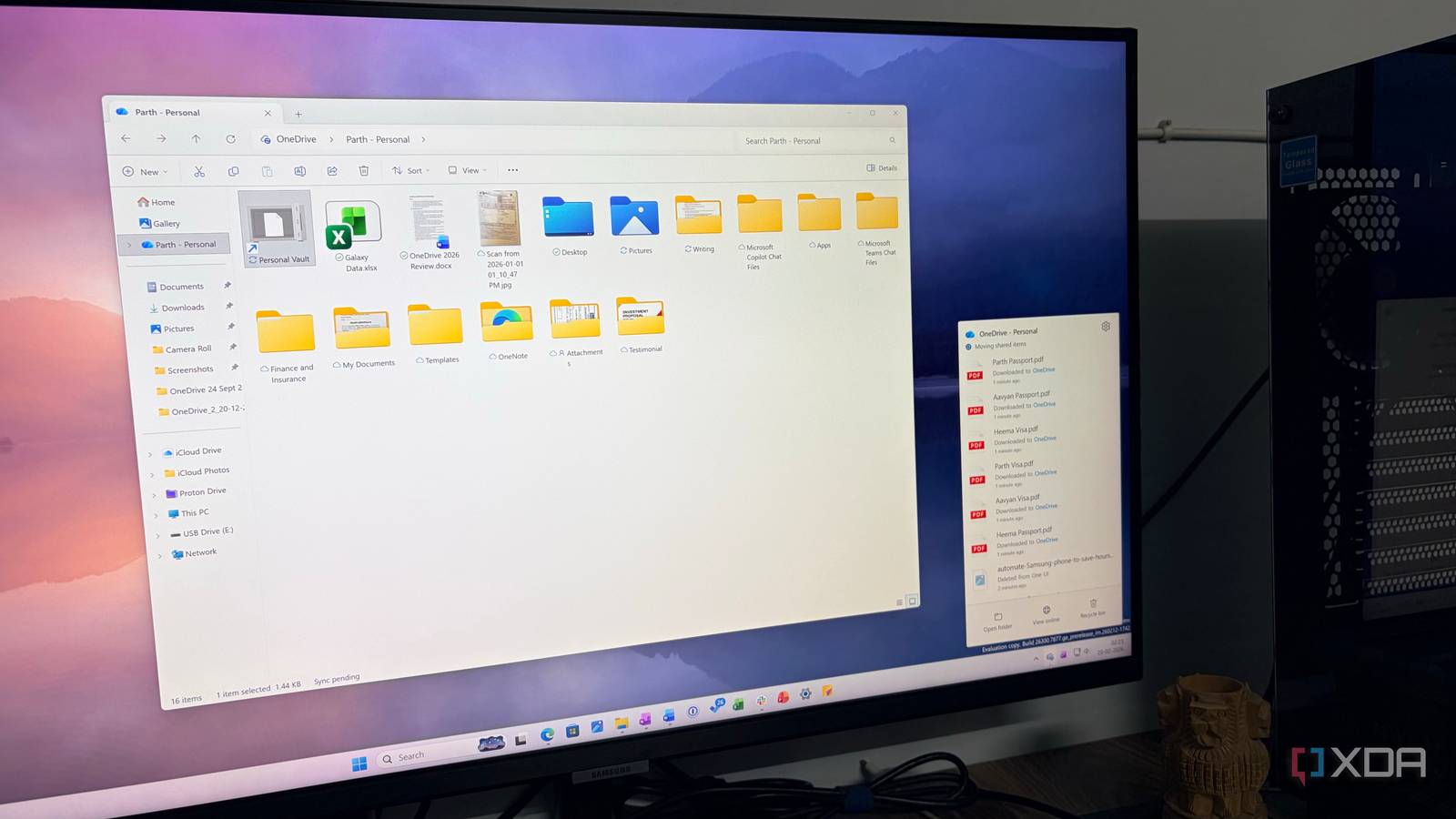
Credit: Published Oct 20, 2026, 8:06 PM EDT Simon is a Computer Science BSc graduate who has been writing about technology since 2014, and using Windows machines since 3.1. After working for an indie game studio and acting as the family's go-to technician for all computer issues, he found his passion for writing and decided to use his skill set to write about all things tech. Since beginning his writing career, he has written for many different publications such as WorldStart, Listverse, and MakeTechEasier. However, after finding his home at MakeUseOf in February 2019, he would eventually move on to its sister site, XDA, to bring the latest and greatest in Windows, Linux, and DIY electronics. Sign in to your XDA account Summary Microsoft scales back agentic Copilot plans in Windows 11 after public pushback. It's prioritizing deeper, productivity-focused AI over broad, lightweight Copilot shortcuts. OneDrive File Explorer context menu loses quick Copilot actions; 'Ask Copilot' remains. A few years ago, Microsoft seemed to truly believe LLMs were the future of Windows 11. We don't have access to Microsoft's communications, so it's hard to say exactly when the gears shifted; however, I believe the turning point was when Microsoft went public with its ideas for making Windows 11 agentic, and it was confused by the outrage it met. Since then, the company has changed course. It's not totally anti-AI now; we saw some new integrations during the last Windows event, for instance. However, it seems to be focusing on quality over quantity, choosing AI models that greatly enhance productivity instead of spreading it far and wide with simple tasks. And while that means deeper integrations in specific areas, it also means tidying up those old cases, such as the OneDrive actions in File Explorer. Will anyone miss it? As spotted by Windows Latest, Microsoft has announced the removal of Copilot options for OneDrive files in File Explorer. Beforehand, if you right-clicked a file in a OneDrive folder in File Explorer, Windows 11 would show you a ton of options. You can see some examples in the announcement message; you get the full list of regular options, then around three entries underneath all that for simple Copilot actions. It's a little messy. Fortunately, Microsoft is scaling back: "We're simplifying how people use Copilot with their OneDrive files in File Explorer. As part of this change, we're retiring the OneDrive Copilot Summarize, Create FAQ, Compare Files, Ask a question, Explain image, Explain images, Compare images, Extract text actions from the File Explorer context menu." If you still want to give your files over to Microsoft's LLM, you can always right-click a file and click the "Ask Copilot" button. Then you can ask it to do something. But these little quick links are now gone.
Microsoft's rollback of Copilot continues as it scales it back from OneDrive's File Explorer options
Full Article
Original Source
Read the full article at Xda-developers →KhanList aggregates and links to publicly available news content. We do not host full articles from third-party sources. Always verify important information with original sources.