
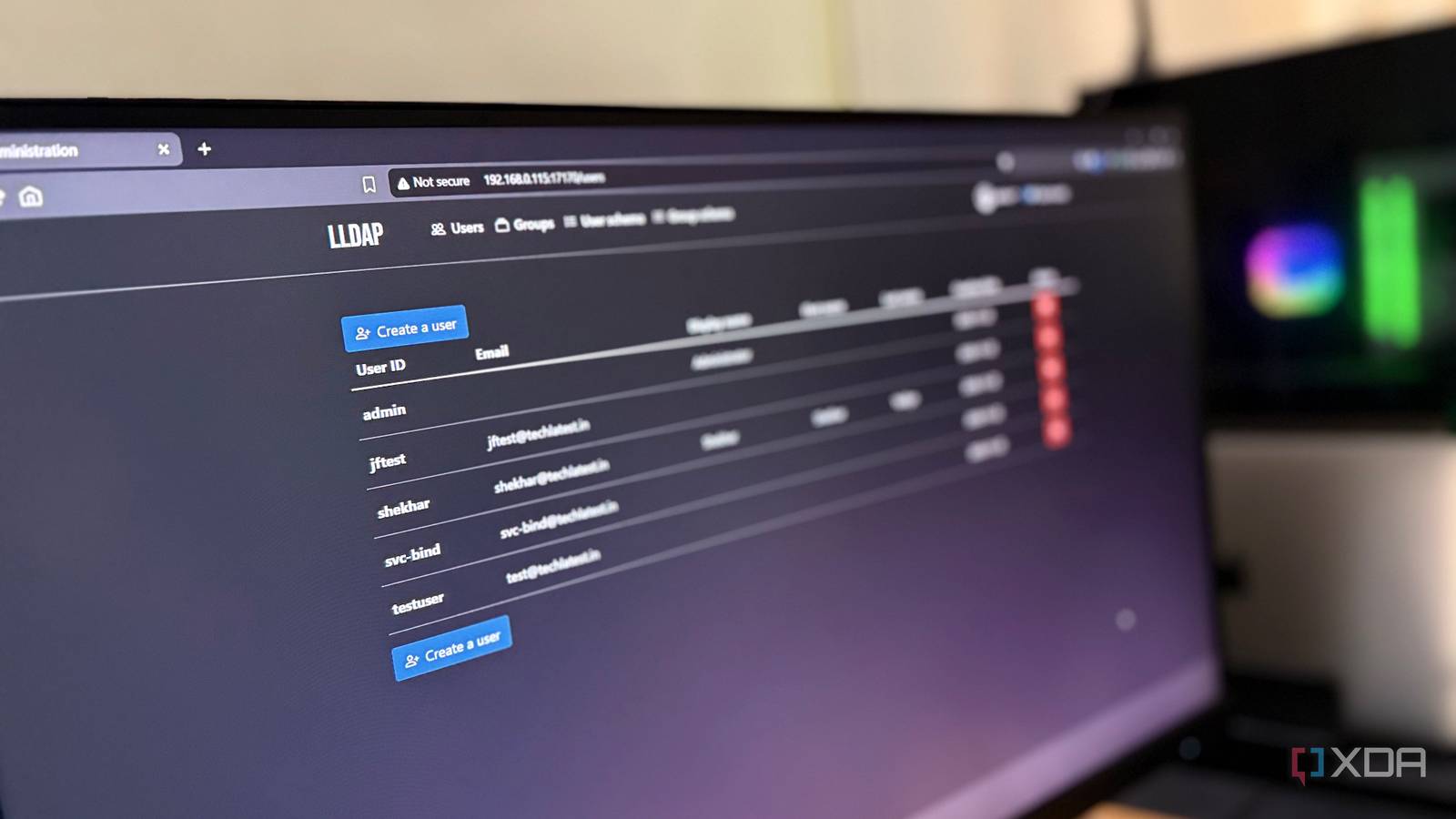
Published Nov 25, 2026, 1:30 PM EST Shekhar Vaidya is a veteran technology journalist and computer science engineer. He is the founder of TechLatest, where he has spent years providing technical analysis on hardware and Windows ecosystems. Now a Computing Writer at XDA, Shekhar leverages his deep background in NAS, storage solutions, and PC internals to help readers master their tech. I have dozens of apps hosted on my home server. And many of them, such as Jellyfin, Nextcloud, and Immich, are shared by my family as well. Do you know what the most annoying thing about sharing the apps is? Nobody ever remembers the password to these apps. I kept having to reset passwords for my sister’s Immich account or my brother-in-law’s Jellyfin account. That’s when I decided to find a simple solution for this recurring problem and came across LLDAP. Installation was the easy part; making my apps adapt to it was another story. One tiny container, and it was the easy part of the job An enterprise idea, squeezed onto a laptop Before moving to the what, why, and how part, let me give you a simple context of my setup at home. I repurposed an old Dell Latitude as my home server as a trial, and one year later, I am still using it as my primary home server. The laptop is almost a decade old and features an i5-6300U CPU and 12GB RAM. The laptop server is the home for more than 30 containers, so I wasn’t in a position to deploy enterprise-grade Lightweight Directory Access Protocol (LDAP) authentication. After digging, I came across a few LDAP options such as LLDAP, OpenLDAP, and FreeIPA. Given the light footprint (around 2–5MB of memory) and Docker-friendliness, LLDAP felt like the best option for my homelab. If you don’t already know about LDAP, it is simply the protocol that lets one directory act as a single source of truth to authenticate into multiple self-hosted apps. No need for different accounts for every app; just one account for each person, and it can be used to log in to all the apps (only the ones I configured, obv.). Now, coming to the LLDAP installation part. Their GitHub repo is fairly detailed with all the installation steps, so doing it took only a few minutes. One thing that was missing from the documentation was the network part. If you are deploying it on the same server your other apps live on, keeping them in the same network does a lot of work for you. For instance, the apps just reach it by its container name. After the installation, I created two accounts and put them in different groups. The first one was a read-only bind account (the one apps use to look people up) in the existing lldap_strict_readonly group. The second was a dummy account to test with the apps in a new family group. Groups are one of the most important things to take care of at the start, and I will explain why in a later section. Two apps said yes, and they handled my old account very differently The account Nextcloud made a twin of Once the easy part was done, it was time to configure a few of my apps to actually talk to it and use its user credentials. I started with Nextcloud and Jellyfin, since these were the most used ones in my stack. The initial setup felt simple enough to complete in one go, but I was wrong about that. Both apps needed an add-on (a plugin in Jellyfin's case) to apply LDAP auth: the LDAP user and group backend app in Nextcloud and LDAP-Auth in Jellyfin. In the Nextcloud LDAP integration page, there are three tabs that matter: Server, Users, and Login Attributes. I needed to take care of them properly before saving and testing the configuration. And this is where the family group from earlier comes in. In the Users tab, I needed to add a custom query, and in the query, I missed the family group filter. Instead of verifying the individual setting, I simply saved it and tested the whole config. So, instead of just the family accounts, it imported all the accounts LLDAP had —in my case, four — even the admin account. And there was already a local user, 'shekhar,' in Nextcloud, and the same user was there in LLDAP too, so instead of merging the account, it created a new account, 'shekhar_9740.' In the case of Jellyfin, it was much better than Nextcloud. I saved the settings in the LDAP Auth plugin and checked whether it created a new account for 'shekhar,' since Jellyfin also had a 'shekhar' local account. But fortunately, it didn’t do that, because Jellyfin handled it better with the Authentication Provider setting for each user. What it meant was that it merged both accounts, or I would say it kept my existing account and added a second auth method in the settings. I could choose either default login or LDAP login as each user’s authentication method. Finally, there was one more app I needed to test before concluding: Immich. It is not the most used app, but a couple of members used it, so I thought, why not? After looking through the settings, I couldn't find any way to implement LDAP authentication in it. Digging deeper, I found there is an indirect way to implement it, via OpenID Connect (OIDC). In my case, I already had Pocket ID on my server, so it was pretty much possible for me. My apps now depend on one container, so I switched it off What still worked, and what didn't Configuration with each app is just a one-time setup; after that, everything flows seamlessly. But every good thing has a dark side too. Now, every app was hanging on one thread only. So I decided to test that thread: what happens if it breaks? I stopped the LLDAP container on purpose and tried to log in with the test user account. Three incidents happened: one was expected, one was the best outcome, and the other was unexpected. Starting with the expected one: with the LLAP container down, the LLDAP auth shouldn’t work, and that's exactly what happened. I tried to log in to Nextcloud, and it threw an internal server error. Then I tried to log in with the local account credentials, and it worked, which was the best outcome: the local account worked the same way as before. And finally, when I navigated to the accounts page in Nextcloud, no users were there, and it gave me an "unable to proceed" error. This was something I didn’t expect. When the container was down, even though I could log in properly with local accounts, I could not access or modify any users. To cope, I made sure to follow a few simple precautions: no admin accounts via LDAP auth, a regular backup of the LDAP volume so I can restore at any moment, and before touching any real accounts, a proper username scheme and the family filter. One more container, and it stays So, am I keeping it? Yes, after the initial few hurdles, it is simple to live with day to day. Need to change the password? Log in to LLDAP and change it once, and it reflects on every app. Need to create a new account? A single account in LLDAP is enough. I am already maintaining a lot more containers; one more won’t hurt. For a small homelab like mine with multiple accounts, I would definitely recommend that anyone try this one tiny container. LLDAP A lightweight, open-source LDAP server with a simple web UI for managing the users and groups behind your self-hosted apps.
A tiny LDAP server finally gave every person in my house one account that works across all my apps
Full Article
Original Source
Read the full article at Xda-developers →KhanList aggregates and links to publicly available news content. We do not host full articles from third-party sources. Always verify important information with original sources.