
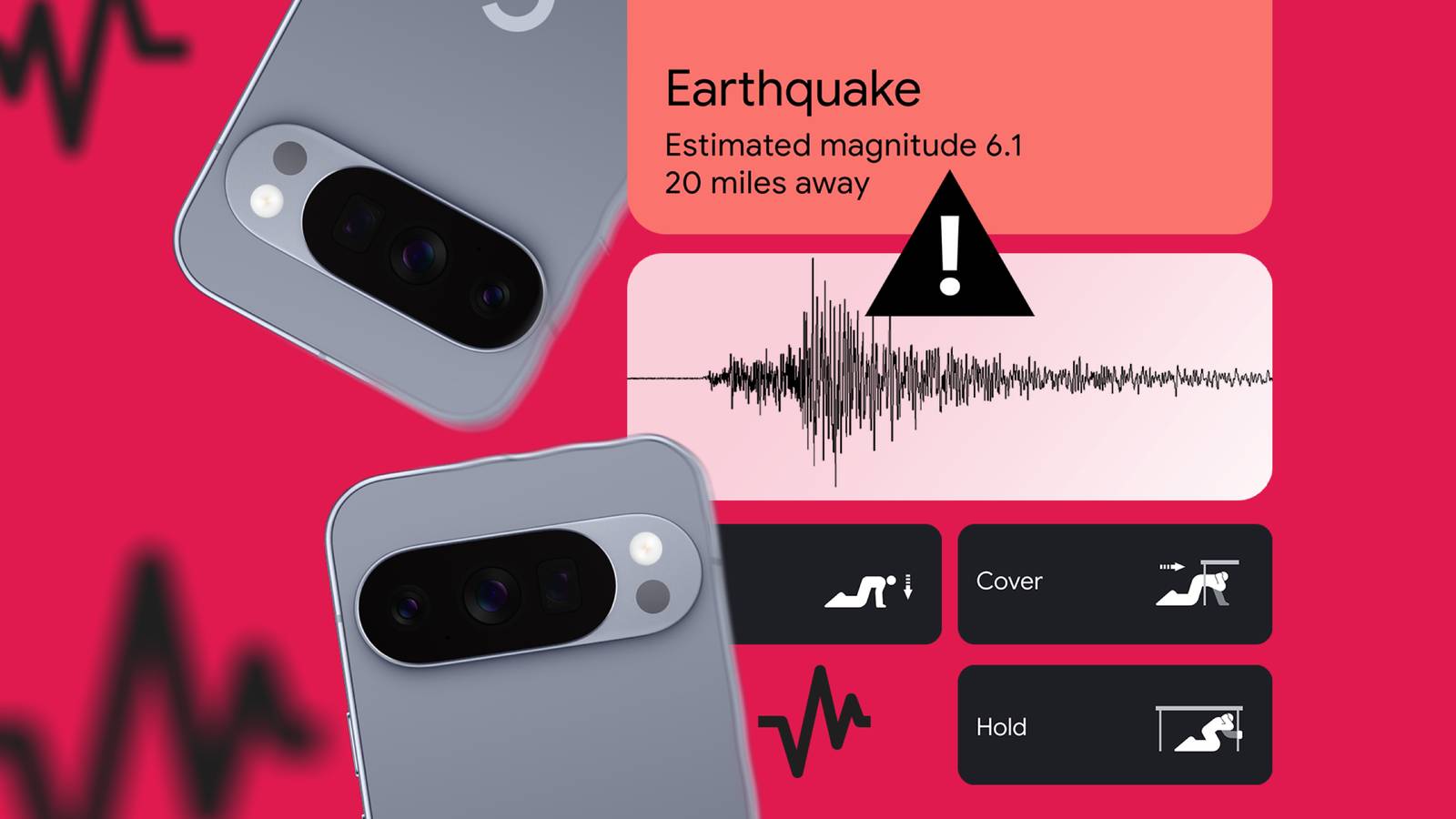
Published Nov 11, 2026, 6:00 AM EST If you've ever wondered whether an AI feature on your phone is doing anything useful, Ben Khalesi has probably asked the same question. He has covered AI and Android for Android Police since 2023, with Pixel, Galaxy, Google's apps, and the rest of the Android ecosystem never far behind. Ben is a lifelong geek who trained as an AI engineer and earned a bachelor's in IT, so when the industry announces something new, he's the one who wants to know how everything works behind the scene and what can be trusted. The worst time to figure out why your phone is screaming is while it's already screaming. On October 15, 2026, Google expanded the Android Earthquake Alerts System from 98 countries and regions to more than 200. So there's a good chance your phone has the feature switched on and running in the background. That's the best reason to learn Android's earthquake alerts now, while nothing is shaking. Your phone is already part of a seismic network Google built the sensors out of everyone's nightstands I think this is one of the most important software features ever, even if it's had misfires, like the false alarm that hit Brazil in February 2025. On the US West Coast, phone warnings come from the ShakeAlert network, which pulls data from 1,675 dedicated seismic sensors across California, Oregon, and Washington. Building that kind of network in every earthquake-prone country is slow and expensive, and many don't have one. So Google went around the problem. Billions of ordinary Android phones are now a crowdsourced sensor network. Your phone has a small accelerometer that knows when you rotate the screen. That same sensor can pick up the fast primary waves at the start of an earthquake (you learn something new every day). When a dense cluster of phones detects those waves, Google's servers calculate the epicenter and push an alert to nearby devices before the destructive secondary waves arrive. Your phone pulls double duty here. When it's plugged in and sitting still, it works as a sensor, and it's always ready to work as an alarm. When back-to-back magnitude 7.2 and 7.5 earthquakes hit Venezuela in June, Google says its alerts reached 11.4 million people, giving some of them seconds and others up to two minutes to take cover. Venezuela has no national warning system. Again, none of that matters if you don't know what each alarm is telling you, and you might only get a few seconds to work it out, or none at all if you're close to the epicenter. Android sorts every alert into one of three levels, and each one asks something different of you. Be Aware means light shaking and a polite heads-up It acts like any other notification The lowest tier is Be Aware. Google sends it when it detects an earthquake of magnitude 4.5 or greater but expects light shaking where you are. Seismologists call that a 3 or 4 on the Modified Mercalli Intensity (MMI) scale. An MMI 3 is like a truck rumbling past. MMI 4 is the same truck hitting the building. Parked cars might rock. Dishes and windows can rattle, and walls may make a cracking sound, but structural damage is highly unlikely. Because the danger is minimal, Android treats Be Aware like a regular notification. It follows your volume settings and respects your Do Not Disturb schedule. If your phone is on silent on the nightstand, it stays silent. You'll see a notification on the lock screen that you can tap for more details about the quake. This one asks very little of you. Take a look at anything sitting on a high shelf, then go back to whatever you were doing. You'll have something to bring up at work. Be Ready means stronger shaking is on the way This one can override Do Not Disturb The middle tier is Be Ready. It covers the same light-to-moderate shaking (around MMI 4) as the top end of Be Aware, but Google reserves it for what it calls a significant earthquake. If you get Be Ready instead of Be Aware, take it as a sign the quake is big. The ground will move enough that you need to act right away. This alert drops the manners. It's built to grab your attention, and it can break through Do Not Disturb. Google also announced an upgrade for this tier, and I want to be careful here because it isn't out yet. In the coming months, the Be Ready alert will show a map of where shaking was detected along with the estimated magnitude. There'll also be a button to learn more about the quake as new information comes in. That's handy context, but the alert on your phone today doesn't have it. For now, when you hear the Be Ready sound, secure what's around you and get set to take cover. Take Action means drop, cover, and hold on right now The siren ignores every sound setting Android issues a Take Action alert when you're about to get hit with MMI 5 or greater. At MMI 5, objects tip over. Higher up the scale, heavy furniture moves and chimneys break. Poorly built structures can take considerable damage. Android responds accordingly, treating Take Action as a full-blown emergency that overrides your volume and Do Not Disturb settings. Your screen wakes up and fills with a bright red warning while a loud siren goes off. The interface gives you instructions to drop, cover, and hold on. Check your settings and run the demo today Don't assume the feature is on. Google activates it by default in supported regions, but software updates and carrier configurations can sometimes reset your permissions. The system also needs Wi-Fi or mobile data plus location services turned onto pinpoint your phone and push a local warning. Go to Settings > Safety & emergency > Earthquake alerts. On some phones, it's under Settings > Location > Advanced instead. While you're there, look near the bottom for a button labeled See a demo. The phone simulates the full Take Action alert, and it is extremely loud. It's a good exercise for your brain to learn the sound now, so it doesn't waste precious seconds decoding it later.
A calm guide to Android's three earthquake alerts, before one wakes you up at 3 AM
Full Article
Original Source
Read the full article at Androidpolice →KhanList aggregates and links to publicly available news content. We do not host full articles from third-party sources. Always verify important information with original sources.