
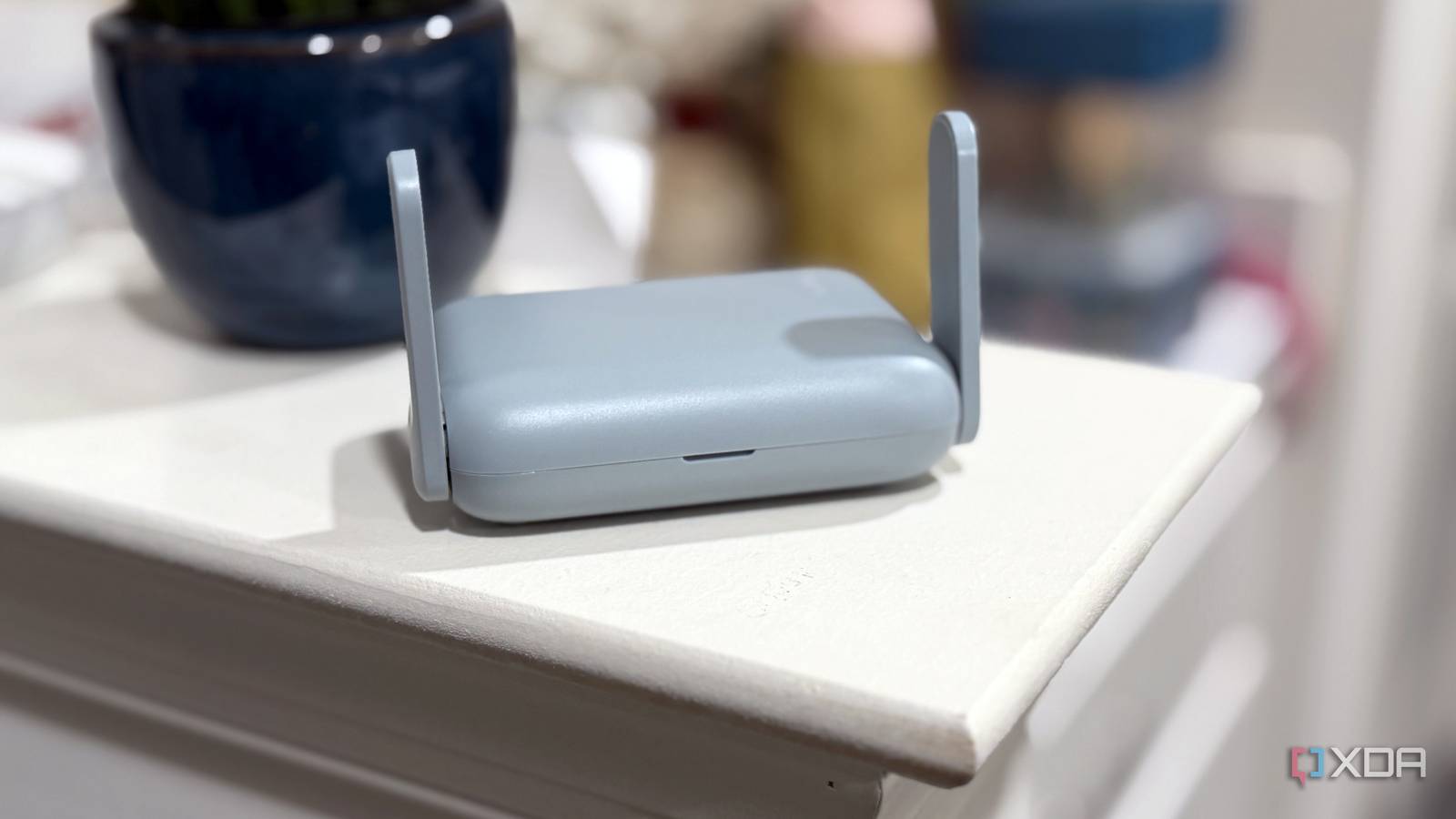
Published Nov 4, 2026, 2:30 PM EST Maker, meme-r, and unabashed geek, Joe has been writing about technology since starting his career in 2018 at KnowTechie. He's covered everything from Apple to apps and crowdfunding and loves getting to the bottom of complicated topics. In that time, he's also written for SlashGear and numerous corporate clients before finding his home at XDA in the spring of 2023. He was the kid who took apart every toy to see how it worked, even if it didn't exactly go back together afterward. That's given him a solid background for explaining how complex systems work together, and he promises he's gotten better at the putting things back together stage since then. I don't travel often, but when I do, I'm always annoyed at the amount of setup I need to do once I get to the hotel. Along with my smartphones (yes, plural), a ROG Ally X running CachyOS, and my trusty MacBook, I also need to connect an Apple TV and the rest of the family devices to Wi-Fi. That's a struggle to begin with, especially if you get a per-room device limit, and then I always worry about security. I've also gotten heavily into self-hosting over the last few years, and want to be able to access those resources when I'm away from home. At first, I was juggling various remote access tools to get the connectivity I needed, but now I don't bother. All I pack is one more tiny device, a travel router that runs WireGuard to connect back to my home network. You can pick one up for about $30, although the model I have is a little more at $100. WireGuard is great until you have many devices to manage Every device needs its own peer, keys and client app and some can't run one at all I've used so many different remote access tools over the last few years, and most have the same issues. Each device needs its own peer on the server, or access token. Some devices can't run a VPN at all, like my Nintendo Switch 2, or have fiddly setup for ensuring a persistent tunnel (like on SteamOS, where read-only root and Game Mode make it tricky). Then, once you've got past that stage, the hotel puts another barrier in your way with a captive portal to sign in to before they can connect to a tunnel. That's easier said than done on some devices, and again, not every device will show the portal. It's just easier all-round to have a travel router log into the hotel Wi-Fi and act as a repeater to the rest of my devices, with a single WireGuard tunnel carrying all the traffic. I put my entire travel kit behind a travel router with WireGuard support The only client config needed is on the router I've got WireGuard set up on an LXC in Proxmox, so all I needed to do was to add one peer to the mix, and put those details into the GL.iNet's configuration pages. That's it. It uses the same port forward that all my other WireGuard traffic uses, connects as soon as the travel router is connected to a network, and rarely lets me down. Just remember to set the "block non-VPN traffic" option in the settings, so that all of your devices that connect to the router go through a tunnel. Now when I get to a hotel, or I want to work from a coffee shop for a change of scenery, I connect the travel router to the Wi-Fi in repeater mode, sign in once to the captive portal, and let my devices auto-connect to the new hotspot. It takes minutes at most, and then I don't have to think about every device. The only thing I have to consider is if the subnet used by the travel router is going to collide with either the hotel's network or my home network. By default, GL.iNet devices use 192.168.8.0/24, which isn't often used by anyone else. My home network uses 192.168.4.x through 192.168.7.x, because of how eero hands out DHCP, but that's still safe with this travel router. It's easily changed if I do find there's an issue with the local network, so I don't really worry about it. I'd gladly pay for the convenience of not juggling configs And don't worry about throughput. Hotel Wi-Fi is always the weak link You might be wondering if throughput could be an issue, and I thought that too at first. But let's be real, when was the last time you had speedy Wi-Fi in a hotel or coffee shop? Or in a dorm room, or anywhere else that isn't your home network? Likely never, and that means Wi-Fi is always going to be the bottleneck, not your WireGuard tunnels. The one-config-fits-all doesn't completely work, because things like your phone is always going to be moving in and out of range of the travel router. At least, unless you bring it along with you and plug it in wherever you have public Wi-Fi to use. Being powered by USB-C, all you need is a charger or a spare port on your laptop. You can also use OpenVPN, ZeroTier, or Tailscale on newer firmware versions if that's your preference, or Tor, and GL.iNet has AdGuard Home built into the firmware so you can block ads. That might be a problem with some captive portals, so make sure you log in before toggling adblocking on. I don't chance it with hotel Wi-Fi and neither should you While most of the reasons I pack a travel router are down to simplicity of setup, it's also a security feature. Open wireless networks aren't as dangerous as they used to be, but why take the chance if you don't have to? I'd rather err on the side of caution and bring a WireGuard-packing travel router to serve as the access point for my devices. GL.iNet GL-MT3000 The GL.iNet Beryl AX is a great travel router that lets you have all your devices behind a VPN to your home network.
A $100 travel router is the easiest way I've found to reach my home server from anywhere
Full Article
Original Source
Read the full article at Xda-developers →KhanList aggregates and links to publicly available news content. We do not host full articles from third-party sources. Always verify important information with original sources.