
Published Aug 23, 2026, 1:15 PM EDT Sydney Butler is a technology writer with over 20 years of experience as a freelance PC technician and system builder and over a decade as a professional writer. He's worked for more than a decade in user education. On How-To Geek, he writes commerce content, guides, opinions, and specializes in editing hardware and cutting edge technology articles. Sydney started working as a freelance computer technician around the age of 13, before which he was in charge of running the computer center for his school. (He also ran LAN gaming tournaments when the teachers weren't looking!) His interests include VR, PC, Mac, gaming, 3D printing, consumer electronics, the web, and privacy. He holds a Master of Arts degree in Research Psychology with a minor in media and technology studies. His masters dissertation examined the potential for social media to spread misinformation. Outside of How-To Geek, he hosts the Online Tech Tips YouTube Channel, and writes for Online Tech Tips, Switching to Mac, and Helpdesk Geek. Sydney also writes for Expert Reviews UK. He also has bylines at 9to5Mac, 9to5Google, 9to5Toys, Tom's Hardware, MakeTechEasier, and Laptop Mag. If you own even a moderately modern car, you may not have a CD player in your vehicle at all, but that doesn't mean you can't find some way to enjoy your high quality audio collection on the road. Bluetooth CD players This is usually the easiest solution Credit: Joe Fedewa / How-To Geek Modern cars may not have built-in CD players, but they do support Bluetooth! So if you get a portable CD player with Bluetooth, you can still listen to your records in your car. The main drawback of this is that you lose the CD quality audio, which for many people will be the point, but if you just want access to your music in your car, this is a simple solution. This also depends on the specific Bluetooth codec in use. If your player and stereo support LDAC or aptX HD, you probably won't notice. But both the stereo and player need to support these high-quality Bluetooth codecs for it to work. Using a regular portable player can work well, but there are portable CD players with Bluetooth designed specifically for car use, and these can often be mounted inside your glove box or in a center console compartment, under the armrest, for example. Through the 3.5mm AUX port Some new cars don't have this, unfortunately I don't see auxiliary audio ports in modern cars as much anymore, probably because phones have done away with their headphone jacks, so people don't really have anything to plug into them. However, if your car's head unit has a 3.5mm stereo input, then you can use pretty much any portable CD player to play your CDs in your car. The main downsides are twofold—first, you can't control the disc's playback while driving, so a passenger will have to do it. Second, you now have a cable trailing out of your car stereo. The upside is that you'll get that full, glorious CD-quality audio. If you want to use the auxiliary audio port as a more permanent CD player solution, then one of those aforementioned portable car CD players with some good cable management might do the trick. Some cars (like my old Yaris) don't have the jack on the front plate of the head unit, but down low on the center console. This makes it much easier to have a neat cable arrangement. USB CD car players These are made specifically for cars, but they aren't cheap Credit: POSSPO While using Bluetooth or a 3.5mm stereo cable can work with any type of portable CD player that supports these options, those dedicated car CD players have another trick up their sleeve. The player connects to the USB port for your stereo, where you would usually insert something like a flash drive containing music. The player makes a copy of the CD in its internal memory, and your stereo sees it as a USB storage device containing audio data. So you're not listening to the live audio from the disc, but a lossless buffered version held by the player. This gives you the best of all worlds, though it might not be as instantaneous as a regular CD player. As a bonus, you can, of course, control playback as usual, because to the stereo each track simply looks like a file. Of course, this will only work on head units that can play audio files from a USB drive, and the player and the head unit need to support the same format. So, if the player creates WAV files, your player must support them. Some players may create other formats, but in any event your stereo needs to pick up what the CD player is putting down. Lossless ripping to USB The great workaround Credit: Ismar Hrnjicevic / How-To Geek If you don't mind doing a little prep work, you can actually play your CD collection at full quality in your car without even taking your CDs with you. Instead, you can use software on your computer, combined with an optical drive, of course, to make lossless digital copies of your music. A typical CD uses about 650-700MB of data, and if you digitize it without compressing it, that might sound like a lot. However, that means you can fit around 180 lossless CD rips on a 128GB flash drive. It's common for modern car stereos to support media playback through a USB port, so in many ways this is the best of all worlds. Other than the hassle and that you can't just decide to listen to a CD in your car without some prep. As I just mentioned you need to rip the music CDs to a format that your car stereo can understand, which might be WAV or something else. You can also use lossless formats that nonetheless compress the audio a bit, which means fitting even more music onto your drive. A new head unit Or an "old" head unit, I suppose Credit: Wirestock Creators / Shutterstock In the old days, replacing your car stereo with a different one was so easy even an amateur could completely mess it up and have to get a pro to do it later. These days, even the pros might balk at trying to do the job. For a lot of modern cars, the integrated infotainment system isn't just a stereo, it's connected to all sorts of other systems in your car, such as the rear camera, or the steering wheel controls. We've also moved away from more standardized mounting systems and faceplates, so even if you could get a new head unit with the right functions and wiring, it won't work with the factory faceplates. That doesn't mean you should completely discount the idea that you could get a new head unit for your car. A little research on whether aftermarket, compatible head units are available for your model should be just an internet search away. If you do have this option, and it will work with your car without losing anything important, you may be able to add CD playing to your vehicle's bag of tricks. Even better, some of these stereo head units have much nicer screens and features than your stock system does. A compatible aftermarket stereo should also come with a dash kit for your make and model of car, or at least offer one you can buy separately. This way the installer can make it all look like factory equipment. Installing a CD changer This one's kind of a long shot Credit: JoshBryan/Shutterstock.com In the old days when CD players were the hot standard for listening to music in a car, you had two solutions. Either your car had a front-loader CD player, or you had a multi-disc CD changer somewhere—most likely the trunk. This CD-changer was connected to the stereo head unit which controlled it. You loaded up a half-dozen or even more discs for the trip, and could listen to them at your leisure. If by some chance you have a car that's old enough to have a stereo head unit with CD changer support, you might be able to install one. Alternatively, you might find a compatible stereo head unit that still has this legacy feature. However, the truth is that this won't be an option for the vast majority of you, but I thought, for the sake of completeness, I should mention it. Should you bother? I'll be honest with you, it's probably better to just rip your CDs to a flash drive. You'll get CD-quality audio without buying a bunch of extra stuff, and you'll create backups of your precious CDs in the process.
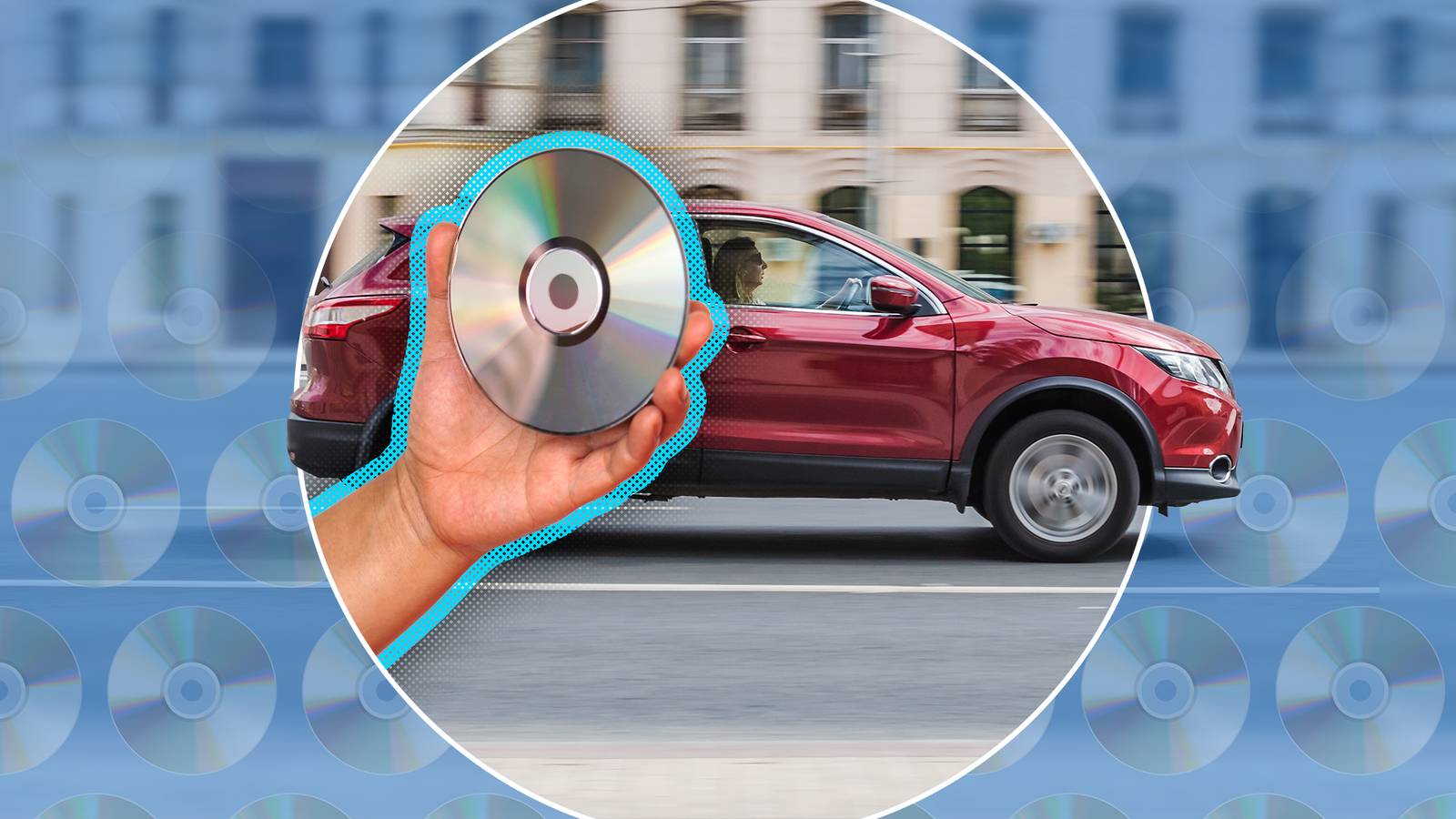
6 ways to play CDs in a modern car
Full Article
Original Source
Read the full article at Howtogeek →KhanList aggregates and links to publicly available news content. We do not host full articles from third-party sources. Always verify important information with original sources.