
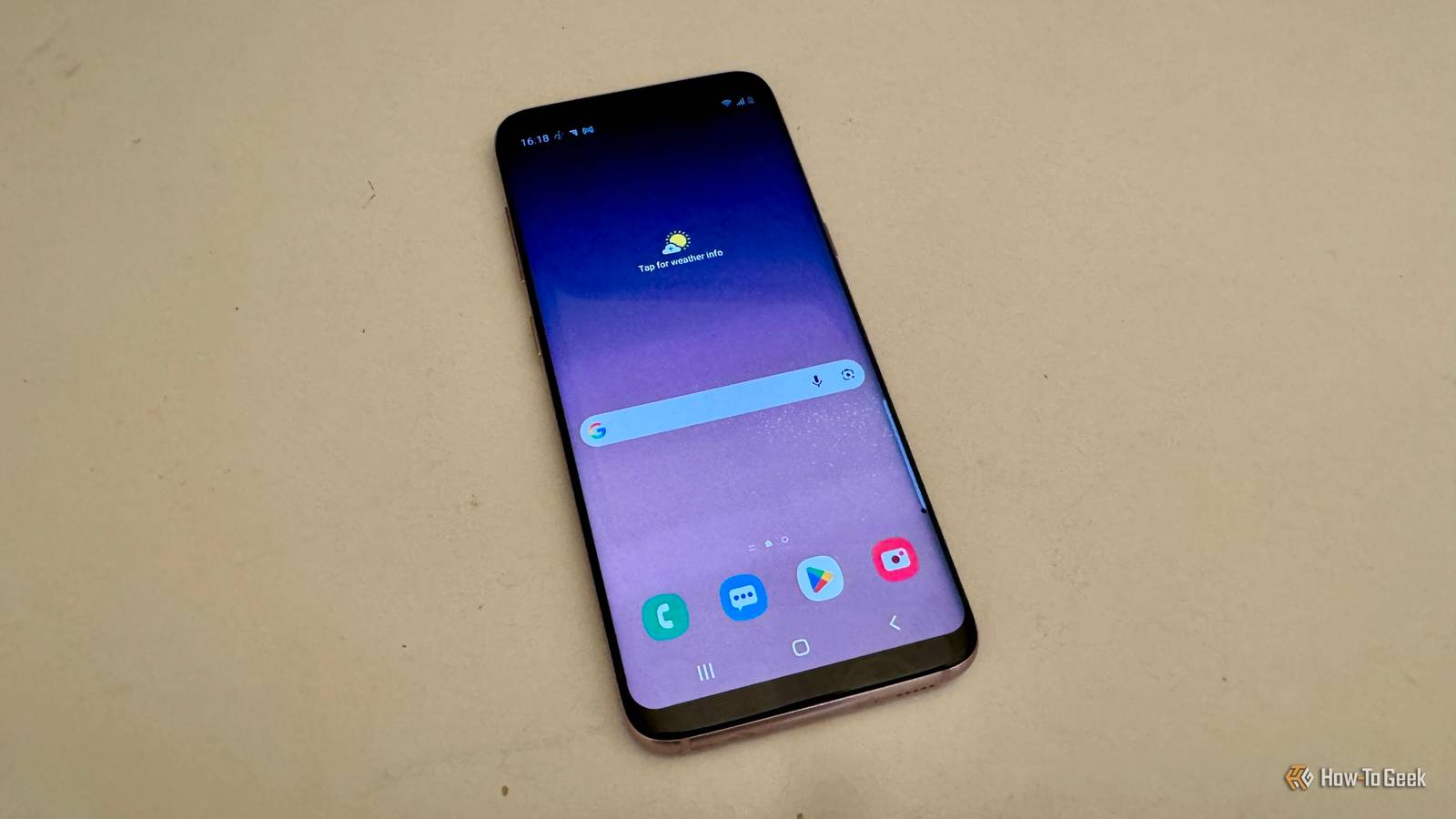
Published Oct 2, 2026, 7:00 PM EDT Adam has a degree in Engineering and has a life-long interest in technology. He has been writing for over a decade for various print and online publications, with a focus on consumer tech. He joined How-To Geek in 2024 while working at Pocket-lint. As well as being a long-term fan of Apple products, he also has a strong interest in smart home tech, running a Home Assistant server at home to automate all his smart home devices. He believes that the ideal smart home should work with minimal interaction from the user, with automations running as if by magic rather than requiring you to push buttons on a control panel. You can find more of his work on Muck Rack. A Raspberry Pi has long been a popular option for home projects because these single-board computers are highly customizable and have traditionally been relatively low-cost. As the prices of Raspberry Pi models rise, you may be looking for alternative options. You may be surprised to learn that your old Samsung phone may make an excellent Raspberry Pi replacement for some projects. Block ads across your network Like running Pi-hole without the Pi One of the most popular uses for a Raspberry Pi is to run Pi-hole. Pi-hole is open-source software that can act as the DNS server for your home network. It compares each DNS request from devices on your network against a blocklist of known ad servers and trackers, then blocks those requests so ads never appear on your devices. It's possible to get network-wide ad-blocking using your old Samsung phone. Someone is running a project on an old Samsung Galaxy S10+. They installed postmarketOS, a Linux distribution designed for phones, and turned the Galaxy into an always-on home server. By running AdGuard Home on the Linux system, the phone can block advertising and tracking domains across the local network. Make your phone the brains of your smart home Home Assistant doesn't need to run on a Pi For a long time, a Raspberry Pi was one of the most common suggestions for hardware to run the excellent Home Assistant smart home software. I ran Home Assistant for several years on a Raspberry Pi 3B+. The increased prices of many Raspberry Pi models mean that it is no longer the affordable option that it once was. You can use a phone to control your smart home devices through Home Assistant, but it's also possible to run the Home Assistant software on an old Samsung phone. One method uses Termux, an Android terminal that lets you run command-line packages on your phone. Using Termux and udocker, it's possible to install Home Assistant through Termux and run it on even relatively old Samsung phones. It's not a perfect solution. Android can stop background applications, and Home Assistant updates may break the workaround. If you have a spare phone lying unused, then it's worth trying it out. Control your 3D printer remotely OctoPrint running on your phone Many 3D printers can print from locally stored files, but this means that you need to interact directly with the printer to use them. OctoPrint is software that you can run on a separate device which allows you to control and monitor your 3D printer remotely through a web browser. You can upload prints, start jobs, monitor the progress, and more. A Raspberry Pi has been a popular choice for running OctoPrint because you can leave the small single-board computer permanently connected to your 3D printer. It's not the only option, however. Octo4a (short for OctoPrint for Android) is an Android alternative to the OctoPi software that is specifically designed for Raspberry Pi devices. It can run OctoPrint on an Android phone without requiring root. You can connect your phone using USB On-The-Go (USB OTG) and even use your phone's camera to watch the print or create Octolapse time-lapse videos. Not every phone can charge and maintain an OTG connection. However, several Samsung models, including the Galaxy S20 FE, have been reported to support charging at the same time as being connected to a 3D printer. Set up a retro gaming console Move aside, RetroPie A Raspberry Pi is a great choice for building a retro gaming console. Projects such as RetroPie bring together everything you need to run retro games on your Raspberry Pi, turning the single-board computer into a dedicated gaming station. Your old Samsung phone can run retro games and make a solid alternative to RetroPie. RetroPie uses the RetroArch component to load different cores to emulate different consoles, and you can run RetroArch on Android. I used my old Samsung Galaxy S8 to run RetroArch and hooked the phone up to a monitor with a USB-C-to-HDMI adapter. I was able to pair a PS5 controller with the phone and play retro games without the need for a Raspberry Pi. Your phone can be a tiny NAS A file server with a built-in UPS You can use a Raspberry Pi to set up your own network-attached storage (NAS). This is storage that's accessible to any device on your local network, rather than being limited to the device that it's connected to. For example, you can connect a hard drive to a Raspberry Pi and save files to it from other computers in your home. Samba is popular open-source software that implements the SMB file-sharing protocol that is supported by Windows, macOS, and Linux. By running Samba on a Samsung phone, you can expose its folders to other devices on the network. You can share the storage already available on the device, including microSD storage, and potentially connect external storage, depending on your phone model. The best part is that even if there's a power outage at your home, your phone-based NAS can keep running, thanks to the phone's battery. It's like having an uninterruptible power supply (UPS) built in. Your phone is already a tiny computer A Raspberry Pi is essentially a small computer, and so is your phone. While your phone may not do everything a Raspberry Pi can, it can handle plenty of projects. You may be surprised by what you can use it for.
5 ways your dusty old Samsung phone can replace a Raspberry Pi
Full Article
Original Source
Read the full article at Howtogeek →KhanList aggregates and links to publicly available news content. We do not host full articles from third-party sources. Always verify important information with original sources.