
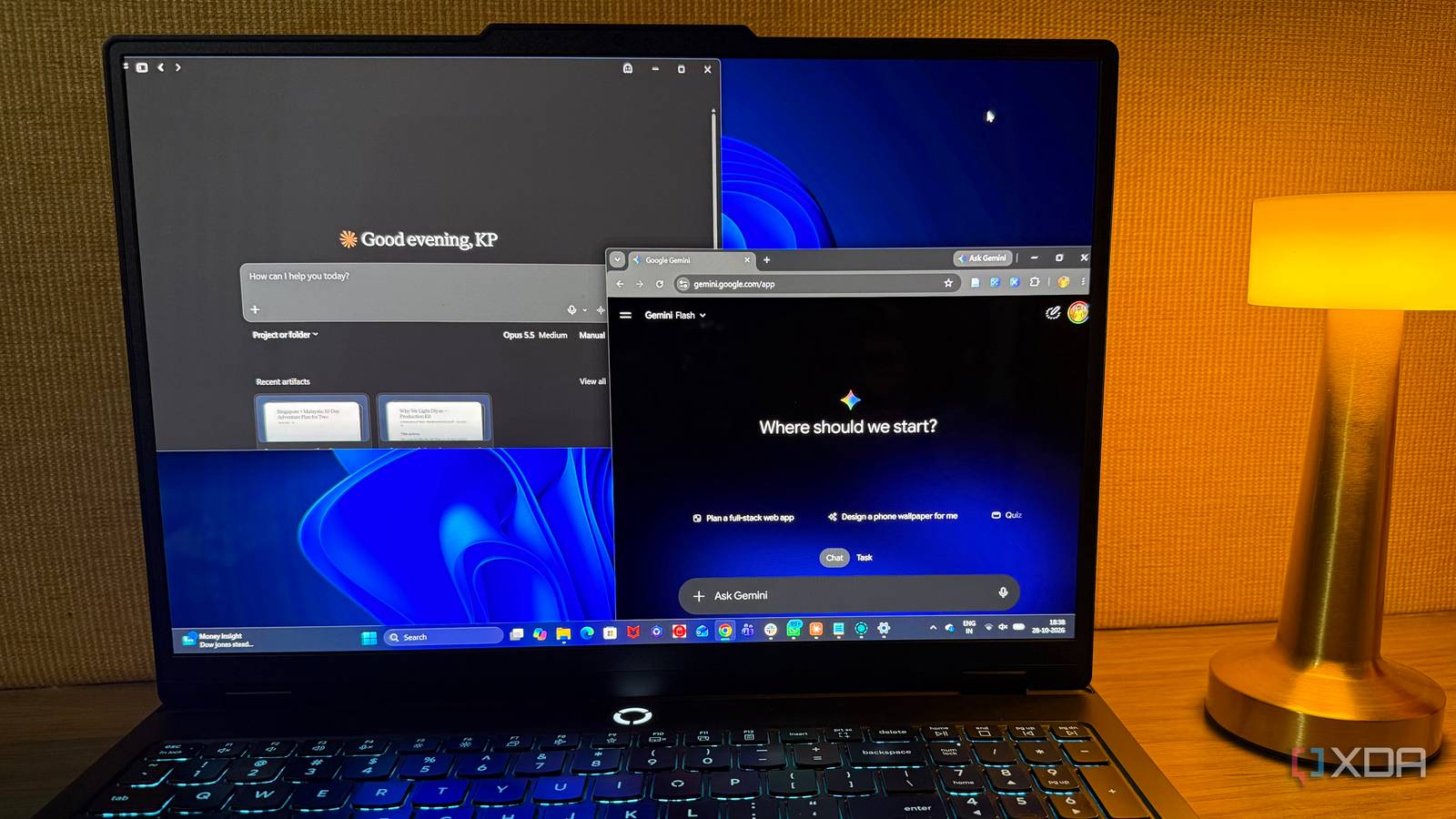
Published Oct 31, 2026, 4:01 PM EDT Beginning his professional journey in the tech industry in 2018, Yash spent over three years as a Software Engineer. After that, he shifted his focus to empowering readers through informative and engaging content on his tech blog – DiGiTAL BiRYANi. He has also published tech articles for MakeTechEasier. He loves to explore new tech gadgets and platforms. When he is not writing, you’ll find him exploring food. He is known as Digital Chef Yash among his readers because of his love for Technology and Food. AI has become part of my everyday workflow, but getting useful results isn't always as simple as typing a question and hitting enter. After testing countless AI tools and techniques, I've realized that some of the most effective methods aren't the ones you'd expect. Small changes in how I interact with AI have made a noticeable difference in my results. Here are five unusual tricks I've tried that have genuinely changed how I work with AI. Dump messy notes instead of a polished brief I used to spend more time than I wanted trying to write the perfect prompt for every AI tool. Now, I start with a rough description of what I need and let another AI turn it into proper instructions. I might dump a few messy notes about an article, describe the image I want to create, or explain the outcome I'm aiming for. Then, I ask AI to turn those thoughts into a detailed prompt for the tool I'm using. This approach is especially useful with image generators, where small details about composition, lighting, and style can make a noticeable difference. I don't need to figure out the right wording from scratch. I just explain my idea naturally and review the generated prompt before using it. It saves time and makes prompt writing feel far less tedious. Let one AI improve another's work I don't always get the result I want from a single AI tool, but that doesn't mean I have to start over. Instead, I take its response and pass it to another AI to refine it. For example, if ChatGPT gives me a useful answer that feels too generic or poorly structured, I can ask Claude to make it more natural, improve the flow, or fill in gaps. I can then review the revised version and make any final changes myself. What I like about this approach is that I don't have to rely on one tool to get everything right. One AI might give me a good starting point, while another does a better job of polishing it. I treat the first response as a draft, not a finished product. This simple back-and-forth often produces better results than repeatedly tweaking the same prompt. Asking AI to argue against my answer Make it critique I used to ask AI whether my ideas made sense, but the answers were often too agreeable to be useful. Now, I take a different approach and ask it to challenge my thinking instead. When I'm working on an article or evaluating a tool, I ask AI to identify weak arguments, question my assumptions, and point out anything I might have overlooked. I usually make the instructions specific: “Act as a skeptical reader. Find three weaknesses in my argument and explain why someone might disagree with them.” This gives me a more useful starting point than simply asking whether my work looks good. Of course, I don't accept every criticism blindly. Sometimes, the AI misunderstands my point or raises objections that don't matter. But it helps me spot genuine gaps before publishing, making my final work stronger and more balanced. Using AI to generate multiple approaches instead of one perfect answer Let AI explore different possibilities I get better results when I stop expecting AI to come up with the perfect answer on its first attempt. Instead, I ask it to explore a few different approaches to the same problem. Each version should take a genuinely different direction rather than simply changing a few words. This helps me see possibilities I might have missed and decide which approach fits my needs best. I've found this useful when I'm exploring unfamiliar tools, planning a workflow, or trying to solve a problem with no obvious answer. One approach might be simpler; another more creative, and a third more practical. Comparing them helps me understand the trade-offs before settling on one. Rather than spending several rounds improving a single response, I start by exploring my options. Once I find a promising direction, I can refine it further. This makes experimenting with AI more productive and gives me greater control over the final result. Show AI a bad example, not just a good one Show AI what not to do I get more precise results when I tell AI what I don't want, rather than only showing it what I like. When creating an image, I share a reference of something I dislike and explain what's wrong with it. It could be an overly busy background, unrealistic details, poor lighting, or an awkward composition. I then provide a good reference to show what I'm actually looking for. I've found that this makes a noticeable difference because AI has clearer boundaries to work with. The same technique works for writing styles, designs, and even task automation. Instead of hoping AI understands what I mean by words like "clean" or "professional," I show it what those qualities shouldn't look like. Sometimes, explaining what to avoid is just as useful as describing the desired result. Better AI results start with a little experimentation You don't need complicated prompts or an elaborate AI setup to get better results. Sometimes, a small change in how you approach a task can make all the difference. I've learned that experimenting with different techniques is more useful than sticking to one familiar method. So, the next time AI gives you a mediocre result, don't give up on it just yet. Try changing your approach, and you might be surprised by what works.
5 unusual AI tricks I use to get better results than a single prompt ever could
Full Article
Original Source
Read the full article at Xda-developers →KhanList aggregates and links to publicly available news content. We do not host full articles from third-party sources. Always verify important information with original sources.