
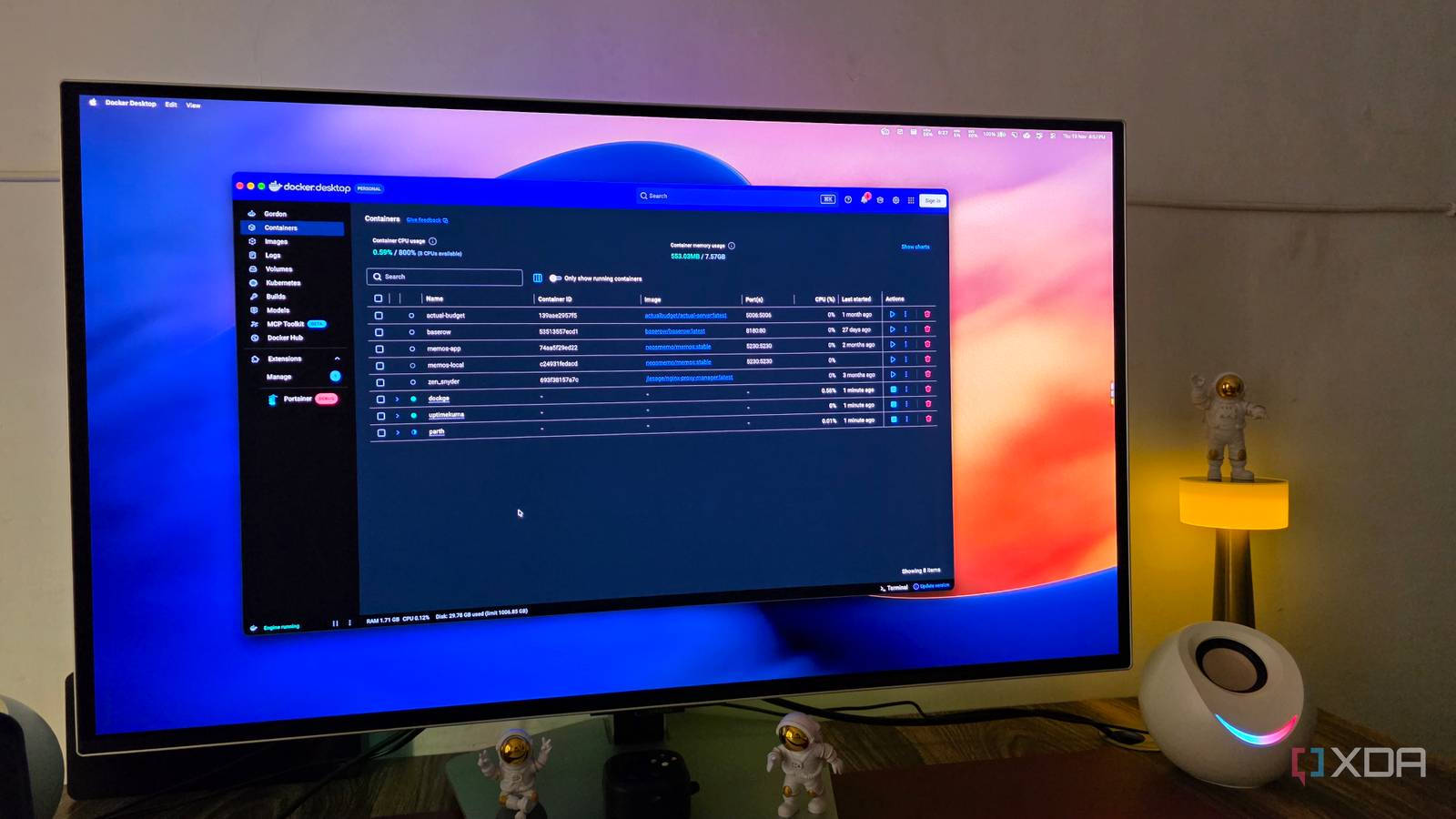
Published Nov 21, 2026, 12:30 PM EST Parth, a seasoned tech writer, wields the keyboard (or pen) with finesse to unravel the intricacies of both Windows and Mac operating systems. He has covered evergreen content on mobile devices and computers for multiple publications over the last six years. You can find his work on AndroidPolice, GuidingTech and TechWiser. Whether it’s demystifying system updates, deciphering error codes, or exploring hidden features, Parth’s prose guides readers through the binary maze. When not immersed in tech jargon, you’ll find him sipping chai, pondering the next software review, and occasionally indulging in a friendly debate about mechanical keyboards. One of the biggest misconceptions about self-hosting is that you need powerful hardware, complicated Docker stacks, and hours of maintenance to make it worthwhile. But over time, I realized some of my most valuable self-hosted apps were also the smallest and simplest. They barely consume system resources, don’t demand constant attention, and quietly handle important tasks in the background. After experimenting with dozens of self-hosting apps, these five apps have earned a permanent place in my setup, and I can’t imagine working without them. Kopia My backups take care of themselves Backups are one of those things I know are important, but I don’t want to spend time managing them every day. That’s where Kopia comes in. It’s an open-source backup solution that creates encrypted snapshots of my important files and folders. I configured it to automatically back up my documents, personal projects, and other essential data. I appreciate its flexible scheduling and retention policies. I can decide how frequently Kopia creates snapshots and how long it keeps them. It also supports compression and deduplication, so I don’t waste storage space on duplicate data. Another advantage is its support for different destinations, including local drives, network storage, and cloud services. Kopia handles the routine work in the background. I still check the backup status and test restores periodically, but it has taken a major responsibility off my plate. Kopia Kopia is an open-source backup software. Syncthing My files stay in sync automatically I regularly switch between my Windows desktop and MacBook, and keeping important files synced used to be an unnecessary headache. I tried different cloud storage services, but Syncthing eventually became my preferred solution. It’s a free, open-source file sync tool that connects my devices directly. The setup is straightforward. I pair my devices, select the folders I want to synchronize, and let Syncthing handle the rest. Whenever I update an article draft, add screenshots, or modify a project file on one computer, those changes automatically appear on the other when both devices are connected. Syncthing even offers an Android app that lets me sync my Pixel 8 folders with my Windows desktop without any effort. I like its file versioning options, which can preserve older copies of modified or deleted files when enabled. Syncthing also encrypts data during transfers and doesn’t require me to upload everything to a third-party cloud server. Once configured, it disappears into the background. I can switch computers and continue working without manually transferring files. Syncthing Syncthing is a file sync tool that rivals the likes of Dropbox and OneDrive. Apprise One notification hub rules them all Running several self-hosted services means I have plenty of things happening in the background. I use Apprise to centralize important notifications. Apprise is an open-source notification library with a self-hostable API service that supports numerous destinations, including Telegram, Discord, Slack, and email. I can configure my preferred channels once and have compatible applications or scripts send alerts through a single interface. For example, I can arrange for a scheduled backup script to notify me when something fails or receive a message when a maintenance task finishes. I can also route different alerts to different destinations without rewriting every script whenever I change notification services. Apprise Apprise is a self-hosted notification service. Uptime Kuma I know when something goes wrong Nothing is more frustrating than opening a self-hosted application only to discover it stopped working hours ago. I used to check my important services manually, but that quickly became tedious as my Docker setup expanded. Uptime Kuma fixes that problem. It’s an open-source monitoring tool with an intuitive web dashboard. I added my key services and set up recurring checks to monitor their availability. It supports HTTP and HTTPS monitoring, TCP ports, ping, DNS records, and even Docker container monitoring. I like its visual dashboard, which displays response times, uptime history, and the current status of monitored services. Now, I don’t have to constantly wonder whether my services are running correctly. Uptime Kuma keeps checking them in the background and alerts me whenever something needs my attention. Uptime Kuma Key highlights Open-source monitor Uptime Kuma is a self-hosted monitoring tool. Memos A frictionless home for quick thoughts I have experimented with several note-taking applications, but sometimes all I need is a simple place to jot down a thought before it disappears. That’s why Memo plays a crucial role in my self-hosting setup. It focuses on quick note capture without unnecessary distractions. I use it to save article ideas, interesting links, random observations, and quick reminders throughout my workday. Its timeline-based interface makes capturing information feel natural, while Markdown support gives me enough formatting flexibility without overwhelming me with options. I also appreciate the tagging system, search functionality, and ability to pin important notes. Instead of worrying about folders and complicated structures, I can simply write something down and find it later. Memos Memos is a lightweight open-source note-taking tool. The simplest additions to my homelab The best part about these five apps is that they don’t make self-hosting feel like another full-time job. Kopia keeps my backups in check, Syncthing handles file synchronization, Apprise delivers important alerts, Uptime Kuma watches over my services, and Memos gives me a simple space to capture ideas and thoughts. These five apps have made my homelab more practical, reliable, and productive without adding unnecessary complexity.
5 tiny 'set and forget' self-hosting apps that I refuse to work without
Full Article
Original Source
Read the full article at Xda-developers →KhanList aggregates and links to publicly available news content. We do not host full articles from third-party sources. Always verify important information with original sources.