
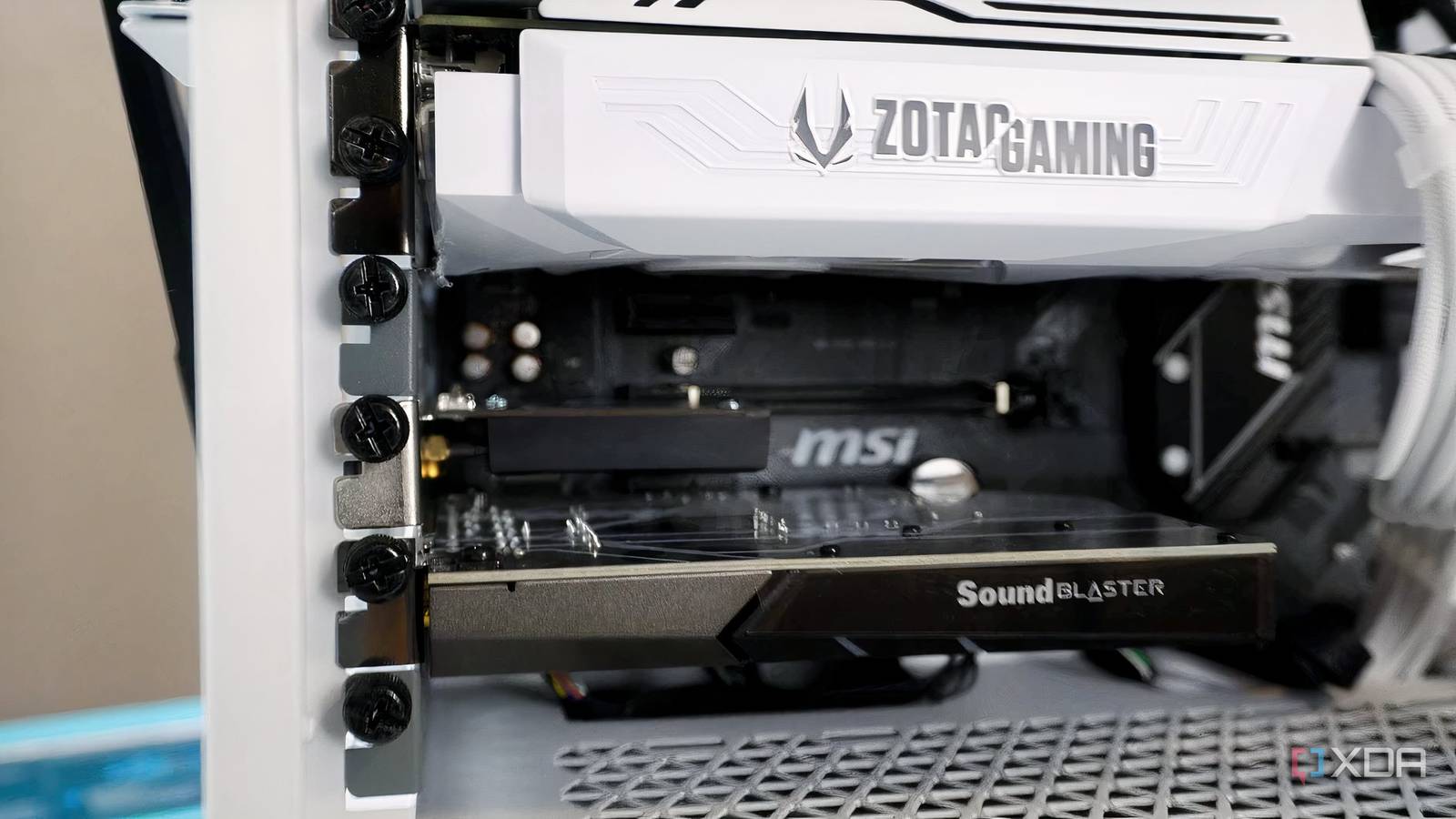
Published Nov 21, 2026, 12:00 PM EST Hamlin has been in the tech field for over nine years. Since 2017, his work has appeared on MakeUseOf, Android Police, OSXDaily, Beebom, and more. He served as the Senior Editor at Valnet's MakeUseOf for over two years before joining XDA. He uses a high-end gaming rig for desktop use and a MacBook for traveling, but dislikes some of the quirks of macOS. You're more likely to catch him at the gym or on a flight than anywhere else. I may have moved on to AM5 now, but until earlier this year, I was using the ROG Strix X570-E, an AM4 motherboard I bought back in 2020. For the most part, it had everything I needed, and I never felt like I was missing out even when newer AM5 motherboards started hitting store shelves. But by the end of 2024, it was starting to show its age, and I wasn't ready to make the jump to AM5 yet. For starters, most newer X870 boards have four M.2 slots, whereas my X570-E only had two. Then there was the fact that I was running out of USB ports with all the peripherals connected to my PC. And lastly, it didn't help that I'd upgraded to a Wi-Fi 7 router while my board was still stuck with Wi-Fi 6. None of these warranted a motherboard upgrade unless I also needed a new CPU, which is why I decided to use the empty PCIe slots under my GPU instead. PCIe NVMe adapter card To make up for the lack of M.2 slots, of course For most people, two M.2 slots are more than enough. In fact, I didn't even think I'd use the second slot when I bought this motherboard. But with most newer AAA titles taking up more than 100GB of space, it's pretty easy to fill up a 2TB NVMe drive. The second 1TB PCIe 3.0 drive I reused from my old build didn't last me much longer, either. I didn't want to replace either with a higher-capacity drive, so I decided to get a PCIe NVMe adapter instead. This gave me another M.2 slot, complete with a heatsink, for just $10, which I think is a steal. Of course, you can find more expensive options that let you connect multiple NVMe SSDs through a single PCIe slot, but I didn't need anything that fancy for an aging build. Since mine was a single-slot adapter, installation was pretty straightforward. All I had to do was mount the SSD onto the adapter and plug it into an empty PCIe slot. I don't need this anymore now that my MSI X870E Carbon Wi-Fi has four M.2 slots. PCIe USB expansion card Eight ports weren't enough for all my peripherals and dongles The last thing I expected to run out of when I built my PC was USB ports, especially on my Strix X570-E, which already had eight of them on the rear I/O. But between my GoXLR, keyboard, mouse, wireless headset, USB upstream cables from three of my monitors, controller, and everything else I had connected, those eight ports simply weren't enough. I constantly had to unplug one or two upstream cables whenever I wanted to plug in a flash drive, and that got annoying real quick. Of course, I could've bought a USB hub, but I didn't want another thing taking up precious mouse space on my desk. A PCIe USB expansion card made way more sense since it would add more ports to the back of my PC, almost as if they were built into the motherboard itself. I ended up getting one with five standard USB ports and two USB-C ports for under $25, which was money well spent considering I no longer had to unplug things constantly. PCIe network card I really wanted something other than my phone to support Wi-Fi 7 Of the three expansion cards I tried, this was the least necessary upgrade, but unfortunately also the most expensive. I'd already upgraded to a Wi-Fi 7 router, but apart from my iPhone 16 Pro, I didn't have a single device that supported the latest standard. Even my M4 iPad Pro was limited to Wi-Fi 6E, and my Strix X570-E was still stuck with Wi-Fi 6. Now, it's not like I wasn't satisfied with my wireless speeds, but having almost nothing that could take advantage of my new router was bothering me. But then, when I looked on Amazon and saw PCIe Wi-Fi 7 adaptersavailable for around $50, it was hard not to give one a shot. After all, I had already spent over $200 on a router, so spending another $50 to actually make use of it didn't seem like a terrible idea. I'll admit I didn't notice a difference in everyday use, especially with my 500Mbps internet connection, but Wi-Fi isn't your only option here. You could also get a 10GbE network card if you want faster local network transfers. Those slots are like LEGO pieces for your motherboard When you buy into a platform that's supported for several years, like AM4 or AM5, it's easy for your motherboard to fall behind over time. However, those empty PCIe slots can help you keep up with newer models without spending hundreds of dollars on an upgrade. And sometimes, it's not even about having cutting-edge features. Maybe you just want more ports, more M.2 slots, faster networking, or even better audio, all of which can be added through inexpensive PCIe expansion cards. Of course, you could also use your USB ports for some of these upgrades, but I prefer keeping everything out of sight.
3 expansion cards I've tried dedicating my spare PCIe slots to
Full Article
Original Source
Read the full article at Xda-developers →KhanList aggregates and links to publicly available news content. We do not host full articles from third-party sources. Always verify important information with original sources.