
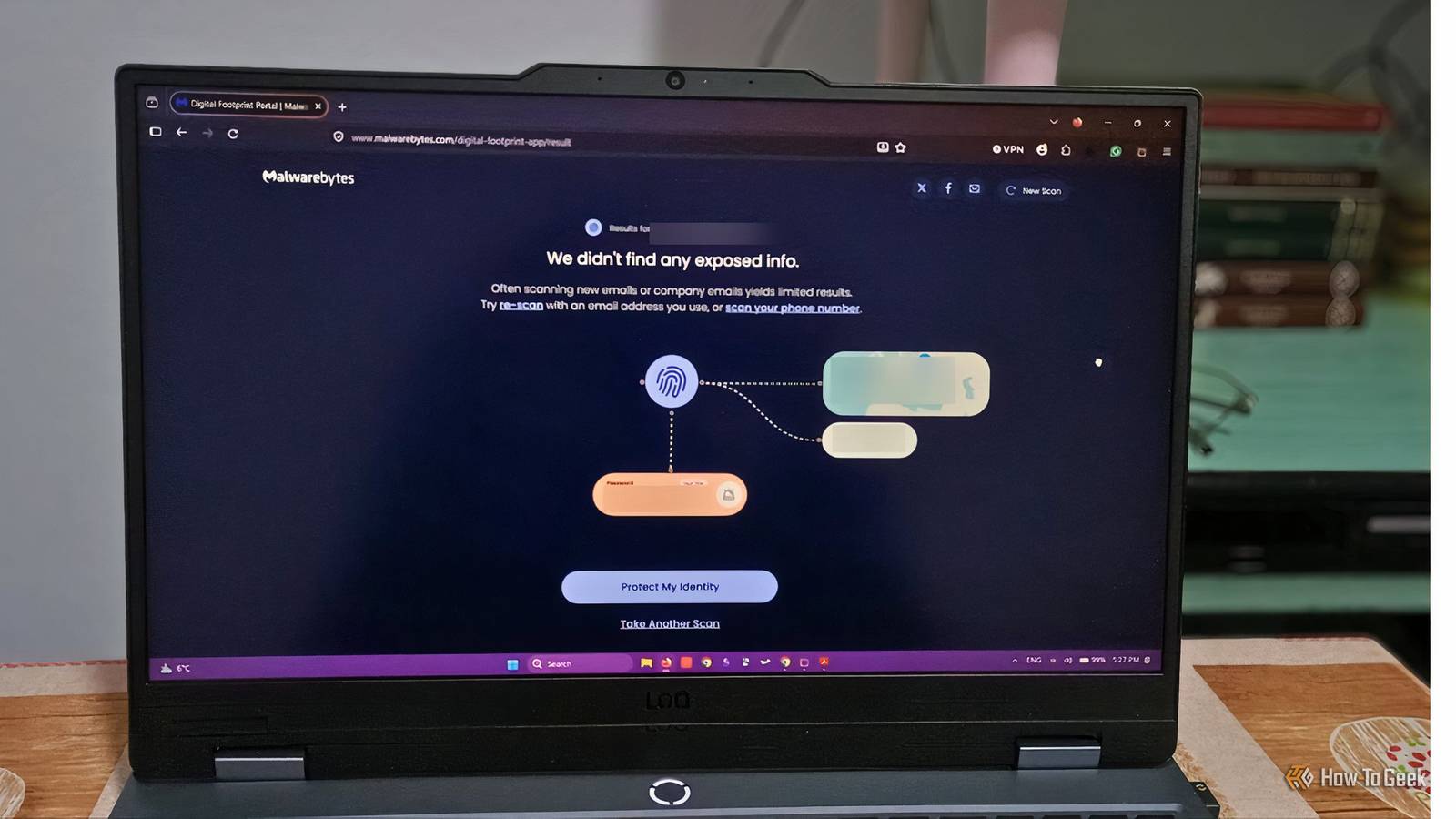
Published Nov 7, 2026, 1:31 PM EST Diana's interest in technology spans many years. Her favorite areas include consumer software, everything Windows-related, VPNs, and graphic design tools. She's always on the lookout for tools and features that make tasks easier, boost creativity, and improve everyday life. When she finds something interesting, chances are she'll have something to say about it. Long gone are the days of reblogging random posts or customizing your online profile with flashy backgrounds and autoplay music. But your old accounts may still be out there. A 2025 survey found that 94% of Americans have at least one dormant account, and while some services purge inactive users periodically, others leave them untouched for years. This can leave personal information exposed. Even if your older accounts are not connected to sensitive information like your bank or medical records, they still pose risks because of reused passwords and past breaches. They could also still have enough personal information about you for someone to guess the answers to security questions on more important accounts. Search your email inbox first Find confirmation emails of long-forgotten signups The first logical place to look is your email. Most websites ask for an email on sign-up, and some will even trigger an email even if you register through social media accounts. You can spot one-time signups for different promotions, forgotten forums, gaming accounts, apps you no longer use, or even old social media platforms. All you have to do is use your email’s search feature and look for keywords like “welcome”, “sign up”, “verify your email”, “account ready”, or “free trial”. Besides signups, you can also look for account reset emails using word combinations like “forgotten password” or “account reset”. You can use the filtering options provided by your email service to select an older one if you’re mainly looking for older accounts. This could save some time. Repeat the search across multiple accounts. If the list of forgotten accounts starts to add up, keep track of them in a spreadsheet or list before you get a chance to secure each one individually. Look through your saved logins Your browser and password manager could be hiding your digital past Tools that save your credentials can double as a digital archive of accounts you may have forgotten about. Most browsers have built-in autofill features to save you time when you log in to websites. All you have to do is head into your browser’s settings and look for something like Saved Logins or Password Manager. This will also uncover old passwords that you might have reused across accounts for a long time or ones that are easy to guess. Take note of these and replace them with stronger options. Some browsers will also reveal whether you have any saved payment details or other personal data within the app. Review and remove those too. Dedicated password managers work similarly, and while some of them automatically notify you if your credentials were exposed in a breach, these checks aren’t foolproof. Reviewing your saved passwords manually can be worth it. You’ll find older accounts and spot weak passwords or useless accounts that you can secure proactively, before they become a problem. One-click signups are easiest to forget about Signing up via Google, Apple, or social media accounts is extremely convenient, but it’s also an easy way to accumulate accounts you’ll forget about. These signups do, however, leave a trail in the services you used to create them. You can track down third-party accounts by checking their connected-app settings. For instance, if you use Google, you’ll find “Linked apps” in your Accounts settings page. For Facebook, they’ll be in the “Apps and websites” section. Note: Disconnecting the accounts won’t delete them. If your goal is to secure your digital footprint, you’ll have to access those accounts and request deletion or strengthen their security. (We’ll cover how to do both, including what to do if you have lost access, below.) Find what your email address reveals about your past Digital footprint scanners aren’t primarily made to identify forgotten accounts, but their breach reports often name the websites or services involved in a data breach, which are good clues for older accounts. For instance, Malwarebytes Digital Footprint Scan is a free tool that checks breaches based on your email and phone number. What I like about it is that you can check as many accounts as you want, and that beyond naming the breaches, it will tell you what type of information was exposed, like usernames or passwords. For passwords, it will even show you how they start, so you can head to your password managers and make sure you’re no longer using compromised credentials. The only catch is that you need to verify your email or phone to access your results. If you lost access to an account, use Have I Been Pwned instead. You won’t get as many details, but it’ll identify known breaches relating to your email without requiring verification. Their breach records may also differ, so it’s worth using both. Search your username Old usernames can lead you to accounts you haven’t used in years If you use the same username across multiple services, you may be able to track down some forgotten accounts with a username search tool. Tools like WhatsMyName and IDCrawl will search for publicly available profiles and accounts across websites and social media apps starting from a username. Unfortunately, they’re not 100% reliable. People have complained about false positives, and this happens because some sites block automated searches. You also have to consider that another person could use the same username as you, and there’s no way to filter those out. So treat these as clues rather than confirmed accounts. Once you have the list, you’ll probably be able to tell which websites or services you’ve used before from those you’ve never heard about. Delete what you don’t need and secure the accounts you want to keep Finding your accounts is the first step. Deleting the ones you don’t need and securing the rest is what makes a difference. If you can still log in, things are pretty straightforward. You can try to delete the account from settings or, if that’s not an option, send a request to customer support. To secure the account, change your password and remove any unnecessary links to your payment details. I’d also enable multi-factor authentication using a tool like Google Authenticator. If you can’t delete it, try to secure the account as much as you can. Remove your primary email from it, phone number, name, and other clues that could be used to identify you. Use a burner email address. If you no longer have access to your account, double-check older devices to see if you’re still logged in. Otherwise, I would contact customer support and ask for alternative options to confirm ownership of the account.
5 free ways to track down forgotten accounts before they become a security problem
Full Article
Original Source
Read the full article at Howtogeek →KhanList aggregates and links to publicly available news content. We do not host full articles from third-party sources. Always verify important information with original sources.