
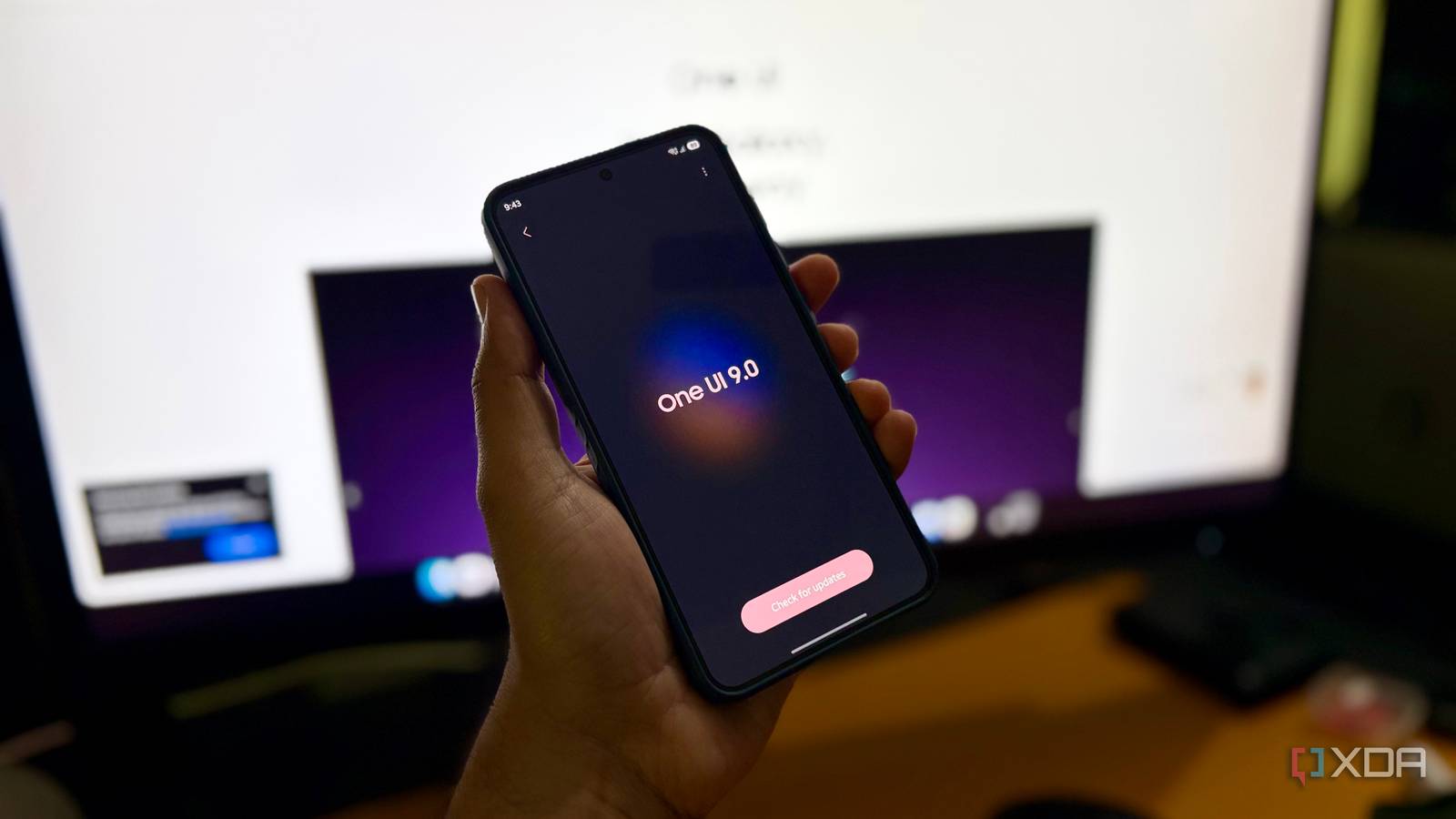
Published Nov 6, 2026, 1:30 PM EST Shekhar Vaidya is a veteran technology journalist and computer science engineer. He is the founder of TechLatest, where he has spent years providing technical analysis on hardware and Windows ecosystems. Now a Computing Writer at XDA, Shekhar leverages his deep background in NAS, storage solutions, and PC internals to help readers master their tech. I have been a long-term iPhone user, and I have kept a secondary Android phone with me. I always loved stock Android experiences, and one of the reasons for loving it was how bloated UIs like Samsung’s old TouchWiz and Xiaomi’s MIUI were. But when Samsung announced One UI in 2018, things started changing for me. The first time I personally used One UI was on my Galaxy A8, my sister’s hand-me-down phone. Since then, I have upgraded to many Galaxy phones, and today, I am using the Galaxy S25. In the last seven years, I have customized One UI to my liking, but when I updated from One UI 8.5 to 9.0 last month, it changed a few settings I deliberately set on my Galaxy. My phone forgot which keyboard I actually use Samsung replaced my preferred keyboard There are a few things on a smartphone that you keep for years only because of habit. For me, that thing is Gboard. I have been using it for, I don't even know, how many years. As far as I remember, I never used any other keyboard on my Android phones. It has always been on my Android devices, not only Samsung but others too. After the new 9.0 update, everything was smooth, and the new features were alright, but when I opened the keyboard to search for something, I noticed that it wasn’t the same keyboard anymore. My first thought was maybe it was a new Gboard update. But almost everything was different, so I checked and found out that after the update, it was reset to the Samsung keyboard. I changed it back to Gboard and decided to scout through the settings to see what else was changed after the update. Maximum protection became the bare minimum One UI 9 lowered my battery protection In my line of work, I'm at my desk almost 90% of the time, so my phones and laptops are always plugged in. Even though most phones and laptops are quite intelligent when it comes to smart charging, I am the kind of person who always takes one extra step to be more cautious. Both my primary iPhone 16 and secondary Galaxy S25 have adaptive charging capabilities, but I still limit the charging to a certain level. In One UI, the setting is known as Maximum Battery Protection, and it lets me limit the charging percentage between 80 and 95. So, I always keep the setting at 90%. While scouting for the settings One UI 9.0 changed, it was the first setting I noticed. The update turned on Basic Battery Protection. I switched from basic protection back to maximum with a 90% limit. Basic protection means the system lets the charger charge to 100% and then stops charging; once the battery percentage drops to 95%, it starts charging again. A security feature that would block my own apps My debugging workflow hit a security roadblock On weekdays, I am a full-time technical writer and editor, and on weekends, I am a software developer. I started with web apps, and these days, I am taking a keen interest in mobile application development, mostly Android apps. Android Studio does offer Android phone emulators, but I always try to test my apps on a real phone, and that is usually my Galaxy S25. A normal Android device has a protection where it doesn't allow APK files from unknown sources. We all know that and keep that permission off, but Samsung adds an extra layer to that setting. One UI has an Auto Blocker feature, and when it is turned on, it not only blocks apps from untrusted sources but also blocks USB cable commands, non-official software updates, and more. For a developer like me, this means I can’t install my debug APKs and test. So, I usually keep the setting off, and it was off in One UI 8.5. But when I checked after the update, I found it on. I switched it off and moved on. Still, for a normal user, it is one of the features to keep always on. Technically impressive doesn't always mean visually better I still don't want Super HDR Super HDR is Samsung’s version of Google’s Ultra HDR. Samsung implemented it in all Galaxy flagships starting with the S24 series. On paper, it has really impressive features like detailed highlights and shadows, a vivid display boost, and more, but honestly, I don’t like it. Before you jump to conclusions and criticize me in the comments, let me be very clear: this is my personal choice, and I don’t like it because of a few events that happened to me in the past. I was using the S23 FE before getting the S25, and it didn’t have Super HDR. After I got the new S25, I was scrolling through Instagram Reels one night when one reel’s brightness suddenly spiked. I thought maybe adaptive brightness was acting up, so I ignored it and kept scrolling. After a few reels, it happened again. Surprisingly, it was only the video area, not the app UI or phone UI. So, I Googled it and found that the "flashbang" happened because the creator uploaded the reel in Ultra HDR/HDR format, and since Super HDR was supported in my S25, I got the flashbang. That was when, despite the impressive features, I turned it off. But the One UI 9.0 update somehow reset that setting and turned Super HDR back on. I disabled it again, so I won’t get another flashbang while scrolling reels at night. Trust the update, check the settings Over the years, Samsung has really improved One UI, and it's no doubt one of the best Android skins available. And with news around Galaxy OS, I expect it to keep the flow in the same direction. But these small changes and settings are what users look for in a UI to differentiate it from thousands of other similar phones. From my experience, I have learned one thing: software updates can improve a phone while quietly changing the preferences I made. From now on, I will check my preferences after each major update rather than wait for the change to show up.
4 things One UI 9 turned on behind my back, and I switched off every one
Full Article
Original Source
Read the full article at Xda-developers →KhanList aggregates and links to publicly available news content. We do not host full articles from third-party sources. Always verify important information with original sources.