
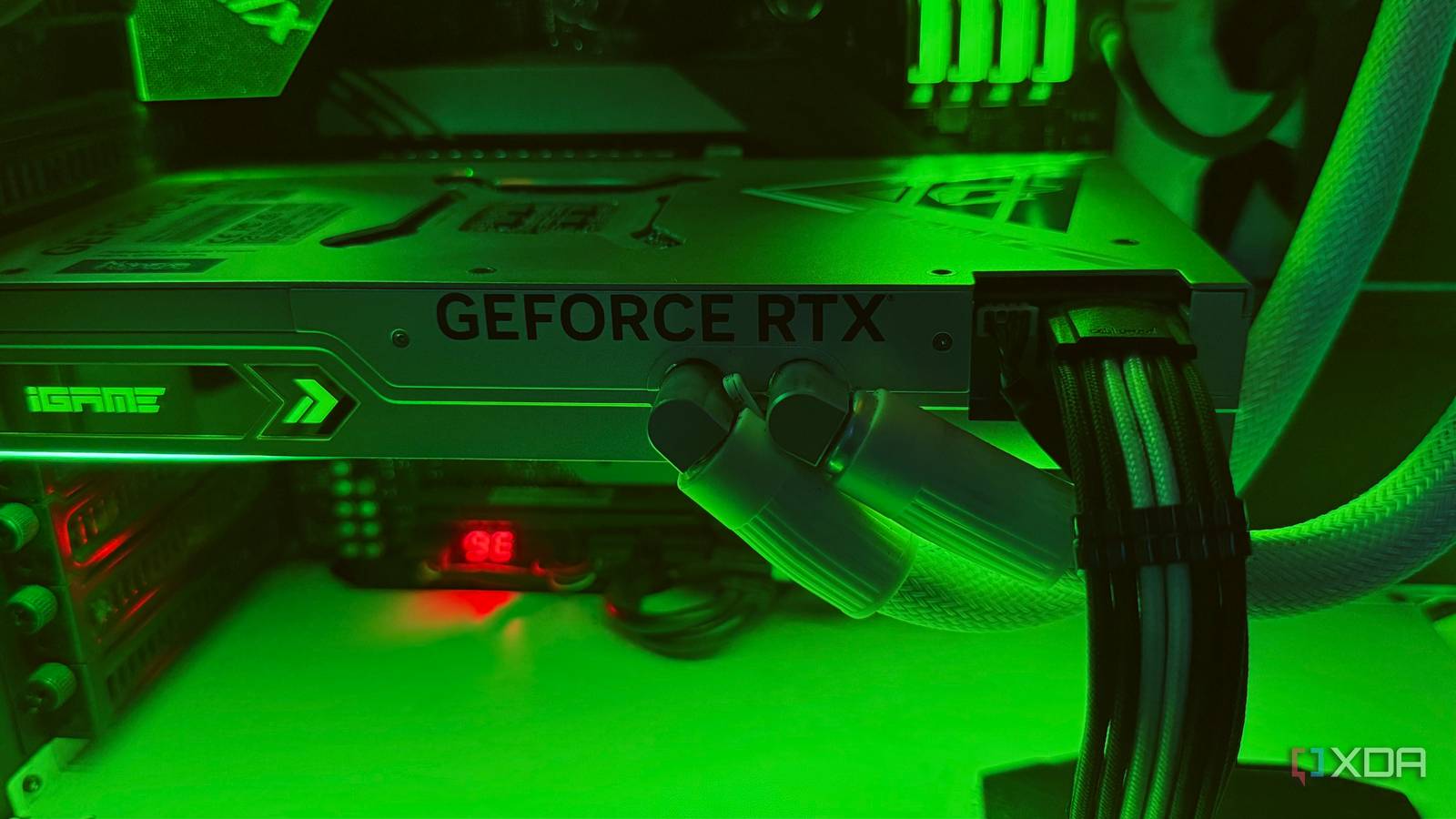
Published Nov 8, 2026, 7:00 AM EST Hamlin has been in the tech field for over nine years. Since 2017, his work has appeared on MakeUseOf, Android Police, OSXDaily, Beebom, and more. He served as the Senior Editor at Valnet's MakeUseOf for over two years before joining XDA. He uses a high-end gaming rig for desktop use and a MacBook for traveling, but dislikes some of the quirks of macOS. You're more likely to catch him at the gym or on a flight than anywhere else. When I bought my RTX 4090 four years ago, I loved that I didn't have to think too much about graphics settings for once. After all, this was the most powerful GPU you could have, and most games would automatically default to the Ultra preset anyway. I could launch just about any game and leave everything maxed out unless I wanted triple-digit frame rates. Of course, path tracing was an exception, but I could count the number of AAA titles that supported it on one hand. Fast-forward to 2026, and things have changed quite a bit. The RTX 4090 is still a high-end 4K-class card, but we've had the RTX 5090 for a little over a year and a half now. AAA releases have also become more demanding over the last few years. I can still max out most games, but I don't want my frame rates hovering around 60FPS. My target is closer to 100FPS for single-player titles like 007: First Light and over 150FPS for multiplayer shooters like Battlefield 6. So to get there, I've had to make some compromises. Ray tracing and path tracing Better lighting is nice, but I'm not sacrificing my frame rate for it This probably comes as no surprise, but if any game supports path tracing, I'm only going to enable it to see how much better the game looks — for about 10 minutes. Then I turn it off and prioritize frame rates like I always do. Cyberpunk 2077's RT Overdrive mode and Black Myth: Wukong's Full Ray Tracing setting are perfect examples of how quickly this feature can bring my RTX 4090 to its knees. Without DLSS upscaling and frame generation, path tracing is an absolute no-go. Ray-traced reflections or shadows are a different story, though. Depending on the game and how they're implemented, the visual improvements can be hit or miss. If I see a noticeable difference, I set the quality to Medium and then use DLSS upscaling to compensate for the FPS hit. I wouldn't use frame generation unless I'm already hitting 60FPS without it, since it doesn't really make the game more responsive and works better as a motion smoother. Shadow Quality Shadows are important, but they already look good enough at High Shadows are arguably one of the most important graphics settings outside of ray tracing, and for good reason. They add a sense of depth to the game and make environments look more realistic by showing how objects interact with light. Think I'm exaggerating? Switch from Ultra to Low and see how flat the game looks. Depending on the game, the highest setting may improve shadow resolution, the distance at which detailed shadows appear, or the softness of their edges. The problem, though, is that it's also one of the most GPU-intensive settings, especially when you crank it up to Ultra. And while the difference between Low and High is usually immediately noticeable, I can barely tell the difference between High and Ultra unless I'm comparing them side by side. I think the FPS cost just isn't worth that tiny bit of difference. In fact, I often find that Ultra makes certain shadows look a bit too sharp, which is another reason I'm perfectly fine sticking with High. Volumetric lighting and fog As much as I like those light beams, they don't need to be perfect Volumetric effects are responsible for a lot of the atmosphere in AAA games. I'm talking about sunlight cutting through fog and trees, light scattering in a dusty room, or thick clouds by a mountain range. They give open-world environments that extra wow factor, and I'd probably never disable them completely or settle for Low. However, just like shadow quality, I don't think they need to be at the highest setting either. Going from Ultra to High or even Medium in more demanding titles can give you a decent FPS boost without making those effects look noticeably worse. As long as those god rays still look like god rays, I couldn't care less if they're rendered at a slightly lower resolution or have a bit more noise around the edges. It's not like I'm stopping and looking at them up close when I'm focusing on the story. Grass and foliage density I love when open-world games fill their environments with grass, bushes, and trees. There's something about riding through a dense forest in Red Dead Redemption 2 or walking across a field covered in vegetation in Assassin's Creed Shadows that makes the world feel more alive. But all that dense vegetation comes at the cost of your frame rate, and at some point, you have to balance visuals and performance. As much as I love grass in video games, I don't mind losing a patch of it here and there if that means gaining a few more frames. I wouldn't turn it all the way to Low, though, because that can make landscapes look barren. So, High is where I usually draw the line. Just keep in mind that the exact name for this setting varies between games, so you might have to look around in the menu. Assassin's Creed Shadows calls it Scatter Density, while Battlefield 6 calls it Undergrowth Quality, but you get the idea. For a 4-year-old GPU, the RTX 4090 is aging like fine wine I paid pretty close to the MSRP for my RTX 4090 in 2022, so I can only consider myself lucky four years later. Even when the RTX 5090 launched, I wasn't tempted to upgrade because it was barely 30% faster at 4K for a 25% increase in MSRP. And honestly, I think I can even skip the next generation if I really want to. If prices aren't reasonable or Nvidia doesn't deliver a substantial performance uplift, I'm more than happy to downgrade to 1440p gaming to squeeze a couple more years out of my GPU. At the end of the day, dialing down a few graphics settings is a small price to pay if it means I can keep $2,000 or more in my pocket.
4 graphics settings I stopped maxing out, even with an RTX 4090
Full Article
Original Source
Read the full article at Xda-developers →KhanList aggregates and links to publicly available news content. We do not host full articles from third-party sources. Always verify important information with original sources.