
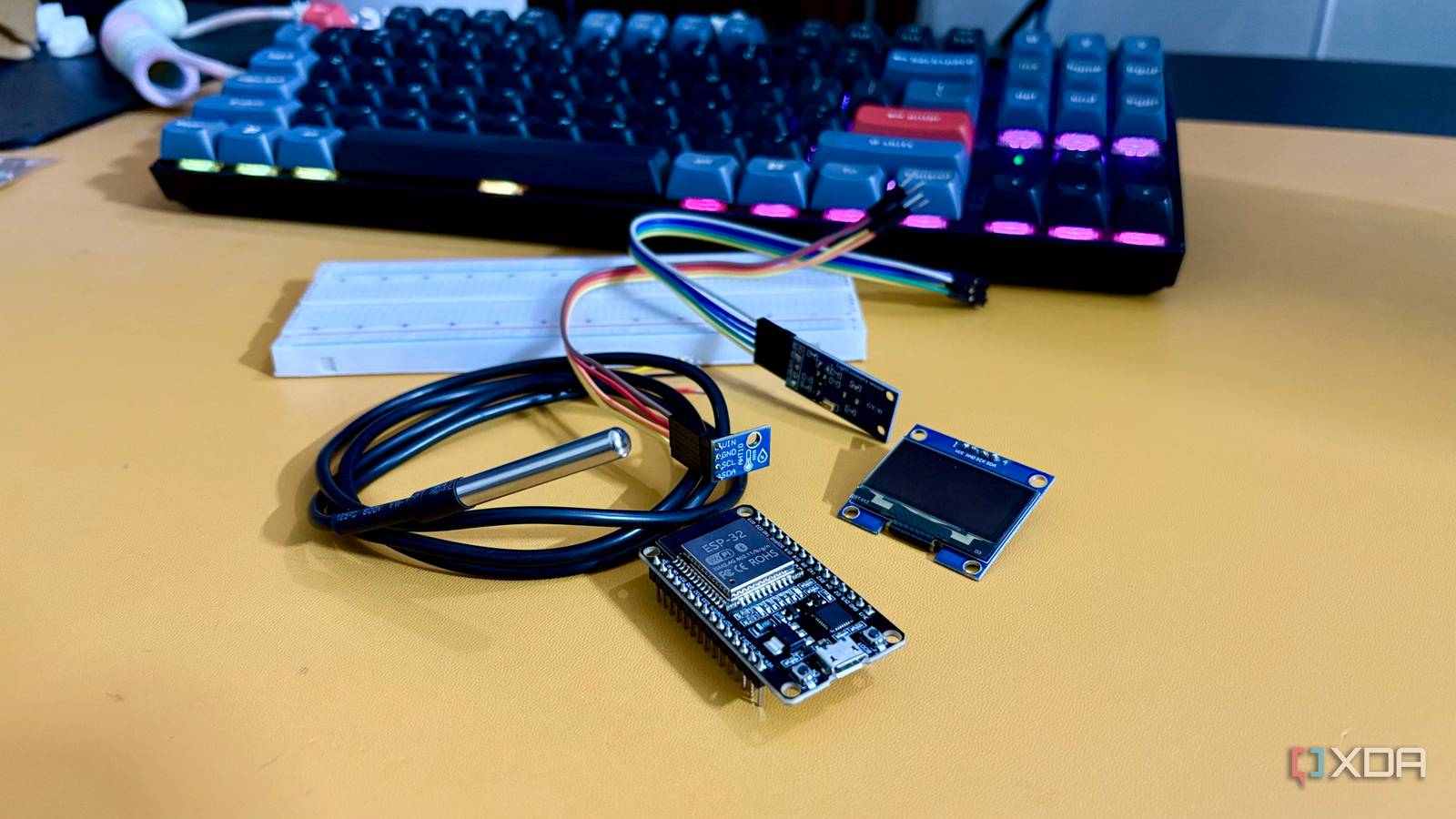
Published Nov 28, 2026, 11:00 AM EST Shekhar Vaidya is a veteran technology journalist and computer science engineer. He is the founder of TechLatest, where he has spent years providing technical analysis on hardware and Windows ecosystems. Now a Computing Writer at XDA, Shekhar leverages his deep background in NAS, storage solutions, and PC internals to help readers master their tech. For the last two months, I have been trying to build random stuff with ESP32 boards. Whatever came to my mind, I bought the components and built it. But most of them were limited to my homelab and its functionality, like building a watchdog or a status display for my homelab. Last week, while going through my SBC and microcontroller pile of components, there were a few sensors I rarely used. That was when I decided to finally use them to make my dumb home smarter. Honestly, there are a number of small projects that can be built in a couple of hours with ESP32 components, and the best part is, they are cheap, mostly under $10. My dumb AC now follows the room One plug, swapped between AC and heater by season This is one of the easiest and best builds among the dozen projects I have built in the last couple of months. For context, I have already been using several TP-Link Tapo smart plugs in my home. Until now, I used one of them just to turn my AC on and off, nothing else. With a small ESP32 project, I made it more valuable. For this project, I took an ESP32 board and an AHT10 temperature and humidity sensor. Initially, I used a small OLED display for my reference, but it is not required for this project. Now, the AHT10 reads the room and takes temperature readings. Humidity readings were not necessary for this one, so I didn’t utilize them. After that, the ESP32 fetches the readings and checks whether the temperature is above the threshold, and if it is, it sends a command to my Home Assistant (HA) to run an automation. The automation turns ON the AC. In the meantime, the ESP32 still keeps reading the temperature; once it reaches the normal temperature, the ESP32 asks HA to run another automation to turn it off. And not only the AC, as it it also works with my room’s space heater as well. Since I reuse the same Tapo plug, everything remains the same on the sketch end, just one toggle from cool to heat mode. There are a few precautions that keep my AC’s compressor and the plug safe: a 5-minute minimum off time, a 4-hour maximum on time with a 30-minute lockout, and a safe-boot OFF. My bulb now turns off when daylight shows up It measures my room before it decides This is another project that uses my home's ecosystem and makes it more interesting. I use Tapo’s smart bulbs as well in my room, and they are also connected to my HA. The Tapo app does offer scheduling the light for sunrise and sunset, but on winter days, sunrise doesn't mean full sunlight. So, with just an ESP32 and a BH1750 sensor, I automated the schedule properly. I keep the sensor in my window, facing toward the sunlight. It measures the ambient light as illuminance in lux. Its sensitivity is somewhat close to a human eye, so it judges brightness roughly the way our eyes do. Now, coming to the project, every time the ESP32 boots, it auto-calibrates the bulb using HA and measures the room dark and with the bulb at 50%, then sets the thresholds from those two readings. After that, if the light crosses the max value, it commands HA to turn off the bulb, and when the value is under the min value, it turns on the bulb. And in the nighttime when I'm sleeping, HA ignores the ESP32's 'on' requests and only acts during waking hours. This version is only good if the room gets direct sunlight, and for rooms where there is none, I am already working on it, and it will be there in my GitHub once tuned. My desktop monitors automatically dim like a phone One of the three refused to cooperate I have three monitors in my workstation, and all of them are from different brands. Different brands aren't the issue; each one having different physical controls for the display settings is the problem. For instance, the curved BenQ monitor comes with a small remote to control all monitor functions, whereas the Samsung and Gigabyte ones only have on-display physical controls. The most irritating part? The brightness. I have to manually adjust the brightness via the physical buttons during the day and at night. I already knew about Display Data Channel/Command Interface, or DDC/CI, which has been there in monitors for decades, but I never actually used it. In case you don't already know about DDC/CI, it lets a PC read and change monitor settings over a small I2C channel inside the existing HDMI or DisplayPort cable without using the physical buttons. So, I automated the brightness on my monitors using an ESP32 and the same BH1750 light sensor. The functionality is simple: the BH1750 sensor reads the room light in lux and adjusts the monitor brightness accordingly. For example, with my room’s bulbs at full brightness, it increases the monitor brightness to 100% and vice versa. But alongside the ESP32 project, it needs a Python program that runs on the PC continuously in the background using pythonw. The script also checks each monitor's availability and scales the brightness to its range automatically. In my case, one of the monitors didn’t support it, and one of the remaining two uses a 0-50 scale, and the script handles both situations seamlessly. My fridge now alerts my phone when it warms up A power cut used to mean spoiled food I live in the countryside, so 24/7 electricity is something I can’t count on. Most of my home appliances keep running even during an outage because of the power backup systems. But my home refrigerator isn’t one of those appliances. During a long outage, most of our refrigerated food spoils. We rarely notice because everything else keeps running on the power backup. So, I thought of building a small system that notifies me using an ESP32 and a waterproof DS18B20 probe (plus a 4.7k resistor). The probe sits inside the refrigerator, and the rest outside. This is possible because of the long wire that came with the probe, which can be routed through the door seal without keeping the door open. The usage is simple: the probe reads the temperature every 30 seconds, and the ESP32 fetches it. If the temperature is above the threshold temperature for the last 10 minutes, it sends an alert on mobile via my self-hosted ntfy server. It repeats every 30 minutes while it stays warm. Note that the serial plotter screenshot shows the room temperature from my desk test, and the alert still fired. Not products, but they earned their place Out of these four, I keep the monitor brightness and the thermostat ones running all the time because of the nature of my work; I am in my room in front of my workstation most of the time. And for the others, I keep on experimenting with other components. Each has its own downside, like the thermostat and auto-bulb needing Wi-Fi and HA to work properly, whereas the refrigerator one needs my ntfy server besides Wi-Fi to notify, but they are minor cons for the work they do. All of these projects are DIY and are not finished products. But I plan to build proper cases and cable management once I get my 3D printer. Brand AITRIP Connectivity Features UART, USB A dual-core microcontroller with built-in Wi-Fi and Bluetooth. It's powerful enough to run a thermostat, a light controller and a fridge alarm, and cheap enough to dedicate one to each.
4 ESP32 projects that made my dumb home smarter for under $10 each
Full Article
Original Source
Read the full article at Xda-developers →KhanList aggregates and links to publicly available news content. We do not host full articles from third-party sources. Always verify important information with original sources.