
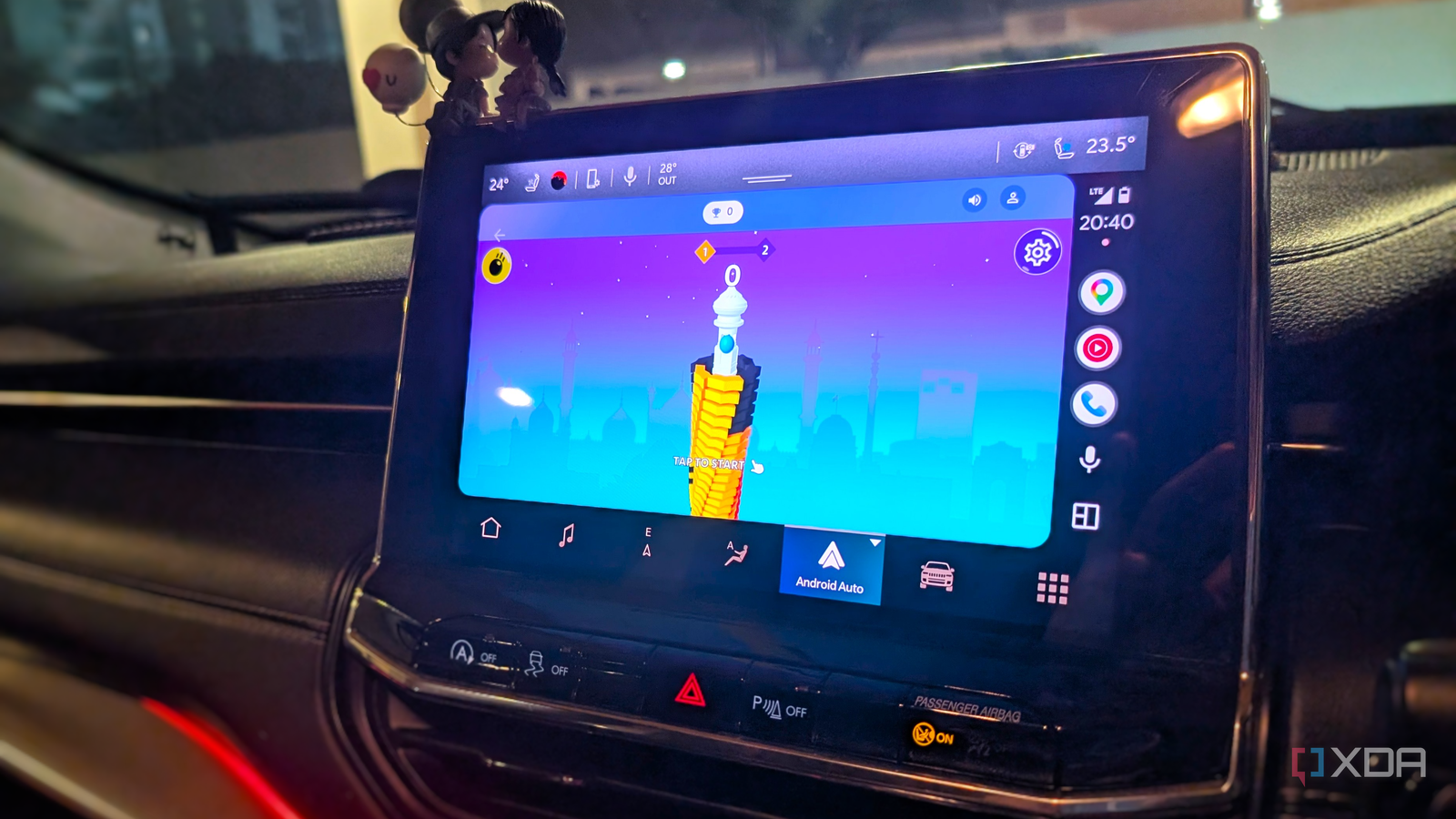
Published Nov 28, 2026, 6:00 PM EST After a 7-year corporate stint, Tanveer found his love for writing and tech too much to resist. An MBA in Marketing and the owner of a PC building business, he writes on PC hardware, technology, and Windows. When not scouring the web for ideas, he can be found building PCs, watching anime, or playing Smash Karts on his RTX 3080 (sigh). Android Auto isn't just for maps and music. Sometimes you want more entertainment and flexibility, but Google has strict Play Store controls. As a result, many apps can't make it there, so you need to look elsewhere. Sideloading apps is still, thankfully, possible on Android, and finding them isn't hard either. You can find most of them on Android Auto Apps Downloader (AAAD), and some apps also need you to install AAEnabler. A word of caution: Google has these restrictions in place for driver safety. Use the apps on this list only when the car is parked. However, your co-passenger can certainly interact with these apps while you focus on the road. These apps let you stream video, use a web browser, play games, and mirror unsupported apps onto the display. CarStream brings YouTube to your car Watch videos while waiting in traffic If you've always missed watching YouTube in your car, CarStream is the first app you should sideload. It's not officially available for Android Auto, even though many apps on the Play Store use variations of the name. You'll need to download AAAD from the link above, and to install the APK, you'll need to turn on developer mode for both your phone and Android Auto. You'll also need to allow apps from Unknown Sources in your phone's settings. Once AAAD is installed, launch it and download CarStream. Sign in to your CarStream account to get the familiar YouTube experience in your car. CarStream isn't perfect, as it can sometimes freeze or fail to sign you in. It may also fail to install on newer versions of Android. However, it's still one of the best ways to watch YouTube in your car (while parked, of course), as long as your Android version supports it. Google is finally bringing YouTube to Android Auto, but it won't have widespread support initially and will support only select car models. CarStream, on the other hand, supports every Android Auto–compatible vehicle. AABrowser allows you to browse the web A bigger screen is always better Watching videos in your car is cool, but what about the times when you're itching to read a particular article or simply browse the web on a big screen? Well, AABrowser takes care of that, since Google isn't going to. Once again, you can find it on AAAD, and it works mostly like your phone's native browser. You can visit websites and watch videos on YouTube or other platforms. Similar to CarStream, it can be buggy sometimes, but it's one of the most reliable ways to browse the web in your car. Looking for restaurants or landmarks becomes easier since AABrowser is made for a car display. You can open multiple tabs, use bookmarks, and even switch between mobile and desktop views if a site doesn't display correctly. The free tier of AAAD only supports downloading/installing one app every 30 days (the Pro version costs $4). You can download your desired app from its GitHub page to bypass this limitation. Xtream Player is one of the best all-in-one apps The best part is the game collection If you want to pick just one app from this list, it has to be Xtream Player. The reason is that it behaves like multiple apps in one. You can watch YouTube videos, connect to your Plex or Jellyfin media server, browse the web, listen to internet radio, mirror your phone's videos, and even play clones of popular games. Like everything on this list, it requires Developer Options and Unknown Sources to be enabled, and you may also need AAEnabler. While Xtream Player is mostly free, media server access and games require a one-time $7.26 fee for the premium version. The games are different from Google's GameSnacks titles, so it could be worth trying for some users. Even without the paid tier, Xtream Player allows you to do a lot with a single app. AA Anything patches unsupported apps without root access Run even more apps through Android Auto The idea behind AAAnything is to let apps that are otherwise unsupported on Android Auto still work, without rooting your phone or unlocking the bootloader. You just point the app to a pre-installed app on your phone and use the Patch & Install option, and the app should work on Android Auto. People mostly use AAAnything to patch VLC or their phone's browser for Android Auto, but it can work with other apps, too. You'll need to try it on other apps to see if it works. Apps with signature verification or Play Protect checks typically don't work with AAAnything. Also, depending on an app's UI and layout, it might not work or look great on your car's display, so keep that in mind. The Play Store restricts the Android Auto experience While Google's restrictions are there to ensure safety while driving, I'd want the freedom to use third-party apps responsibly rather than being denied the right. With apps like AAAD and AAEnabler, you can sideload various kinds of apps to use via Android Auto, enhancing the entertainment quotient in your car.
4 Android Auto apps I'd install on day one, and none of them exist on the Play Store
Full Article
Original Source
Read the full article at Xda-developers →KhanList aggregates and links to publicly available news content. We do not host full articles from third-party sources. Always verify important information with original sources.