
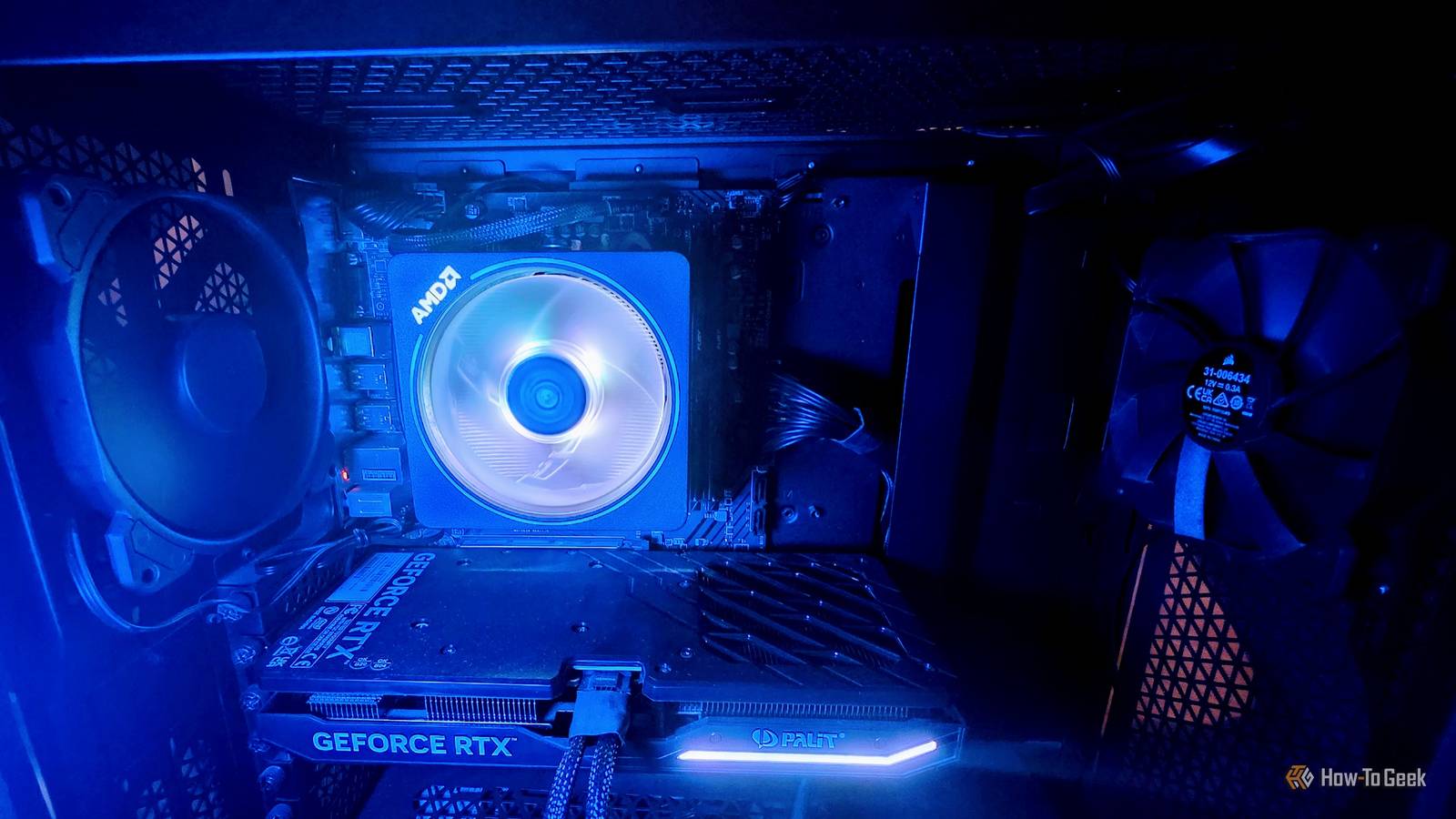
Published Nov 9, 2026, 7:30 AM EST Sydney Butler is a technology writer with over 20 years of experience as a freelance PC technician and system builder and over a decade as a professional writer. He's worked for more than a decade in user education. On How-To Geek, he writes commerce content, guides, opinions, and specializes in editing hardware and cutting edge technology articles. Sydney started working as a freelance computer technician around the age of 13, before which he was in charge of running the computer center for his school. (He also ran LAN gaming tournaments when the teachers weren't looking!) His interests include VR, PC, Mac, gaming, 3D printing, consumer electronics, the web, and privacy. He holds a Master of Arts degree in Research Psychology with a minor in media and technology studies. His masters dissertation examined the potential for social media to spread misinformation. Outside of How-To Geek, he hosted the Online Tech Tips YouTube Channel, and wrote for Online Tech Tips, Switching to Mac, and Helpdesk Geek. Sydney also wrote for Expert Reviews UK. He also has bylines at 9to5Mac, 9to5Google, 9to5Toys, Tom's Hardware, MakeTechEasier, and Laptop Mag. I recently returned to desktop PC ownership after almost eight years of using only gaming laptops as my Windows systems. Sadly, given the pricing situation, I could not have picked a worse time, but there are still ways of getting what you need at a reasonable price. As such, I managed to make a very sane deal for a three-year-old prebuilt system with a Ryzen 7 7700, 32GB of DDR5 5600MHz RAM, and a budget RTX 4070 Super from Palit. Despite being prebuilt, everything from the PSU to the case fans is perfectly acceptable, and not too far off what I would build myself. The only component that I'm bothered by is the MSI PRO A620M-E. Not from a performance perspective. Motherboard choice has little impact on real-world performance. No, instead, there are several real annoyances that come with owning a budget motherboard. There's only one M.2 NVMe slot But lots of SATA, if that's your thing My previous laptop, and the one before that, and also the one before that was equipped with two M.2 NVME slots. This means you can expand the fast storage of your computer without disrupting or replacing the SSD you already have in the first slot. On my last laptop, the SSD that came with it was a ludicrously fast Samsung 980 Pro with 1TB of capacity, and I supplemented it with a 1TB budget TeamGroup SSD, which was still way faster than I needed it to be if we're being honest. Sadly, on this motherboard there is only one M.2 slot, and that's filled with the 1TB Samsung 970 EVO Plus the computer came with. I don't want to lose access to the capacity, so I purchased a 10Gbps USB-C enclosure for my second drive, but clearly this is not ideal. USB is fine for SATA SSDs, since even a 5Gbps port will get close to the max performance of those drives, but 10Gbps is a fraction of what this SSD can do. Assuming I don't want to buy a new motherboard, the answer is to buy a 2TB or larger NVMe SSD. Which, under normal circumstances, I might even consider, but have you seen the prices of these drives? It would be far cheaper to buy a motherboard with two NVMe slots than buying a bigger SSD and selling my old ones. So, ultimately, that's what I'll have to do. It does include several SATA 3 ports, but moving my external SATA SSDs I used with my previous laptop to the internal connection is hardly worth the small speed bump I'd get. Limited USB speeds Fast, but not fast enough Even if I connected my 10Gbps USB-C enclosure to this computer, the most I could theoretically hope for is 5Gbps. That's because this motherboard does not offer 10Gbps USB. That's going to be fine for most people, but I actually do have file transfer needs from time to time that can use 10Gbps, not to mention it would have been nice to have this speed for my NVMe enclosure while I work up the appetite (and free time) to do a motherboard swap. No PCIe 4x slot You don't know what you're missing until it's gone Hey, but what am I complaining about really? The great thing about desktop PCs is that you can just buy an expansion card to solve all your problems, right? Well, maybe if you have a bunch of free slots, but this micro-ATX board comes with just one PCIe 1x slot in addition to the 16x slot taken up by the graphics card. It's not fast enough for a 10Gbps USB card, and it's definitely not fast enough for an M.2 NVMe expansion card either. I'd need a PCIe 4x card to get the right speed from my second SSD. To be fair, there are budget boards that do have more slots, which would allow for later expansion, but then there are models like this one, and it's something worth considering when you're shopping for a new build. The fix is cheap, but annoying There are other issues too. The A620 doesn't support Precision Boost Overclock, the PCIe version for the GPU is 4.0, and though it supports almost every AM5 CPU, high-wattage models might underperform. The VRMs don't have heat sinks, so downdraft coolers like the stock AMD Wraiths are best, but at least I have DDR5 support. Buying a motherboard with the features I want isn't expensive. While almost every other component has exploded in price, motherboards have mostly remained reasonable. So getting a new one is no big deal. However, if I'm going to make the effort of a motherboard swap, it should be worth it. So, since I don't like full or even mid-ATX cases, this could be an opportunity to change over to an mITX build. Though now we are talking about expensive motherboards, which get more expensive the smaller they are, for some reason. Overall, I can't complain about how well this computer performs, but there's definitely a new motherboard in my semi-near future.
3 things I genuinely regret about having a cheap motherboard in my PC
Full Article
Original Source
Read the full article at Howtogeek →KhanList aggregates and links to publicly available news content. We do not host full articles from third-party sources. Always verify important information with original sources.