
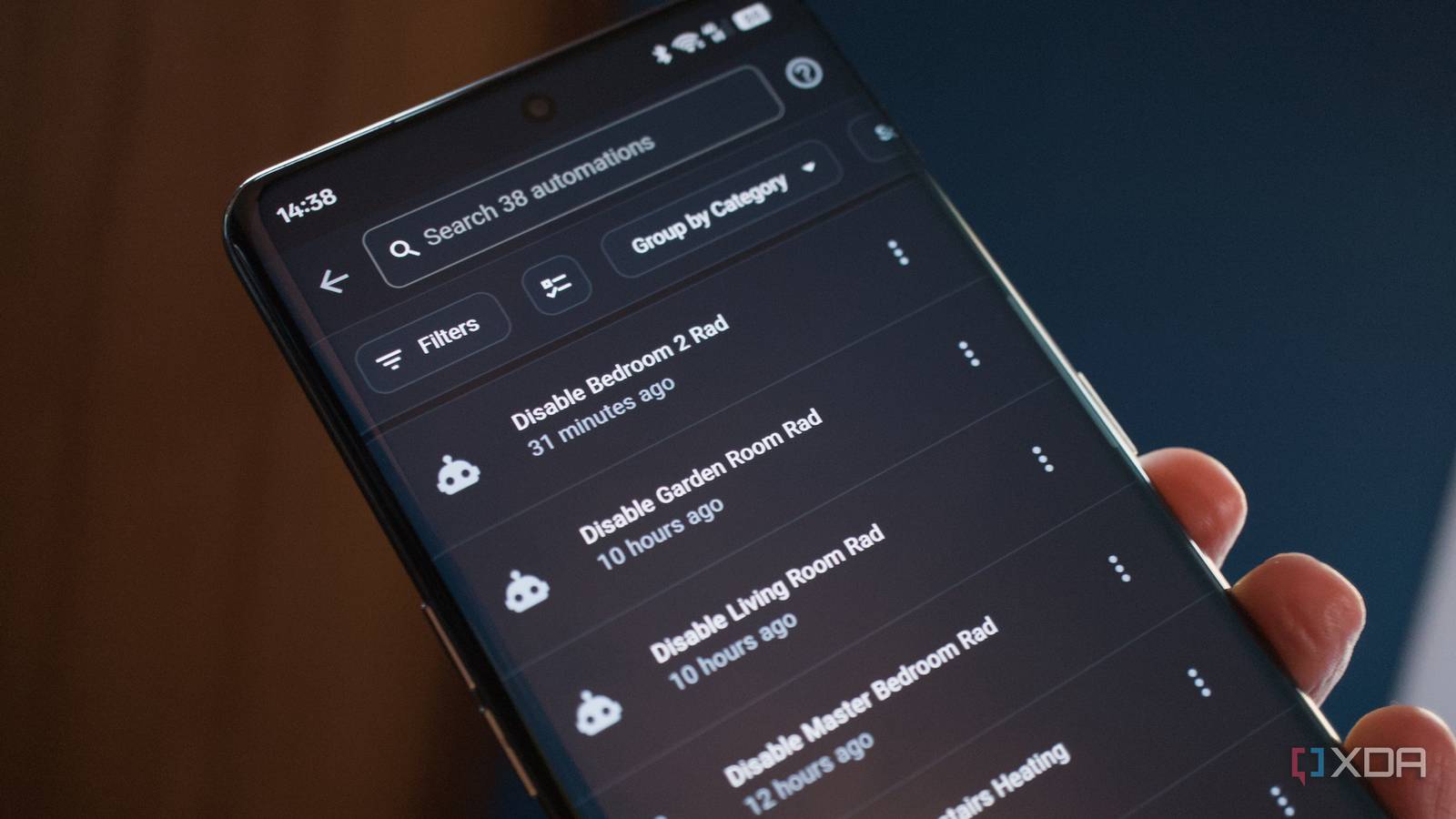
Published Nov 11, 2026, 2:30 PM EST Richard is the PC Hardware Lead at XDA and has been covering the technology industry for almost two decades. He's been building PCs since young, and when not creating content, you can often find him inside a chassis somewhere. Home Assistant is ridiculously powerful. The platform can bring together smart home products from various brands and can even interact with "dumb" appliances. But where it can truly transform the home is through automations. I'm not talking about turning on a bulb when the sun sets, which can be done in most branded apps, but about adjusting and controlling almost anything with sensors and data as input. I didn't get to automation until a little later, but here's what I'd add if I were starting fresh today. Electric heating programming Using the power of time and temperatures! Moving into an old village cottage meant that we had to adjust how we heated our home. Gone are the days of enjoying modern conveniences such as superior insulation and central heating. We now had half the house made of stone and the other half built with brick and mortar. No central heating. No gas or oil. That meant we had to get creative. Oil-filled radiators are decent enough, offering a 1:1 efficiency ratio for converting electricity into heat. But it falls short of HVAC. A split system can hit 1:4 if not higher, which means to produce 1 kW of heat output, an AC unit would only consume 250 W or so, compared to 1 kW of an oil-filled radiator. With the price of electricity heading in the direction it is all around the world, it's vital we make the most of every watt. That's where automations, smart plugs, and Home Assistant come into play. Instead of manually turning on the radiators when we're already in the room, HA could take care of everything for us. Initially, I have the smart plugs configured to turn on radiators during the latter parts of the off-peak period, between 04:30 and 05:30 each morning if the outside temperature is below 15 degrees Celcius. It's a great way to ensure the home is still warm when we wake without tapping into peak hour pricing per kilowatt. Then we have the downstairs set of radiators come back on for an hour at 17:00 each evening, followed by the upstairs set at 21:00 for the evening. It all works perfectly and can be tied into our PV and battery storage system to make the most of the available heat without ramping up the monthly utility bill. Monitoring and checking humidity Keeping mold in check The primary issue with us humans breathing is the moisture that comes with each breath. This isn't terrible in and of itself and likely won't cause issues inside your home outside winter months, but it's largely the reason why your windows steam up overnight when it's cold outside. Instead of holding your breath for as long as possible, simply cracking open a vent or opening the window for a few minutes in the morning and cleaning the window itself is all that's needed. I bought a simple temperature and humidity sensor that can be used to read the current state of affairs for comfort. Attached to our floor lamp in the living room, this sensor provides information to Home Assistant, which can be used for other automations. For instance, I have one automation that alerts our phones when humidity passes 70%. This isn't uncommon since the living room is part of the old building and is made of stone. But should it hit 75%, the heating is turned on. The issue we have with our current heating setup is the oil-filled radiators can't be used to maintain temperatures. Actually, they can, but not accurately and most certainly not efficiently. I'm holding off doing this until we have air conditioning installed, but we could have the radiator in the living room toggle on and off every hour or so, but the power usage would be astronomical, hitting 20 kWh for the day if we did that at two-hour increments. Reading the humidity of the room allows the heating to be activated should it hit a specific threshold, at least until we get that AC installed to provide heat and dehumidify the house. Making it easier to get up in the morning I'm the worst morning person Next up is my morning routine. I'm terrible at waking up at a decent time. I want to wake at 06:00, but I find myself finally getting out of bed after 07:30, sometimes 08:00. That's until I started to use a morning routine automation through Home Assistant. I got the idea from my esteemed colleague, Joe RJ. His script was almost bang-on, requiring just a few edits to insert my own entities and timings. trigger:- platform: timeat: "05:55:00"condition:- condition: timeweekday: [mon, tue, wed, thu, fri]action:- action: light.turn_onentity_id: light.main_bedroom_lights- action: light.turn_onentity_id: light.kitchen_lights- action: light.turn_onentity_id: light.upstairs_hallway_lightsdata:brightness: 75 Once this was up and running, I found myself waking up more often than not at the desired time. It only runs on weekdays too, allowing my body to recoup a little more sleep on Saturday and Sunday. But the best part is the automation automatically sets up our lighting in specific rooms depending on how bright it is outside. Don't forget about automations When setting up and configuring Home Assistant, be sure to consider automations early on. Try and consider how they can be used for everything that has been added and enabled so far. Start small and basic, building up and expanding automations as more sensors, entities, and ideas come to light.
3 Home Assistant automations I'd set up on day one if I started my smart home over
Full Article
Original Source
Read the full article at Xda-developers →KhanList aggregates and links to publicly available news content. We do not host full articles from third-party sources. Always verify important information with original sources.