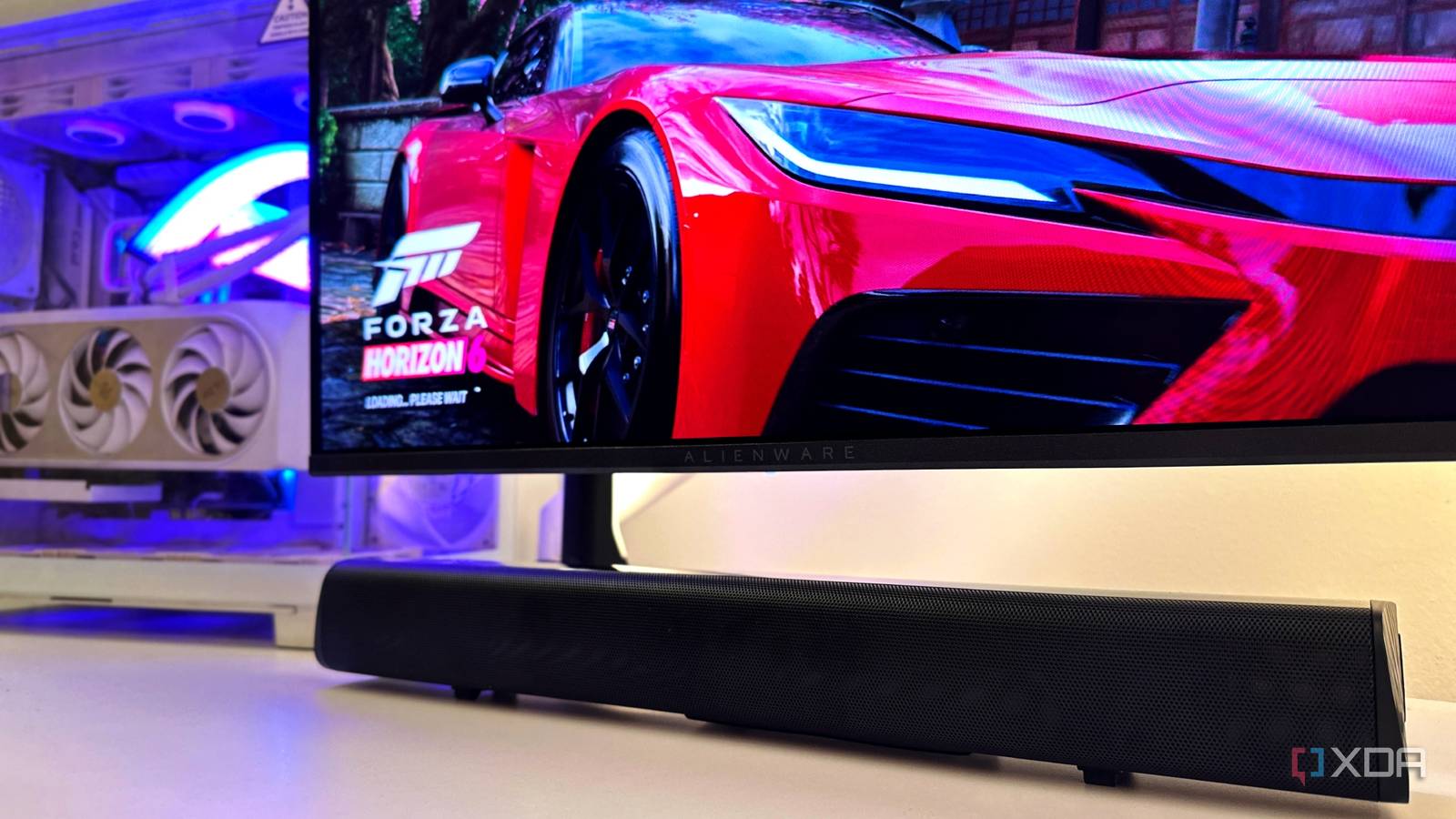
Published Jul 30, 2026, 2:30 PM EDT Gaming has been Samarveer’s greatest passion, and the Literature graduate in him takes immense joy in dissecting games for their themes, messages, and impact. Samarveer holds a deep appreciation of gaming, and considers the platform to be the most immersive and impactful across all media. He can be found engaging with gaming communities online, always ready to debate the finer points of ray tracing or itching to write an 8-page collegiate thesis on any game that impacts him emotionally. Summary HDMI labeling can hide ARC-only ports; PCs can't send audio to ARC ports. I used Bluetooth with a USB adapter; fine for media, but not for lossless or Atmos. Do a few minutes of research—marketing omits key specs; avoid costly converters or regret. When I bought a new soundbar for my gaming PC during the Prime Day sale, I really thought it would be one of the easiest upgrades I'd make all year. My new monitor had replaced my older display that came with a built-in speaker, so a compact 90W soundbar with a subwoofer made perfect sense. I even planned on using it via its HDMI connection, since modern GPUs do carry audio over HDMI, and the soundbar promised HDMI support. So, I added the soundbar to my card, paid for it, and waited for delivery day. As it turns out, things didn't go quite as planned, all because of a single acronym stamped on the back of the soundbar. That's what sent me down a rabbit hole of Reddit threads and HDMI specifications — all because I'd assumed one thing that was never actually true. I thought I'd already solved the problem I even planned my cable management Every product page for the soundbar had proudly flaunted its HDMI capability, so I never once questioned whether it would work with my gaming PC. In fact, I was so convinced it would, that I ordered a separate DisplayPort cable for my second monitor before the soundbar even arrived, freeing up my RTX 4070 Ti's single HDMI port exclusively for audio. This was a decision driven by the confidence that the HDMI branding had inspired in me when I didn't know what I didn't know. Sadly, reality arrived the moment I plugged everything in. Windows refused to acknowledge the soundbar, no matter how many times I re-plugged it, and even switched between HDMI 2.0 and HDMI 2.1 cables. Things got worse, too — I'd ignored the lack of an optical input because HDMI had seemed like such a sure thing, meaning I couldn't even use a 3.5mm cable for my audio output. At that point, I knew the issue wasn't Windows or my GPU, but I also had absolutely no idea what the actual problem was. I had misunderstood what HDMI meant Turns out, TVs and PCs don't speak the same HDMI language A couple of Reddit rabbit holes, AV forum deep dives, and HDMI specification explainers later, the penny dropped for me. My graphics card wasn't missing a feature, nor was the soundbar defective. I'd simply overlooked the two letters attached to its HDMI port: ARC. I'd seen HDMI printed all over the marketing material and instinctively assumed it was the same HDMI I'd been using on TVs for years. Sadly, it wasn't. ARC, or Audio Return Channel, exists for a completely different reason. A TV receives video from game consoles, streaming boxes, and PCs, and then, it sends audio back through the same HDMI cable to a soundbar. That's why TVs have ARC ports. On the other hand, a PC graphics card like my RTX GPU, is already the source of both video and audio. It has nothing to "return," so HDMI ARC never became a part of the equation. Consumer graphics cards do not ship with HDMI ARC ports. A PC GPU acts strictly as an upstream audio/video source. My new Alienware AW2726DM OLED monitor wasn't too much help, either. Like most PC monitors, it lacked an ARC port as well, meaning both ends of my cable were source-oriented devices trying to do jobs they were never designed for. No amount of swapping HDMI cables or switching between HDMI 2.0 and 2.1 was ever going to change that, sadly. The solution, at least on paper, was an HDMI-to-ARC converter. Then I looked up the price a converter that would support the 240Hz display I had — it would have made my "budget" soundbar cost more than twice as much as I'd originally paid for it, all because I'd misunderstood one acronym that most product listings barely bother to explain. My backup plan became my only option The "compromise" works perfectly, though Once I recovered from the sticker shock of HDMI-to-ARC converters, I took a step back and asked myself if I could settle with Bluetooth only. HDMI or optical delivery would have been perfect, but Bluetooth remained the only option I had. I decided to spend a fraction of the money on a dual-antenna USB Wi-Fi and Bluetooth adapter to give my desktop a stronger and more reliable wireless connection. All it needed to do was support only two devices — my soundbar, and my DualSense controller over Bluetooth. It worked exactly as I'd hoped, too. The soundbar has remained rock solid ever since then, and the audio latency has never been distracting for casual media browsing or movie-watching. When it comes to games, I continue to use my Sony Inzone H7 over its 2.4GHz connection, meaning there are absolutely no latency issues involved at all. I still wish I'd understood HDMI ARC before clicking the Buy Now button, but I also can't really complain about where I ended up. It still feels like I've "settled" on using Bluetooth. There is still no replacing HDMI ARC Bluetooth is convenient, but it's never the best connection Bluetooth and HDMI ARC are never going to be equal. HDMI ARC and eARC can carry uncompressed multichannel audio, and that's what opens the door to formats like Dolby TrueHD, DTS-HD Master Audio, and immersive surround sound technologies like Dolby Atmos on compatible hardware. On the other hand, Bluetooth almost always relies on compressed audio codecs to keep bandwidth requirements in check, and most implementations are still limited to stereo audio instead of true multichannel playback. For my desktop setup, Bluetooth has proven to be just good enough, and I don't regret sticking with it now after a few weeks of usage. However, if you're investing in a premium soundbar specifically for its surround sound capabilities, then HDMI ARC or eARC remains the gold standard. Wireless audio has come a long way, yes, but when it comes to squeezing every last bit of fidelity and immersion from your hardware, a cable will always win. Hisense HS2100 2.1 Soundbar $113 $130 Save $17 Connectivity Auxiliary, Bluetooth 5.3, HDMI, Optical Audio Input, USB Power 240W Audio Channels 2.1 Brand Hisense A little research can save a lot of regret A few minutes spent understanding the tech behind a new purchase can save you hours of trouble. The biggest lesson I took away from this experience had very little to do with HDMI ARC. It's that even something as simple as buying a $40 speaker can hide compatibility quirks that marketing pages rarely explain. A few minutes spent understanding the technology behind a product can save you hours of troubleshooting and frustration later. If my mistake helps someone pause before clicking Buy Now and double-check if their setup does indeed support the features they're paying for, then it was perhaps worth making.
Your soundbar's HDMI port is lying to you, and PC gamers need to know why
Full Article
Original Source
Read the full article at Xda-developers →KhanList aggregates and links to publicly available news content. We do not host full articles from third-party sources. Always verify important information with original sources.