
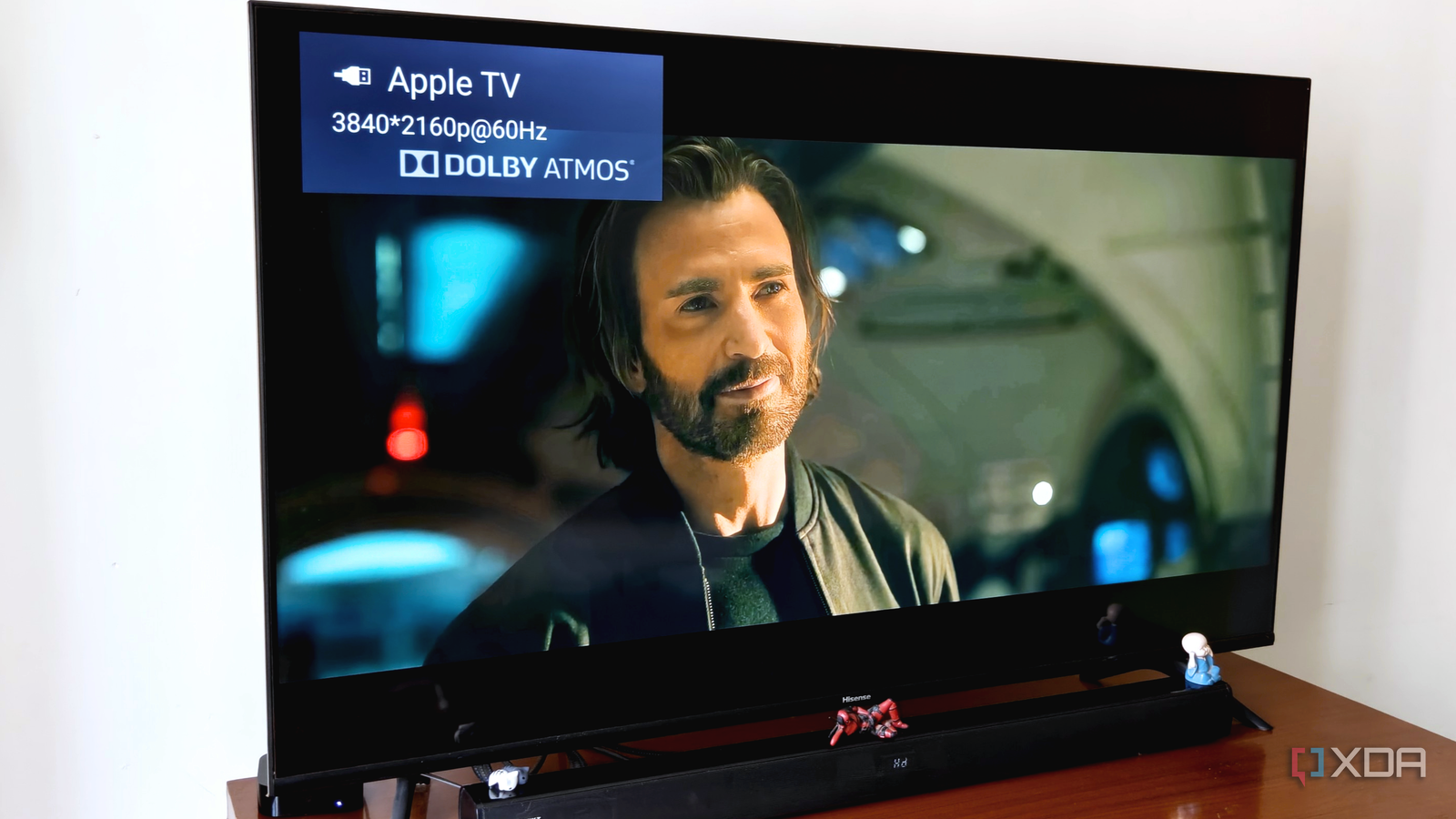
Published Jul 27, 2026, 3:00 PM EDT After a 7-year corporate stint, Tanveer found his love for writing and tech too much to resist. An MBA in Marketing and the owner of a PC building business, he writes on PC hardware, technology, and Windows. When not scouring the web for ideas, he can be found building PCs, watching anime, or playing Smash Karts on his RTX 3080 (sigh). Audio quality is as important for immersion as video quality. When you invest in an expensive soundbar in the hopes of bypassing your TV's terrible onboard speakers, you expect deep, full, and lossless audio. Even after configuring the settings correctly, however, your soundbar can sound unimpressive. If it's hard to differentiate between the audio from your TV and soundbar, you might need to change the audio format on your TV. This setting can single-handedly ruin the entire audio pipeline of your entertainment setup. Even if your streaming device and soundbar support Dolby Atmos, your TV might be acting as the bottleneck by sending stereo audio to the soundbar instead. The default audio format of your TV is geared toward compatibility, not quality. Changing it from PCM to Pass Through will remove any unwanted processing from the audio chain. Your soundbar appears to be working fine, but something feels off It sounds barely better than the TV speakers As important as audio is to any entertainment hub, some people might not realize they're not using the soundbar features they paid for. On the surface, everything might seem fine. The soundbar might be loud and provide a decent experience in most cases. However, the more discerning viewer will immediately notice if a soundbar's audio is shrill, hollow, or flat. The depth and soundstage separation that is behind what people call "immersive audio" might be completely absent. Even if your TV or streaming device proclaims "Dolby Atmos" or other lossless formats on the screen, what you're hearing from the soundbar might not be lossless at all. In many cases, it's hard to find anything wrong with the audio settings of the TV and soundbar that could explain the terrible audio performance. You could tweak any number of audio settings to improve the sound quality, but if the TV and soundbar aren't communicating properly at the fundamental level, nothing will really make a huge difference. The problem is the TV's default audio output PCM strips the incoming audio of all spatial data Your streaming app or box might be sending lossless audio, but the TV might be modifying what eventually reaches the soundbar. The default audio format on many smart TVs is PCM (Pulse Code Modulation). This format represents analog audio signals in a digital format and should technically be lossless. With this setting enabled, though, most TVs decode the incoming audio to stereo PCM, which is the safe default to ensure maximum compatibility. No matter the audio format of your streaming device, the TV will almost always strip the signal of spatial data, resulting in a flat sound that no longer has any qualities of the original lossless format. The soundbar only receives two-channel audio, and plays it correctly. The fault lies in the middle link, i.e., the TV's own audio processing capabilities. To resolve the issue and get the original lossless audio through your soundbar, you need to eliminate the TV from the audio processing pipeline. Switch to Pass Through audio on the TV Restore the link between the source and your soundbar In your TV's audio settings, you'll see "Pass Through" right next to "PCM." On some TVs, it might be called "Bitstream," or even "Auto." Once you've chosen the setting that allows the original audio to, well, pass through unmodified to the soundbar, you'll notice a transformed audio experience. Everything will start sounding richer, deeper, and more natural, complete with positional characteristics, if your audio setup has surround sound. All the audio processing will shift from your TV to the soundbar, which can output lossless audio as intended. Moreover, you should also ensure your soundbar is connected to the TV using an HDMI eARC port, not the regular ARC port. This is basic, but it doesn't hurt to check. HDMI eARC has higher bandwidth, which is necessary for carrying lossless audio. Also, for Apple TV 4K users, the correct setting is Auto, if you want it to send the best available audio format. The default audio settings "work," but that's hardly what you want Manufacturers often tune settings for compatibility rather than peak performance. The problem is that they don't communicate properly that users need to change the safe defaults when necessary. The default audio format of your TV is almost always the reason behind terrible soundbar performance, despite having a high-quality soundbar. Changing it to Pass Through allows your soundbar to finally shine.
Your soundbar sounds hollow due to this one misconfigured TV setting
Full Article
Original Source
Read the full article at Xda-developers →KhanList aggregates and links to publicly available news content. We do not host full articles from third-party sources. Always verify important information with original sources.