
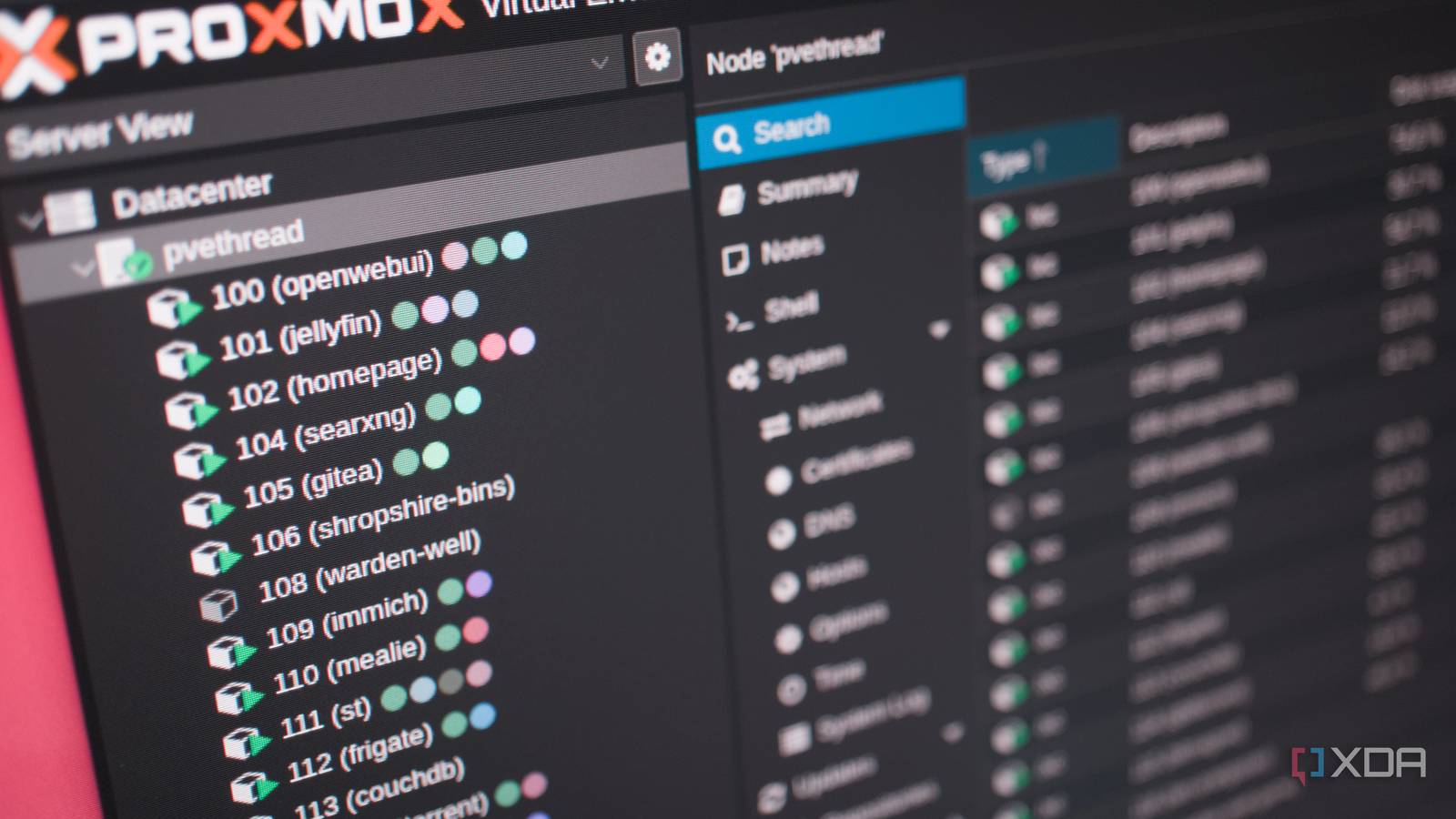
Published Sep 28, 2026, 1:30 PM EDT Richard is the PC Hardware Lead at XDA and has been covering the technology industry for almost two decades. He's been building PCs since young, and when not creating content, you can often find him inside a chassis somewhere. If you're planning to set up your own home lab with a single server to test some apps and save money by cancelling cloud subscriptions, you may be looking at Proxmox. This Linux-based distro is a top choice when it comes to running virtual machines (VMs) and Linux containers (LXCs). They may achieve similar results, but VMs and LXCs are two different ways to create and run instances. A virtual machine may sound like a better route to take, especially if you're new to the game, but it could be wasting resources. When a VM actually makes sense There are cases for running virtual machines Before reading through this piece and commenting that I despise VMs and always run LXCs on my servers, that couldn't be further from the truth. Virtual machines certainly have their place, as do LXCs. The choice of running either on Proxmox entirely depends on what you plan to run and what the demands are for that particular instance. For instance, a virtual machine is inherently more secure by its very nature of being an entire system running in isolation. It shares nothing with the host, outside of resource management and a few other links. Should a virtual machine become compromised, the wider system and the host kernel itself will be unaffected. That's the beauty of a virtual machine and is something an LXC simply can't offer due to it sharing resources with the underlying kernel. That's not to say an LXC is a security risk, but it's possible, and an attack could be sophisticated enough to exploit a kernel vulnerability. Although it's emulated, a VM creates a hardware-like boundary separating itself from the host. This is also what makes a VM so versatile in that it's essentially a blank slate, though not immune. One could treat a VM like a PC, installing whatever OS they choose. An LXC runs Linux, hence the name Linux Container. Running from the underlying kernel, this means you're locked to Linux software and apps, unless emulation and translation layers are used, which would maybe be better suited within a VM environment. It's also less versatile in that the LXC shares many parts from the host, so specific kernel versions, custom configurations, or specialized modules would require a VM for a complete platform where just about everything can be configured. If you've ever dealt with privileged LXCs, you'll understand the inherent risks that come with trying to use an LXC for everything, including it breaking through a Proxmox update. A VM can make things simpler and is often required when an entire OS needs to be provided with specific configurations. But having all this capability available requires VMs to reserve a chunk of the underlying hardware. LXCs can save a lot of resources It's all in the software LXCs are a little like running Docker containers but without the whole engine and such. It's a package that can run directly within an instance sharing resources with the host kernel and adapting as it requires RAM and CPU cycles. Reserving resources for an LXC differs from a VM since, when firing up, the VM will take control of all its assigned resources. The system (and other virtual instances) are locked out of using this hardware. An LXC only takes what it needs within the constraints of its specified RAM, storage, and CPU restrictions. For instance, assigning 2GB of RAM, only 1GB may get used. A VM would take that 2GB of RAM, even if it didn't immediately require it. The OS within that VM would then show 2GB available. The LXC only takes the 1GB, leaving the additional 1GB on the table for the host or some other software. It'll only request it when required. That's how we can save a lot of resources through using LXCs over VMs when possible (and applicable). That's not to say this is the better way of handling system resource allocation since if you overload a server with more LXCs than it can realistically handle, you may end up with some running out of RAM or vCPUs. But not every app or software requires its own virtualized instance. Many of the self-hosting packages you'll find on GitHub and other resources will happily run within an LXC and don't require much allocation. This is what enabled my old desktop clients with nothing but 16GB of RAM each and a mediocre Intel Core i5-7400 to run a few dozen containers. With the right setup and optimized instances, you could easily run 50, 100, or maybe even 200 containers on one host. A VM-only setup may top out at 20 or so before hitting hardware limitations. LXCs are also incredibly quick. Because they share almost everything with the host, your containers can spin up in under 5 seconds. A VM needs to fully boot from scratch, launching an OS and everything else that comes with it, much like you would a desktop PC. Bonus: GPU passthrough is painless I have Jellyfin and Frigate running on the same Proxmox server. There's also Open WebUI for AI prompting. All three containers rely on the single RX 7900 XT with 20GB of VRAM. It's not just RAM and CPU management that becomes effortless with LXCs. Sharing specific hardware, like a GPU, can be incredibly straightforward and is allowed by deployed LXCs. My GPU is shared between all three containers, so nothing needs to halt or be suspended for something else to use the card.
Your Proxmox server can handle 10 times the workload if you stop treating everything like a virtual machine
Full Article
Original Source
Read the full article at Xda-developers →KhanList aggregates and links to publicly available news content. We do not host full articles from third-party sources. Always verify important information with original sources.