
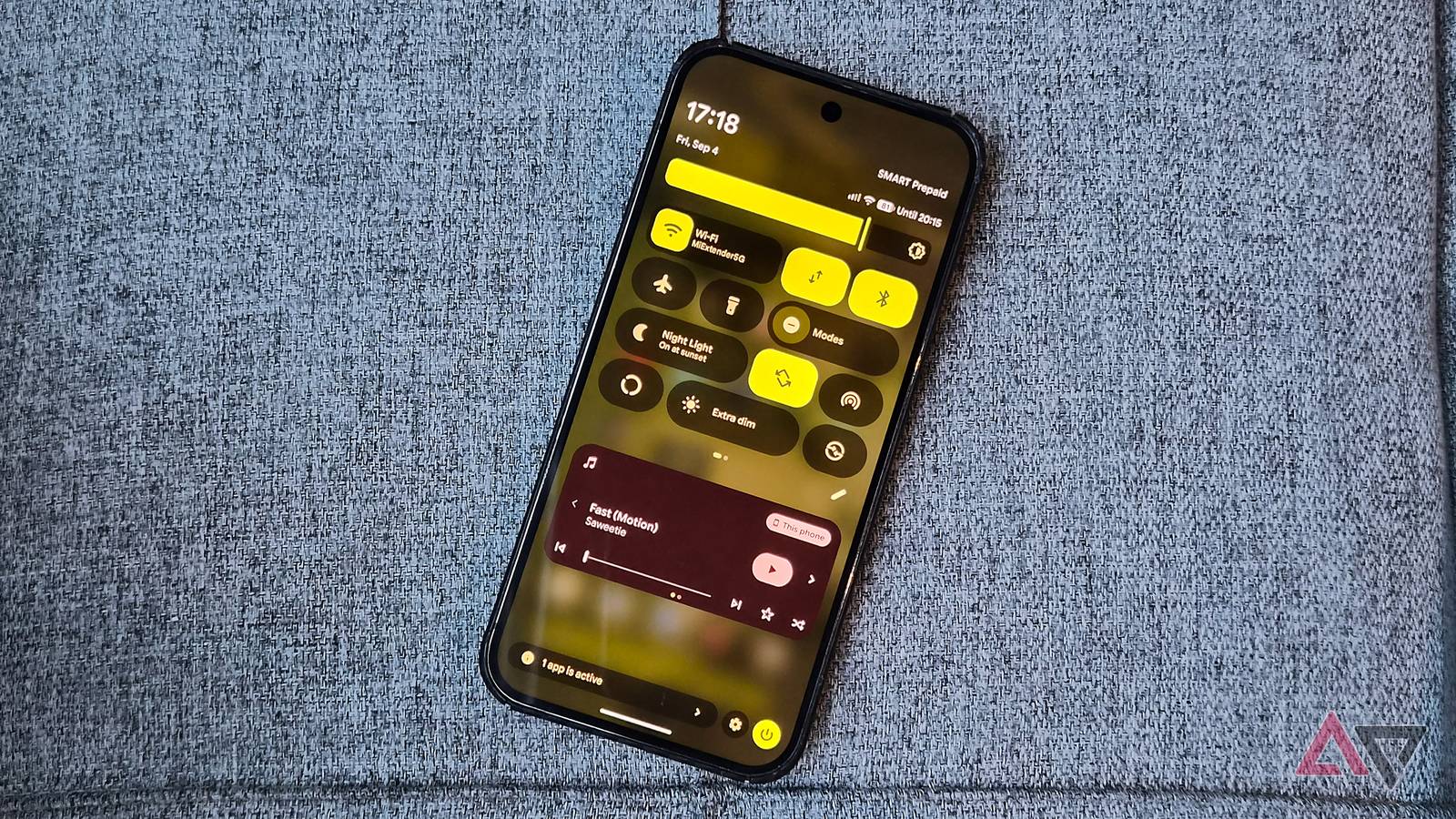
Published Sep 17, 2026, 3:32 AM EDT I've been writing about Android since 2011, with a focus on device reviews, Samsung and Google Pixel hardware, and the latest happenings in the ecosystem. In my entire writing career, I've reviewed more than 75 Android phones. Carrying both a Samsung or Pixel flagship and an iPhone as a daily driver provides me with deep insight into how Android works and how it compares to iOS. I have been writing for Android Police since 2021, covering news, how-tos, and features. You can find my previous work on Neowin, AndroidBeat, Times of India, iPhoneHacks, MySmartPrice, and MakeUseOf. When not working, I tend to mindlessly scroll through X, play with new AI models, or go on long road trips. You can reach out to me on X or drop a mail at rajesh@androidpolice.com. Sign in to your Android Police account For all the security improvements that Google has rolled out to Android in recent years, there is still one major oversight. On Pixel phones, you can access the Quick Settings panel from the lock screen without unlocking the device. Google is finally addressing this long-standing security issue in the latest Android Canary build. The latest Android Canary build 2609 adds a global Quick Settings lock. Once enabled, it will prevent anyone from toggling important connectivity options using the Quick Settings panel from the lock screen unless the device is unlocked. Right now, that's not the case. This is a major security oversight, as if your Pixel is stolen, the thief can easily toggle Wi-Fi, Bluetooth, mobile data, and other connectivity options off, preventing you from reliably tracking the phone. Protecting the Bluetooth toggle is especially important, as Google's Find Hub relies on it to locate offline devices. While a small change, enabling the option will immediately make your Pixel more secure. Almost all other major Android skins already offer a similar option, making the Quick Settings panel inaccessible from the lock screen. On Pixels, the Quick Settings panel is inaccessible only after you restart the device and before you unlock it for the first time. There's one major difference with Google's implementation compared to other Android skins. You can access the Quick Settings panel from the lock screen, even with the option enabled. However, toggling Wi-Fi, Bluetooth, mobile data, or airplane mode requires biometric or PIN authentication. This is convenient, as you can still quickly toggle flashlight and other options without unlocking the device. The new 'Require unlock for Quick Settings' option is tucked under Settings > Security & privacy > Device unlock. The feature is off by default, so you'll need to enable it manually. Android Canary builds are not stable enough for daily use The latest Android Canary 2609 (build ZP11.260821.010) is available for Pixel 6 and newer devices, with two exceptions. Pixel 9a OTA will arrive later, while the Pixel 11 series will gain support with the next Canary release. As this Quick Settings enhancement is a part of the Android Canary build, there is no guarantee or timeline for when it will make its way to a stable Android release. Also note that Canary builds are meant for developers and early adopters; they are more unstable than beta builds. So, don't install it on your Pixel if you use it as a daily driver.
Your Pixel's biggest lock screen security hole is getting patched
Full Article
Original Source
Read the full article at Androidpolice →KhanList aggregates and links to publicly available news content. We do not host full articles from third-party sources. Always verify important information with original sources.