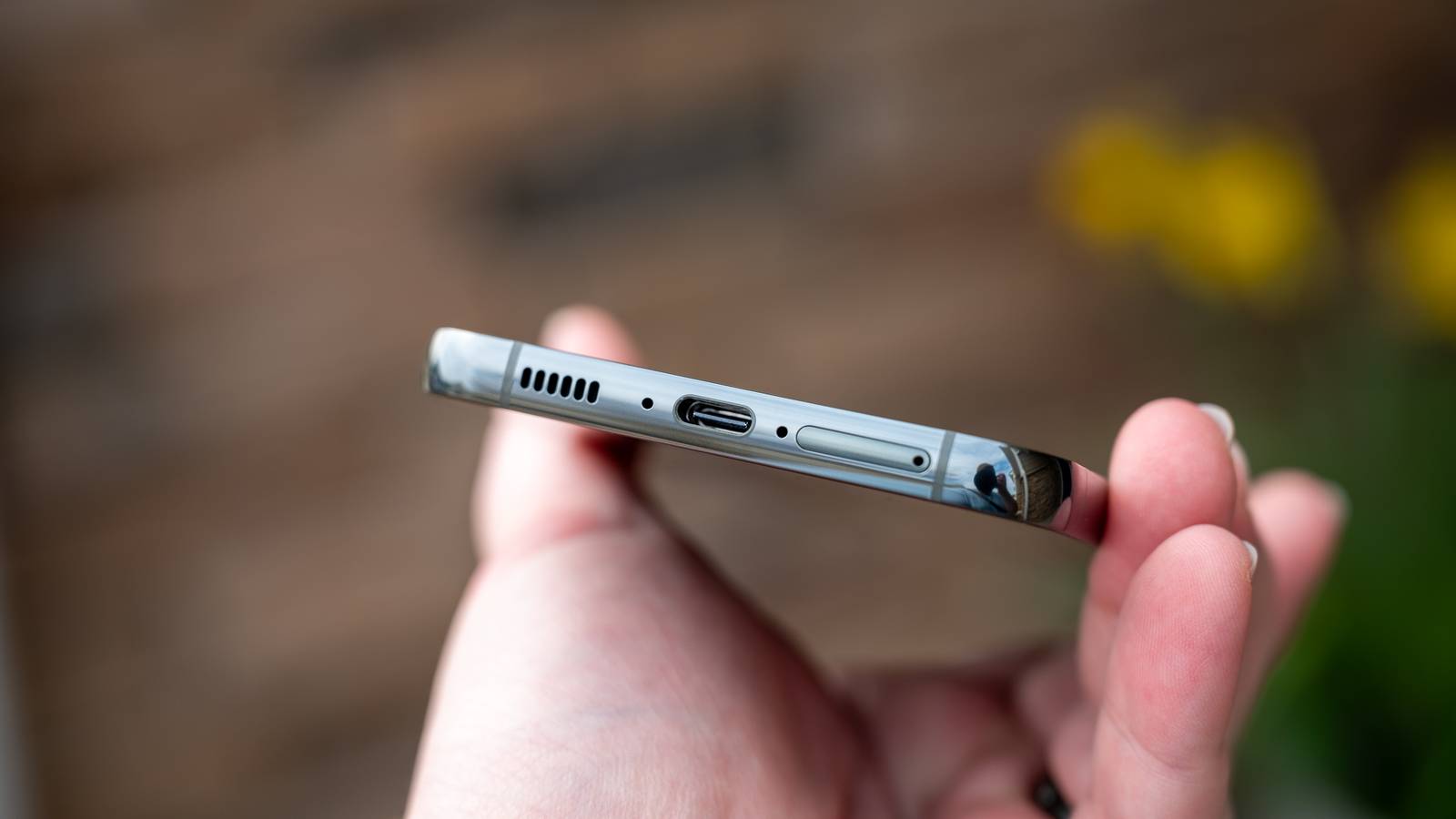
Published Jul 31, 2026, 3:45 PM EDT Aggy is a veteran writer and editor in the technology and gaming space. Having served as a Managing Editor for high-traffic digital publications, alongside being an editor and consultant for over a dozen sites. Aggy's published work spans a wide and respected array of tech and gaming outlets, including WePC, Screen Rant, How-To Geek, Android Police, PC Invasion, and Try Hard Guides. Beyond editorial work, Aggy's direct experience in the tech sphere extends to app development. Aggy has published two games under Tales and is always eager to learn and do more. He also likes working on computers and researching in his spare time. He knows about Windows, Linux, Audio, Video, and much more. Water in a phone speaker is one of those problems that's easy to miss until the audio sounds wrong, and you can't figure out why. Sometimes it happens after a swim or a rain catches you off guard, but it can also build up slowly from humidity or a splash you barely notice. The instinct is usually to shake the phone, let it dry out, or stick it in rice, but none of those actually work on water, physically wedged into the speaker mesh. Water gets trapped inside your speaker pretty easily Standard tricks like rice won't fix the issue Credit: Jorge Aguilar / HowToGeek Smartphone speakers are really complex even though they're small. They work like you'd think, but protecting all of that from outside are a few layers of defense. There's a cosmetic grille on the outside made from laser-cut metal or plastic with tiny holes, and just behind that, a membrane made to keep the phone safe. The inside has pores that are big enough to let air and sound through, but should be too small for water droplets to pass. The whole assembly is then glued and gasketed into the phone body to close off any gaps. The problem is that these defenses have limits. The hydrophobic coatings that make water bead up and roll off work by keeping a kind of pressure advantage over incoming liquid, but drop a phone into deep water and that advantage disappears fast. The pressure at depth is stronger, and water gets forced through. Also, everyday wear, being exposed to soaps or lotions, and general grime can chip at those coatings over time, so a phone that handled a splash just fine a year ago might not hold up the same way today. Once water gets past the outer layers, it ends up trapped in the small chamber sitting between the speaker components and the grille. Once water is in there, getting it out is pretty hard. The water clings to the mesh and essentially plugs it, blocking airflow and killing the sound. Shaking the phone won't do anything either, and leaving it to air dry would take you days to see any results. You also don't want to leave this alone because trapped moisture can corrode metal contacts, degrade the amplifier, and cause lasting damage. Rice does nothing useful here, since it can only pull in ambient moisture through evaporation instead of grabbing the water that's physically stuck. Blowing air into the speaker is also pointless, and you should never use heat against a phone on purpose. You'd think you'd be stuck, but the idea shouldn't be to put something into the area to get the water out, but to literally blow the water out. Playing specific sound frequencies pushes the water out Low frequencies turn your speaker into a small pump Credit: Jorge Aguilar / HowToGeek So, instead of just playing loud music and praying the water is pushing out, what you want to do is play specific tones that force the speaker's internal diaphragm to act like a small pump. If you've unclogged a toilet, you'll know it's not about just pushing in and out really fast; it's about technique and force at the right moments. Under normal use, that diaphragm moves back and forth to push air and make sound. When you play the right low-frequency tone through it, it starts doing the same thing but with more violence and purpose, hammering air back and forth inside the small cavity behind the grille hard enough to build real pressure. The frequency you pick matters a lot here. Something too high, like 10,000 Hz, moves the diaphragm incredibly fast but barely moves it at all physically, so it can't generate enough force to shift water. Go too low, and you risk overheating or distorting the speaker. The sweet spot sits roughly between 165 Hz and 230 Hz, where the diaphragm is moving as far as it safely can on each stroke, displacing the maximum amount of air without doing damage. Since water doesn't compress, all that air pressure has to go somewhere, and it goes straight into the trapped droplets. Once the pressure builds enough to break the surface tension holding the water in place, the droplets get pushed out through the mesh. The speaker's alternating push-and-pull strokes also transfer a net outward force on the water, so once it moves out, it doesn't get dragged back in. To keep the speaker from overheating during this process, you need a video where the tone is pulsed instead of played continuously, giving the voice coil brief moments to cool down between bursts. Those pauses also create a kind of stuttering, like a hammer. If there is any left, you can also shift to higher frequencies that break the rest. By the end of the process, your ports should be clear. I tried this with earbuds, and it didn't work, but it did work on my phone before. I would say if you visit the pool as much as I do, be very careful around the water. Clean it out carefully so you don't break your phone Simple safety rules keep your speaker from blowing up Credit: Jorge Aguilar / HowToGeek Using sound to push water out of a wet phone speaker actually works pretty well, but there are a few things you should know before you try it. First, wipe down the outside of your phone with a dry microfiber cloth to get rid of any surface water. Don't use regular napkins or rags; microfiber is a lot better than you are likely to think it is. I've seen plenty of guides on social media that suggest using heat with a hairdryer or something similar, but I always avoid those. Remember that heat is genuinely bad for phones. It can melt the adhesives and rubber seals that keep water out of the internals in the first place, and it can warp the thin membrane inside your speaker, which will permanently mess up your audio. Once you've wiped the phone down, how you hold it matters a lot. Point the speaker grille toward the ground so gravity is helping pull the water out. This also stops any water the speaker pushes out from dripping deeper into the phone during the process. Just remember not to do this too often; you'll overwork your speakers. You have time to save your phone, so don't push it as far as it can go. Also, keep the volume at a reasonable level while you're doing this. Cranking it up too high on a speaker that's already being restricted by water can cause the membrane to overstretch and tear. You want enough volume to move air and push the water out, not so much that you're blowing the speaker in the process. This isn't a common method, nor should it be The sound ejection method works, but it's not something to run every week on a healthy speaker. The same physics that push water out are also putting mechanical stress on the diaphragm, so it's a fix for when you actually need it, not a maintenance routine. I'd also skip trying this on earbuds since the speaker geometry is different enough that the results don't carry over the same way. Samsung Galaxy S26 Ultra Brand Samsung SoC Snapdragon 8 Elite Gen 5 Get the new Galaxy S26 Ultra with AI smarts and an all-new privacy display. It's big, powerful, packed with AI, and you'll love the S-Pen stylus. Display 6.9-inch Dynamic Super AMOLED 2X RAM 12 or 16 GB Storage 256GB, 512GB, or 1TB Battery 5,000 mAh Operating System Android Front camera 12MP f/2.2 Rear camera 200MP f/1.4 main, 50MP f/1.9 ultrawide, 10MP f/2.4 telephoto, 50MP f/2.9 telephoto Dimensions 163.6 x 78.1 x 7.9 mm (6.44 x 3.07 x 0.31 in) Colors Violet, Sky Blue, Black, White, Silver Shadow, Pink Gold Weight 214g Charge speed 60W wired Super Fast Charging, 25W wireless Stylus S-Pen
Your phone's speaker is probably clogged with water right now—this video will fix it
Full Article
Original Source
Read the full article at Howtogeek →KhanList aggregates and links to publicly available news content. We do not host full articles from third-party sources. Always verify important information with original sources.