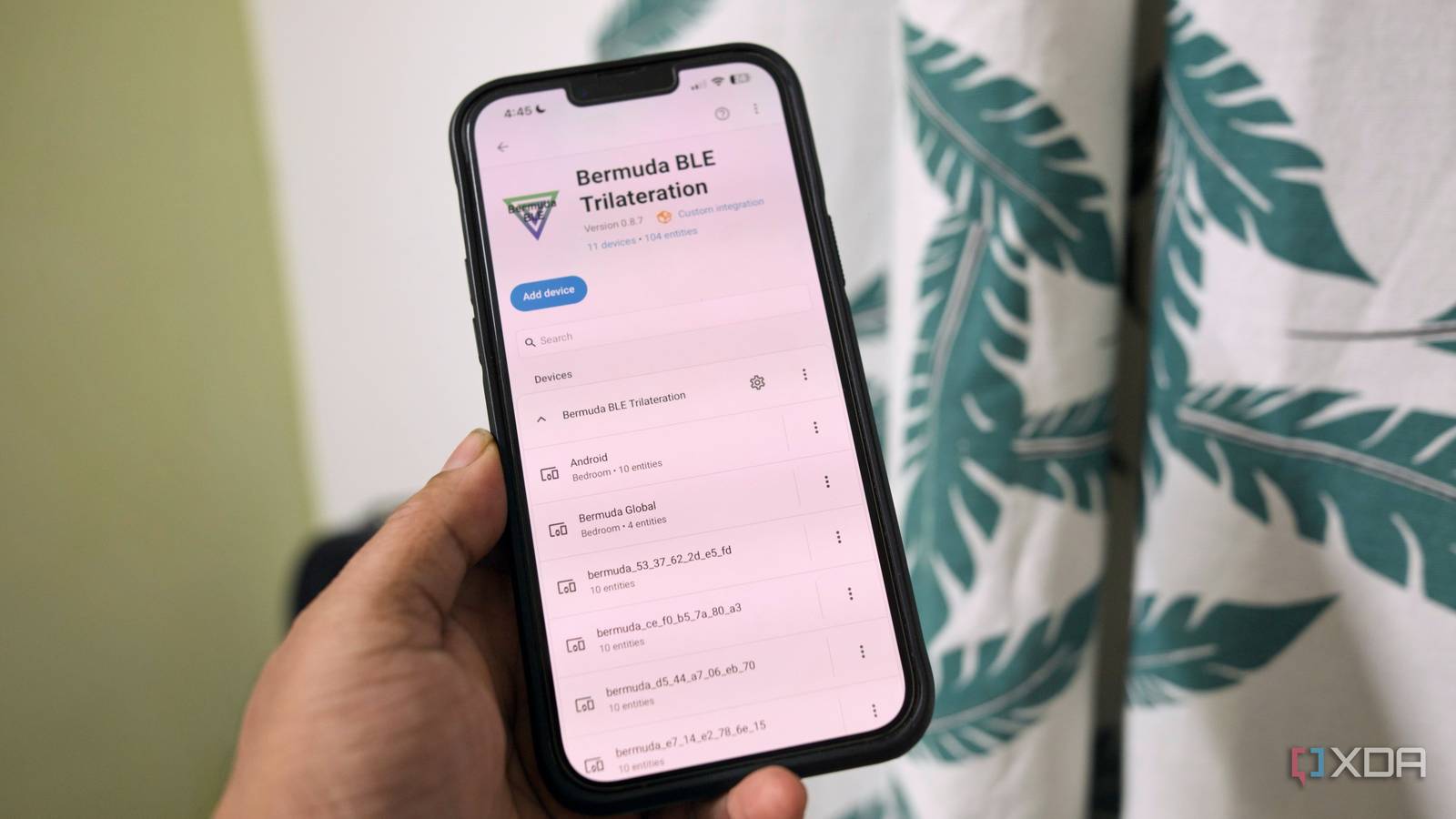
Published Aug 1, 2026, 10:00 AM EDT Samir Makwana is a technology journalist and editor from India since past 18 years and his work appears on MakeUseOf, HowToGeek, GSMArena, BGR, GuidingTech, The Inquisitr, TechInAsia, TechWiser, and others. He has written news, features, and gadget reviews for national technology media publications. His passion is to help people with their technology problems and gadget purchases. For that, he has worked for some of the biggest international technology publications, covering news, explainers, how-to guides, listicles, and product-buying guides. He has worked as an editor and managed teams since 2015. His expertise broadly covers computers, smartphones, game consoles, headphones, smart home products, browsers, and apps. I really wanted to use presence detection for automation in my smart home, but wasn’t sure where to start. I explored different presence sensors to integrate into Home Assistant. While at it, I spent an unhealthy amount of time pondering which one to actually use. My colleague Adam Conway’s smart project to build a Bluetooth-based presence sensor got me thinking about my old Android phone I often overlook. While exploring that, I briefly tried geofencing apps and beacons. Most of them hammered my Android phone’s battery. So I settled on a different solution that uses my Android phone’s Bluetooth chip as a presence sensor to communicate with Home Assistant. Phone’s Bluetooth address switches every few minutes on purpose Resolvable Private Addresses are the privacy feature getting in the way Modern devices don’t broadcast a fixed Bluetooth address. They use a Resolvable Private Address (RPA), and it's found on phones, smartwatches, and peripherals. You don’t get a single MAC address forever to tie to a device. The Android phone keeps rotating it every few minutes so that advertisers, retailers, or sketchy Bluetooth trackers in the mall can’t fingerprint you across locations. The old approach of tying a device's known MAC address to Bluetooth detection no longer works reliably. That’s why you feel your phone keeps dropping off or hiding from the Home Assistant. In fact, it’s hiding from everyone, and Home Assistant just happens to be one of those systems. Home Assistant has an integration that reverses the rotation The Identity Resolving Key is the piece tying everything together The first thing to start is to not fight the Bluetooth address rotation. Since every device uses a resolvable private address, it also holds an Identity Resolving Key (IRK), a key that resolves a rotating address back to the particular device. Your phone already shares IRK with anything it’s bonded to, and that’s how paired accessories recognize devices, even if the address changes underneath. There’s a Private BLE Device integration built exactly to store the device's details in Home Assistant. All you need to do is capture your phone’s IRK once and then feed it into the Private BLE Device integration. After that, it’ll match every rotating address your phone broadcasts back to the same device and turn your phone into a functional presence sensor which gets tracked through the Bermuda HACS integration. Grabbing your phone’s IRK isn’t exactly plug-and-play Androids and iPhones hand it over differently Capturing your phone's or another device’s IRK and feeding it into Home Assistant requires the most patience. Getting it to work with Apple devices like the iPhone, iPad, and Watch is easier because you can pull the IRK easily. You can grab it from Keychain Access on your Mac if all devices share the same iCloud account. I flashed Derek Seaman's IRK Capture firmware on a spare ESP32 and turned it into an IRK Capture tool. That made it faster to grab IRK from my Apple devices. On Android, getting to the IRK is where things got messy for me. When I tried pairing my phone with the ESP32 IRK Capture tool, the IRK was generated, but my phone never fully completed pairing on its end. It’s a rough edge, and you might hit it too if you’re using an old Android phone. I still grabbed the IRK from the IRK Capture menu in ESPHome Integration inside Home Assistant anyway. It’s wise to budget your time for this setup rather than the entire process. Though it’s a little cumbersome, it’s just a one-time thing. ESPHome ESPHome is an open-source firmware framework that enables the easy creation of custom smart home devices using WiFi-enabled microcontrollers. It utilizes simple YAML configuration files, integrates seamlessly with Home Assistant, and supports multiple interfaces, including web, API, and MQTT. With built-in support for on-device automations and wireless over-the-air updates, managing your devices becomes straightforward and flexible. Setup takes far less time than finding the keys Adding devices in Home Assistant was easy Once you grab the IRK using the dedicated ESP32 board working as an IRK Capture tool, adding the devices to make sure they stick is easy. You need to add the Private BLE Device integration and feed the captured IRK to save your device to the configuration. Do note that your phone or device needs to actively broadcast via Bluetooth and be within range while you configure it as a Private BLE device. Home Assistant checks whether it can actually see your phone’s key before you can finish the setup. Adding my Android’s IRK to the Private BLE Device integration didn’t work right away, mostly because my phone never completed pairing with the IRK Capture tool. What actually got working was turning on the BLE transmitter sensor in the Home Assistant Companion app on Android. It turned my Android into an iBeacon. I can’t say for certain why it worked. After that, I easily used my Android’s IRK in the Private BLE Device integration. Once your phone is configured as a Private BLE device, it appears on Bermuda's configuration list. My Android phone appeared with its IRK there, and no separate iBeacon tracker setup was necessary. The same IRK can help you with room-to-room tracking Bermuda uses that value to locate your phone Capturing the IRK is useful beyond just detecting whether your family is at home or away. Bermuda BLE Trilateration uses the IRK for room-level presence tracking. You’ll need Bluetooth proxies scattered around the house for best triangulation accuracy. That helps you know which room your phone is actually in rather than showing that it’s at home. Of course, ESP32 boards work as excellent low-power Bluetooth proxies. But if you have an old Android phone, you can set it up to do the same job with the Ava app. You can refer to my account of using it on my old Android phone to use it as a Bluetooth proxy. Using a phone for presence detection requires patience It takes a little longer to trigger home or away states I won’t pretend that using your phone as a presence sensor is a flawless replacement for dedicated PIR or mmWave sensors. The most common complaint about this integration in Home Assistant is the detection lag. I noticed that the device sometimes took more than 15 minutes to report the away state to Home Assistant. Unfortunately, there’s no wiggle room to tune that. That’s tolerable for automations that can wait a few minutes, like adjusting the thermostat. It’s not suitable for anything you want to react to instantly. Makeshift presence sensor that just works It’d be unfair to dismiss this clever trick as a workaround. I’d recommend it to anyone evaluating whether they actually need a dedicated presence sensor in their smart home. Pair it with Bermuda BLE Trilateration, and you can keep tabs on your devices room by room using an old phone or two and a couple of Home Assistant integrations. No extra hardware, no battery-draining app. Home Assistant OS Windows, macOS, Linux iOS compatible Yes Android compatible Yes Home Assistant is the best way to connect your smart home systems together
Your phone's Bluetooth chip is already a presence sensor — Home Assistant just needs the right key
Full Article
Original Source
Read the full article at Xda-developers →KhanList aggregates and links to publicly available news content. We do not host full articles from third-party sources. Always verify important information with original sources.