
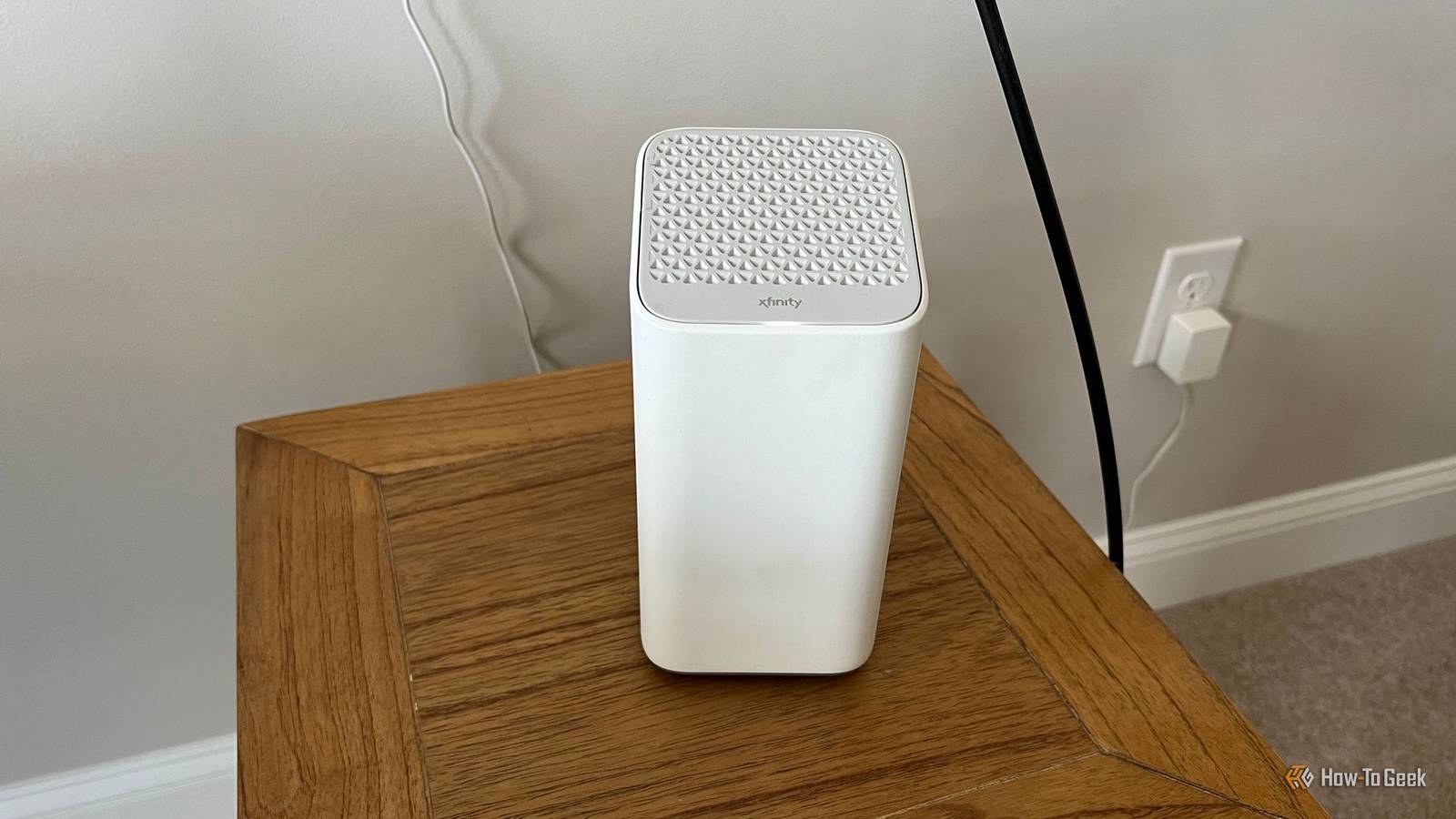
Published Oct 12, 2026, 11:30 AM EDT Patrick Campanale has been in the tech space for well over a decade, specializing in PC/gaming news and reviews, as well as maker-focused products to build small businesses. With a start in technology back in 2010 surrounding the Palm/webOS ecosystem, Patrick spent his formative years developing mobile applications as well as blogging for various publications, eventually leading to starting his own website in 2014. After running a technology blog for a few years, he stepped out of that role and into the world of high-end custom PC manufacturing and building, with a focus on YouTube video production and overclocking. Then, in 2017, Patrick joined the 9to5Toys team as an editor/writer/reviewer with over 14,000 articles being published during his time there, ranging from deals and roundups to in-depth reviews on the latest technology, video games, 3D printers, and more. In his free time, Patrick loves to create projects from wood using various robots and methods, including leveraging the technologies of CNCs and lasers. If Patrick isn't working on a computer or playing video games, he's likely in his 2-car garage workshop creating something unique. In addition to all this, Patrick is also the media director at his local church where he feels God has called him to serve, and he loves every minute of it. Major cable providers often broadcast a second network from an ISP-provided router, and you might not even realize it's happening. These secondary networks might not detract from a home's primary network, but they can definitely give your phone a bad connection. Here's what's going on and how you can fix it. Many ISP routers broadcast a public hotspot The gateway is doing double duty Credit: Comcast Have you ever noticed that, in addition to your own Wi-Fi network, there are other "branded" networks in your home? Networks like xfinitywifi or XFINITY are automatically broadcast from eligible routers that you or your neighbors might own. Xfinity isn't the only company doing this though. Cox and others also project this second network without asking. What is this network? It's basically a public hotspot. Subscribers to those companies' services can access that network for free anywhere they are. For instance, one time my dad was visiting me and he had Xfinity for his internet back home. He and I both have the same Wi-Fi network name, but we use different passwords. Instead of changing the network password on his phone (this was before I was broadcasting multiple SSIDs in my house), he picked up an XFINITY network from one of my neighbors and connected to that. One thing I do want to mention: this doesn't steal from your network speed or bandwidth that your home uses. It's an entirely separate network with separate provisioning that "should" not affect you at all. However, just because it might not affect your Wi-Fi router's performance doesn't mean you're completely isolated from adverse effects. Your phone might join these networks without asking Cable company phone plans make it more likely My dad actually had his phone set up with a carrier profile that would allow his phone to automatically join XFINITY hotspots he was near without asking. We never used Xfinity Mobile, but he installed the profile just the same so that way his phone would default to those networks when available. However, Xfinity is notorious for preferring its Wi-Fi networks when you're on Xfinity Mobile. Why? Because Xfinity Mobile runs on the Verizon network, and they pay for however much that network is used. So, if Xfinity can offload you to its own Wi-Fi system, then that's less it has to pay to Verizon. So, if you're on Xfinity Mobile, then expect your phone to automatically connect to eligible hotspots. Other providers might also work in this way, too. If you've joined an xfinitywifi hotspot before, your phone might have saved it as an auto-join network and it joins it every time it's within range. A weak hotspot can beat a strong cellular signal Phones hang on to Wi-Fi longer than they should Why is joining these hotspots not always the best option? Well, most phones prefer a Wi-Fi connection to a cellular connection, even if the Wi-Fi connection isn't all that great. For instance, if you're visiting a friend's house where you have fantastic 5G UW or 5G UC coverage on your phone, but there's an XFINITY hotspot at the neighboring apartment, your phone will likely latch onto that. So, instead of getting the blazing-fast speeds of your cellular connection, you might be getting 50 or 100Mb/s down and 10Mb/s up. This can also mess things up at home if your phone's Wi-Fi network priority list gets messed up somehow. I've had it happen on my laptop, where it preferred a random hotspot over my home network, so when I tried to do things on my network, it didn't work. Modern operating systems do try and avoid the first problem (a strong cellular network and weak Wi-Fi network) with iOS' Wi-Fi Assist and Android's intelligent Wi-Fi system, but that's not a perfect solution, either. You can stop your phone from grabbing them Forgetting the network isn't always enough I've never been a big fan of these secondary networks. They sound good in theory, but I just don't like them as they've never worked well for me. If you're in the same boat, then you can easily make your phone stop automatically connecting to them. For starters, forget the hotspot Wi-Fi when you're done using it so it doesn't auto-connect next time. Or, turn off auto-join if your phone has that option. The big one is going to be removing the Passpoint profile that automatically connects and authenticates you to eligible networks. This is the same for both iOS and Android, so you'll definitely want to do this. If you have the Xfinity (or another provider) app installed on your phone, toggle off "automatically join hotspot" if that's an option in the app. Also, if you want to just shut the secondary network down so it doesn't affect you (or others), then most ISP routers have that option somewhere in the settings, but you might have to dig a bit to find it. However, some ISPs hide the setting in your actual account on the website or in the app, so double check there if you don't see it in your router's settings. Check your saved networks before you blame your carrier I have definitely been in a scenario where I thought my phone should be working better than it was and thought there was a problem with my carrier, only to find out I was on a poor Wi-Fi network. So, before you go blaming your carrier for a bad signal, verify that you're not on one of these pesky secondary networks.
Your phone is secretly connecting to your neighbor's ISP hotspot—and ruining your signal
Full Article
Original Source
Read the full article at Howtogeek →KhanList aggregates and links to publicly available news content. We do not host full articles from third-party sources. Always verify important information with original sources.