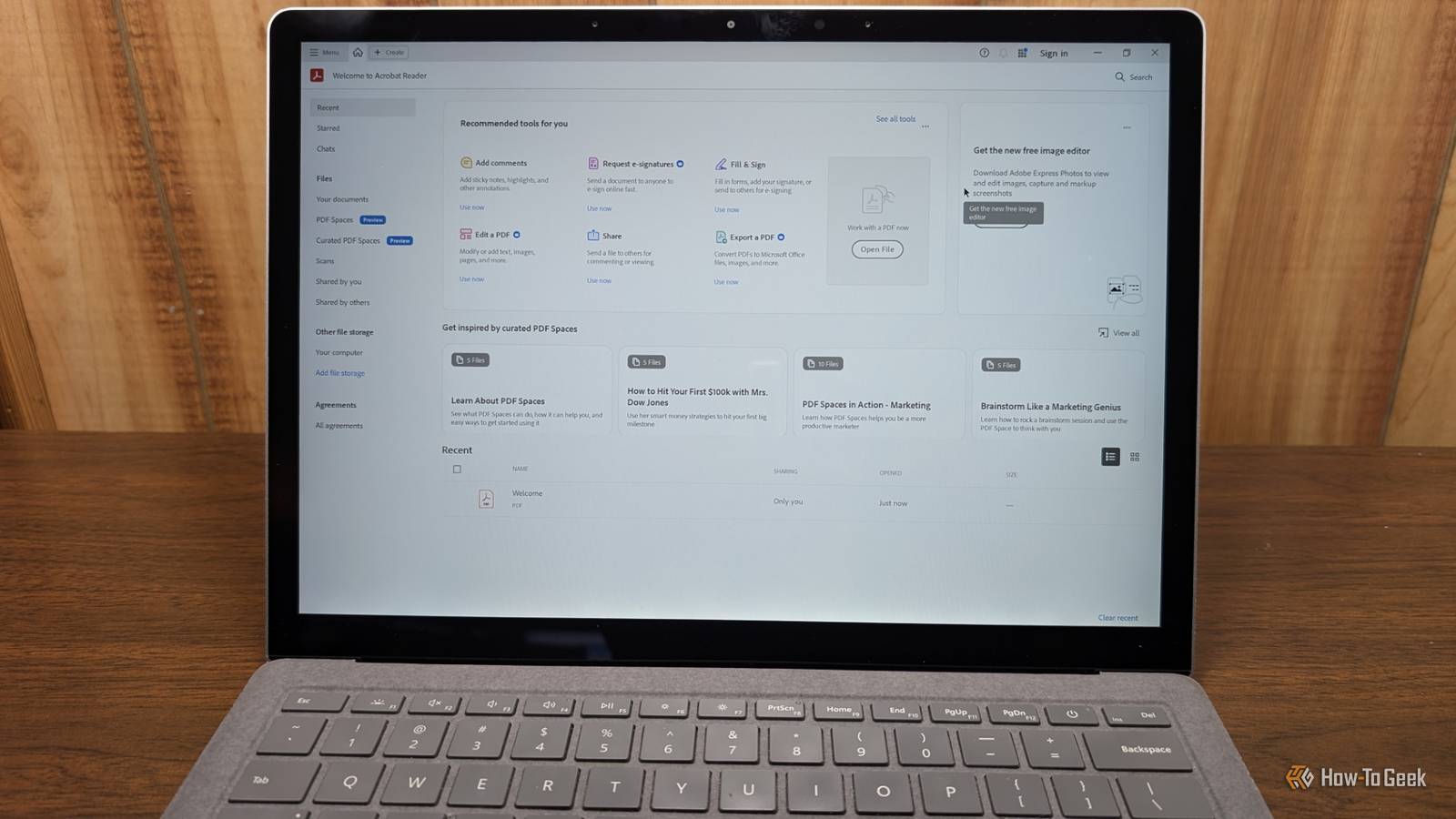
Published Jul 19, 2026, 2:30 PM EDT Nick Lewis is an editor at How-To Geek. He has been using computers for 20 years --- tinkering with everything from the UI to the Windows registry to device firmware. Before How-To Geek, he used Python and C++ as a freelance programmer. In college, Nick made extensive use of Fortran while pursuing a physics degree. Nick's love of tinkering with computers extends beyond work. He has been running video game servers from home for more than 10 years using Windows, Ubuntu, or Raspberry Pi OS. He also uses Proxmox to self-host a variety of services, including a Jellyfin Media Server, an Airsonic music server, a handful of game servers, NextCloud, and two Windows virtual machines. He enjoys DIY projects, especially if they involve technology. He regularly repairs and repurposes old computers and hardware for whatever new project is at hand. He has designed crossovers for homemade speakers all the way from the basic design to the PCB. Nick enjoys the outdoors. When he isn't working on a computer or DIY project, he is most likely to be found camping, backpacking, or canoeing. Opening a PDF, reading its contents, and closing the window is one of the most basic tasks you can perform on a computer. It seems as passive as reading a physical piece of paper. In reality, two things are happening behind the scenes that you don't see: your reader is communicating with the software developer, and the document itself may be sending information to whoever drafted it. That isn't some security flaw or malicious design either; it is the default behavior for most of the popular readers on every major operating system. Fortunately, about 15 minutes can mitigate or eliminate the problem entirely. Two different things could leak your data More than one approach is necessary Credit: Bertel King / How-To GeekCredit: Nick Lewis / How-To Geek The reason many people never fix their PDF privacy is that they miss two separate ways PDFs can give away information. You'll need to address both if you want to tighten up your privacy precautions. Your reader could be giving away information The first potential problem is the application itself. They usually transmit telemetry, require account sign-ins, and have cloud synchronization. There may also be AI features that upload your document text to a remote server for processing. Sometimes, if you're using an online PDF reader, your entire file is uploaded to the internet. I'd always recommend avoiding random online PDF readers, especially if you're working with anything that involves sensitive or identifying information. As a concrete example, the desktop version of Acrobat collects usage measurement data. Then there is the AI Assistant, which extracts your document's content and sends it to Adobe’s generative AI service. While Adobe explicitly says they don't train their models on your files, that doesn't change the fact that what may be a private file left your device. Other "free" readers' monetization models often rely on even more telemetry. PDFs themselves could give away information PDF files also aren't completely inactive files like a TXT file is. Even just opening it can involve network activity. For example, if a PDF references an image from an external server, your reader will fetch it. When that happens, it hands the sender your IP address, your timestamp, and your user agent. Similarly, unique links and redirect chains allow senders to know exactly which recipient clicked a link. The format also supports JavaScript and "open actions," meaning code can run the moment you open the file. None of this is inherently malicious or dangerous (though it could be exploited). How do you stop data leaking? Don't worry about it in most cases For most people, PDFs aren't a significant security threat. If you're reading an appliance manual or a menu from a restaurant, the information they glean isn't likely to matter too much. However, if you're reviewing sensitive information or otherwise need to maintain strict control, it can matter. Your IP address alone can confirm a location or an identity that you would rather keep private. If you do want to fix it, you can, but there are often some pretty serious drawbacks. If you block external content, some interactive forms will break. If you disable JavaScript, calculated fields in some documents (like tax forms) may not work correctly. Additionally, ditching Adobe means giving up the professional tool, though there are some ways to reclaim that functionality that are privacy-friendly. Improve the security of the reader you already have If you must stay with Acrobat, turn off JavaScript and block PDF access to all websites (you can allowlist on an as-needed basis). Keep "Enhanced Security" enabled, sign out of the Document Cloud, and disable generative AI features. Finally, log into your Adobe account online to turn off content analysis and desktop app usage sharing. Get a new reader completely Credit: Nick Lewis / How-To Geek If you want to just ditch Adobe (or online readers) completely, you have a few options. You could switch to SumatraPDF on Windows, or Okular on Linux, but those lack the advanced features you may require. For something that retains more useful features, you can easily fire up a BentoPDF self-hosted server instead. It runs locally on your device or on your server, so you don't need to worry about the privacy implications, and it has a ton of great features that will meet 95% of your PDF needs out of the box. The tradeoff for privacy is a bit of convenience The problem with PDFs or Acrobat isn't that they're inherently designed to spy on you—they aren't. Some of the data that is collected about you is just an incidental part of how the program (or features in PDFs) must necessarily work. Staying away from random PDF viewers and editors on the internet, changing some toggles in Acrobat where you can, or switching to a self-hosted alternative (if that is viable for you) are the best ways to mitigate the amount of data your PDF reader gives away.
Your PDF reader is tracking more than you realize
Full Article
📰 Original Source
Read full article at Howtogeek →KhanList aggregates and links to publicly available news content. We do not host full articles from third-party sources. Always verify important information with original sources.