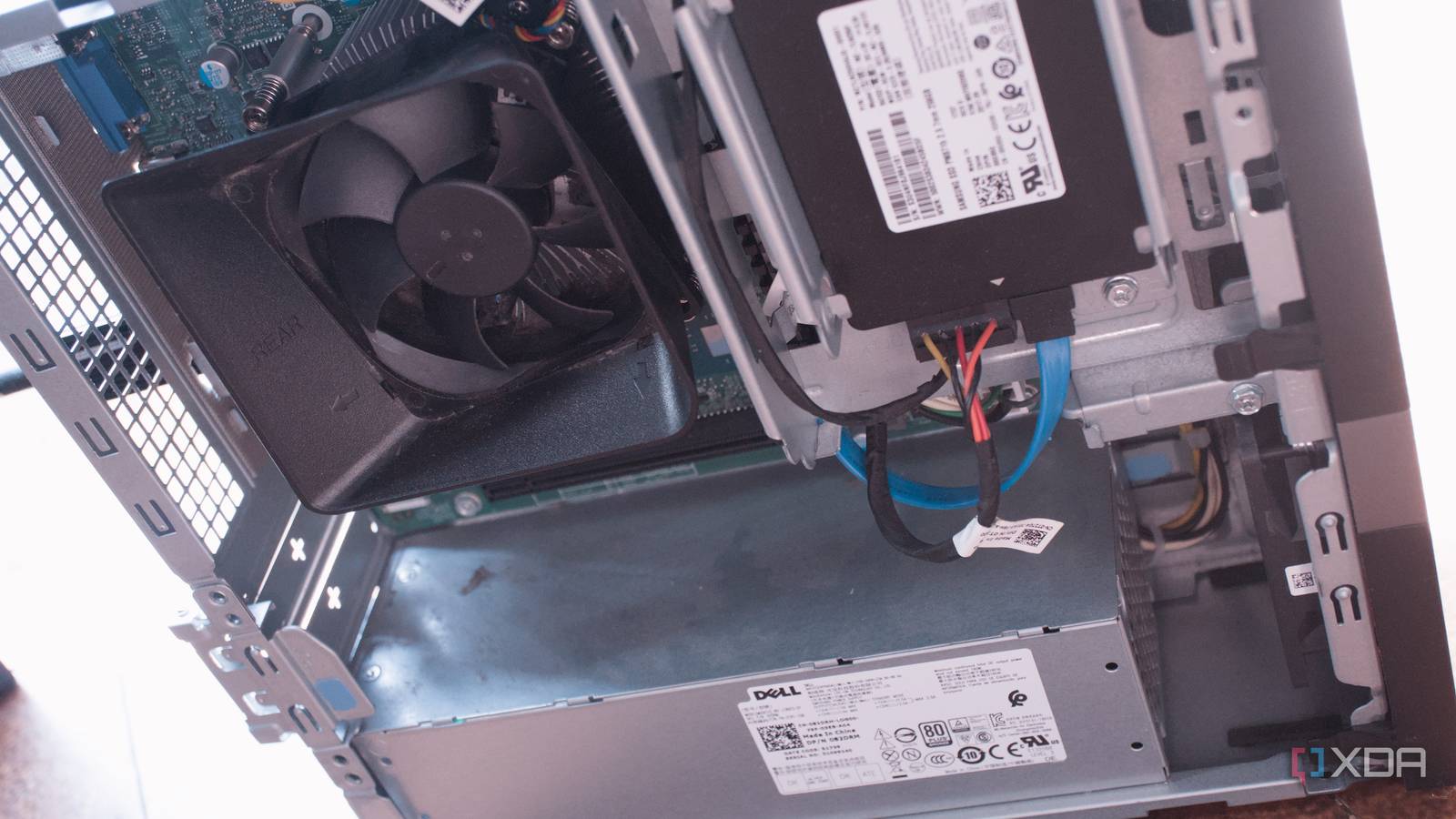
Published Aug 8, 2026, 7:00 AM EDT Richard is the PC Hardware Lead at XDA and has been covering the technology industry for almost two decades. He's been building PCs since young, and when not creating content, you can often find him inside a chassis somewhere. It's time to get back into school, and here at XDA, we're ready to help you make the most of the upcoming term. School is never easy, which is largely the point, but it can quickly feel overwhelming to get through a seemingly never-ending stream of projects, lectures, and social events. It's also incredibly easy to get distracted and achieve absolutely nothing for a few hours, which is why you should turn an old PC into a home lab before getting through the first week of computer science. Where a home lab server can lend a hand It's better suited to specific tasks than your phone or laptop There's a very strong possibility you have a laptop and smartphone ready to go for the term, but what about a home lab? Yes, you probably heard of creating one at home, but what about the dorm? All you need is an old PC, some free time to play around with distros and find the one that best suits what you need to use it for. The best part about having a home lab from day one at school is you're ready to handle whatever may come your way. As well as running various personal stacks, the home lab companion can prove invaluable when it comes to completing a CS major and can even make your college life a lot easier to manage. Virtualization platforms like Proxmox are incredibly useful if you're planning a career in system admin or development operations fields. You won't be guaranteed a job by the end of school, but this will provide hands-on experience that even the best college likely won't match. Proxmox doesn't just allow one to launch an armada of self-hosted isolated virtual machines (VMs) and Linux containers (LXCs). The platform is excellent for learning more about and experimenting with other features, such as software-defined networking (SDN) and distributed storage. Running a hypervisor as the home lab can provide an all-encompassing platform for almost everything you'd need access to throughout a CS major. But it could also prove useful for other subjects. Kubernetes is king of learning if you're going for DevOps. K8s may be viewed as overkill for most home lab setups, but it's absolutely fantastic for those who wish to tinker further with workload scaling, rollbacks, and JSON scripting. The likes of Terraform and Ansible are also available for experimentation. It's all possible through something like Proxmox, making it truly accessible for all. Saving money left, right, and center Running a home lab for everything with parts you already have A PC may be in a state of disarray, collecting dust, or simply won't be required while the school term is on. That's where it can double up or be reused as a home lab platform. Before migrating everything to a dedicated instance, things can get really messy. Python environments everywhere, games installed on the same system as code compilers, and projects scattered across multiple drives. Hypervisors like Proxmox can replace an existing OS to create solid and reliable foundations for learning. I wish I had something like this available to me when I studied through college. I had a Windows 98 dev machine, which eventually transitioned to Windows XP, but even then it didn't have anywhere near what's available to students today. And it's not just student life that running a home lab can assist with. We all start to accumulate expenses, pay taxes, and shop for groceries. These all need to be maintained alongside studying, social activities, and hobbies, let alone anything else. You've probably never even used a spreadsheet before to track outgoings, but that's precisely what will be required to stay on top of things. Self-hosting an app that can do it all for you would be truly next level and reduce the amount of effort it would take to manage finances. The same goes for groceries, paying tax, and more. There's an app for nearly anything, and if there isn't, running Proxmox would allow you to experiment with creating your own. You don't need powerful hardware Running a home lab doesn't require much in terms of power or hardware, unless you're bringing with you a 64-core AMD Threadripper build or some oversized rack server. We've covered running entire stacks from nothing but a compact mini PC with an Intel N100 processor or a single-board computer (SBC) like the Raspberry Pi. Having a standard mid-tower gaming PC with a dedicated GPU and decent modern CPU can provide excellent results. Proxmox itself doesn't require much and can run on almost any system released within the last decade or so. I've had it running on a micro PC with an Intel Core i5-12100U chip, a 1U server with an old Xeon, and an AMD Threadripper with more cores than I knew what to do with. It ran flawlessly regardless of platform. Even something as capable (and resource-intensive) as Kubernetes can run on a single node if all you need is to tinker and experiment. You could even use an old laptop, should you only have notebooks at hand. Just be mindful of power draw, as if you're going down the used enterprise gear route for extra geek points, these things can pull quite a fair amount of electricity from the connected outlet, especially when running 24/7, which is probably what you should do with Proxmox and running scripts and containers. But regardless of what you end up using, Proxmox and a wider home lab stack can prove incredibly useful for the next term.
Your old PC can become a DevOps learning machine, and college is the perfect time to start
Full Article
Original Source
Read the full article at Xda-developers →KhanList aggregates and links to publicly available news content. We do not host full articles from third-party sources. Always verify important information with original sources.