
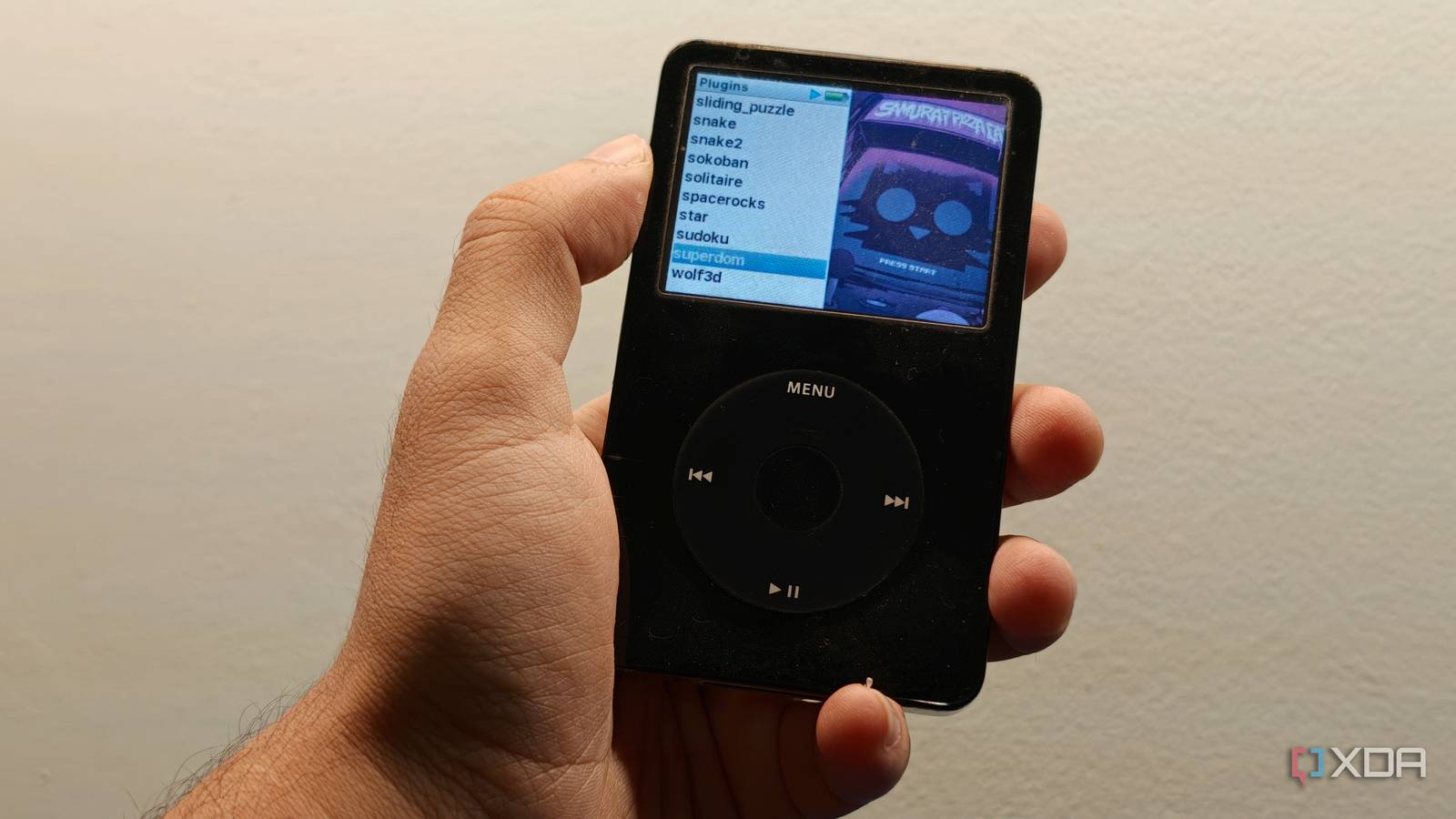
Published Nov 26, 2026, 3:01 PM EST Dhruv Bhutani has been writing about consumer technology since 2008, offering deep insights into the personal technology landscape through features and opinion pieces. He writes for XDA-Developers, where he focuses on topics like productivity, networking, self-hosting, and more. Over the years, his work has also appeared in leading publications such as Android Police, Android Authority, CNET, PCMag, and more. Outside of his professional work, Dhruv is an avid fan of horror media spanning films and literature, enjoys fitness activities, collects vinyl records, and plays the guitar. I have fond memories of hacking into my iPod's firmware back in 2006, changing hex codes to see what it would do, altering strings, and eventually learning how to modify the firmware to give it a whole new theme. It was perhaps my first foray into deep customization and the possibilities of what you could do with the hardware you owned. Fast-forward to 2026 and my love for the iPod is still very much alive. There's something satisfying about taking an old iPod and making it feel like your own even today. Unfortunately, the software that enabled this, iPod Wizard, didn't keep up with the times and became abandonware almost a decade back. This classic Windows utility lets me modify the original iPod firmware without replacing the operating system with Rockbox. However, as it turns out, after years of barely any development, the project is back, likely assisted by AI, bringing with it a refreshed interface, new customization options, and even some safety improvements. For anyone still using a clickwheel iPod with the original interface, iPod Wizard remains the go-to modding tool, and this new release makes it much easier to get started. Why I still prefer customizing the stock iPod firmware over Rockbox Keep Apple's original functionality while making the interface your own Credit: Look, I like Rockbox as much as the next guy who enjoys tinkering with old hardware, but part of the appeal of using a classic iPod is the software itself. Apple's original interface brought with it a never-before-seen focus on simplicity, minimalism, and functionality. It was borderline perfect. And yet, I wanted a bit more control over how it looked and behaved. That's what iPod Wizard solves. Unlike Rockbox, it doesn't swap out the operating system for something wholly new. Instead, it lets you modify the stock firmware. Out of the box, you can change interface graphics with new PNG files. For example, my iPod shows the logo of my favorite band on the About page. Similarly, you can change the fonts for something a bit more bespoke, menu elements, and even string files. I used this functionality to add contact details to my iPod in case I ever lost it by swapping out the strings for the legal section with a phone number and email address. It was fun back then and still is today. This distinction over Rockbox matters because, despite these firmware changes, you retain the same core experience of using the iPod, including synchronization with iTunes. iPod Wizard gets a much-needed modern refresh Get granular control with hex editing The new 1.3.5 and 1.3.6 releases of iPod Wizard bring some much-needed enhancements to bring the software up to 2026 standards. While the software has been updated to work on modern operating systems, I wouldn't call it a ground-up refresh. This is still a firmware editing utility, and to make granular changes — and yes, you can make those — you'll have to get your hands dirty with hex code. One of my favorite mods was to change the hex values for album art on the Now Playing page. This lets you display substantially larger album artwork. Elsewhere, the Fonts section is particularly interesting. You can preview fonts before applying them and even edit individual glyphs alongside undo and redo support, which I'm pretty confident I didn't have twenty years ago. What's definitely new is the layout section. It provides easy access to individual elements such as menus, font types, and commands. You also get contextual explanations, which make it easier to understand what you're changing. I haven't had the time to really dig down into this section, but I suspect it is what has allowed some users to add album artist-based sorting to the iPod. A feature that I sorely missed from the stock firmware as a fan of compilation albums. Credit: Perhaps the coolest addition is the theme compatibility checker. If you've spent a lot of time with iPod themes, you'll know it used to be a minefield of compatibility issues. What worked with iPod 5G wouldn't work with 5.5G and definitely not with 6G. Labeling was sparse if it existed, and the only documentation existed on the iPod Wizard forum, which is long defunct. The new theme compatibility checker lets you verify a theme's firmware ID before applying it. A bad theme isn't going to brick your iPod, but it saves you a lot of to-and-fro, since you don't have to reflash the operating system with something that works as expected. There are quality-of-life additions. The iPod modding scene has exploded over the last few years. Today, you can buy faceplates in a rainbow of colors. So, the new version of iPod Wizard includes a selector bar color adjustment for 5th and 5.5G iPods. This lets you match the selector bar to your faceplate color for a more cohesive experience. It also supports screen inversion for monochrome iPods if you prefer a darker interface with clear text. All that said, the biggest upgrade is the fact that iPod Wizard now works properly on modern Windows. This means you've got a world of iPod firmware to play around with. Just be aware that while it's easy to flash the iPod back to the stock operating system, the activity carries inherent risks, and I'd recommend messing around with a spare player instead of your main music-listening device. A little customization goes a long way While I dip into Rockbox often enough these days, I still have a lot of nostalgia for iPod Wizard and appreciate its approach towards the iPod. The goal was never to turn it into something it wasn't. Instead, iPod Wizard focused on giving you the tools to customize the interface just enough to make it a bit more personal. With iPod Wizard back in active development and the iPod itself seeing a resurgence, I'm looking forward to seeing what developers and the community come up with. With a touch of AI, it's never been easier to create a bespoke interface while keeping everything that made Apple's stock interface special intact.
Your old clickwheel iPod can look new again with this revived firmware tool
Full Article
Original Source
Read the full article at Xda-developers →KhanList aggregates and links to publicly available news content. We do not host full articles from third-party sources. Always verify important information with original sources.