
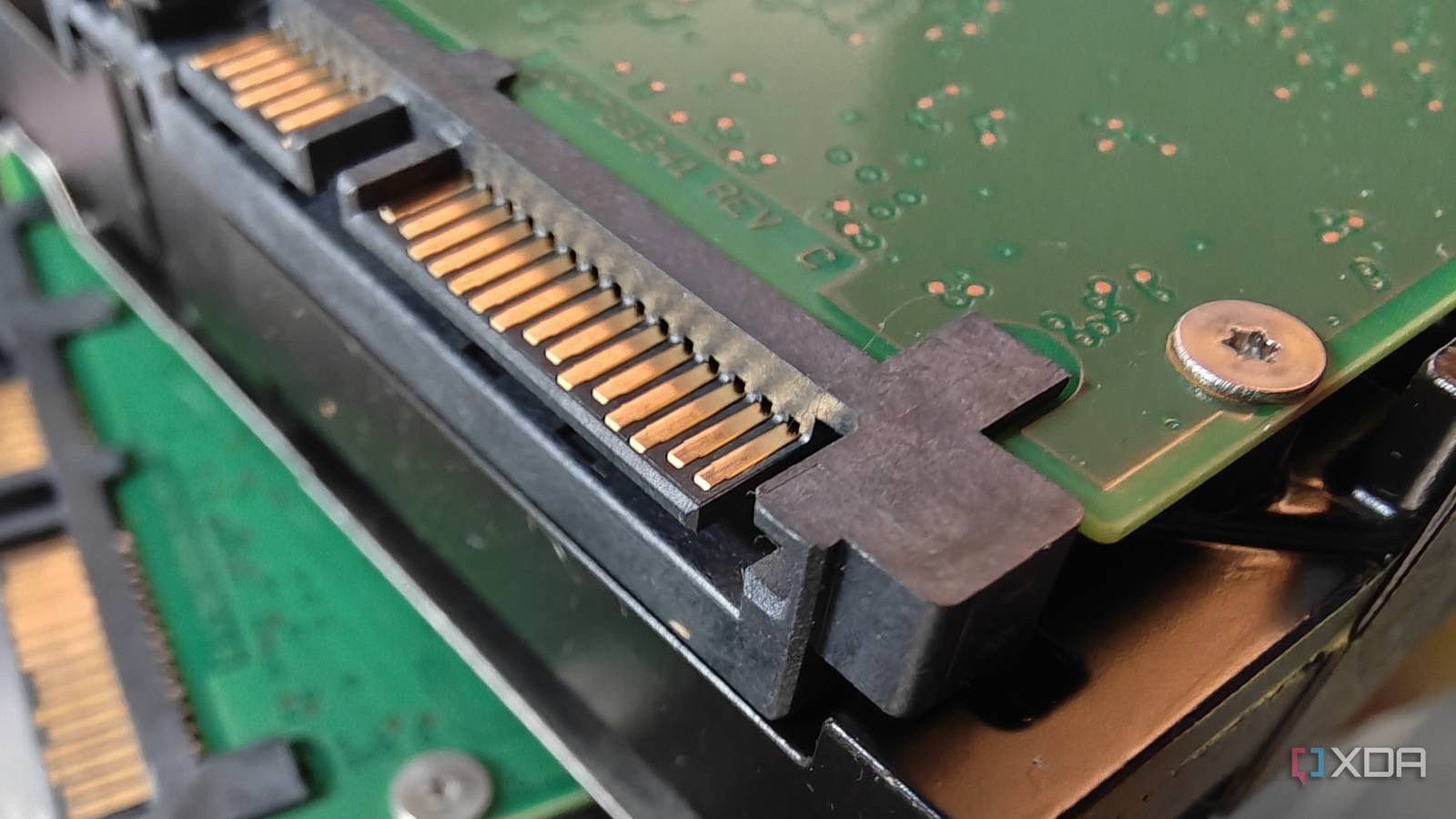
Published Oct 29, 2026, 4:31 PM EDT Richard is the PC Hardware Lead at XDA and has been covering the technology industry for almost two decades. He's been building PCs since young, and when not creating content, you can often find him inside a chassis somewhere. Motherboards are fantastic. They connect all your PC parts together, acting as the foundation for everything to work in perfect harmony. What's more is they usually have an immense number of I/O options. For SATA and storage, depending on the motherboard form factor, you may have anywhere between two and eight SATA ports for SSDs and hard drives. There's a good chance most (if not all) are free and available. These spare SATA ports are the cheapest storage upgrade left for your PC. Hard drives are still the cheapest means of storing data Even though every type of data storage has increased in price Looking to store more data locally? You'll need an extra drive or two. That's precisely where these spare SATA ports come into play. Sure, NVMe storage offers blazing-fast transfer speeds for specific applications, but they're horrifically expensive (especially PCIe 5.0) and are largely overkill for simply storing data. SATA SSDs are better, but they have also jumped in price. That leaves the trusty mechanical hard drive, something we still rely on to this day for cold storage, network-attached storage (NAS), and more. In terms of pricing, you're looking at about $0.03 per GB for HDD capacities. SSDs are about $0.12 per GB. This all depends on the capacity of the drive, with larger HDDs usually offering the best value in terms of cost per GB (or TB), but it's a rough guide that stands tall when deciding what medium to use. It's possible to grab an 8TB HDD for less than $300. That sounds like a lot, because it is, but that's also plenty of storage space for games, backups, and then some. High-capacity SSDs usually cap out at around 8TB for consumer-grade families. These are very expensive and don't compare to larger HDDs that can come in capacities north of 20TB per drive. For a NAS, buying drives with the highest capacity ensures you're only drawing the power required for storing data. A single 16TB drive beats two 8TB counterparts, etc. Then there's the possibility that you already have an available HDD from an older machine, which could be repurposed for your system. Depending on what you need the PC to do, SATA ports can become your new best friend for storing a lot of data at a more reasonable price. SATA may be old technology, but it's cheap and reliable The workhorse of storing data on a PC Picking up and installing SATA drives inside your PC is one of the simplest upgrades available to desktop PC owners, which sounds a little counterintuitive. We'd always recommend moving from hard drives to SSDs, but now I'm actively recommending you add hard drives to a system. The SATA or NVMe SSD should still be used as the primary storage medium, but SATA HDDs and SSDs can be complimentary to an existing setup. Interestingly, PCIe SSDs aren't anything new yet; motherboard manufacturers continue to include four and sometimes more SATA ports for connecting HDDs and SSDs. SATA drives don't need to share PCIe lanes with your super-fast flash-based storage. They also don't replace any other drive that is already connected to an M.2 slot. All that's required to add these drives to the system is an available port and enough power connections from the installed power supply unit (PSU). An expansion card can even be installed on one of the spare PCI slots that can offer more SATA ports for hooking up drives. It allows your PC or server to be much more flexible. A 1TB or 2TB NVMe drive can be used today while a 12TB HDD is added later on to bolster how much data can be stored. That all said, it's always worth checking the manual for your specific motherboard model to see how its storage lanes are configured. Some SATA ports may be disabled if a certain M.2 slot is populated. SATA is still fast enough for modern workloads Think you absolutely must have an NVMe PCIe 5.0 SSD as your boot drive? Think again, as SATA drives, notably SSDs, are still fast enough for running modern operating systems. It's mechanical drives that aren't as fast and are best suited for long-term storage. A SATA SSD is substantially quicker than a mechanical HDD in random-access tasks, although NVMe SSDs have a much higher sequential bandwidth ceiling. For what you can actually use each type of storage for, SATA hard drives are great for storing films, music, backups, photographs, ISO files, and other relatively static collections. Transfer speed may not matter as much if your workload doesn't require high bandwidth. Hard drives are usually left acting as archives, making their slower speeds passable. SATA SSDs are a welcomed middle ground, offering the benefits that come with flash storage without that excessive speed. Just don't go out and spend $500 on a shiny new PCIe 5.0 NVMe SSD if your system doesn't require it. That old SATA SSD may be just fine for all your needs. The same goes for hard drives, so long as you don't need high speeds.
Your motherboard's spare SATA ports are the cheapest storage upgrade left
Full Article
Original Source
Read the full article at Xda-developers →KhanList aggregates and links to publicly available news content. We do not host full articles from third-party sources. Always verify important information with original sources.