
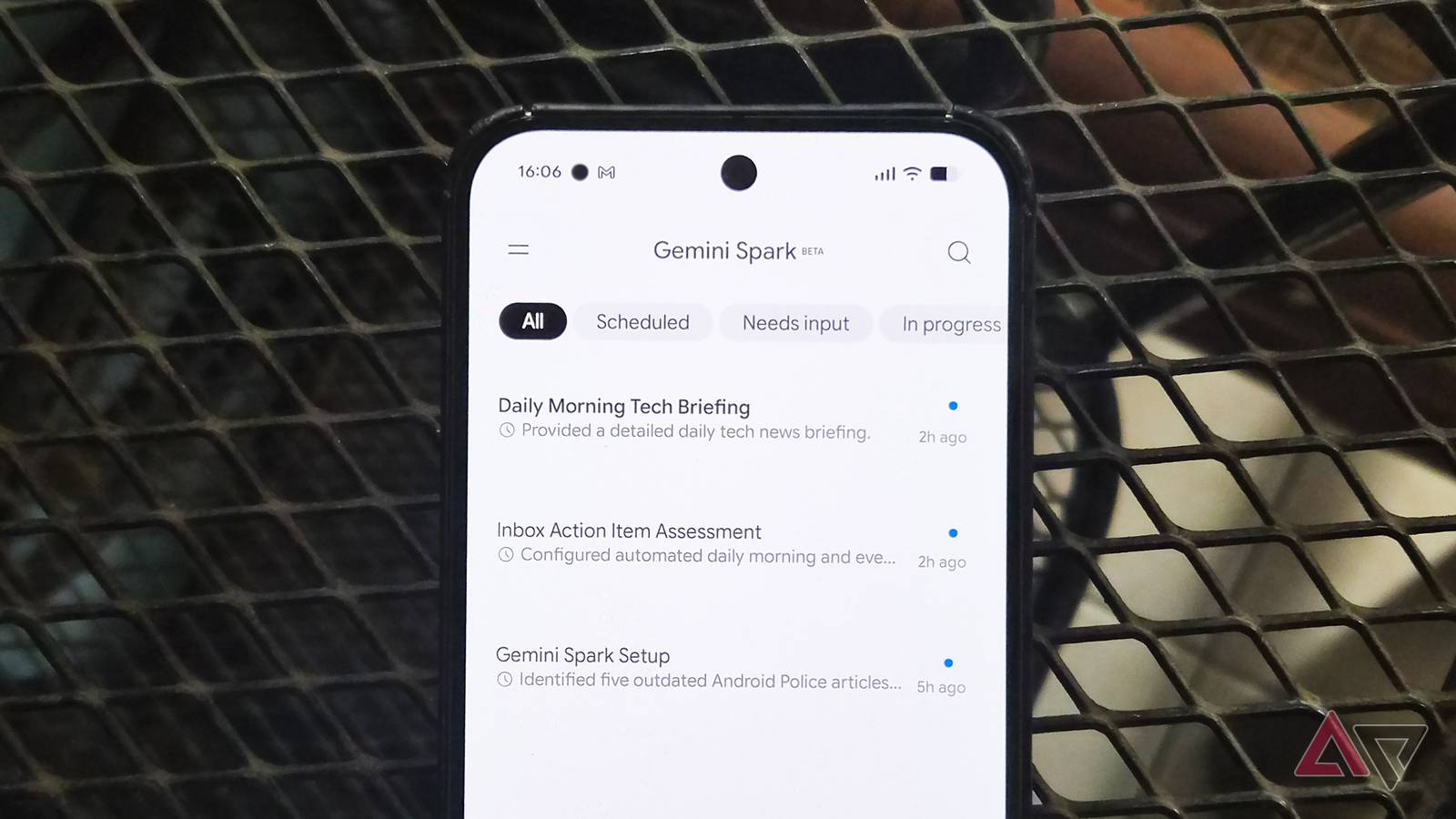
Published Sep 4, 2026, 1:36 AM EDT I've been writing about Android since 2011, with a focus on device reviews, Samsung and Google Pixel hardware, and the latest happenings in the ecosystem. In my entire writing career, I've reviewed more than 75 Android phones. Carrying both a Samsung or Pixel flagship and an iPhone as a daily driver provides me with deep insight into how Android works and how it compares to iOS. I have been writing for Android Police since 2021, covering news, how-tos, and features. You can find my previous work on Neowin, AndroidBeat, Times of India, iPhoneHacks, MySmartPrice, and MakeUseOf. When not working, I tend to mindlessly scroll through X, play with new AI models, or go on long road trips. You can reach out to me on X or drop a mail at rajesh@androidpolice.com. Sign in to your Android Police account Gemini Spark is Google's own personal AI agent that can carry out tasks and complex multi-step actions on your behalf. It already connects to your Gmail inbox and Google Calendar to pull relevant context and take actions within them. Now, Google is adding Google Photos support, allowing Spark to take action within your photo library as well. So, how exactly is Google Photos integration in Gemini Spark different from regular Gemini? With the latter, you can ask AI to surface photos based on people, places, and things. However, Gemini can't organize or take actions in your photo library. That's where Spark comes in. You can ask it to search and organize photos and videos into albums, edit or enhance images, and more. Below is what Google says Gemini Spark's integration in Google Photos will help you do: Search & curate: Find specific photos and videos by subject, location, date, or event. Ask Gemini for the best shots and to filter duplicates. Edit & create: Quickly enhance photo quality, apply quick fixes, and generate collages or stylized images. Any edits create a new copy that’s saved in Google Photos. Create albums & organize: Create new shared or private albums, and save curated photos to them. Share albums: Add or send links to shared albums in Connected Apps like Gmail, Google Docs, and Messages. Schedule automations: Set up recurring tasks to manage your Google Photos workflows, like automatically creating monthly highlight albums or sorting photos of receipts. Extract text from images: Find specific images and extract text from them. Then summarize or reformat the information in a Google Document, or ask Gemini to complete a task using that information. Spark can take the headache out of managing a large photo library Google Photos lead Shimrit Ben-Yair shared examples on X of how to use Gemini Spark with Google Photos. This includes asking it to find all your vacation selfies, removing the crowd from the background, and centering you in the shot. Your original photos are untouched, with Gemini Spark creating a copy and working on it. To get started, you can ask Gemini Spark directly about the Google Photos skills it supports. Google Photos integration in Spark is rolling out over the next few days. For now, it will only be available to AI Pro and Ultra subscribers in the US. It is also limited to the Gemini mobile app and the web; integration in the desktop app will come later.
Your Google Photos library is getting a more hands-on Gemini assistant
Full Article
Original Source
Read the full article at Androidpolice →KhanList aggregates and links to publicly available news content. We do not host full articles from third-party sources. Always verify important information with original sources.