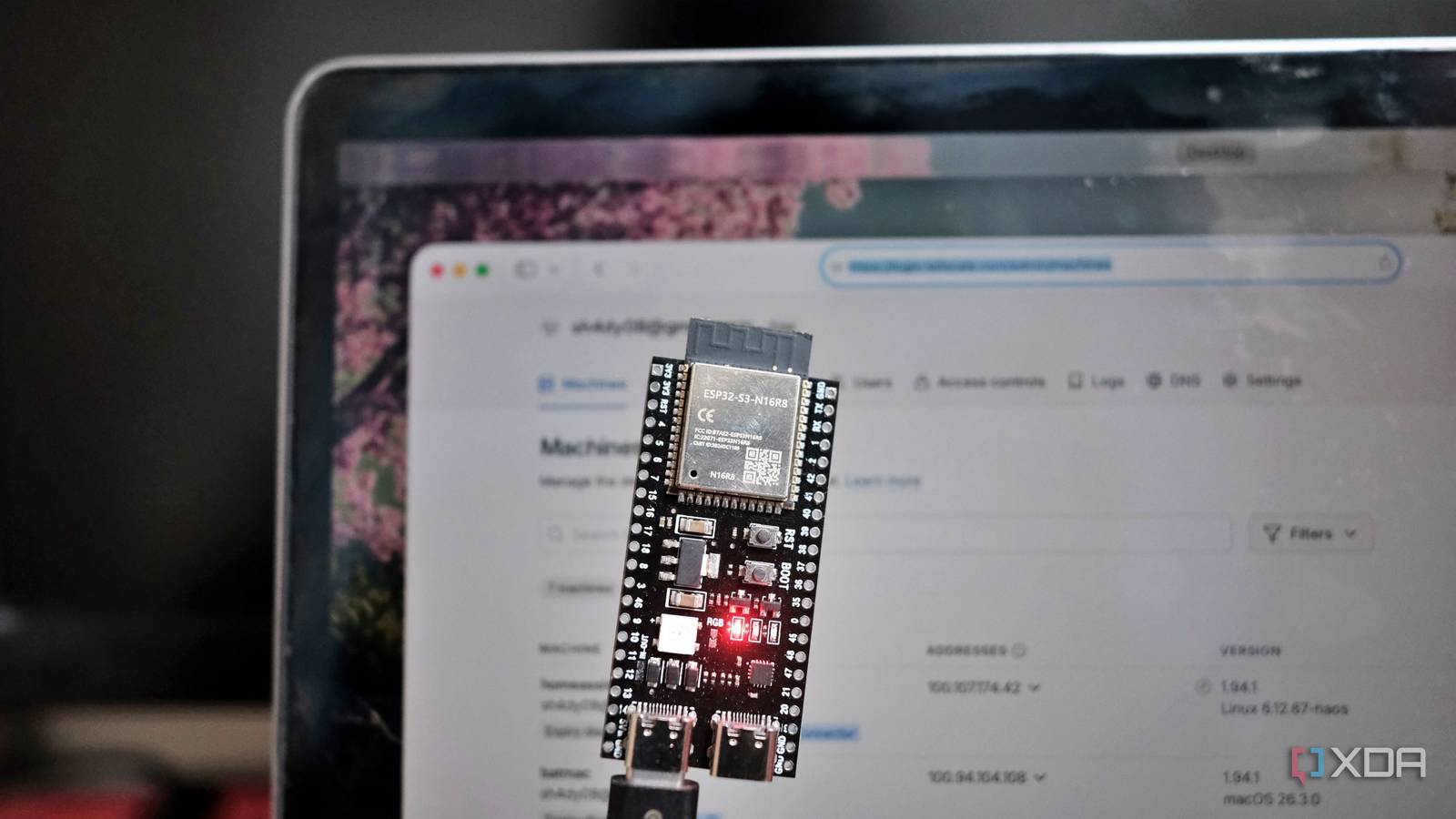
Published Jul 31, 2026, 11:00 AM EDT After a 7-year corporate stint, Tanveer found his love for writing and tech too much to resist. An MBA in Marketing and the owner of a PC building business, he writes on PC hardware, technology, and Windows. When not scouring the web for ideas, he can be found building PCs, watching anime, or playing Smash Karts on his RTX 3080 (sigh). Hobbyists love the ESP32 microcontroller for its versatility and value for money. Compared to pricier alternatives like Arduino or Raspberry Pi Pico, ESP32 packs in a lot more in a cheaper package. It has built-in Wi-Fi and Bluetooth, for which you need to spend extra on other boards. Many users, however, are still skeptical about starting their first ESP32 project due to a lack of coding knowledge. The great thing about most ESP32 projects is that you don't need to write any code yourself. Most projects that a beginner will want to build are already available online with ready-made code snippets. Alternatively, you can use YAML-based tools that use text instead of code to define and program ESP32 boards. Your first project simply needs a few hours with Arduino IDE and ESPHome, not coding knowledge. ESP32 projects don't need coding mastery You need many things to get started, but coding isn't one of them As an ESP32 enthusiast, you might have started by browsing GitHub to get a feel for the complexity involved in the hobby. You may have gotten the impression that ESP32 projects need prior coding proficiency. The resources available for other SBCs may have convinced you that ESP32 is hard to get into. Years ago, that was somewhat true, since most tutorials assumed baseline coding knowledge and familiarity with microcontrollers. Today, however, you're mostly copying code written by someone else, making only minor changes to fit your configuration. ESP32 is a surprisingly versatile board for the price. As a beginner, you can create weather stations, pet feeders, plant watering stations, security cameras, smart desk dashboards, door alarms, and a lot more. And the code needed for almost every project you can think of already exists online. You only need a $5 ESP32 board, some jumper cables, a $3 sensor, and maybe a $5 display for your very first project. Amazon, AliExpress, or local retailers in your area will stock all the hardware you need to get started. You need a willingness to learn and some free time to spare, not coding mastery. ESP32 programming isn't about coding; it's about configuration Getting any project going on your ESP32 board will require connecting it to a laptop or PC. For pushing code to the board, you'll need a program like Arduino IDE, which is one of the most popular options in this space. You just need a one-time configuration setup to add the ESP32 board definitions and install the necessary libraries for your particular project, all of which will be readily explained in countless tutorials. When your tutorial asks you to install, say, the DHT sensor library (for temperature and humidity sensing), you simply search for it in the library manager and install it. The necessary complexity of talking to the sensor attached to your ESP32 is done by the pre-written code package in the library. The other tool you'll find yourself using is ESPHome, designed for those who want to build ESP32-based smart home devices and sensors. It doesn't use conventional code at all; instead, you use YAML-based text snippets to handle the compilation and firmware creation. Its integration with Home Assistant makes it extremely simple to add your DIY smart devices to your smart home. Lastly, Wokwi is an online simulator that allows you to play with ESP32 boards without building anything first. You can use virtual boards, sensors, LEDs, displays, and wires to confirm whether your configuration and code work. For most starter projects, Wokwi's simulation is accurate enough. Whatever tool you're using, finding the necessary code is easy on GitHub, Instructables, or Random Nerd Tutorials. The entire process from setting up your ESP32 in Arduino IDE or ESPHome to getting the desired result on a display, LED, or browser window takes only a few hours. Every successive project takes a fraction of that time. Coding isn't required, but wiring diagrams and troubleshooting still need patience You still need to learn some skills to get going Coding might not be a prerequisite for getting into this hobby, but you still need the right attitude. Every step about configuring the board, identifying the right COM port, and installing libraries sounds straightforward, but it will still feel unfamiliar the first time. It's not like you're clicking "Next" in an installation wizard; you're following careful instructions on unfamiliar hardware and software. Similarly, reading wiring diagrams to correctly identify "GPIO 4" and the physical pin it refers to on the ESP32 board may not seem simple to everyone. It can still be learned in an afternoon, though. Deciphering error messages is probably where most beginners get stuck. The error codes in the Arduino IDE are often written for people who already understand them. You'll need to Google them to figure out what went wrong, and spend time fixing it. The good news is that these skills can be learned in a few hours or a day, at most. They aren't remotely at the level of learning C++ to write your own code in the Arduino IDE. The ESP32 community has already done years of work for beginners to get started without any roadblocks. Once you build a few basic projects on your ESP32 board, you'll get the confidence to dabble in more ambitious ones. Brand AITRIP Connectivity Features UART, USB The ESP32 is a fantastic development board that combines solid specs with an affordable price. Despite being cheaper than Arduino and Raspberry Pi Pico, it outperforms most of its rivals. Plus, the ESP32 even has Wi-Fi and Bluetooth functionality built into every board, making it great for projects where you can't physically keep the microcontroller connected to your PC at all times. ESP32 is surprisingly simple to get started with If you've always wanted to join the maker community, ESP32 is one of the simplest entry points. It's a cheap yet powerful board that can be used to create useful devices to make your day-to-day life simpler and more fun. You don't need to know how to code. All you need are a few hours to get up to speed with some tools and patience to troubleshoot.
Your first ESP32 project doesn't require coding — it just needs 3 simple tools and one afternoon
Full Article
Original Source
Read the full article at Xda-developers →KhanList aggregates and links to publicly available news content. We do not host full articles from third-party sources. Always verify important information with original sources.